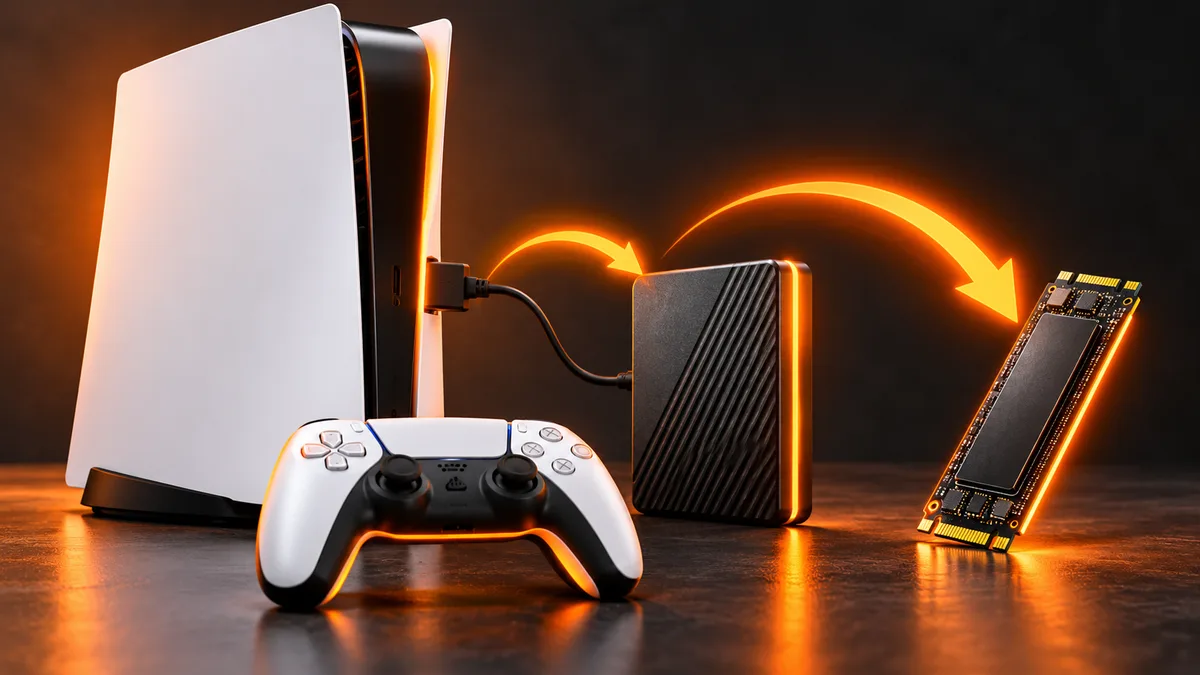
Can you play PS5 games from a USB drive?
PS5 games can be stored on USB extended storage but need console or compatible M.2 storage to run. Learn the difference from PS4 games and save backups.


SET UP. SORT IT. PLAY.
Install your games, claim what you own and solve the problems in between. Choose a platform and task for clear steps backed by official documentation.
27 guides found
PS5 games can be stored on USB extended storage but need console or compatible M.2 storage to run. Learn the difference from PS4 games and save backups.
Check running software, internet access and storage before restarting a Nintendo Switch download. Includes safe recovery and save-data precautions.
Separate a paused queue, storage error and connection problem. Follow official PS5 recovery steps without jumping straight to a console reset.
Follow Rockstar’s current console upgrade rules, check disc-versus-digital eligibility and install the intended GTA V version.
Check the base game, buy the correct upgrade pack and distinguish a Switch 2 Edition upgrade from a normal software update.
Check the base game, edition and owning account, then locate downloadable add-ons on PlayStation, Xbox and Nintendo.

Find an owned game, select its installation folder and check download and operating-system problems in Epic Games Launcher.
Choose the correct GTA V PC edition, install from Steam, Epic or Rockstar and resolve storage or account problems.
Separate software removal from save deletion, verify backups and reinstall the correct game edition on console or PC.
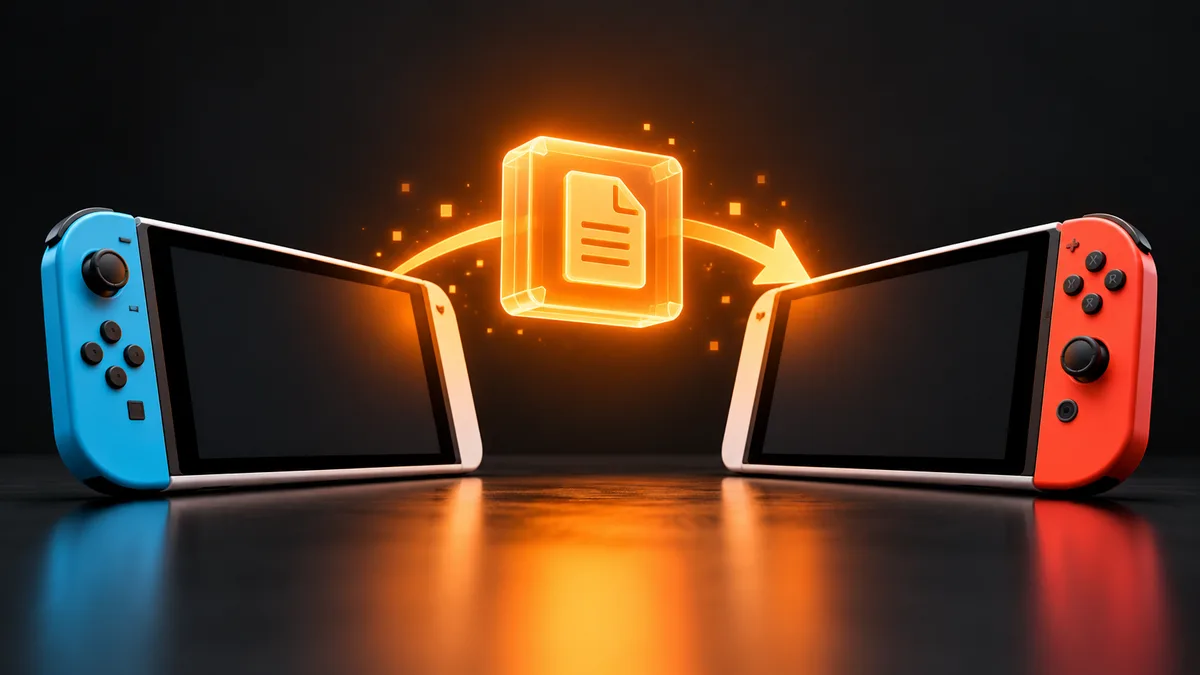
Move supported save data between nearby Switch systems and avoid confusing saves with virtual game cards or downloaded games.
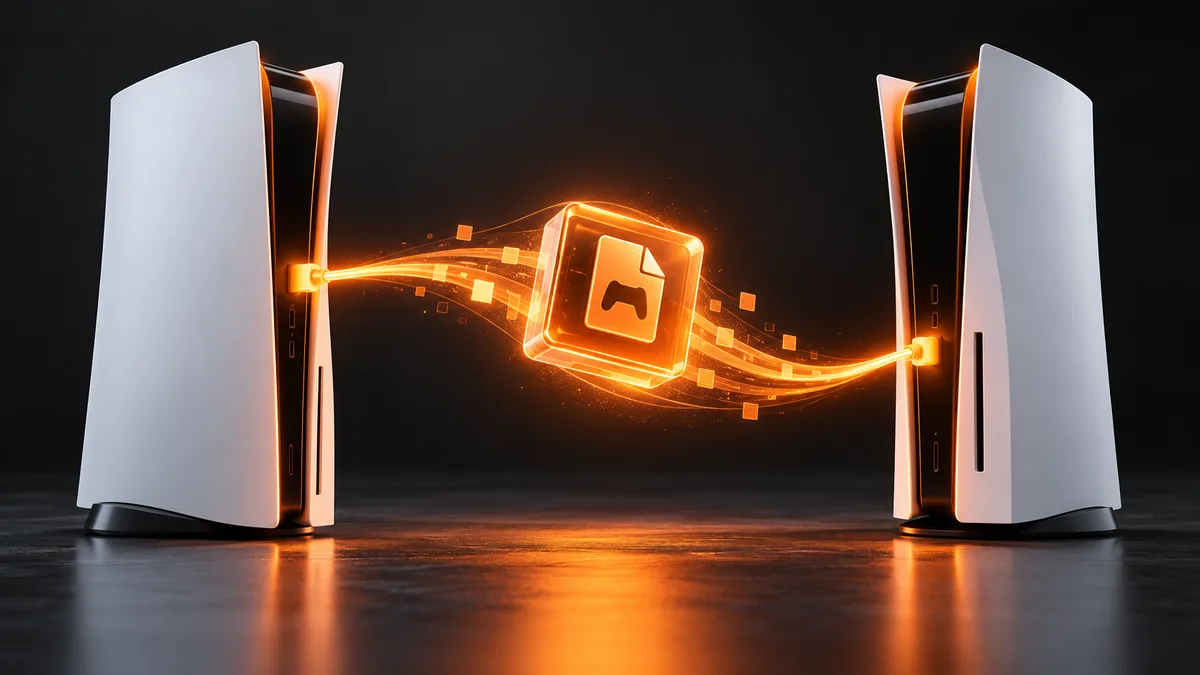
Prepare both consoles, transfer supported data and verify saved progress before resetting the old PlayStation.
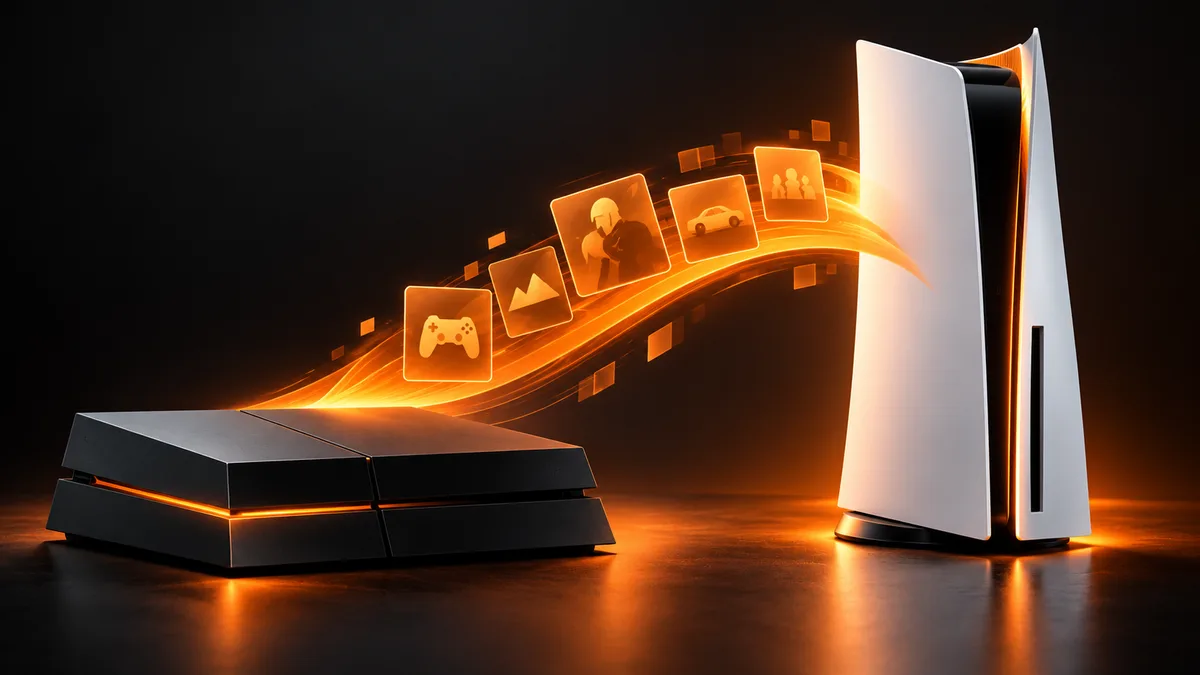
Check upgrade eligibility, use the correct disc or digital purchase and avoid launching the wrong version on PS5.
Add eligible monthly games, download them later and distinguish monthly claims from catalogue access and trials.
Set up the supported PS5 sharing option, check offline access and understand its one-console limit.
Check ownership, subscription access and licence settings before restoring licences or reinstalling a locked PS5 game.
Reconnect an existing Steam library and let Steam discover game files before downloading a second copy.
Use Steam Storage to move installed games, check the destination and preserve saved progress before removing the old drive.
Choose the correct storefront, redeem a game key or gift card, and understand what appears in your library afterward.

Redeem a Rockstar activation key on the intended account and avoid confusing Rockstar, Steam, Epic and console codes.
Find missing Epic purchases by checking your account, platform, library filters and claim confirmation before reinstalling anything.
Check the live giveaway, claim it on the right Epic account and distinguish a permanent offer from a trial or free-to-play game.
Recover purchased Switch and Switch 2 software, understand online licences and keep game downloads separate from saved progress.
Redeem Nintendo download codes, distinguish control numbers from game codes and resolve Switch 2 compatibility errors.

Redeem a PlayStation bundle voucher on the correct account, identify region problems and find the game after redemption.
Find Digital Direct offers, claim them on the intended account and check a missing or already-redeemed Xbox bundle entitlement.
Download owned Xbox games, select add-ons, monitor installation and understand the disc limits of Xbox Series S.
Install a PS5 or compatible PS4 game, choose the correct version, check download progress and resolve common installation problems.