Quick route
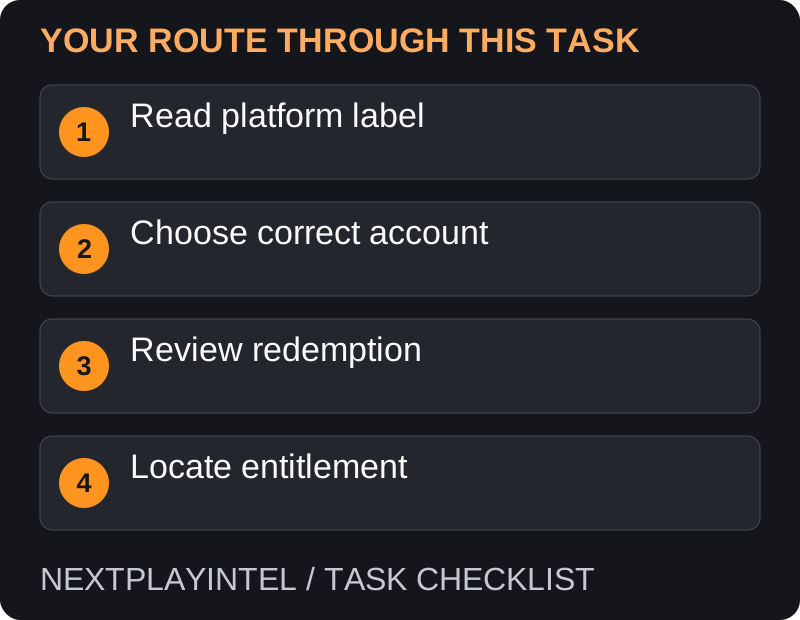
First, read platform label, then follow the steps below in order. If the result differs from what is described, use the symptom-specific troubleshooting before repeating a purchase, deleting data or starting another download.
Read the platform and product
A game key, wallet gift card and subscription code can all be sold as digital codes, but they produce different results. Read the product name, store, region and any expiry before opening a redemption screen.
Use the account where you want the entitlement to remain. Record which email or sign-in method identifies that account; a familiar nickname is not a reliable substitute.
Steam product key
Open Steam and sign in. Choose Games > Activate a Product on Steam.
Follow the activation prompts and enter the key. Inspect the resulting product and completion message.
Find the activated game in Library and install it. A Steam wallet code belongs in the wallet flow instead of product activation.
Epic game code
Sign in to the Epic Games Launcher or Epic Games Store website. Open the account redeem-code option.
Enter the code, check the product and complete redemption.
Confirm the success message and look in the launcher library. If installation is unavailable, check the game’s supported operating system.
Xbox or Microsoft code
Open Microsoft’s official redemption page linked in the sources. Check the signed-in Microsoft account.
Enter the code and review what it grants before confirming.
For a game, check the appropriate device library. For money, check the account balance; for a subscription, check the membership and terms.
If the result is not what you expected
Do not purchase the same item again until you have checked the confirmation. A DLC pack may require the base game, and a membership is not permanent ownership of its whole catalogue.
For a region or activation error, retain the receipt and exact message. Contact the seller for a misdescribed product or the platform for an account problem. Avoid sending the full key in public comments, where someone else could redeem it.
Why one code cannot be tried everywhere
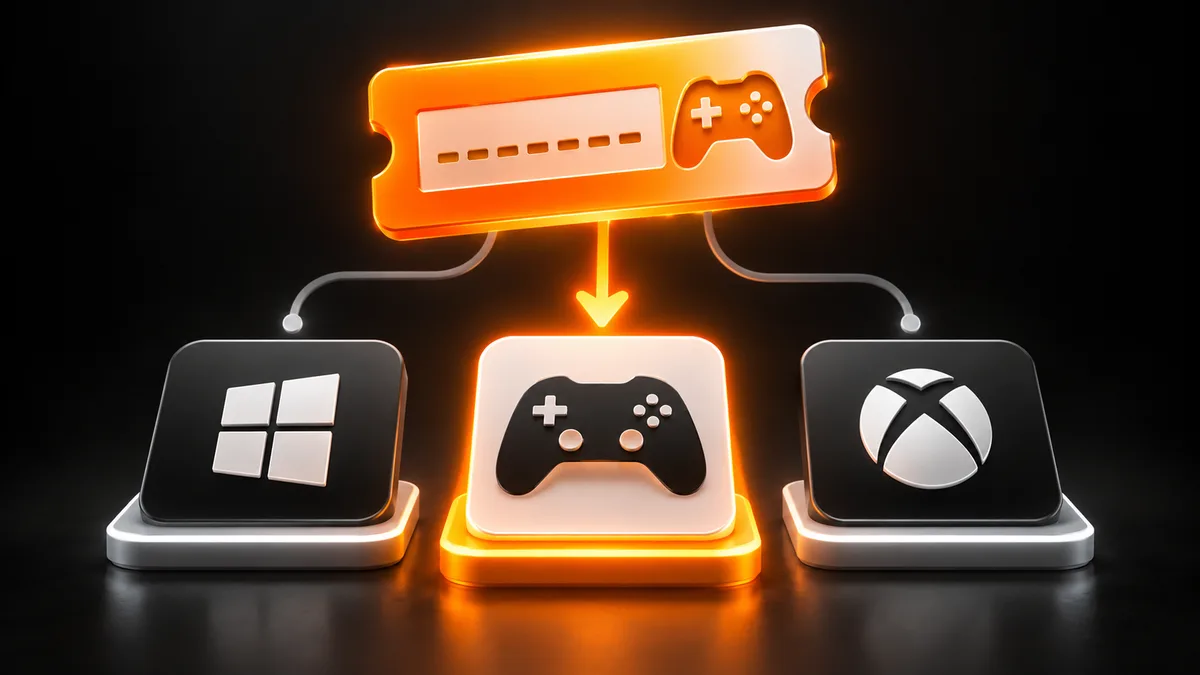
The retailer’s platform field determines the redemption service. A game available on several stores can still have separate entitlements on each. Read whether the code is for a full game, wallet funds, DLC or membership before opening a redemption screen.
If the seller only says PC, request the exact activation platform rather than assuming Steam. If the code is for Xbox, inspect whether the listed product includes console, Windows or both. The title alone does not establish that coverage.
Invalid and already-used messages
Check transcription against the original delivery, then compare platform and region. For a used-code message, check the account’s existing library and redemption history before contacting the seller. Keep the exact wording because a wrong-market error and a used-code error call for different follow-up.
Never ask strangers to redeem a code to see whether it works. If support needs the full code, provide it only through the official private support route. Keep public screenshots redacted.
Accepted but no playable game
Read the confirmation and identify the entitlement. A wallet balance needs a later purchase; DLC needs its base game; membership has its own access conditions. Look for those results instead of treating every accepted code as a missing full game.
Once the correct entitlement appears, install through the owning service. Do not buy the same title in a second store to fix a first-store download problem. Record the account, product and confirmation so later redownloads use the correct library.
Successful completion
The correct entitlement should be visible on the intended account. Install the compatible game afterward and keep the confirmation until you have verified access. Redemption and installation are separate checkpoints.
Official help for this task
Use the official page for the current interface wording and any account-specific support. Keep the error, product edition and the step that failed together when asking for help.
Sources & verification
Sources last verified on . This article covers published information, not hands-on testing.
Editorial & update notes
Reviewed 25 October 2026: detailed troubleshooting and official help links, with a distinct featured illustration. Real screenshots are identified and credited where reuse rights were verified; remaining task diagrams are original instructional graphics. No hands-on testing is claimed.