Quick route
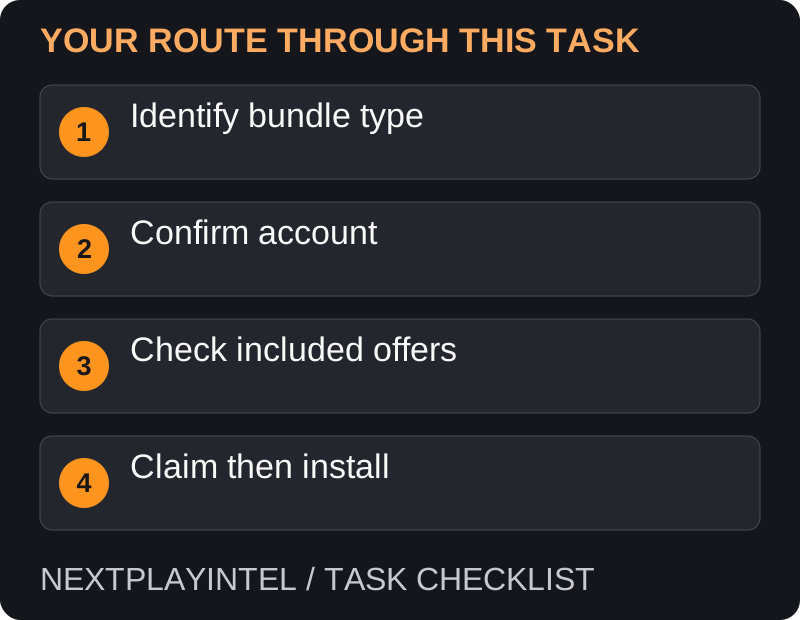
First, identify bundle type, then follow the steps below in order. If the result differs from what is described, use the symptom-specific troubleshooting before repeating a purchase, deleting data or starting another download.
Check what the bundle includes
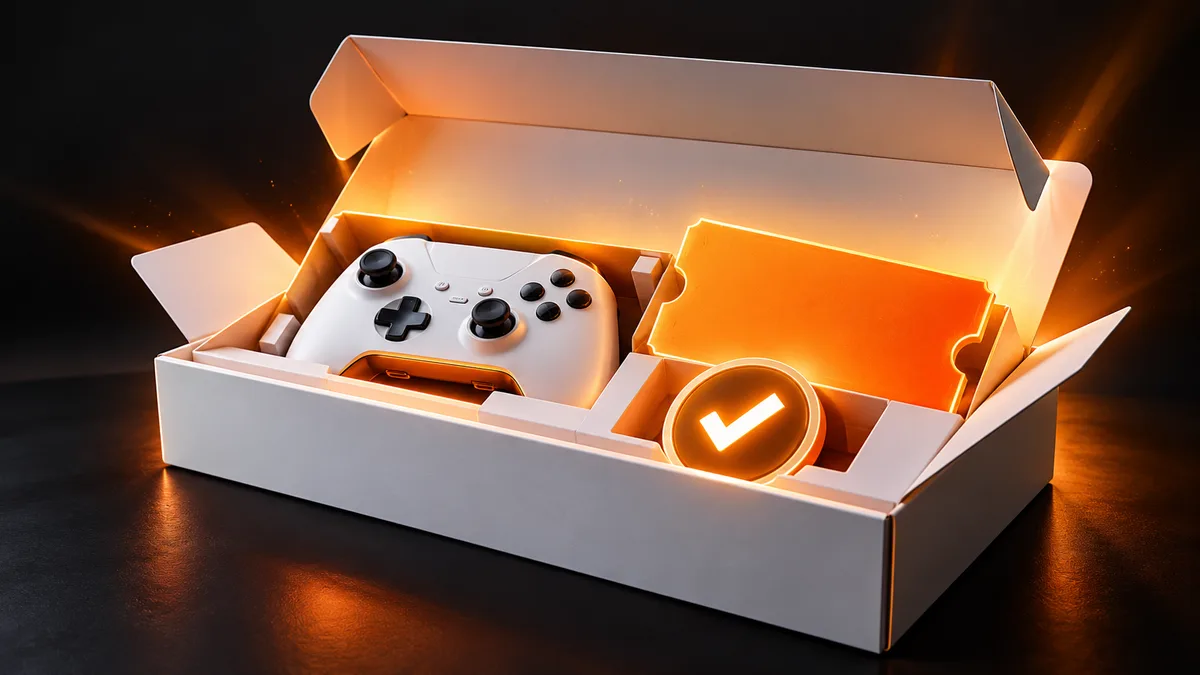
Read the seller receipt and the box contents. A bundle can include a game disc, a printed code, a Digital Direct entitlement or a subscription trial. These are different delivery methods; looking for a printed voucher will not help if the offer uses Digital Direct.
Before claiming anything, decide which account should own it. For a family console, pause and confirm the displayed email and gamertag rather than accepting the first profile automatically.
Claim during setup
Connect the new console and sign in to the Microsoft account intended to receive the offer.
Review the included-content screen during setup. Choose Claim it for the item you want to redeem.
Read any subscription terms shown separately. A trial, recurring subscription and permanent game entitlement should not be treated as the same offer.
After claiming, find the content in My games & apps and start its installation.
Find an offer after setup
Open Settings, then Account, then Included with this Xbox.
Read the offer and redemption status. Claim an available offer only after confirming the account.
Return to the library to check the game. If the item was a code instead, use Microsoft’s code-redemption page on the intended account.
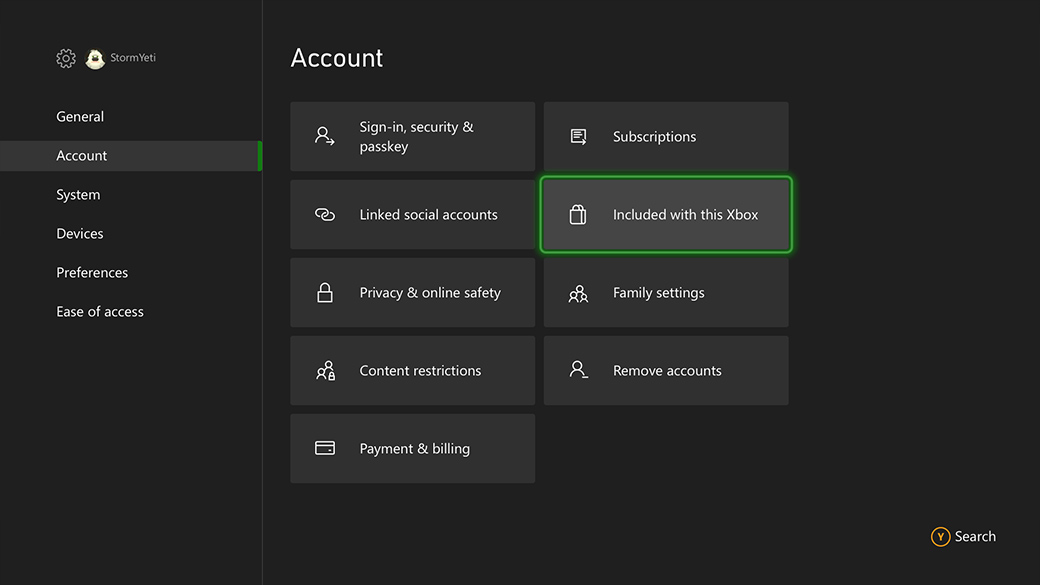
Screenshot source: Xbox Digital Direct
Microsoft screenshot reuse conditions
The box promises a game, but there is no voucher
First identify how this specific bundle delivers the offer. A Digital Direct bundle deliberately has no printed game key. Use the included-offers screen; do not enter a console serial number into the redemption page. Conversely, a retailer-created bundle can use a separate voucher or disc, so retain the retailer’s description instead of assuming every bundle is Digital Direct.
If the console is second-hand or refurbished, ask whether the digital offer was already claimed. The hardware changing hands does not make the first owner’s redeemed game available for a second claim.
The offer says redeemed, but my library is empty
Check the account used at the original claim, including other family profiles. The important evidence is the receiving account, not which person currently owns the console. If you selected the wrong account, take the case to official support; resetting the console is not a way to detach and reuse a redeemed offer.
Also inspect what was redeemed. A subscription trial will be represented by membership access, while a game becomes a library entitlement. Record the exact offer name and redemption status rather than reporting only that the bundle is missing.
Before contacting the retailer
Prepare the purchase date, retailer, advertised bundle name and a private photo of the offer status. Explain whether the console was new and whether setup displayed the offer. Give serial numbers only through the official private support channel. If the retailer supplied a separate code, include its delivery method without publishing the full code.
Once ownership is confirmed, handle a stalled installation using the Xbox installation guide. Claiming the offer again cannot repair a download failure.
Confirm that the job is finished
Verify both ownership and installation: the offer should no longer be waiting to claim, and the correct account should be able to find the game. If installation is blocked, troubleshoot that separately instead of attempting another claim.
Official help for this task
Use the official page for the current interface wording and any account-specific support. Keep the error, product edition and the step that failed together when asking for help.
Sources & verification
Sources last verified on . This article covers published information, not hands-on testing.
Editorial & update notes
Reviewed 25 October 2026: detailed troubleshooting and official help links, with a distinct featured illustration. Real screenshots are identified and credited where reuse rights were verified; remaining task diagrams are original instructional graphics. No hands-on testing is claimed.