A pause is not always a fault
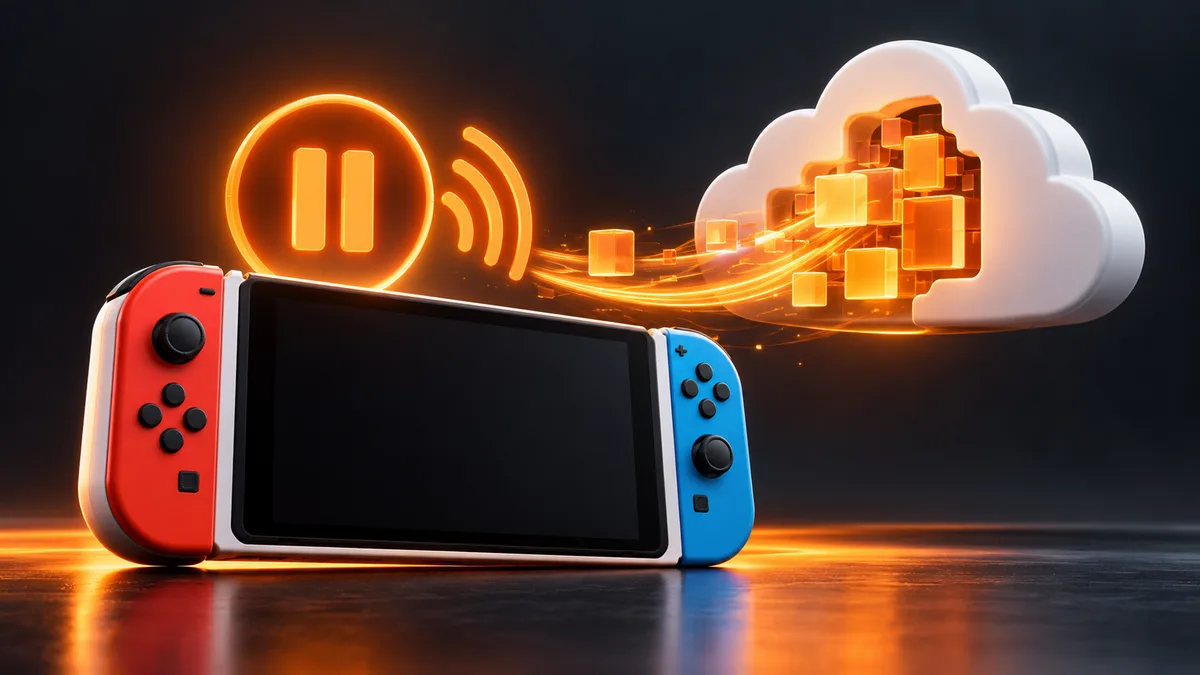
Nintendo says some software pauses downloads while it is running, especially when online features need the connection. A paused transfer therefore does not automatically mean a damaged card, lost purchase or broken console.
This guide separates that normal behaviour from a failed connection or lack of storage. It covers the Switch family; Nintendo’s linked paused-download and connection-test pages also list Switch 2. Storage-card instructions must still match your hardware generation.
First close the running game properly
Save your progress inside the game. Returning to HOME alone is not the same as closing the software.
On HOME, highlight the running title, press X and close it. Leave other software closed while you check the download.
Confirm that the console is connected to the internet. Watch the download for actual progress instead of relying only on its estimated finish time.
If it remains stuck, restart the console normally. Wait until it reconnects before launching another game.
If closing software consistently allows the transfer to continue, that is a useful result. You do not need to erase saves, change account region or repurchase the game to work around a download pause caused by running software.
Separate slow from stopped
Open System Settings > Internet > Test Connection. Nintendo’s test reports whether it reached Nintendo’s services and shows download and upload speeds. Record an error if it fails. A successful test is one check at that moment, not a guarantee that a large transfer will remain fast.
Observe whether the downloaded amount changes over a short interval. If it does, the transfer is slow rather than completely stopped. Avoid cancelling it solely because the time estimate jumps. Compare the result after closing software and after restarting so you can describe what changed.
For a failed connection test, follow the linked Nintendo network help for the exact error. Do not copy random router, DNS or MTU values from a forum without understanding what they change. If someone else manages the network, involve them before altering shared settings.
If the console reports insufficient space
Check the game’s storage requirement in its eShop listing or packaging, then inspect available storage. On the original Switch family, compatible microSD storage can hold software, updates and captures. Save data stays in system memory and is not moved to a microSD card by moving game software.
If you need to free space, archiving unused downloadable software preserves its save data according to Nintendo. Review the selected title and read the confirmation. Archiving software is a different action from deleting save data; do not treat those menus as interchangeable.
A card problem and a download pause need different evidence. Record whether there is a card-specific error rather than formatting the card as a first response. Formatting erases data and is not one of Nintendo’s first steps for a download paused by running software.
If the game is no longer in the download list
Check the account that owns the purchase and use the correct redownload route. Our separate redownload guide covers ownership and library access. A title absent from the library should not be diagnosed only as a slow network.
When asking support, provide the console model, game, whether this is an update or full installation, storage destination, free space, exact message, connection-test result and whether closing the running game helped. Avoid sharing account passwords or full payment details in a public post.
What success looks like
The downloaded amount advances with other software closed, installation finishes, and the correct title opens from HOME. Then confirm your existing progress is present before removing any backups. If the title installs but refuses to launch, keep that new error and follow the game’s or Nintendo’s launch guidance instead.
This is a source-based decision path, not a promise that one network setting fixes every console. The useful outcome is either a completed download or a precise set of observations that directs the next support step.
Related devices and next steps
Redownload Switch games · Protect saves before reinstalling · Nintendo Switch guide · Switch 2 guide · GTA Trilogy editions
Sources & verification
Sources last verified on . This article covers published information, not hands-on testing.
Editorial & update notes
Checked against the official sources below on 25 October 2026. Researched troubleshooting guidance; no hands-on test is claimed.
Related devices and next steps
- Nintendo Switch hardware guide
- Nintendo Switch – OLED Model hardware guide
- Nintendo Switch Lite hardware guide
- Nintendo Switch 2 hardware guide
- GTA Trilogy – Definitive Edition game hub
- PS5 download stuck or queued? Check these fixes in order
- How to redeem a Nintendo Switch or Switch 2 game code
- How to redownload Switch games and use virtual game cards
- How to transfer Nintendo Switch saves to another console