Quick route
First, identify key storefront, then follow the steps below in order. If the result differs from what is described, use the symptom-specific troubleshooting before repeating a purchase, deleting data or starting another download.
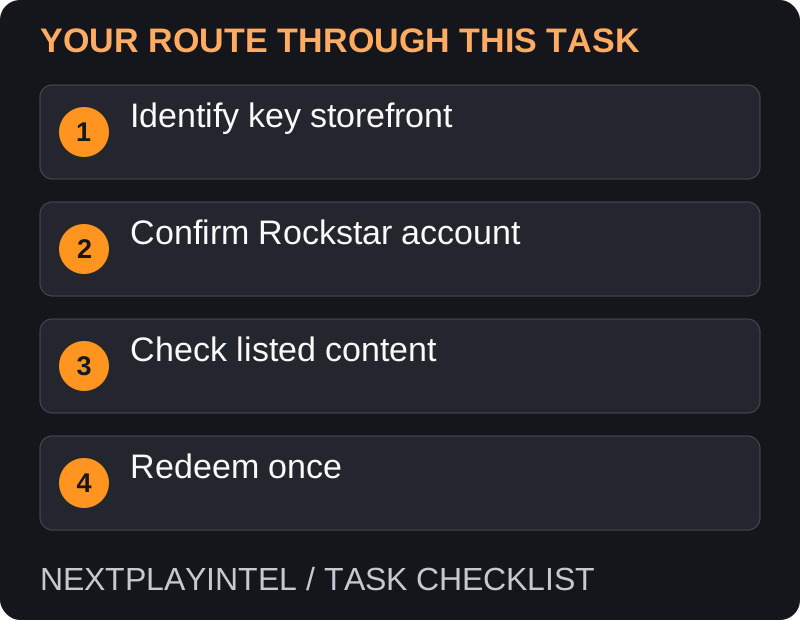
Identify the store before redeeming
Read the retailer’s platform field. A Rockstar activation code belongs in Rockstar Games Launcher; a Steam key or Epic code goes through that store. The fact that a game is made by Rockstar does not make every retailer’s code a Rockstar-launcher code.
Check the exact game and edition on the receipt. A console voucher cannot be treated as a Windows PC purchase. Keep the seller’s product description in case the delivered key does not match it.
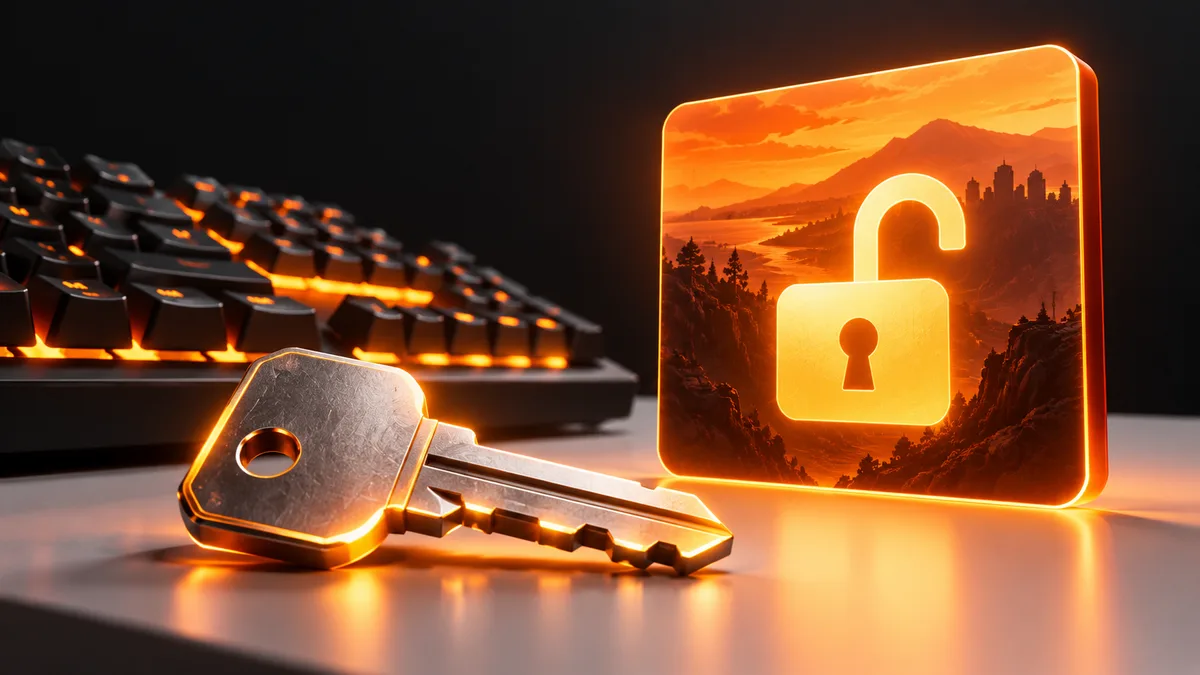
Redeem a Rockstar activation code
Install the launcher from Rockstar’s official download link in the source below, then sign in to the intended Rockstar account.
Open the profile/avatar menu and choose Redeem Code. Enter the activation key privately.
Use the check/validation action and review the displayed content and account. Stop if either is wrong.
Confirm the listed items and redeem. Rockstar states that the code is one-use and is permanently applied to the signed-in account.
Find the game under Games and start installation. Redemption alone does not download all required files.
If the key belongs to another store
For Steam, use Games > Activate a Product on Steam. For Epic, use the account’s redeem-code flow. Then install through the store that owns the purchase and follow any Rockstar sign-in prompted at launch. Do not attempt to activate the same key separately in every launcher.
The key is valid, but for a different launcher
Look at the retailer’s activation instructions, not only the game logo. A Steam purchase of a Rockstar game can require Rockstar sign-in at launch while still being a Steam entitlement. That does not make its Steam key redeemable a second time in Rockstar Games Launcher.
If the delivered key conflicts with the advertised platform, retain the original listing and ask the seller to resolve the mismatch. Trying the key across unrelated accounts makes it harder to establish where a successful redemption occurred.
Already redeemed or attached to the wrong account
Check old confirmation messages and the account that was signed in at the time. Uninstalling a game does not return its activation code to unused status. If you suspect redemption on the wrong account, stop and contact official support with the receipt rather than unlinking store accounts.
Before confirming a new redemption, read the account identity and the listed content together. If either is wrong, cancel at that stage. Treat the final redeem action as a permanent ownership step, separate from choosing an installation folder.
Activation succeeds but installation or launch fails
Check whether the game is now listed under the receiving account. If it is, activation has succeeded: move to requirements, storage or launch troubleshooting. A graphics or operating-system error is not evidence that you need a different key.
For support, record the store that sold the key, the exact edition, activation date and current message. Send the receipt privately through the official channel. Do not expose the full key in article comments or screenshots, even after you believe it has been used.
Before the first launch
Check your chosen game’s current PC requirements and available disk space. Being able to redeem a key proves an entitlement, not hardware compatibility. Do not buy another key to solve a graphics, operating-system or installation error.
Official help for this task
Rockstar: redeem an activation code
Use the official page for the current interface wording and any account-specific support. Keep the error, product edition and the step that failed together when asking for help.
Sources & verification
Sources last verified on . This article covers published information, not hands-on testing.
Editorial & update notes
Reviewed 25 October 2026: detailed troubleshooting and official help links, with a distinct featured illustration. Real screenshots are identified and credited where reuse rights were verified; remaining task diagrams are original instructional graphics. No hands-on testing is claimed.