Quick route
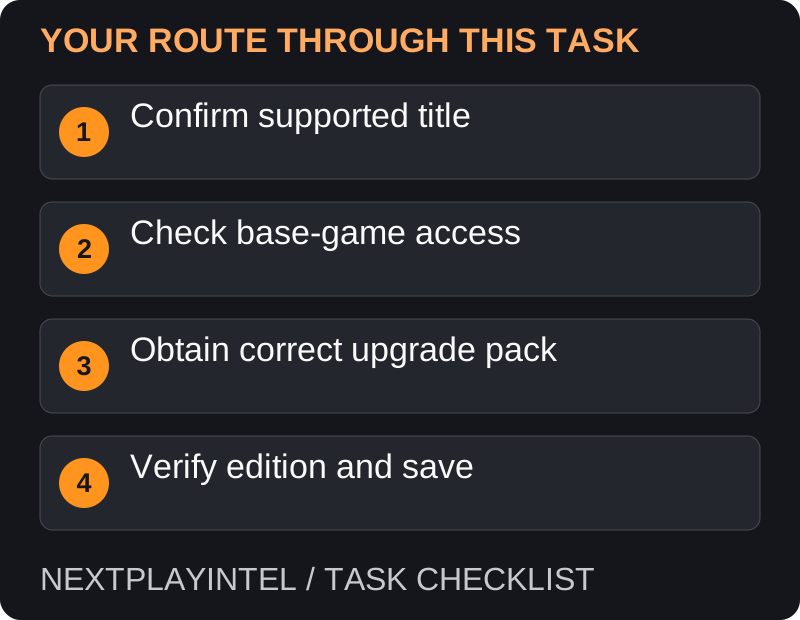
First, confirm supported title, then follow the steps below in order. If the result differs from what is described, use the symptom-specific troubleshooting before repeating a purchase, deleting data or starting another download.
Understand the product first
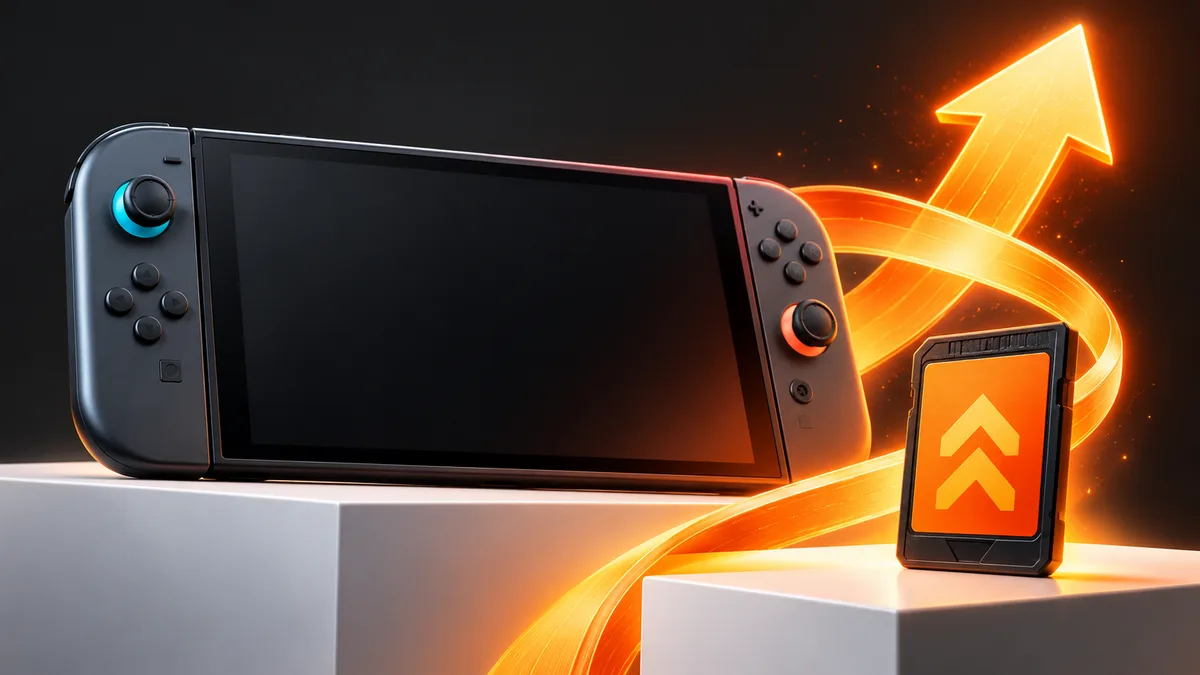
Nintendo Switch 2 Edition combines a supported original Switch game with its upgrade pack. An upgrade pack is not the complete base game by itself. A routine performance update and a separately sold edition upgrade are also not the same product.
Check the exact title’s official listing before paying. Not every original Switch game offers this kind of upgrade, and benefits vary by title.
Prepare your existing game
On Switch 2, use the account that owns the digital base game or make the supported physical game card available.
Update the system and game. Check that the base game can be accessed before diagnosing the upgrade.
Open the exact game’s eShop listing and identify its Switch 2 Edition upgrade pack rather than the full bundle.
Obtain and install the upgrade
Review the base-game requirement, price and any membership-based entitlement. If using a membership benefit, read its continued-access conditions.
Purchase or redeem the eligible pack on the intended account. Confirm the product before completing the order.
Download the required content and launch the game on Switch 2. Check that the expected edition or enhancements are present.
Physical copies and saves
Keep the original game card where required to establish base-game access. Buying an upgrade does not automatically turn a physical base game into a standalone digital copy.
Check that title’s save compatibility and transfer instructions. The upgrade entitlement, software download and saved progress are three separate things to verify. Do not remove the old save until the new edition opens the intended progress.
If a code or upgrade does not work
Check that you are using Switch 2 for content requiring it. Nintendo has a specific support article for codes containing Switch 2-only content.
Compare the base game and upgrade listing carefully, including region and edition details.
If you accidentally selected the full bundle, stop before paying and return to the upgrade-pack listing.
If access comes from membership, confirm the relevant membership is active rather than repeatedly redeeming or reinstalling.
Full bundle, upgrade pack or free update?
Read the product name and required software carefully. A full Switch 2 Edition package and an upgrade pack can appear beside each other. If you already have the base game, confirm the upgrade route before paying for a full bundle. A free compatibility update is another distinct case.
The improvements vary by game, so use that title’s official listing to identify what should change. Do not judge success solely by assuming every upgrade adds the same frame rate, resolution or content.
The upgrade is owned but the game asks for the base
Check how you access the original game. For a physical base copy, keep the required card available. For digital access, check the owning account and licence arrangement. The upgrade pack alone does not establish a complete base-game purchase.
If access is a membership benefit, check the relevant active membership and its continued-access conditions. A previous download of a benefit is not proof of permanent ownership after the subscription changes.
The old save or enhancement does not appear
Confirm you are launching on Switch 2 with the required software downloaded. Then check the publisher’s save handling for the exact title. Moving saves, downloading an upgrade and loading a digital game card are separate tasks.
Keep the original progress until the expected save opens. If support is needed, provide the base-game format, upgrade product, region, account and missing feature. Avoid deleting saves or buying the full edition as a first attempt to resolve an unclear upgrade state.
Successful result
The game should run with the purchased edition benefits on supported hardware, and your progress should be verified separately. Keep the purchase confirmation and base-game entitlement available for future redownloads.
Official help for this task
Nintendo: upgrade to Switch 2 Edition
Use the official page for the current interface wording and any account-specific support. Keep the error, product edition and the step that failed together when asking for help.
Sources & verification
Sources last verified on . This article covers published information, not hands-on testing.
Editorial & update notes
Reviewed 25 October 2026: detailed troubleshooting and official help links, with a distinct featured illustration. Real screenshots are identified and credited where reuse rights were verified; remaining task diagrams are original instructional graphics. No hands-on testing is claimed.