Quick route
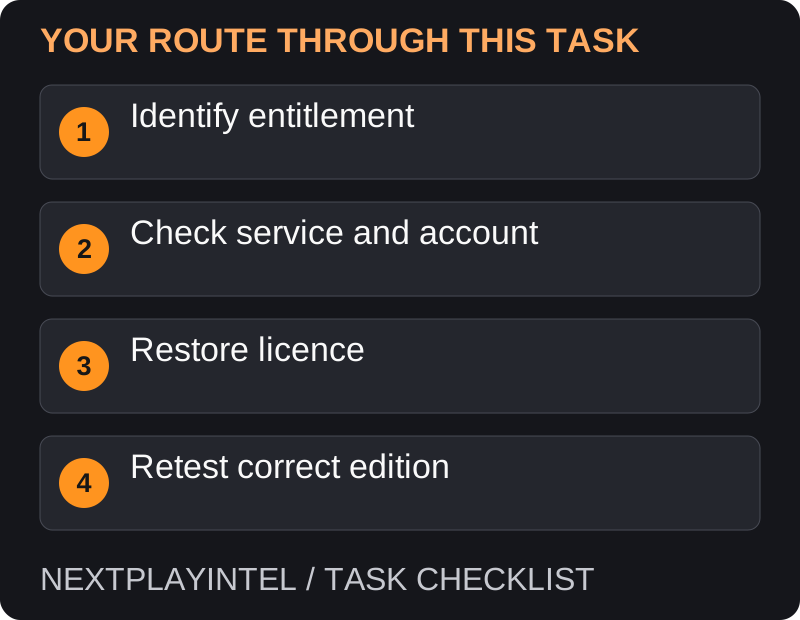
First, identify entitlement, then follow the steps below in order. If the result differs from what is described, use the symptom-specific troubleshooting before repeating a purchase, deleting data or starting another download.
Work out what access you had
Identify whether the game came from a purchase, disc, monthly PlayStation Plus claim, catalogue subscription or another account’s console sharing. These access routes have different requirements.
Find the exact product and account in your purchase records. A game being installed does not prove the current account has permission to launch it.
Check the simple causes
Sign in to the account that owns the game. If it is disc-based, use the required supported disc in a compatible drive.
Check the PlayStation service status from the support page before changing local settings during an outage.
If access came from a subscription, confirm the relevant membership and game availability. A previously downloaded catalogue title may no longer be available through that catalogue.
If another account supplies access, have that account’s owner check the permitted console-sharing setup. Do not ask them to send their password.
Restore the licence
On PS5, open Settings > Users and Accounts > Other > Restore Licenses. Follow the console’s instructions for the affected content.
Alternatively, where available, highlight the game in the library or home screen, press Options and select Restore License.
After restoration, restart the game and check whether the lock has cleared. Restoring licences does not erase your saved data.
If access is still blocked
Restoring licences cannot create a purchase, renew a subscription or add a missing disc drive. If the account has no matching entitlement, resolve that first.
Check the exact version: a PS4 purchase, PS5 upgrade, trial and standalone online product can have similar names. Compare the receipt and store listing rather than repeatedly installing different tiles.
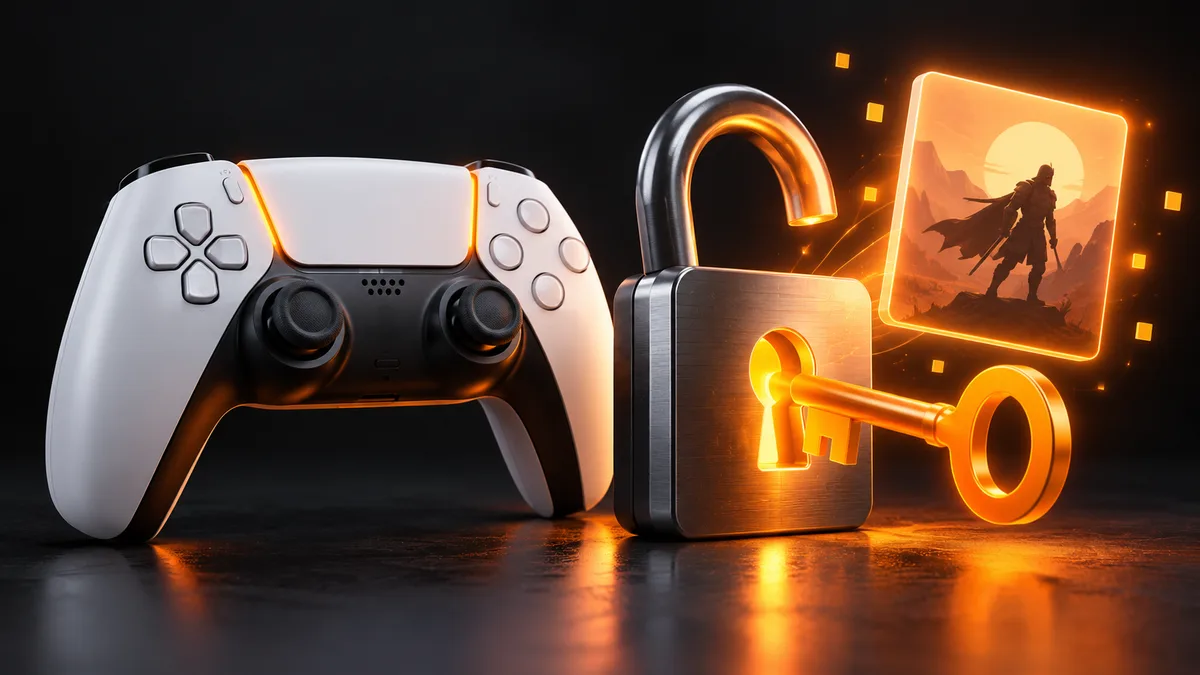
Use the access route to interpret the padlock
Purchased digital game: verify the buying account and matching order. Disc game: check the required disc and drive. Monthly Plus game: check the claim and membership. Catalogue game: check both membership and whether it remains available. Shared game: check the owner’s sharing setup. Do this classification before restoring anything.
A licence restore refreshes existing rights; it is not a substitute for an expired membership or a missing purchase. If you cannot find evidence of the entitlement, investigate that gap instead of repeatedly restoring licences.
One game fails versus everything fails
For a single title, check its exact generation, edition and access source. For several purchases, check account sign-in and PlayStation service status first. Record whether the lock also appears while signed into the purchasing account; that separates some sharing cases from ownership cases.
After restoring the relevant licence, close and reopen the affected game. If the symptom changes to an installation or game error, record the new message rather than continuing the padlock procedure indefinitely.
Escalation without losing progress
Send support the game name, account country, private order reference, error and the checks completed. Include whether a disc is involved and whether other purchased games work. A precise report is more useful than a photo of the library alone.
Before following advanced repair or reinstall advice, confirm your save backup. Do not reset the console or delete saved data merely because a game icon has a padlock. Keep access recovery separate from storage cleanup.
What to send support
Collect the error code, game/version, purchase reference, account used and steps already tried. Describe whether the problem affects one game or all purchases. Keep screenshots free of full payment details or recovery codes.
Only consider reinstalling after the ownership checks; reinstalling a large game is unlikely to repair an entitlement that belongs to a different account.
Official help for this task
PlayStation: troubleshoot game downloads
Use the official page for the current interface wording and any account-specific support. Keep the error, product edition and the step that failed together when asking for help.
Sources & verification
Sources last verified on . This article covers published information, not hands-on testing.
Editorial & update notes
Reviewed 25 October 2026: detailed troubleshooting and official help links, with a distinct featured illustration. Real screenshots are identified and credited where reuse rights were verified; remaining task diagrams are original instructional graphics. No hands-on testing is claimed.