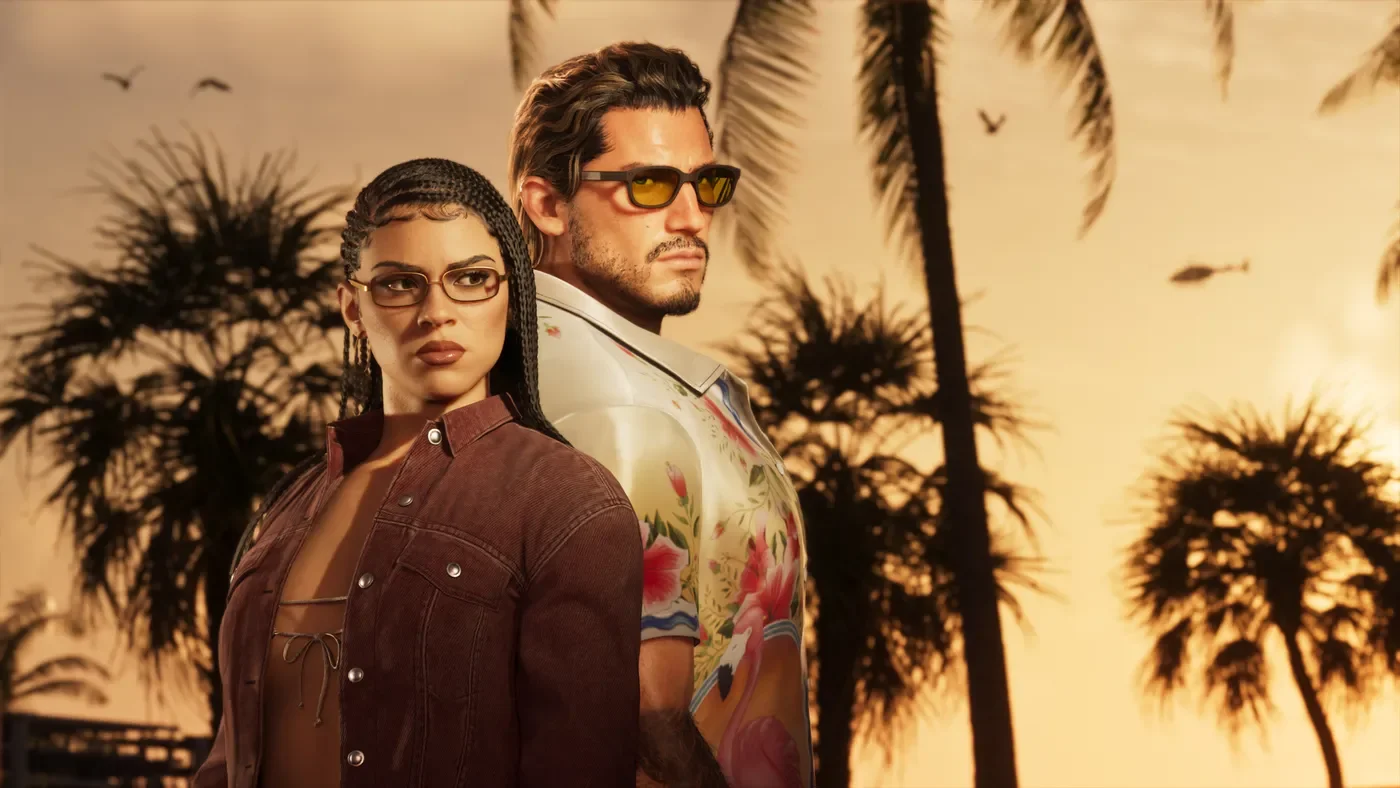
GTA VI Standard vs Ultimate and preorder bonuses
Compare GTA VI editions, understand the boxed download code, and check preorder conditions before deciding what to buy.


Editorial team
The NextPlayIntel Editorial Team publishes the site's news, guides, cheat sheets and hardware reference pages. Researched and written with AI assistance, fact-checked against the linked sources by the NextPlayIntel editorial team. NextPlayIntel is owned and edited by Tulasiram Pemmadi. Unless a page says otherwise, our guides summarise published information and are not hands-on tests.
Compare GTA VI editions, understand the boxed download code, and check preorder conditions before deciding what to buy.
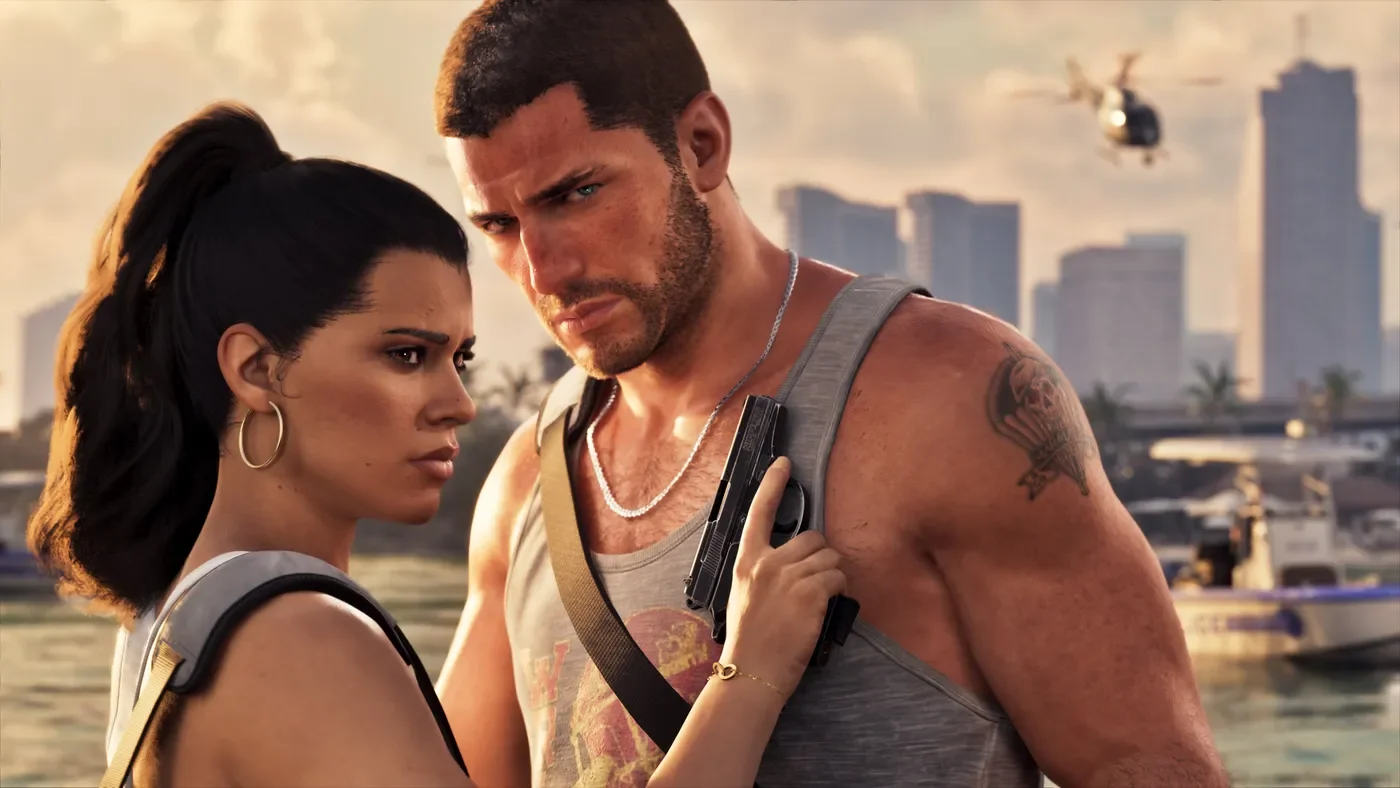
Spoiler-light Jason Duval and Lucia Caminos bios from Rockstar’s Only in Leonida pages — plus supporting names and clear spoiler limits.

Officially named GTA VI destinations in Leonida — Vice City, Keys, Grassrivers, Port Gellhorn, Ambrosia, Mount Kalaga — separated from fan maps and unverified size claims.
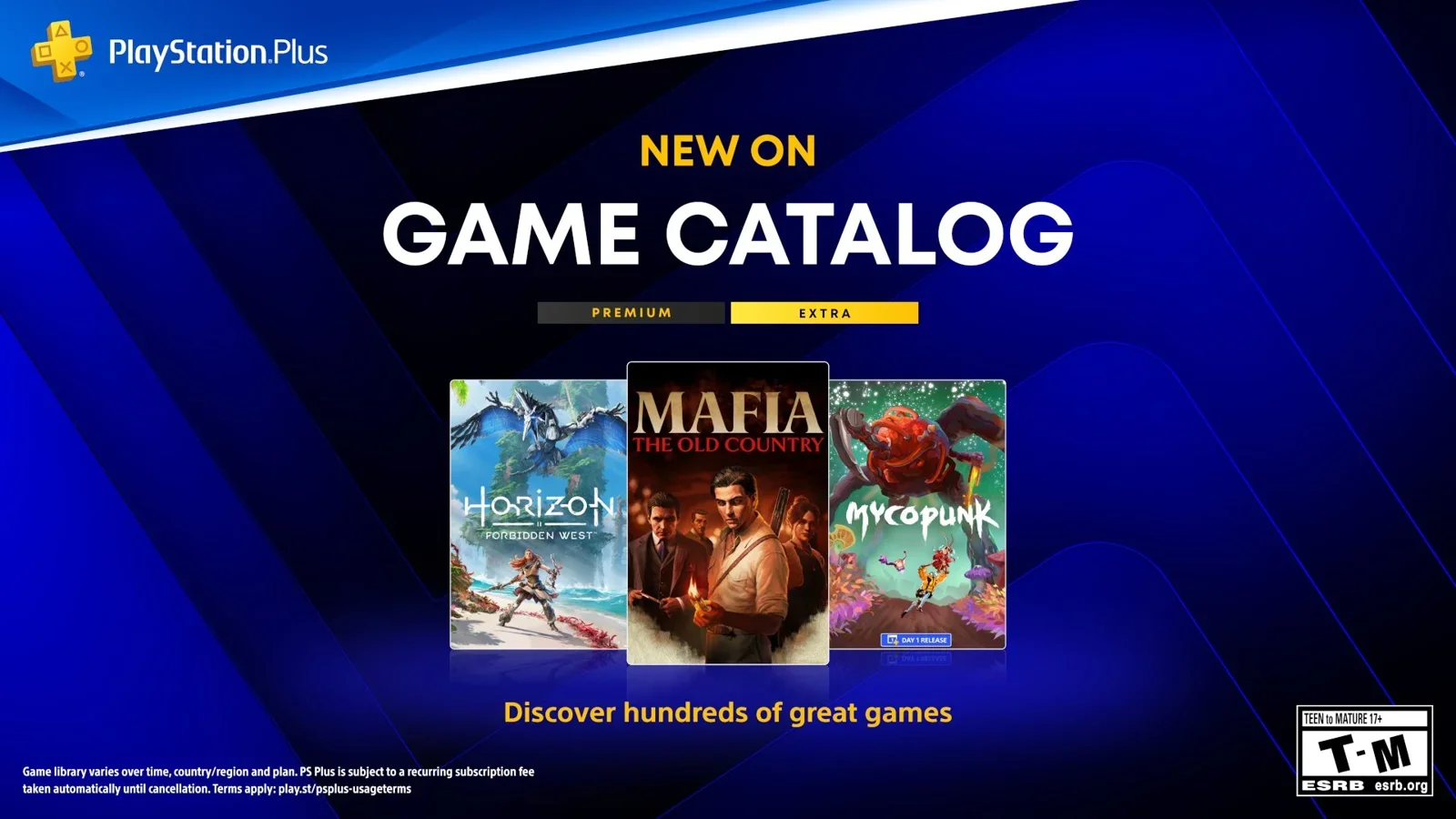
October 2026 PlayStation Plus Game Catalog — Mafia: The Old Country, Horizon Forbidden West, Mycopunk, Premium classics, trials and HorrorFest notes with regional date checks.
Grand Theft Auto VI: The Album lands 19 Nov 2026 with 34 original tracks. Formats, list prices, and how pre-saves differ from game pre-orders.

Sony brings QSSR AI upscaling to PS5. Confirmed games, how it differs from PS5 Pro PSSR, and what to check before you update — sourced to PlayStation Blog (1 Oct 2026).
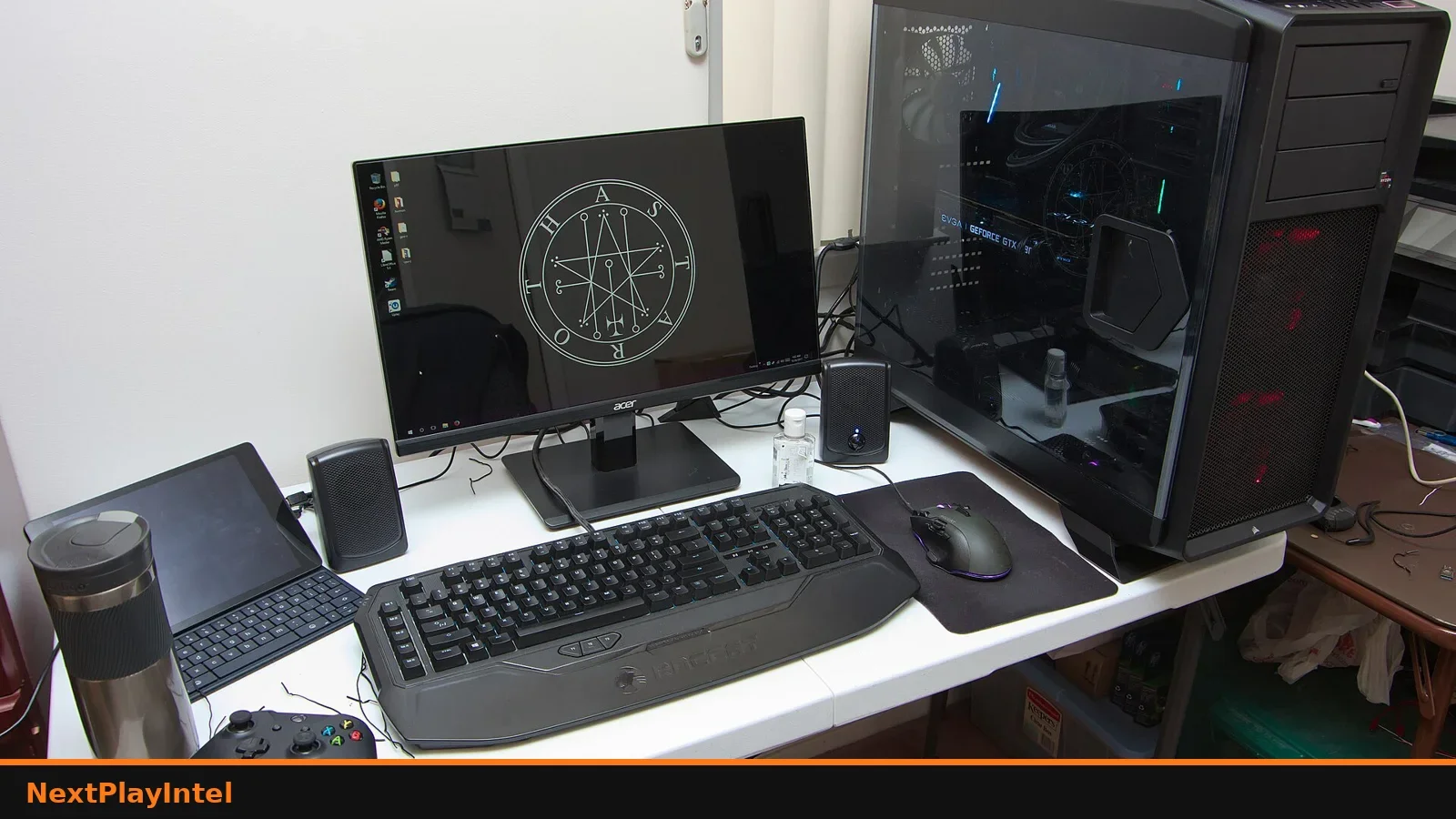
Compare GTA V Legacy and Enhanced on PC, check hardware needs, and migrate Online progress only when you are ready.
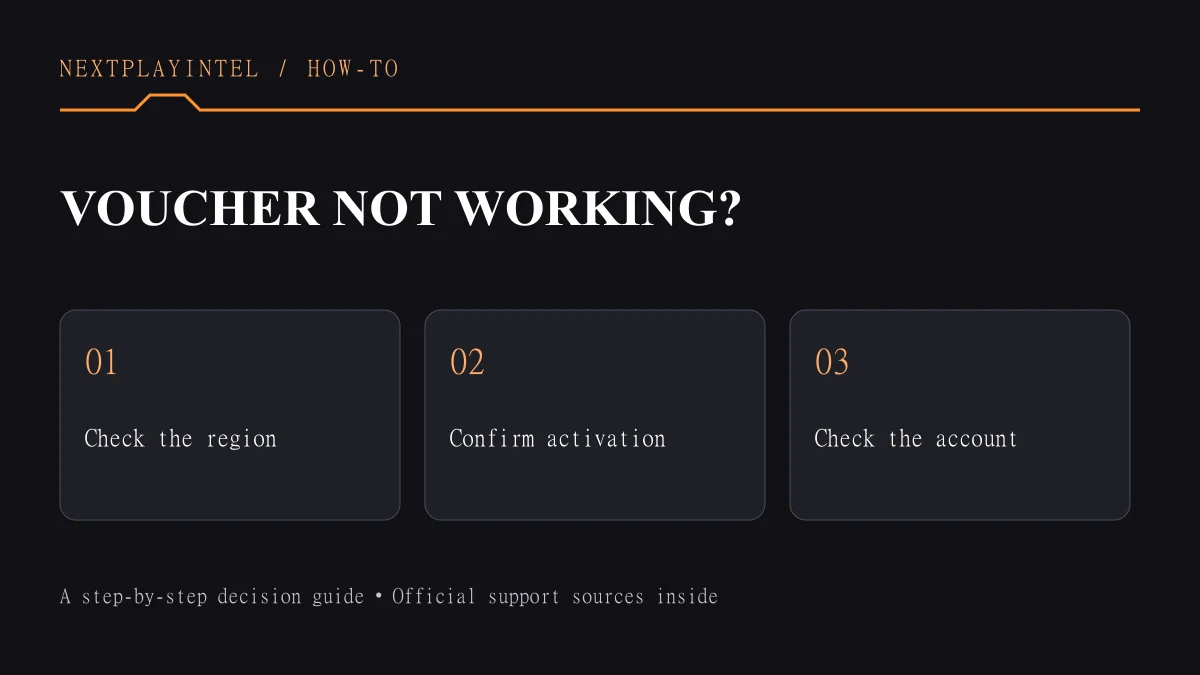
Fix a PlayStation Store voucher that will not redeem: account region match, expiry, typing errors, PSN status and the right Sony support links.
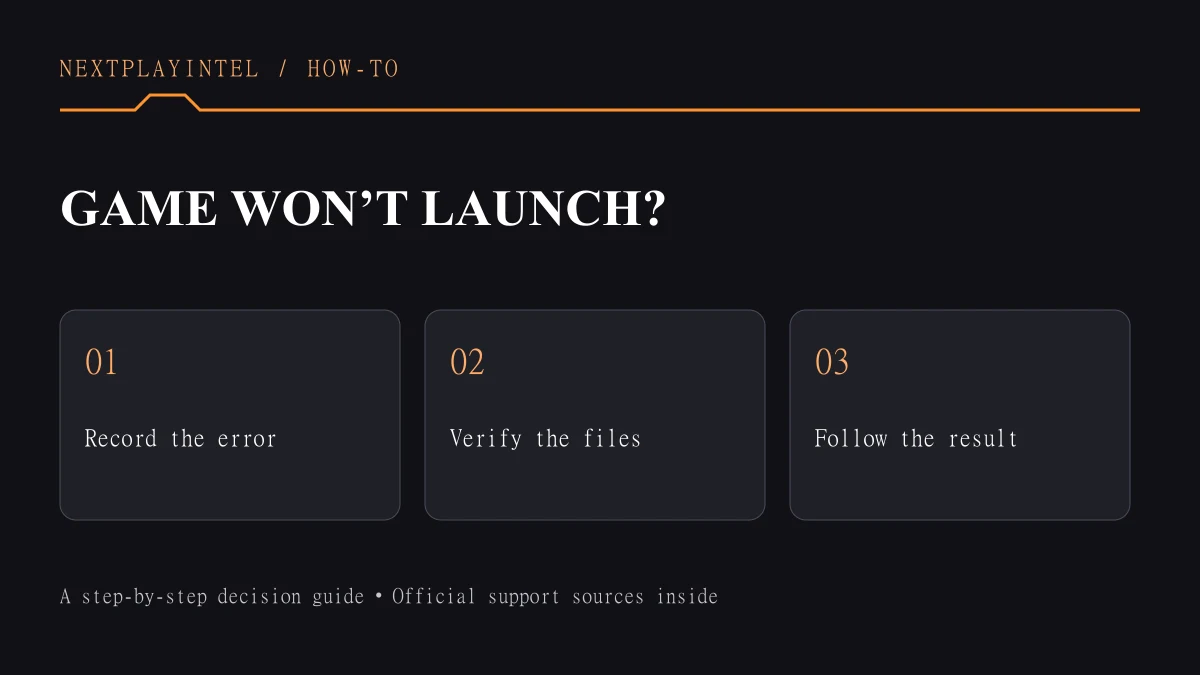
Steam game will not launch? Use Valve's Preparing to Launch, verify files, missing executable and already-running fixes in a safe order.

No. PS5 games can be stored on USB extended storage but must be copied to the console SSD or an M.2 drive to play. PS4 games can run from USB.
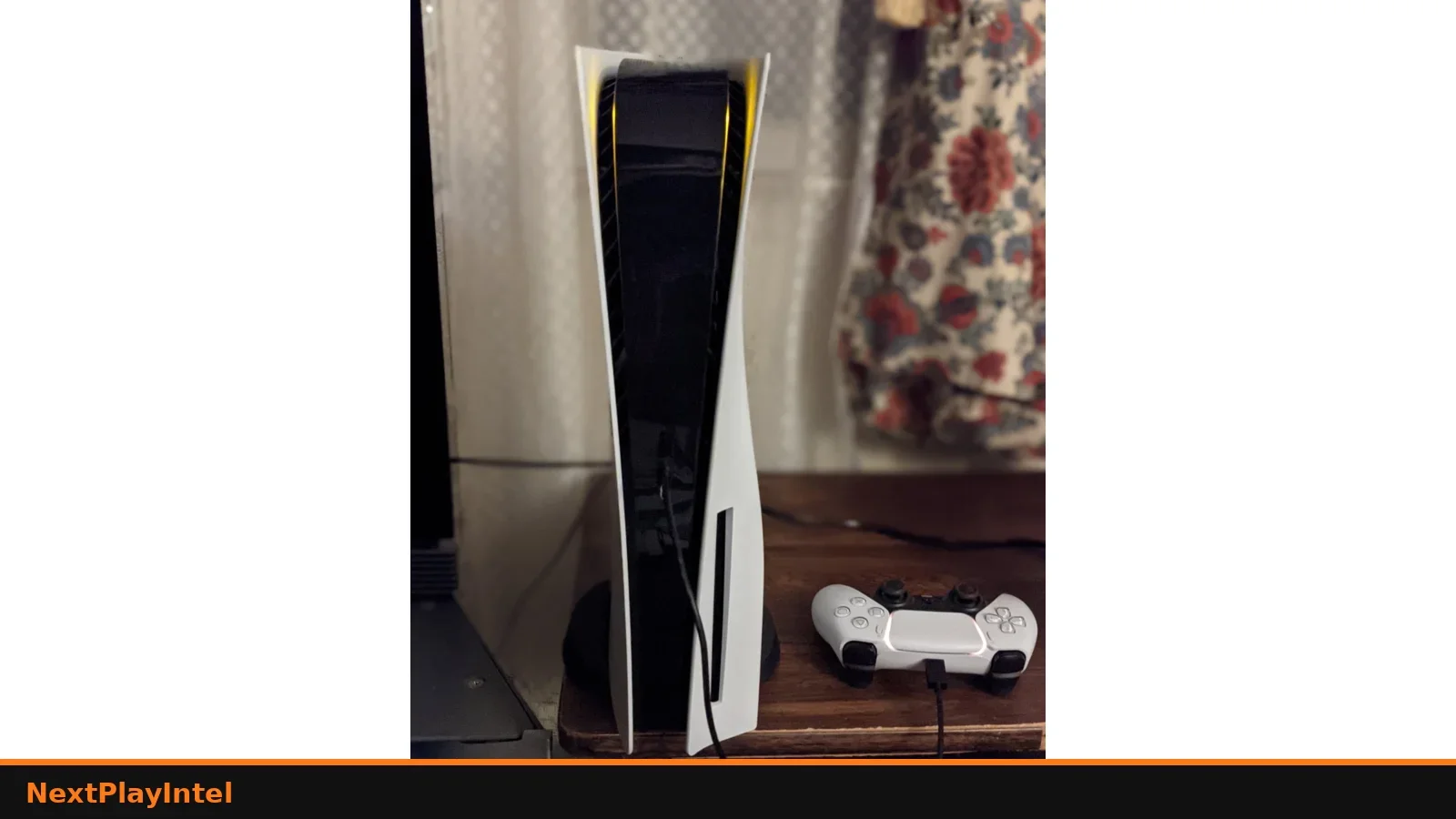
Fix PS5 downloads that are stuck or queued: storage, network, pause and resume, PSN status and Safe Mode, in the order Sony support recommends.
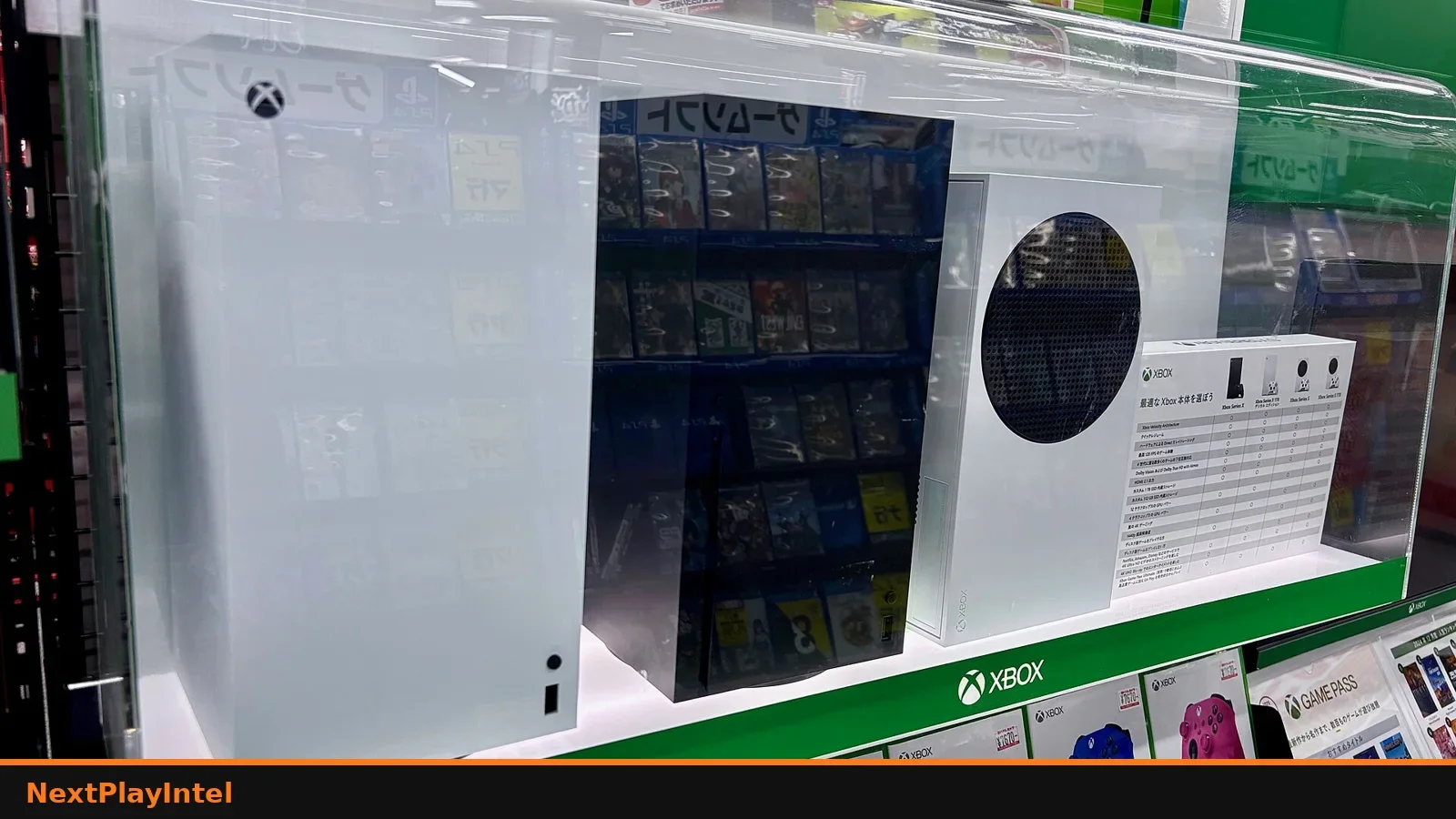
Claim the GTA V upgrade on PS5 and Xbox Series X|S: eligibility checklist, store steps, save/Online notes, and India disc tips.
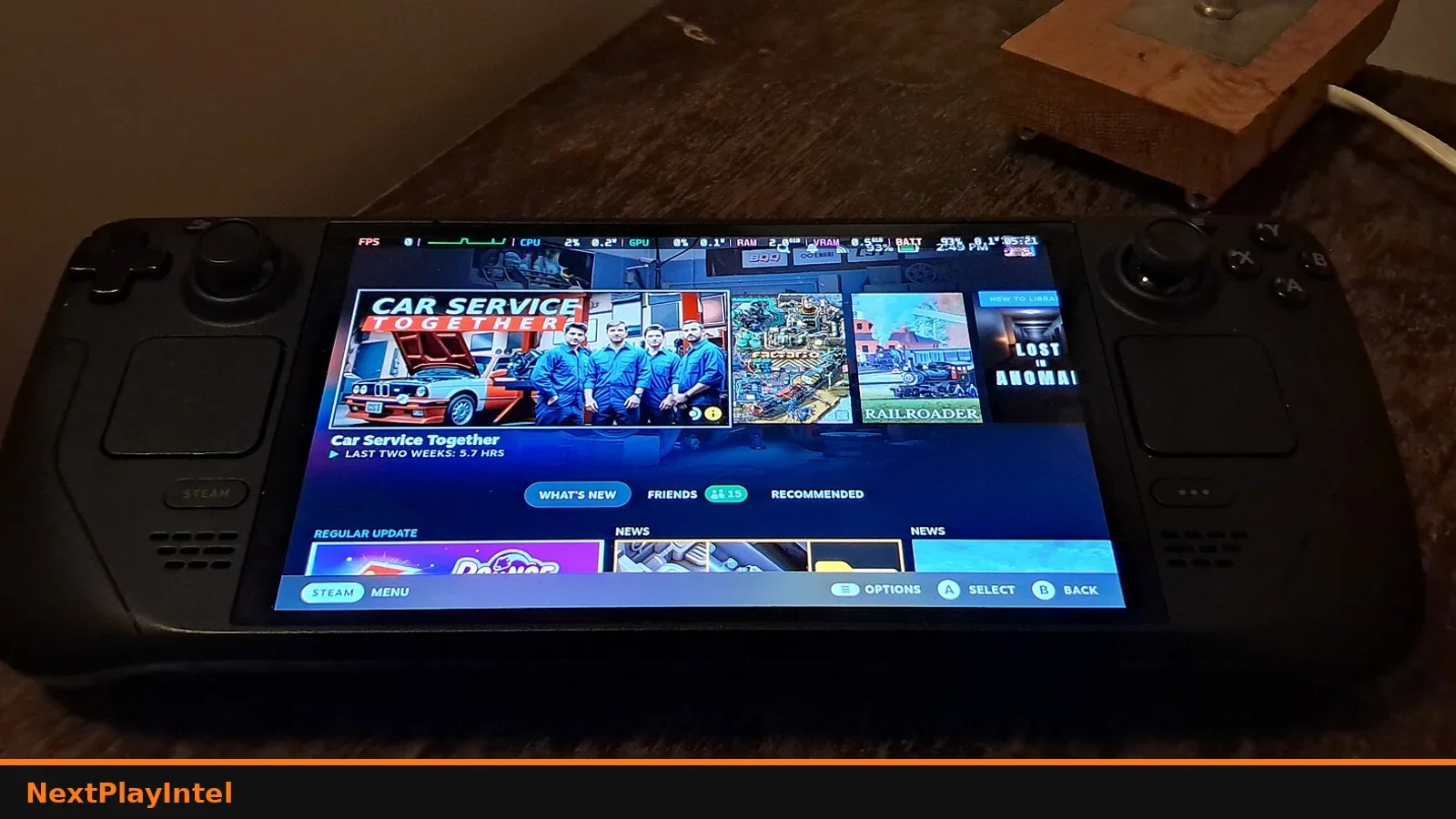
Locate owned DLC on PlayStation, Xbox, Nintendo and Steam, then install add-ons without buying the base game twice.
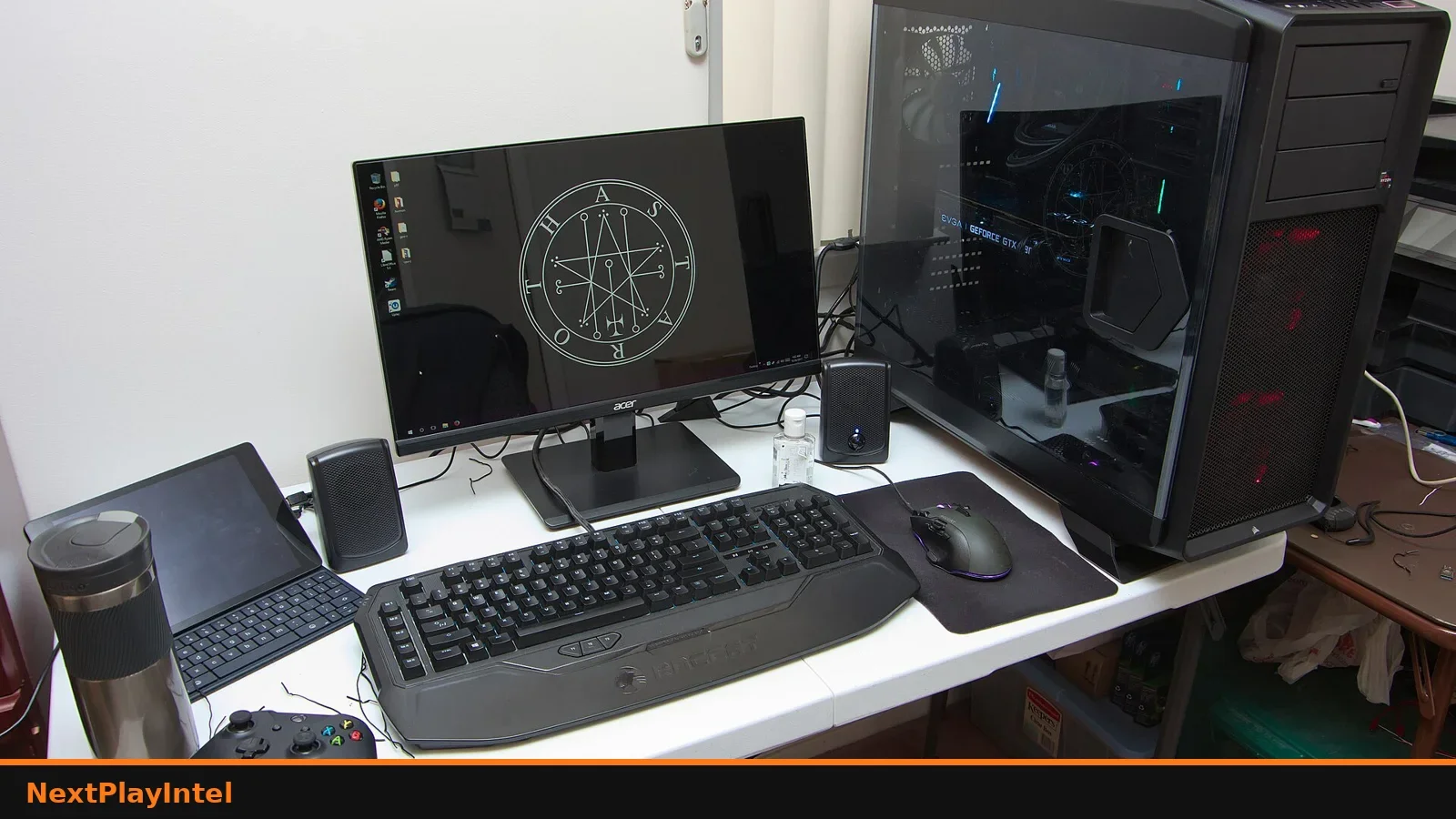
Install an owned Epic Games Store title: Library steps, folder choice, missing-game checks, verify files, and India download tips — with Epic Help citations.
Install Grand Theft Auto V from Steam, Epic or Rockstar Launcher, pick the right edition, and fix common install failures.
Separate software removal from save deletion, verify backups and reinstall the correct game edition on console or PC.
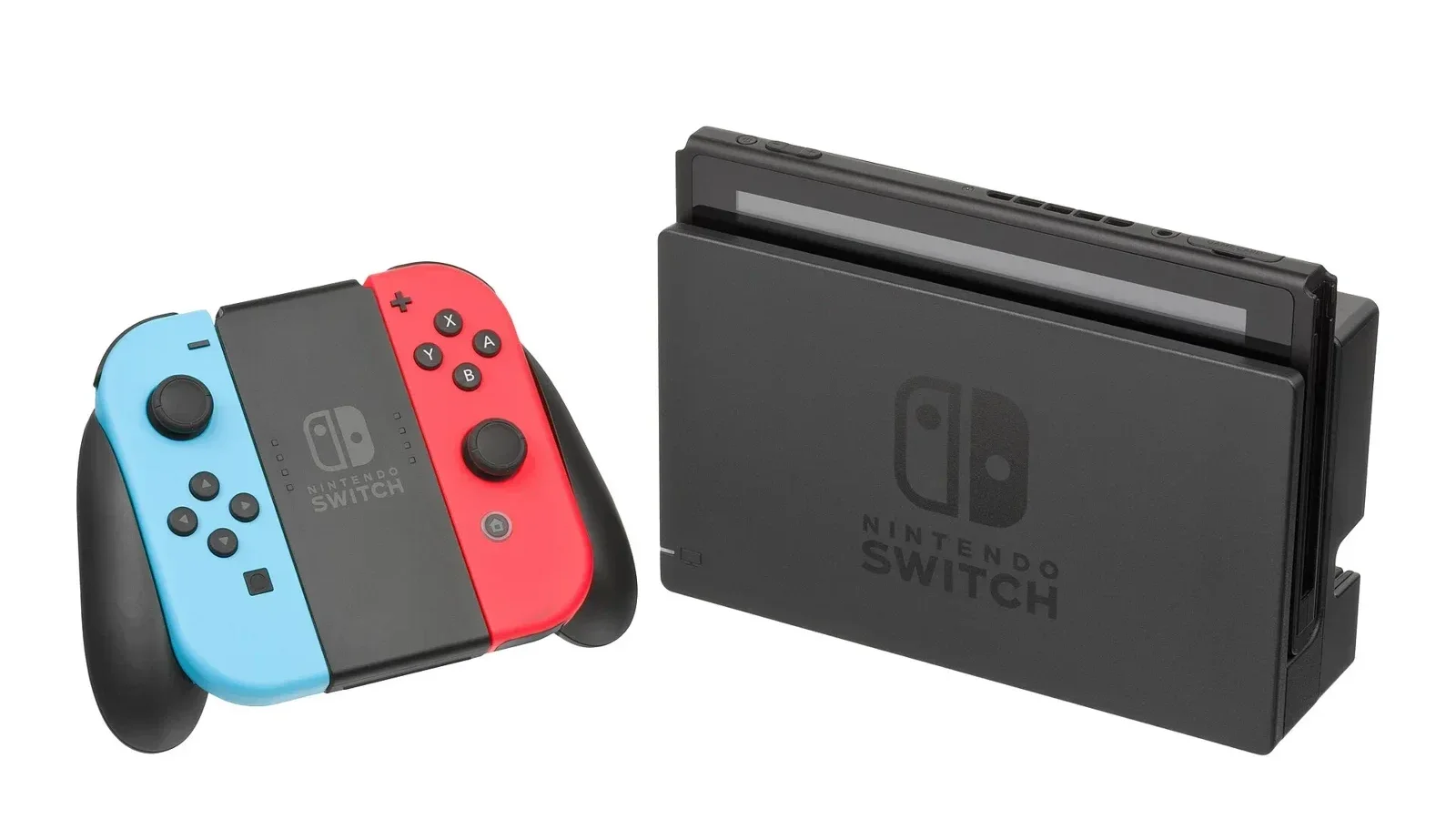
Move Switch save data to a nearby console or plan a full system transfer to Switch 2 without overwriting the wrong slot.
Prepare both consoles, transfer supported data and verify saved progress before resetting the old PlayStation.
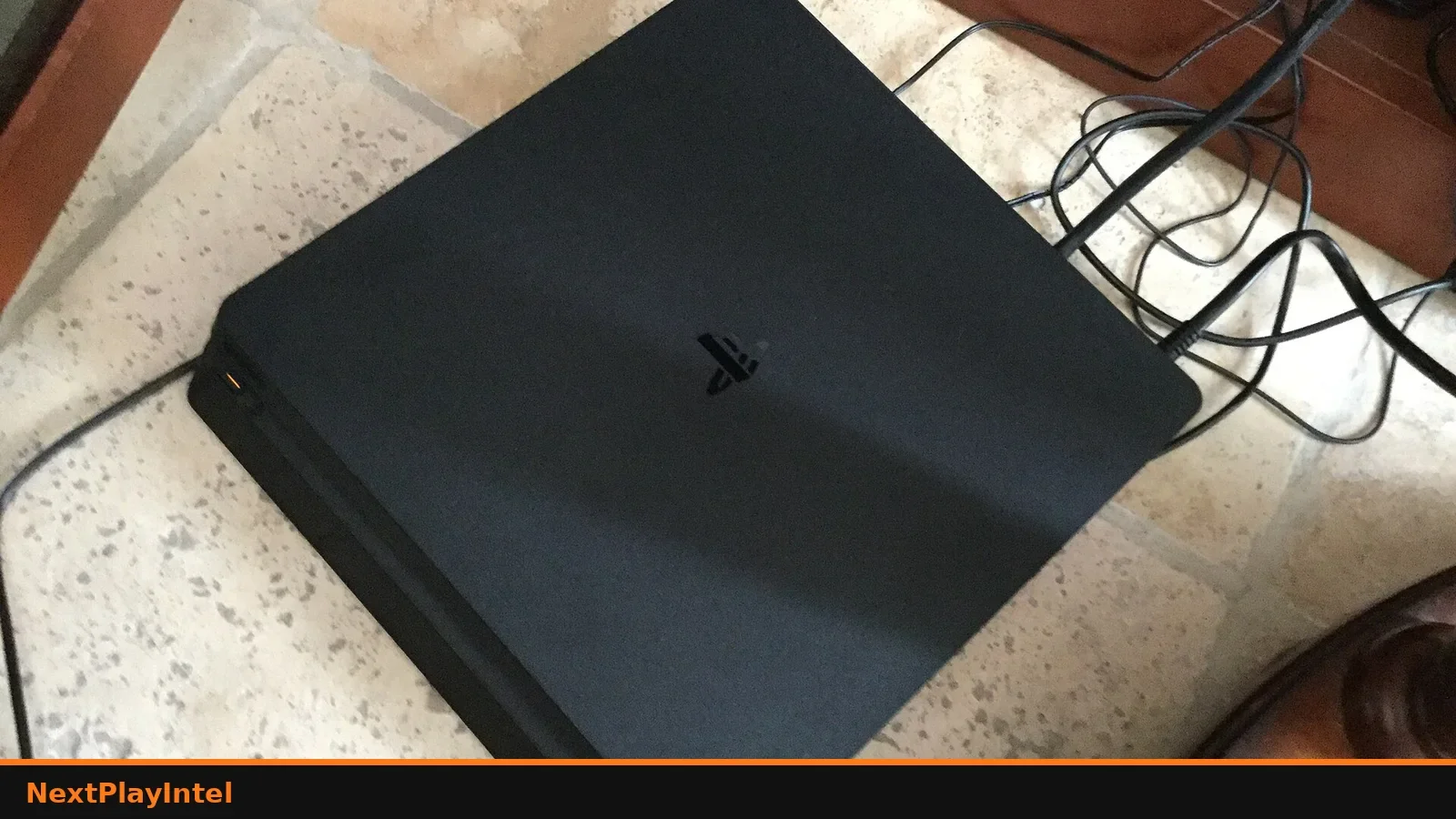
Check upgrade eligibility, use the correct disc or digital purchase and avoid launching the wrong version on PS5.

Add eligible monthly games, download them later and distinguish monthly claims from catalogue access and trials.
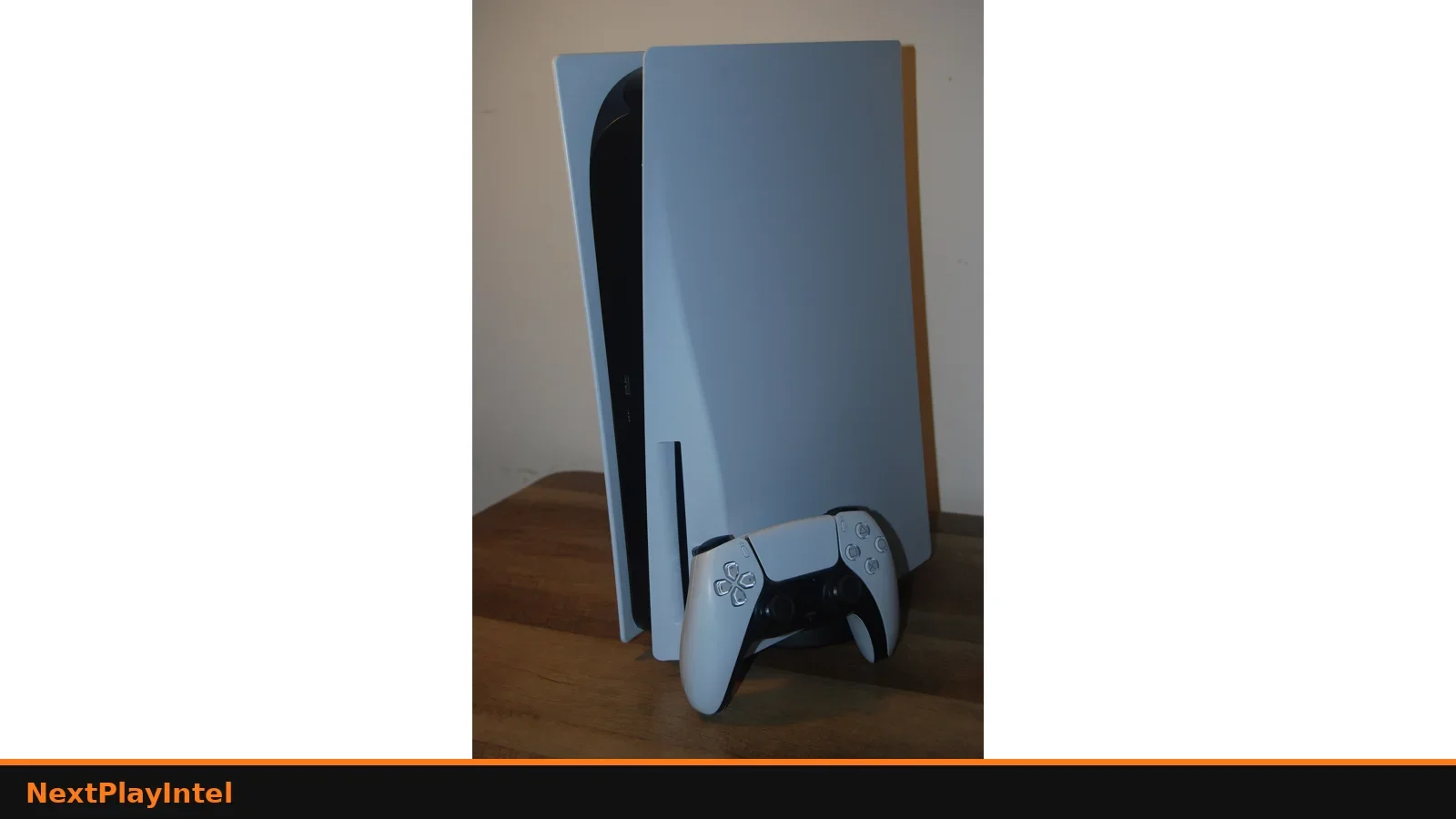
Turn on PS5 Console Sharing and Offline Play correctly: one primary console per account, offline checks and safer household game sharing.
PS5 game showing a lock icon? Restore licenses, turn on Console Sharing and Offline Play, check PS Plus and PSN status. Fixes before you rebuy it.
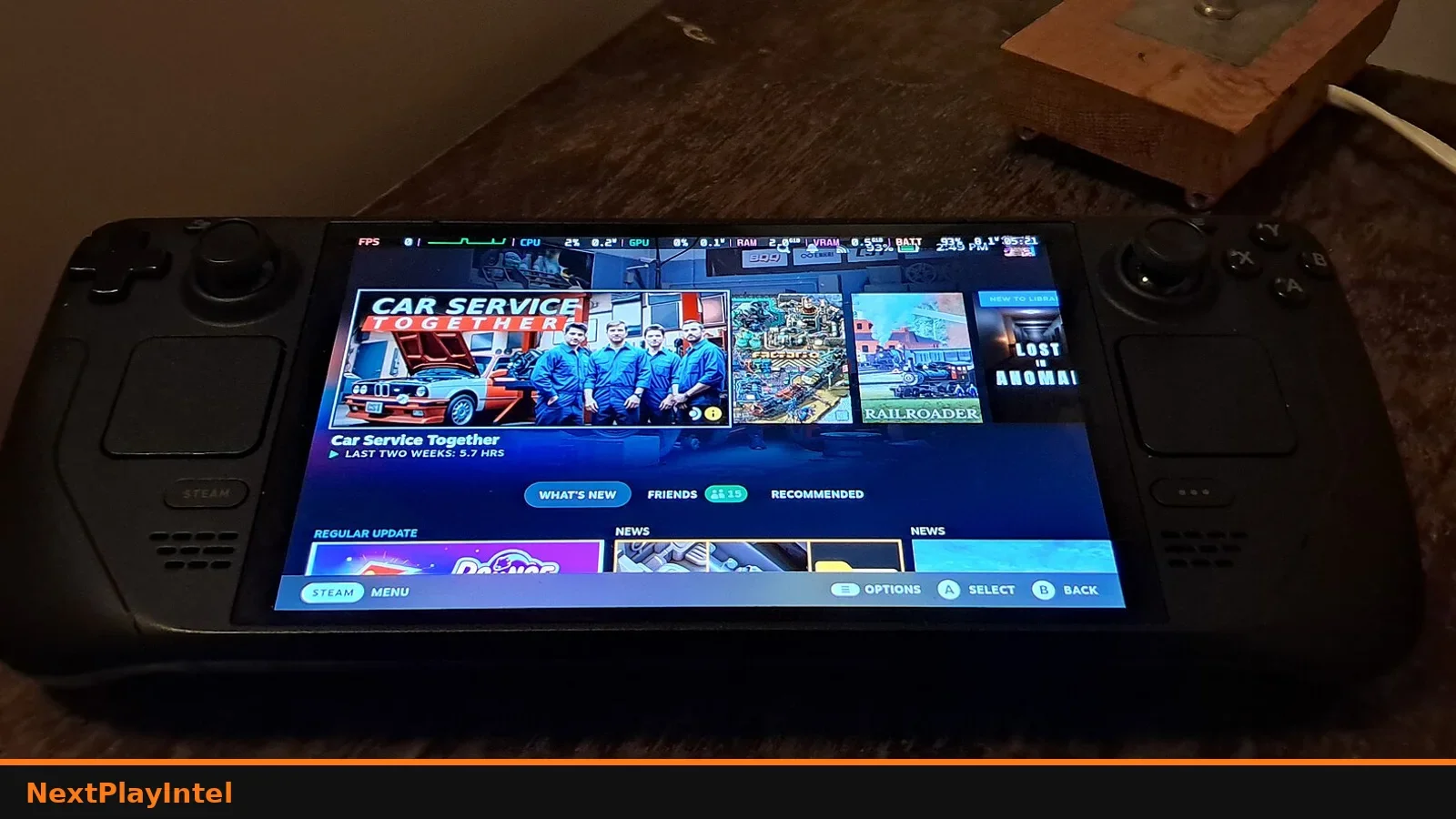
Steam shows a game as uninstalled but files remain? Remount the library folder, rediscover files, verify — before a full redownload.
Move Steam games to another drive with Storage settings — avoid Explorer cuts, verify after move, India laptop tips.