Choose the right starting point
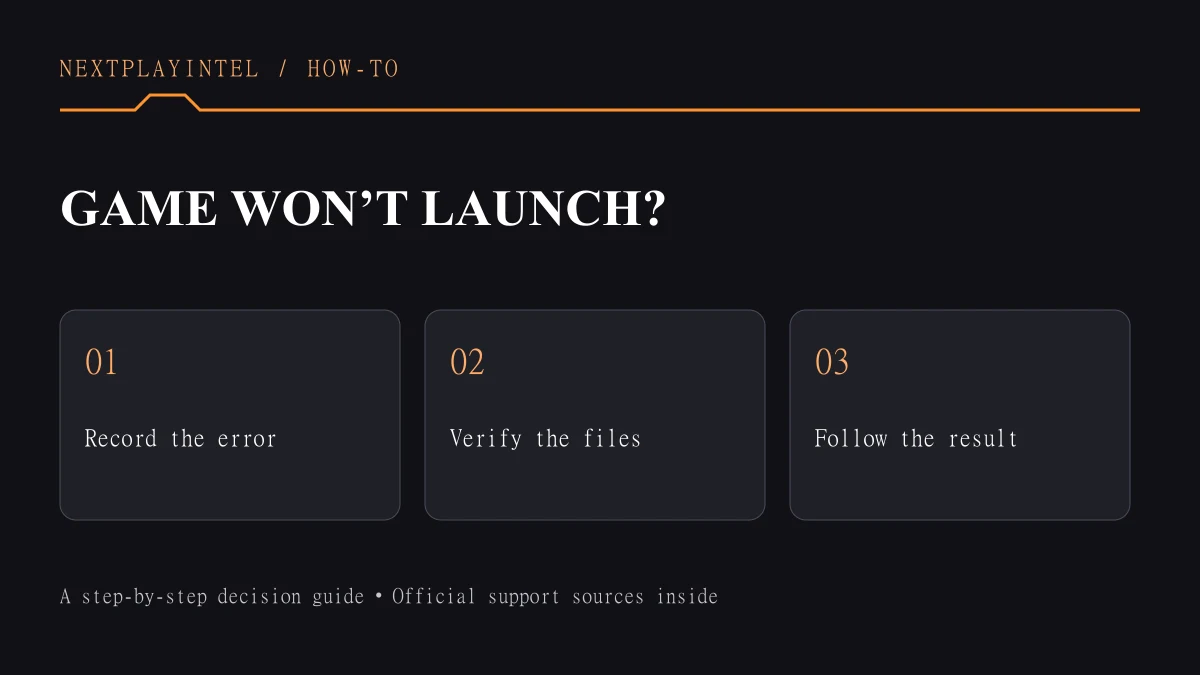
Record one launch attempt: Steam error, publisher-launcher error, or game crash. Repeat that same attempt after each reversible check.
Identify where launch stops
Watch one launch attempt and write down the last thing you see: a Steam message, a publisher launcher, a game window, or an error. “Play changes back to Play” describes a different stage from a game that opens and then crashes. This guide concerns Steam installations on Windows; use the game’s own support instructions for platform-specific errors.
Our diagnostic order is to record the symptom, try one reversible step, and repeat the same launch. Keep a note of the result. Changing several settings together can make a working result difficult to explain or reproduce. Do not download replacement DLL or executable files from an unfamiliar website.
1. Restart, then check the installation
Save other work, close the game and restart the computer. Reopen Steam and try once. Valve recommends current operating-system and graphics-driver updates for games that stop at Preparing to Launch. Compare your hardware with the requirements for the exact game edition, not a similarly named older release.
If the game has never opened, note that separately from a game that stopped after an update. Include the approximate date of the last successful launch in your support notes. This helps narrow the investigation without assuming the update itself caused the fault.
2. Verify the game files
In Steam Library, right-click the game and open Properties > Installed Files > Verify integrity of game files. Allow the check to complete, then try launching again. Valve advises against checking several games at once or running other disk-intensive work during verification.
A small number of files failing verification can be local configuration files that Steam does not replace; that message alone does not establish a broken installation. Record whether Steam downloaded replacements and whether the same error returned. Keep saves and personal configuration backups separate from the installed game files.
3. Follow the branch that matches the message
“Missing executable” means Steam cannot find the expected launch file. Valve identifies incomplete downloads and files blocked by software as possible causes. Restarting and verifying are the initial checks. If security software reports a file, investigate its alert with the software vendor or game publisher; do not broadly disable protection.
“App already running” can follow an improperly closed game or a silent crash. Restarting clears the prior session. If the message immediately returns after a fresh launch, record it as a repeatable launch failure rather than repeatedly clicking Play.
If a publisher launcher appears, record its exact error and the account involved. Steam file verification and publisher-account troubleshooting address different parts of the launch path. For GTA V, also record whether the installed title is Enhanced or Legacy.
4. Escalate with useful evidence
Prepare the game name, edition, Windows version, CPU, GPU, RAM, storage location, exact message, and results of restart and verification. Include your own capture of the error with private details hidden. Say whether other installed games launch; this is a useful comparison, not proof of the cause.
Before reinstalling, locate and protect the game’s saves using its publisher instructions. Do not assume every title uses Steam Cloud. Stop if a proposed fix would delete data you cannot replace. A complete support report is a better next step than repeating destructive changes without evidence.
Check the result before you stop
Reaching the game menu is a useful success check; Steam showing Running is not enough. Report the last visible screen, exact error and verification result if it fails again.
Sources & verification
Sources last verified on . This article covers published information, not hands-on testing.
Editorial & update notes
Updated 25 October 2026: clarified starting points and outcome checks, removed repeated advice where present and improved navigation. Existing image credits and evidence limitations remain. No hands-on test is claimed.