Choose the right starting point
Compare the exact PC edition before downloading. Record your hardware and the edition your friends use for Online.
Choose by hardware and who you play with
Enhanced and Legacy are separate PC editions. Start with two questions: does your computer meet the requirements of the edition, and which edition do your GTA Online friends use? A newer label is not enough to answer either question.
Rockstar’s PC upgrade announcement says existing PC owners receive the Enhanced upgrade free, while new PC purchases include both versions. Enhanced and Legacy players use separate GTA Online sessions. Confirm the edition with friends before arranging a session or committing to a large download.
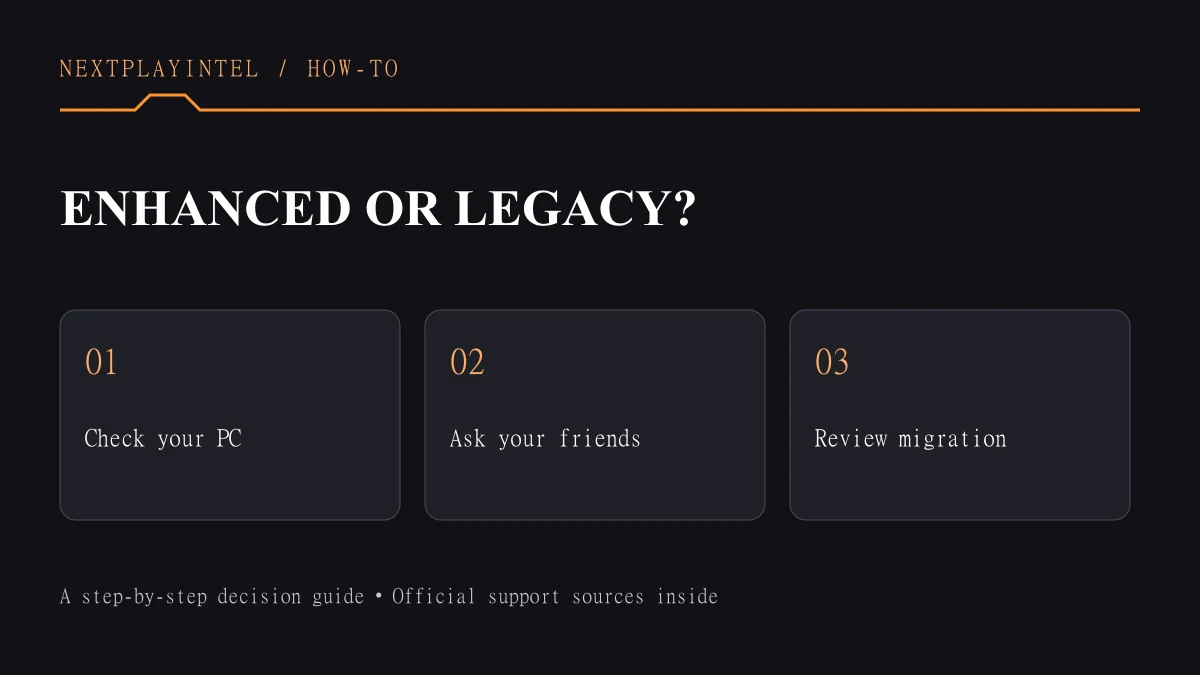
1. Compare the exact system requirements
Rockstar lists an SSD with 105 GB for Enhanced. Its minimum specification includes Windows 10 build 1909 or later, 8 GB RAM, an Intel i7-4770 or AMD FX-9590, and a GTX 1630 4 GB or RX 6400 4 GB. The recommended list is higher; consult the linked requirements before buying hardware.
Legacy has a different requirements list, including 4 GB RAM and 125 GB HDD storage at minimum. Do not compare only the download sizes: Enhanced specifically requires SSD storage. Requirements can change, and meeting a minimum does not promise a particular frame rate.
Write down your actual CPU and graphics-card model rather than just “i7” or “NVIDIA.” Also distinguish system RAM from graphics memory. If your hardware is not listed, do not infer support solely from a similar product name; use the official requirements and support route.
2. Check ownership before reinstalling
Open the store library associated with your purchase and look at the full title. Record whether you installed Enhanced or Legacy, the installation location and the account used by the launcher. Our separate GTA V installation guide covers the installation workflow.
Treat this as a choice of edition, not a reason to buy another copy immediately. If the expected entitlement is missing, preserve the purchase receipt and contact the store or Rockstar through its official support channel. A missing entitlement is not resolved by repeatedly deleting game files.
3. Understand online migration before confirming
Rockstar supports eligible Legacy-to-Enhanced profile migration within PC, not PC-to-console or console-to-PC through this process. In Enhanced, use the GTA Online landing page or Pause Menu > Online > Migrate Profile. If you already played Enhanced Online, use the Pause Menu route.
Legacy progress is retained, but later progress does not synchronize between the two editions. Suspended or banned profiles, illegitimate progress and insufficient progress can affect eligibility. Read each confirmation carefully: choosing a new character can overwrite the existing character slot.
Do not interpret an online-profile transfer as a promise about every other kind of data. Story progress, local settings and online characters are different records. Read the appropriate Rockstar instructions for the specific data you intend to move.
A practical decision checklist
Choose Enhanced when the machine meets its requirements and it matches the edition you intend to play with friends. Consider Legacy when that is the compatible choice for your setup or group. These are decision criteria, not benchmark results from our own testing.
Before changing anything, record the current edition and progress you want to keep. After installation, check that the expected edition launches and that the correct account is signed in. If a launch fails, record the exact error and use the troubleshooting guide; if migration fails, use Rockstar’s migration support rather than a file-repair workaround.
Check the result before you stop
Match every required component, ownership and migration conditions. A minimum-spec match does not establish a target frame rate.
Recommended hardware: compare editions
Enhanced: Windows 11; i5-9600K or Ryzen 5 3600; 16GB dual-channel RAM; RTX 3060 8GB or RX 6600 XT 8GB; 105GB DirectStorage-compatible storage. Legacy: Windows 10 64-bit; i5-3470 or FX-8350; 8GB RAM; GTX 660 2GB or HD 7870 2GB; 125GB HDD space. These are publisher requirements, not benchmark results.
Full minimum, recommended and activation requirements
Steam Deck needs a separate check
Windows PC specifications do not establish SteamOS support. Rockstar distinguishes possible Story Mode play from GTA Online, whose BattlEye requirement is unsupported on Steam Deck. Its FAQ does not guarantee every PC build on Deck.
Sources & verification
Sources last verified on . This article covers published information, not hands-on testing.
Editorial & update notes
Updated 25 October 2026: clarified starting points and outcome checks, removed repeated advice where present and improved navigation. Existing image credits and evidence limitations remain. No hands-on test is claimed.