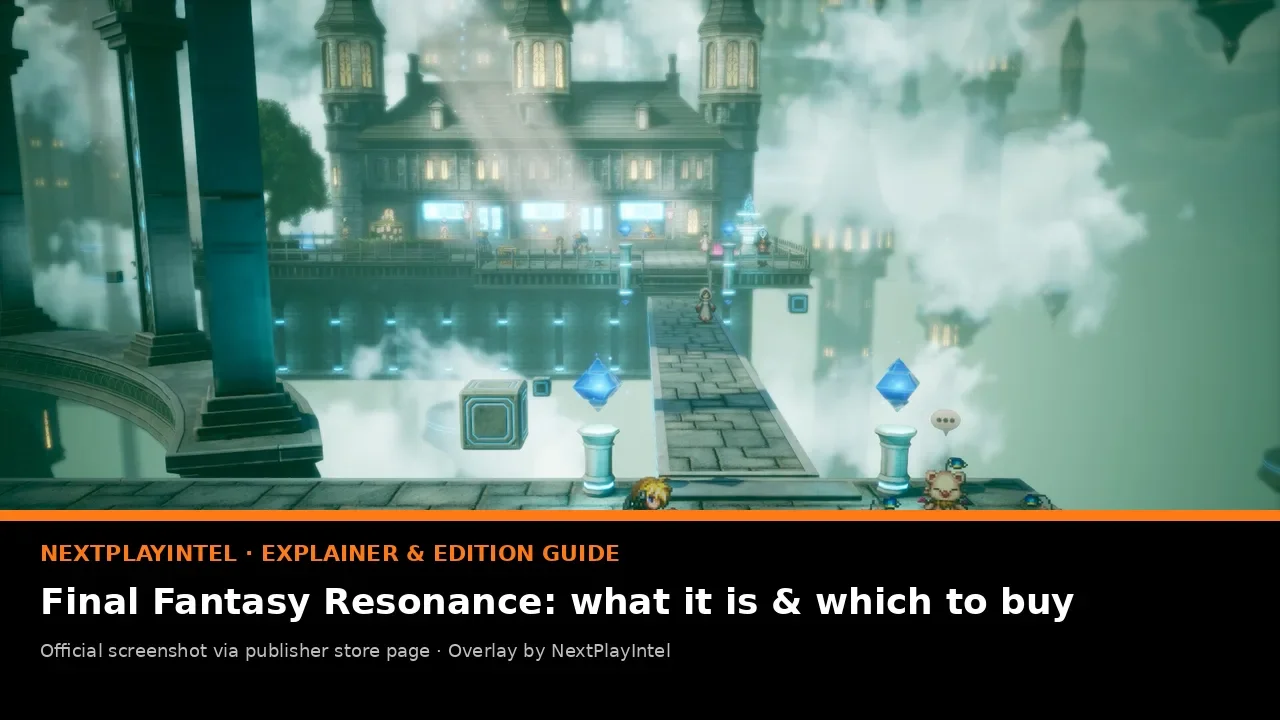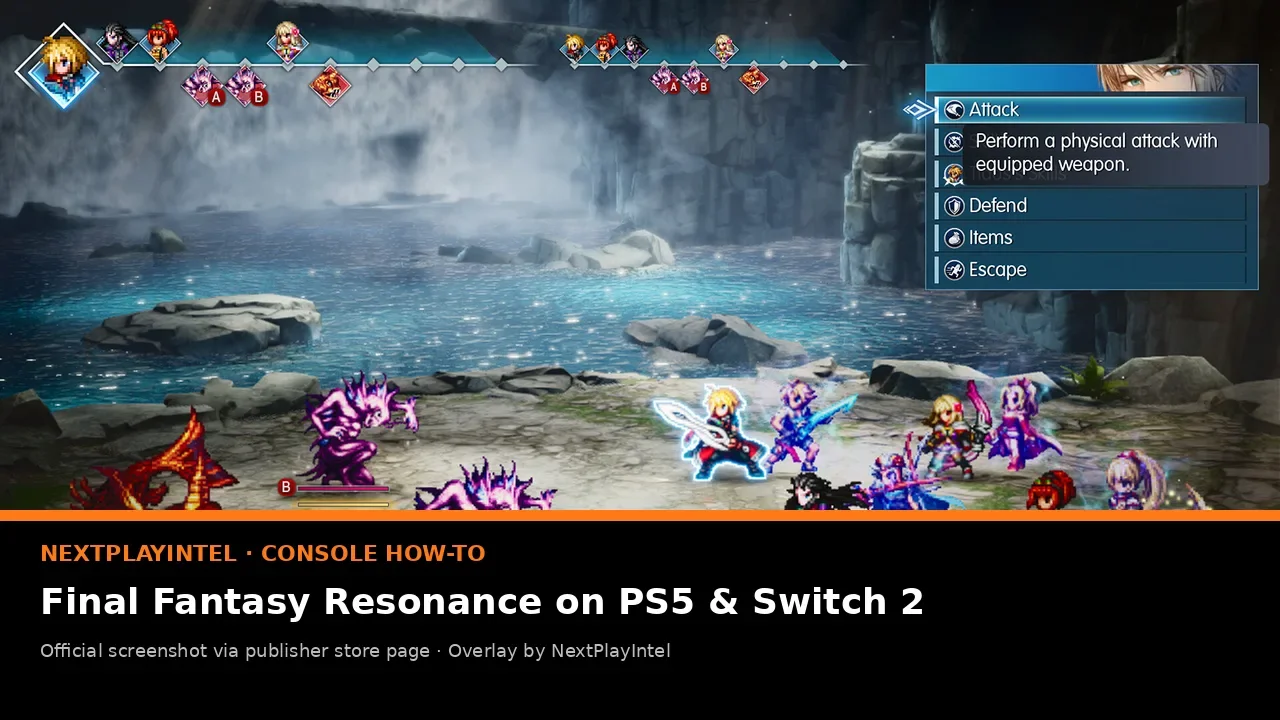
In brief: To play FINAL FANTASY RESONANCE on a console: install the free demo, play it on the same account, buy the edition you want from PlayStation Store, Nintendo eShop or the Xbox Store, then install the full game. Square Enix says your demo save carries over on every platform. The Switch 2 version needs 8.8 GB and the Switch version 8.6 GB. Standard costs $49.99 in the US and ₹3,499 in India on PS5 and Xbox.
Before you start
Pick the right version. PS5, Nintendo Switch 2, Nintendo Switch and Xbox Series X|S are all supported. There is no PS4 or Xbox One version.
Free space. Nintendo lists 8.8 GB for Switch 2 and 8.6 GB for Switch. PlayStation and Xbox did not show a size during our check, so leave at least 20 GB free to cover the install and day-one updates.
Account region. Buy on the store that matches your account’s country. Prices and refunds follow that region.
Online subscription not needed. FINAL FANTASY RESONANCE is single-player. You do not need PlayStation Plus, Nintendo Switch Online or an Xbox Game Pass tier to play it, although a subscription is needed for console cloud-save backups on PlayStation and Nintendo.
Console | Store | Standard (US / India) | Free demo | Size |
|---|---|---|---|---|
PS5 | PlayStation Store | $49.99 / Rs 3,499 | Yes | Unconfirmed |
Switch 2 | Nintendo eShop | $49.99 / no India eShop | Yes (separate Switch 2 demo) | 8.8 GB |
Switch | Nintendo eShop | $49.99 / no India eShop | Yes (separate Switch demo) | 8.6 GB |
Xbox Series X|S | Xbox Store | $49.99 / ₹3,499 | Yes | Unconfirmed |
Step 1 — Download the free demo
Square Enix’s launch announcement says the free demo is available on every platform, “with save data carrying over on all platforms”. Starting with the demo lets you check performance, controls and text size on your own TV or handheld before paying.
Open the store on your console and search for FINAL FANTASY RESONANCE.
Choose the free demo item. On PlayStation Store it appears on the game’s page as a free product. On Nintendo eShop, pick the demo that matches your system, because Switch 2 and Switch have separate demos.
Download and play through the demo. Save at a save point before you quit.
Keep the demo on the same console and the same user profile you will use for the full game. Carry-over works through the save file on your account. If you delete the demo’s save data, there is nothing for the full game to import.
Step 2a — Buy and install on PS5
On the PS5 home screen, open PlayStation Store and search for the game, or open the product page on the web while signed in.
Choose Standard ($49.99 / £49.99 / €59.99 / Rs 3,499) or Digital Deluxe ($59.99 / £54.99 / €69.99 / Rs 3,999).
Confirm the purchase. Web purchases are sent to your PS5 automatically if the console is in rest mode with “Stay connected to the internet” turned on.
When the download finishes, launch the game from the home screen. Load your demo save when the game offers it.
Stuck at “Queued” or 0%? Follow our PS5 download stuck fix. For general install tips, see how to install games on PS5. Short on space? Our guide to PS5 games on USB storage explains what you can move off the internal SSD.
Step 2b — Buy and install on Switch 2 or Switch
Open Nintendo eShop on the console, or the game’s page on nintendo.com while signed in to the same Nintendo Account.
Choose the right product: the Nintendo Switch 2 version (8.8 GB) or the Nintendo Switch version (8.6 GB). Both are $49.99 in the US, £49.99 in the UK and €59.99 in Germany.
After purchase the download starts on the console linked to your account. Keep the system docked or plugged in, and connected, until it finishes.
Launch the game and continue from your demo save.
If you own a Switch 2, buy the Switch 2 version. Nintendo sells the two as separate products, and we could not confirm a paid upgrade path from the Switch version (unconfirmed). If a download pauses, see Switch download paused. To expand storage on Switch 2, read our microSD Express card guide. Bought a physical copy that came with a code? Use redeem a Nintendo game code.
Step 2c — Buy and install on Xbox Series X|S
Open the Store on your Xbox, or the game’s page on xbox.com.
Choose Standard ($49.99 / £49.99 / €59.99 / ₹3,499) or Digital Deluxe ($59.99 / £54.99 / €69.99 / ₹3,999).
Install to internal storage or a supported expansion card, then launch it and load your demo save.
The same listing also covers Xbox on PC (Microsoft Store on Windows). Our Xbox Series install guide covers queue and storage problems.
PC players: Steam
On PC, Steam (app 3259780) is the cheapest UK option at £39.99, compared with £49.99 on the consoles. It is $49.99 in the US, €49.99 in Germany and ₹3,499 in India. Steam lists Windows 11, a GTX 1650-class GPU, 8 GB RAM and 15 GB of storage as the minimum. The Steam demo is a separate free app (4474710). If the game will not start, see Steam game won’t launch.
Upgrading from Standard to Digital Deluxe
Changed your mind after buying Standard? A Digital Deluxe Upgrade is sold separately. It costs $14.99 / £11.99 / €14.99 / ₹1,249 on Xbox, $14.99 on Steam US and Nintendo US, and £11.99 / €14.99 on Nintendo UK and Germany. A PlayStation Store upgrade price was not confirmed in our check. The upgrade adds the in-game items, not new story. Buying Deluxe up front is cheaper: $59.99, against $64.98 for Standard plus the upgrade.
After buying the upgrade, open the game’s add-ons page (PS5: Game Hub; Switch: the game’s eShop page or Data Management; Xbox: Manage game and add-ons) and make sure the add-on is installed. If the items do not appear straight away, check the in-game menus and the add-on’s store description, which explains how the bonus items are delivered.
Troubleshooting
Demo save not detected: make sure you are on the same user profile and system, and that the full game is fully updated. Do not delete the demo’s save data until your progress shows up in the full game.
Game shows as locked on PS5: try Restore Licences.
Moving to a new Switch 2: see transfer Switch save data and redownload Switch games.
Controller drift on Switch 2: calibrate first with our Joy-Con drift fix.
For players in India
PS5 and Xbox owners in India pay Rs 3,499 / ₹3,499 for Standard and ₹3,999 for Digital Deluxe on PlayStation Store India and Xbox Store India. Steam India charges the same ₹3,499 and ₹3,999. Nintendo has no official eShop in India, so there is no official INR price for the Switch versions. Many Indian Switch owners use an account from another region. That account then pays in its own currency, and Nintendo’s terms for that region apply. Only buy physical copies from reputable retailers. The game has been out since 22 October 2026, so there is no unlock time to wait for in IST.
Hardware explainers: PS5 · PS5 Pro · Switch 2 · Switch · Xbox Series X · Xbox Series S. Full background and the edition advice are in our Final Fantasy Resonance guide and on the game page.
Frequently asked questions
Does my demo save carry over to the full game?
Yes. Square Enix says demo save data carries over on all platforms. Use the same account and system for both.
Is there a PS4 version?
No. On PlayStation the game is PS5 only.
Should I buy the Switch or Switch 2 version?
Buy the Switch 2 version if you own a Switch 2. They are separate $49.99 products, and an upgrade path between them is unconfirmed.
Do I need an online subscription?
No. It is a single-player game. A subscription only matters if you want console cloud-save backups.
How big is the download?
8.8 GB on Switch 2, 8.6 GB on Switch and 15 GB on PC per Steam. PS5 and Xbox sizes were not listed during our check.
Sources & verification
Sources last verified on . This article covers published information, not hands-on testing.
- Square Enix press release: now available, demo save carry-over (22 Oct 2026)
- PlayStation Store: FINAL FANTASY RESONANCE
- Nintendo US: FINAL FANTASY RESONANCE (Switch 2)
- Nintendo US: FINAL FANTASY RESONANCE (Switch)
- Nintendo UK: FINAL FANTASY RESONANCE (Switch 2)
- Xbox / Microsoft Store: FINAL FANTASY RESONANCE
- Steam: FINAL FANTASY RESONANCE
- FINAL FANTASY RESONANCE official site
Related devices and next steps
Find a fix by platform · Check GTA platforms and editions
- PlayStation 5 hardware guide
- PlayStation 5 Pro hardware guide
- Nintendo Switch hardware guide
- Nintendo Switch 2 hardware guide
- Xbox Series X hardware guide
- Xbox Series S hardware guide
- final-fantasy-resonance game hub
- How to get the free Red Dead Redemption upgrade on PS5, Xbox Series X|S and Switch 2
- How to find and install purchased game DLC
- How to install games on Xbox Series X and Series S