Last updated 28 October 2026 · Prices checked 28 Oct 2026 · Steps from Nintendo Support
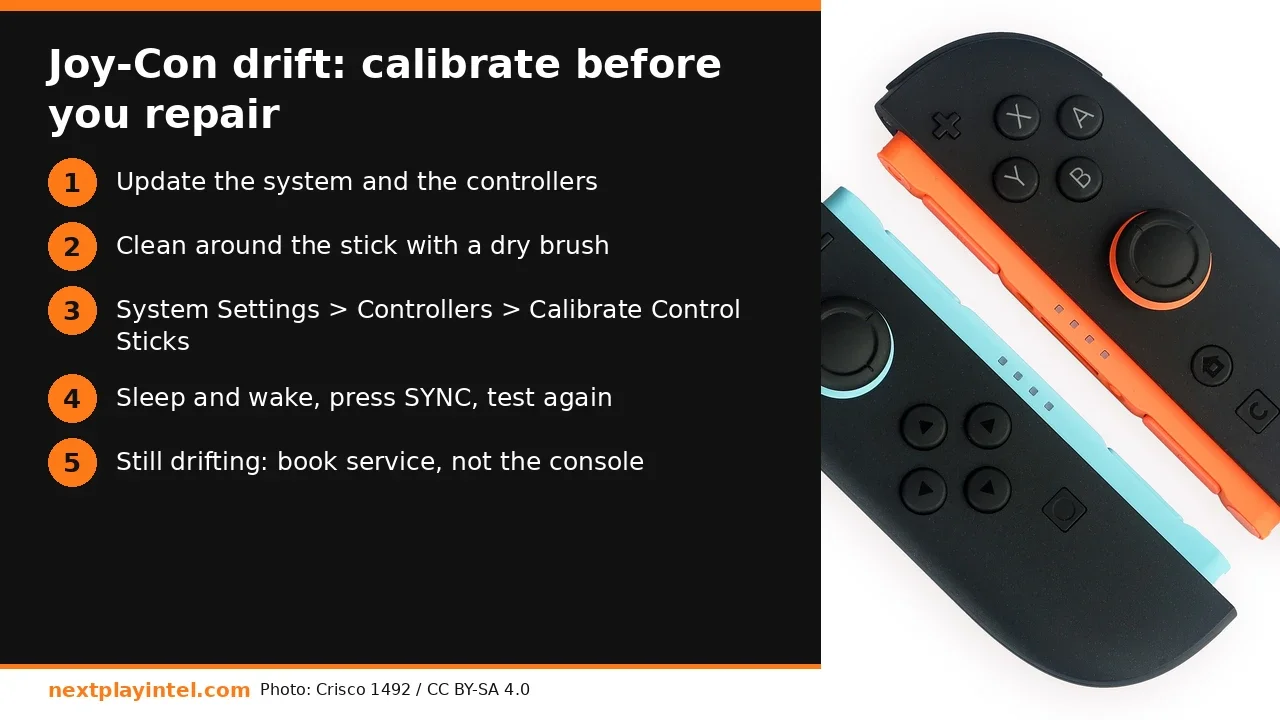
Short answer: To fix Joy-Con drift, update the console and the controllers first. Then brush around the stick with a clean, dry toothbrush and run Calibrate Control Sticks. On Switch 2 it's in System Settings > Controllers & Accessories. On the original Switch it's in System Settings > Controllers and Sensors. If the stick still drifts after calibration, Nintendo says the Joy-Con itself needs service. Send only that controller, not the console.
First, make sure it really is drift
Drift means the character or cursor moves when you aren't touching the stick. Before you blame the hardware, rule out three things Nintendo lists for Switch 2:
Remapped inputs: a wrench icon next to the controller at the bottom-left of system screens means the buttons or sticks were remapped. Set them back to standard while you troubleshoot.
Motion or tilt controls in the game: some games, such as Mario Kart World, support tilt steering. If it's on, the game can look like the stick is drifting.
Skins or covers pressing on the stick. Take them off.
How to calibrate on Nintendo Switch 2 (Joy-Con 2, Pro Controller)
Update the system: System Settings > System > System Update.
Update the controllers: System Settings > Controllers & Accessories > Update Controllers. If you have several, they update one at a time.
Open System Settings > Controllers & Accessories > Calibrate Control Sticks.
Tilt the stick you want to fix fully in any one direction for a few seconds, then follow the on-screen test.
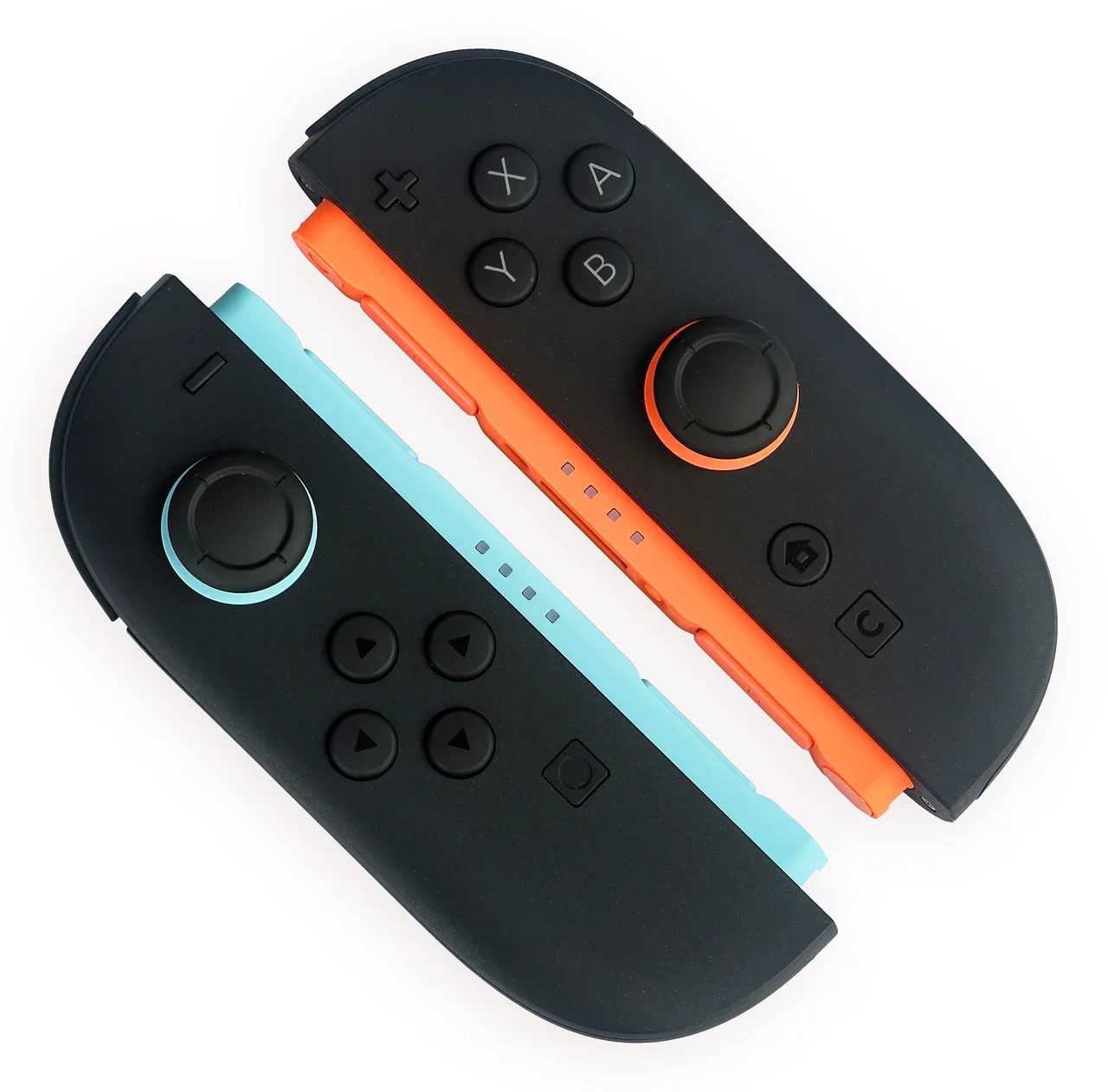
If the test still looks wrong, put the console to sleep and wake it with POWER. Then press the controller's SYNC button once and press any other button to turn it back on. On Joy-Con 2 (R), SYNC is next to SL. On Joy-Con 2 (L), it's next to SR.
How to calibrate on the original Switch, OLED and Lite
Update the system from System Settings.
Go to System Settings > Controllers and Sensors > Calibrate Control Sticks.
Tilt the affected stick fully in one direction for a few seconds, then follow the prompts and test it.
If nothing changes, sleep and wake the console, then press SYNC once on the Joy-Con rail and reconnect the controller.
Switch Lite has built-in controls, so drift on a Lite means servicing the whole console, not swapping a Joy-Con.
Cleaning, the safe way
Nintendo's own step for sticks that are stuck or hard to move: power off the console, gently brush around the stick with a clean, dry toothbrush, wipe it with a soft dry cloth, then power on and calibrate. Don't spray contact cleaner or alcohol into the stick, and don't open the Joy-Con. The screws are tri-wing, and opening it voids the warranty.
Step | Switch 2 | Switch / OLED / Lite | Fixes |
|---|---|---|---|
System update | Settings > System > System Update | Settings > System > System Update | Bugs in input handling |
Controller update | Controllers & Accessories > Update Controllers | Controllers and Sensors > Update Controllers | Controller firmware |
Calibrate sticks | Controllers & Accessories > Calibrate Control Sticks | Controllers and Sensors > Calibrate Control Sticks | Centre offset, mild drift |
Clean | Dry toothbrush, console off | Dry toothbrush, console off | Sticky or stuck sticks |
Service | Send only the Joy-Con 2 | Send the Joy-Con (Lite: the console) | Worn sensor |
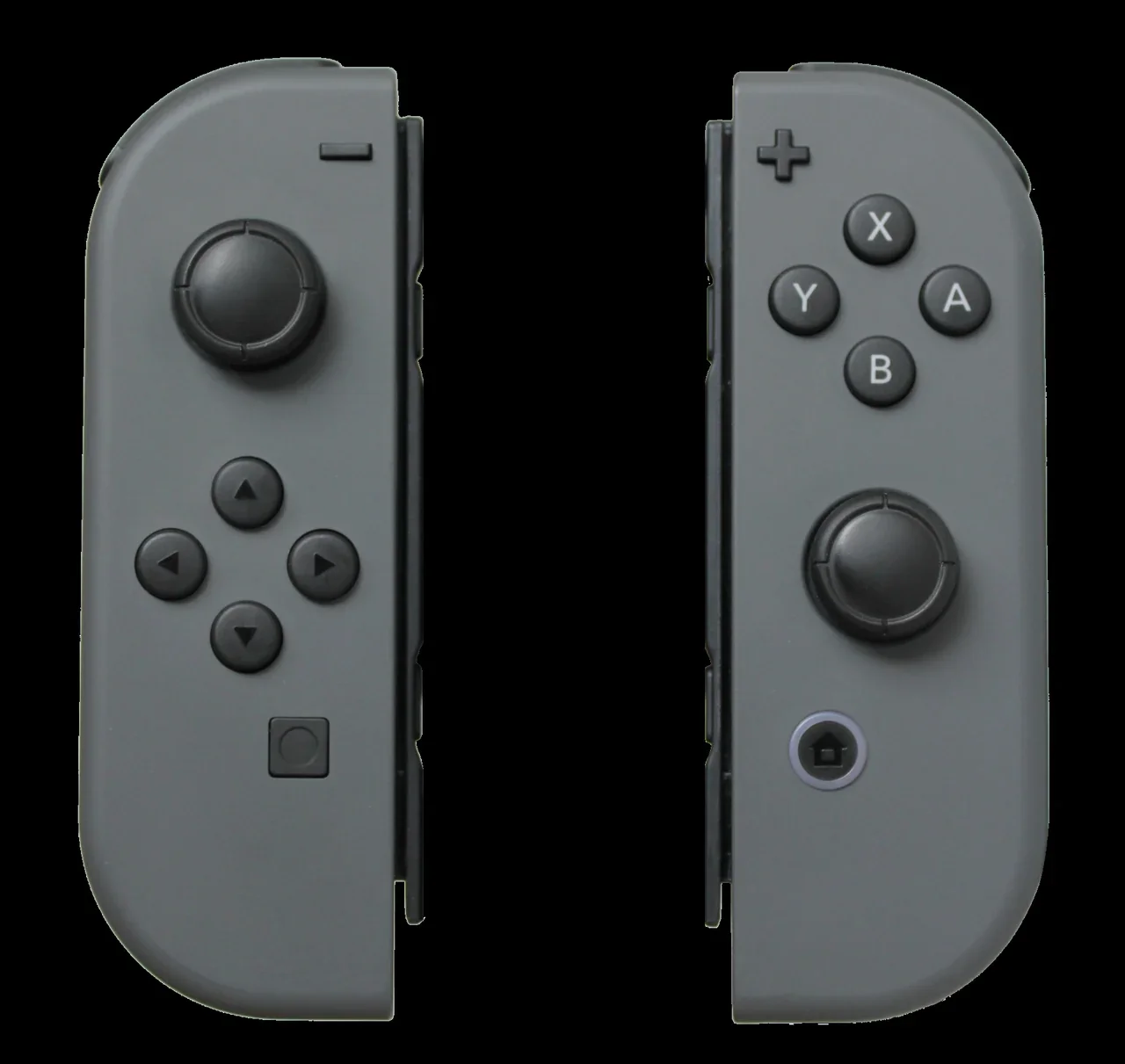
Do the steps in order. Each one takes a minute or two, and doing the free software steps first avoids paying to service a controller that only needed an update or a recalibration. Write down which step fixed it. If the drift comes back weeks later, start at calibration again.
How to make sticks last longer
Stick wear is mechanical, so how you play and store the controller matters:
Store it clean and covered. Dust, especially in dry months, gets around the stick base. A case or a drawer does more than any spray.
Don't press down hard on the sticks in games that don't need stick clicks. Rest your thumbs on them lightly.
Calibrate only when there's a problem. Nintendo's own page says to avoid calibrating unless there is a problem. Repeated calibration doesn't prevent wear.
Use a Pro Controller for long sessions in docked mode. It moves the heavy stick use off the Joy-Con.
Keep the controllers updated. Firmware updates from Nintendo can change how inputs are read.
Games with their own dead-zone settings
Some games let you raise the stick dead zone in their options menu. That hides a very small drift by ignoring tiny inputs. It's a stopgap, not a fix. If the drift grows enough that the dead zone has to go above about 15-20%, the controller should be serviced or replaced. Check the game's electronic manual from the HOME Menu (press + on the game icon) to see what it supports.
Related NextPlayIntel guides
Nintendo Switch 2 buyer page
Buying in India
Repair in India
Nintendo has no official retail or service network in India. Its online Joy-Con repair request is for the US and Canada only. For other countries, Nintendo says to contact the nearest authorised service centre. For an import, that usually means:
Claim through the importer or seller that gave you a warranty (keep the invoice).
Or ship the controller to Nintendo service in the country where you bought it, if you have someone there.
Or pay for an unofficial stick replacement. That's cheap, but it ends any warranty, and a third-party stick may drift again.
Replacement Joy-Con prices: India (₹) and US ($)
Checked on 28 October 2026. India prices are grey-import listings, because Nintendo has no official India MRP.
Controller | India (₹), grey import | US (USD), checked 28 Oct 2026 |
|---|---|---|
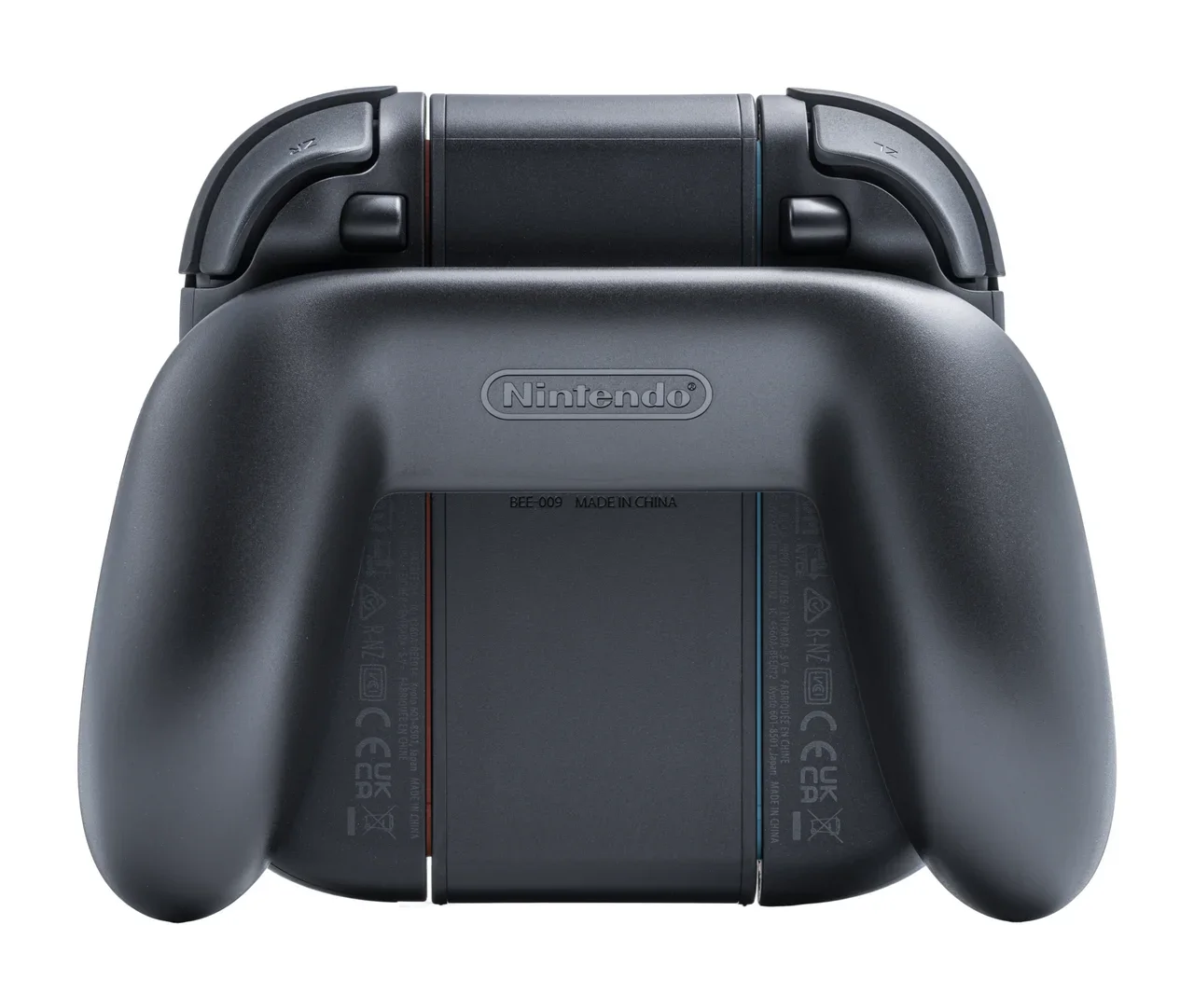
Joy-Con 2 (L)/(R) pair | ₹7,999-₹11,490 depending on seller (unconfirmed official MRP) | $99.99 on the Nintendo US store |
Joy-Con (L)/(R) pair, original Switch | Unconfirmed | Unconfirmed |
Nintendo Switch 2 Pro Controller | About ₹5,500-₹7,777 (unconfirmed) | Unconfirmed |
Frequently asked questions
Can calibration fix Joy-Con drift?
It fixes centre-offset and mild drift. If the stick still drifts after an update, cleaning and calibration, Nintendo says the controller needs service.
Where is calibration on Switch 2?
System Settings > Controllers & Accessories > Calibrate Control Sticks.
Do Joy-Con 2 controllers get drift?
Nintendo publishes a support page for Joy-Con 2 sticks that don't respond or respond incorrectly. It covers calibration first and then service, so treat drift on Joy-Con 2 the same way.
Should I send the whole Switch for Joy-Con repair?
No. Nintendo says to send only the faulty Joy-Con 2, not the console. Switch Lite is the exception because its controls are built in.
How much are new Joy-Con 2 controllers?
$99.99 a pair on the Nintendo US store, and about ₹7,999-₹11,490 from Indian grey-import sellers, checked 28 October 2026.
Sources & verification
Sources last verified on . This article covers published information, not hands-on testing.
Editorial & update notes
New guide published 28 Oct 2026 with official support citations and INR + USD prices checked 28 Oct 2026.