What launched today
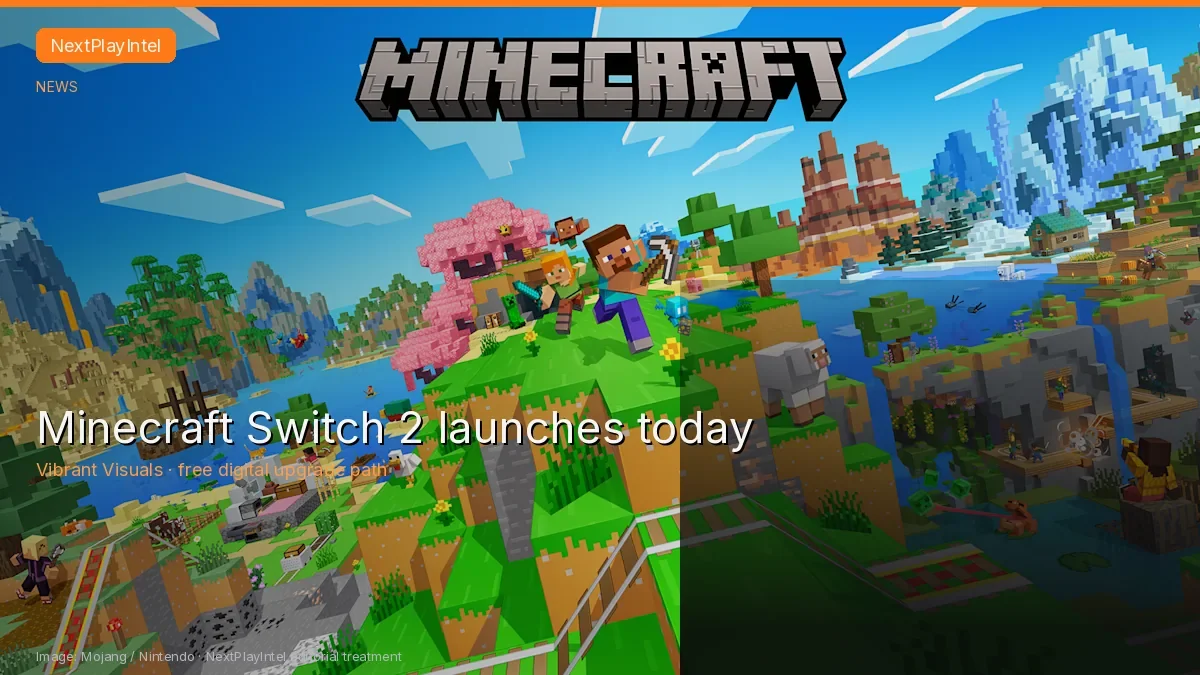
Minecraft for Nintendo Switch 2 is available from 27 October 2026 (Asia/Calcutta). Nintendo and Mojang confirm Vibrant Visuals as the default visual experience, with enhanced lighting and shadows, plus an updated Super Mario Mash-Up Pack that is exclusive to Nintendo versions of Minecraft.
This is a dated news summary of official announcements. Store prices, regional offers and download sizes on your Nintendo Account remain the final check before you buy or claim an upgrade.
Editions and what each includes
Mojang lists three digital editions on Nintendo eShop: Standard, Deluxe Collection and Ultimate Collection. All digital versions include the Super Mario Mash-Up Pack with Vibrant Visuals support. Deluxe adds Celebration Food, Rescue Dogs and Plenty O’Blocks, three exclusive Character Creator items and 700 Minecoins. Ultimate adds those plus Decocraft and Weapons + Tools, five exclusive Character Creator items and 1,000 Minecoins.
A physical Nintendo Switch 2 version is also sold at retail. Minecoins included or bought on a Nintendo device must be used in the Nintendo ecosystem, per Mojang’s note.
Free digital upgrade path (India included)
If you already own a digital copy of Minecraft on the original Nintendo Switch, Mojang says you can claim digital Minecraft Standard Edition for Nintendo Switch 2 for free until the end of January 2027 in most territories. The same post names Japan, Taiwan and Thailand as paid exceptions (100 JPY, 30 NTD and 25 THB). India is not listed among those exceptions, so the free Standard upgrade should apply when the offer appears on the Nintendo Account that owns the original digital purchase—confirm on the eShop before assuming entitlement.
Deluxe or Ultimate upgrades may be offered at a discounted fee. The offer is limited-time and eShop-only. Owners of a physical Switch copy are not covered by the free digital path described in Mojang’s pre-order article.
Vibrant Visuals caveats
Nintendo and Mojang both note that Vibrant Visuals are unavailable in some gameplay, including split-screen and when using certain Marketplace Worlds and content. Do not expect the new lighting mode in every session.
What to do next
Open Nintendo eShop on Switch 2 while signed into the account that owns your library. Search for Minecraft, compare Standard versus Deluxe or Ultimate, and read the confirmation screen for any upgrade price of ₹0 or a local currency amount. If you are moving from Switch, follow Nintendo’s user and save-data transfer tools when you want worlds to carry across—availability of transfer depends on Nintendo’s current transfer windows.
We have not hands-on tested Switch 2 performance or every regional storefront listing. Treat the eShop product page for your account region as authoritative.
Sources & verification
Sources last verified on . This article covers published information, not hands-on testing.