In brief: To install Red Dead Redemption on PC, buy it from Steam, the Epic Games Store or the Rockstar Store, sign in with a Rockstar Games account when the Rockstar Games Launcher asks, and download about 12 GB. The Steam listing requires Windows 10 64-bit, DirectX 12, at least an Intel Core i5-4670 or AMD FX-9590, 8 GB RAM and a GeForce GTX 960 or Radeon R7 360. On 28 October 2026 Steam India listed the game at ₹1,899 (50% off ₹3,799 until 6 November).
By Tulasiram Pemmadi · NextPlayIntel · Last updated 28 October 2026 (Asia/Calcutta).
This how-to explains how to install Red Dead Redemption on PC in India from each official store, how the Rockstar account link works, what hardware you need, which settings matter on first launch, and how to fix the problems players run into most. The PC version, developed with Double Eleven, launched on 29 October 2024 and includes Undead Nightmare. For console buyers, see the India buyer guide instead, and for the short summary visit the Red Dead Redemption hub.
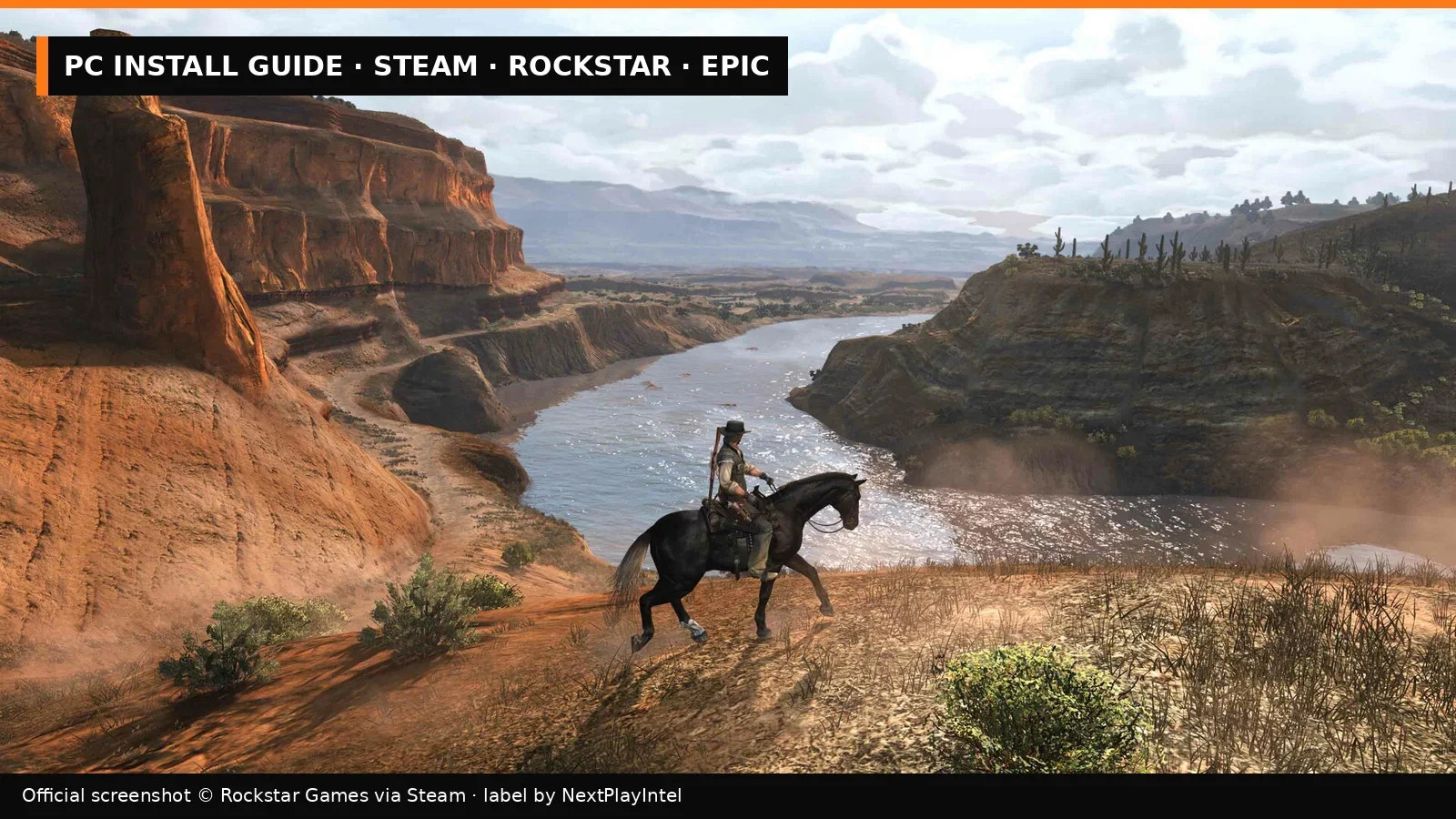
Official screenshot © Rockstar Games via Steam; label by NextPlayIntel.
Step 1: choose where to buy
Take-Two's launch announcement lists three PC stores: the Rockstar Store, Steam and the Epic Games Store. They all deliver the same game, but where you buy decides which app downloads updates.
Store | Price checked 28 Oct 2026 (India) | Downloads and updates through | Sign-in needed |
|---|---|---|---|
Steam | ₹1,899 (list ₹3,799) | Steam | Steam + Rockstar Games account |
Steam bundle with RDR2 | ₹6,898 (list ₹8,798) | Steam | Steam + Rockstar Games account |
Epic Games Store | Not compared in this update | Epic Games Launcher | Epic + Rockstar Games account |
Rockstar Store | Not compared in this update | Rockstar Games Launcher | Rockstar Games account |
We checked only the Steam India price for PC on 28 October 2026. If you prefer Epic or the Rockstar Store, compare the price on the day you buy. Keys bought from unofficial resellers are outside the scope of this guide; if you have a legitimate code, our Rockstar code activation guide and Steam, Epic and Xbox code guide explain where to redeem it.
Step 2: check your PC against the requirements
Component | Minimum (Steam) | Recommended (Steam) |
|---|---|---|
OS | Windows 10 64-bit | Windows 10 64-bit |
Processor | Intel Core i5-4670 / AMD FX-9590 | Intel Core i5-8500 / AMD Ryzen 5 3500X |
Memory | 8 GB RAM | 8 GB RAM |
Graphics | GeForce GTX 960 / Radeon R7 360 | GeForce RTX 2070 / Radeon RX 5700 XT |
DirectX | 12 | 12 |
Storage | 12 GB | 12 GB, SSD recommended |
Three practical checks before you download:
DirectX 12 is mandatory. Very old GPUs that only support DirectX 11 will not run the game, even if they are otherwise fast enough.
Leave free space beyond 12 GB. Updates need room to download and unpack. We suggest at least 20 GB free on the target drive.
An SSD helps. Steam's recommended specification lists one; installing to a hard disk usually means longer loading.
If you play on a Steam Deck, Valve rates the game Playable: the default controls and performance pass, but Valve flags launcher interaction issues (the Rockstar launcher may need touchscreen or trackpad input) and notes that first-time setup needs an internet connection.
Step 3: install from Steam
Buy Red Dead Redemption on Steam (app 2668510) and open your Library.
Select the game and choose Install. Pick a drive with enough space. If you later need to move it, our guide to moving Steam games to another drive avoids a re-download.
When the download finishes, press Play. Steam installs or opens the Rockstar Games Launcher in the background.
Sign in to your Rockstar Games account, or create one. This links your Steam purchase to Rockstar.
Accept the end-user licence agreement. The game then launches.
Updates continue to arrive through Steam. You do not need to buy anything again in the Rockstar Launcher.
Step 4 (alternative): install from Epic Games Store
Buy the game in the Epic Games Store and install it from your Epic library. If you are new to Epic, our Epic Games Launcher install guide covers the launcher itself.
On first launch, the Rockstar Games Launcher opens and asks you to sign in to Rockstar.
Link the account and start the game. Updates come through Epic.
Step 5 (alternative): install from the Rockstar Store
Download the Rockstar Games Launcher from Rockstar's downloads page.
Sign in with the same Rockstar account you used for the purchase.
Open Library, select Red Dead Redemption and choose Install.
Launch it from the Rockstar Games Launcher. Updates come through this launcher.
Step 6: first-launch settings worth changing
Take-Two's PC announcement lists the main PC options, so these are the ones worth checking on first launch:
Setting | What it does | Suggestion |
|---|---|---|
Resolution and refresh rate | Native 4K at up to 144Hz on compatible hardware | Match your monitor's native resolution and refresh rate |
Aspect ratio | 21:9 ultrawide and 32:9 super-ultrawide supported | Choose your monitor's ratio |
HDR | HDR10 output | Turn on only if Windows HDR is enabled and your display supports it |
Upscaling | NVIDIA DLSS 3.7, DLSS Frame Generation, AMD FSR 3.0 | DLSS Quality on RTX cards; FSR on others |
Draw distance and shadows | Adjustable quality | Lower these first if you need more frames on a minimum-spec PC |
Full keyboard and mouse support is included, and controllers work too. Steam lists full controller support.
Fixing common install and launch problems
The game does not start after pressing Play. Check whether the Rockstar Games Launcher opened behind other windows and is waiting for you to sign in. Our general Steam game won't launch checklist covers the remaining steps: update your graphics driver, verify the game files, and allow the launcher through security software.
Steam says the game is not installed. This usually means Steam lost track of the folder. Follow our Steam uninstalled-game recovery guide before re-downloading.
Verify or repair files. In Steam, right-click the game → Properties → Installed Files → Verify integrity of game files. In the Rockstar Games Launcher, open the game's settings and use the verify option. On Epic, use Manage → Verify.
Low frame rate on a minimum-spec PC. Turn on FSR or DLSS, lower draw distance and shadow quality, and close background apps. The GTX 960-class minimum target is modest, so integrated graphics weaker than a GTX 960 may not reach playable frame rates.
Reinstalling without losing progress. Read our guide to reinstalling a game while keeping saves first, and make sure you are signed in to the same Rockstar account afterwards.
What the PC version does not include
There is no multiplayer — Steam's listing states that "Red Dead Redemption does not feature multiplayer content". Buying on PC also does not unlock the console versions, and console copies do not upgrade to PC. Cheats work on PC through Pause → Options → Cheats and the F key; see the cheats page and our cheats guide, and remember that cheats disable Steam achievements for that save.
FAQ-style quick answers
Is Undead Nightmare included? Yes, on every PC store.
How big is the download? Steam lists 12 GB available space.
Does it need an internet connection? First-time setup and the Rockstar sign-in do. Valve's Steam Deck notes also mention that first-time setup needs a connection.
Can I play RDR and RDR2 from the same account? Yes. Both use your Rockstar Games account; see our RDR2 PC install guide for the sequel.
How we checked
We read the Steam store listing and India price on 28 October 2026, Valve's Steam Deck compatibility report for app 2668510, and Take-Two's PC launch announcement on Business Wire. Store interfaces change over time; if a menu label differs, follow the current wording in the app.
Frequently asked questions
Do I need a Rockstar account for the Steam version?
Yes. Steam lists a Rockstar Games account as required, and the Rockstar Games Launcher handles sign-in.
How much space does Red Dead Redemption need on PC?
Steam lists 12 GB of available storage, with an SSD recommended.
What are the minimum PC requirements?
Windows 10 64-bit, Intel Core i5-4670 or AMD FX-9590, 8 GB RAM, GeForce GTX 960 or Radeon R7 360, DirectX 12.
Does it run on Steam Deck?
Valve rates it Playable, noting launcher interaction issues and that first-time setup needs an internet connection.
Is Undead Nightmare included on PC?
Yes. The PC release includes Red Dead Redemption and Undead Nightmare.
Sources & verification
Sources last verified on . This article covers published information, not hands-on testing.
- Steam India: Red Dead Redemption (checked 28 Oct 2026)
- Steam India: Red Dead Redemption + RDR2 bundle
- Take-Two via Business Wire: Red Dead Redemption and Undead Nightmare now available for PC (29 Oct 2024)
- Steam Deck compatibility report: Red Dead Redemption (app 2668510)
- Rockstar Games Launcher downloads
- Rockstar Support: Red Dead Redemption
Editorial & update notes
Published 28 Oct 2026 with India prices checked that day on Steam, PlayStation Store and Xbox Store India.