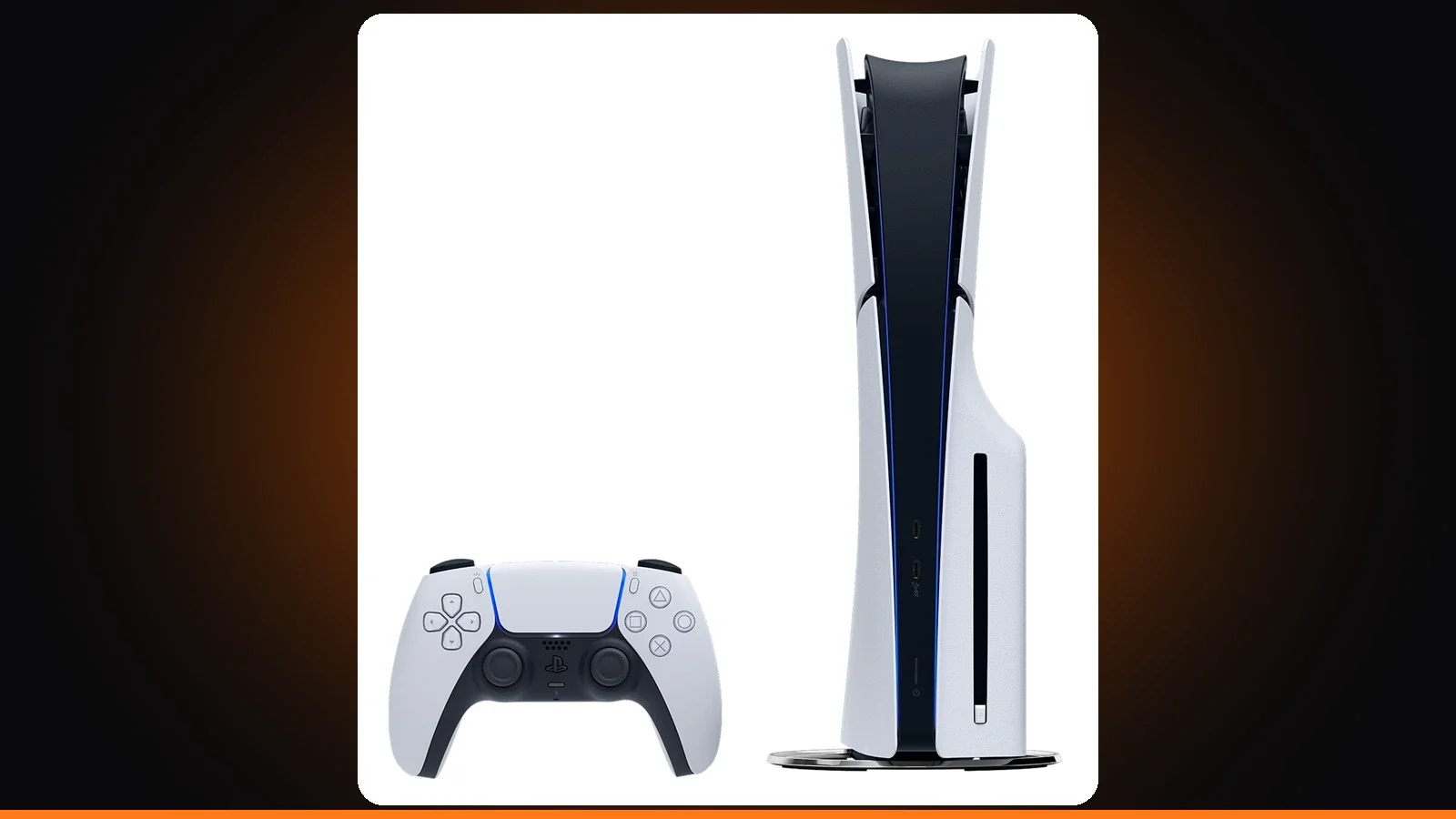
Short answer: rest mode is the PS5's low-power sleep state. To make it useful, go to Settings > System > Power Saving > Features Available in Rest Mode: turn on Stay Connected to the Internet so games and updates download, and set Supply Power to USB Ports to 3 Hours, Always or Adaptive so plugged-in controllers charge. Press the power button once, or use Power > Enter Rest Mode, to put it to sleep.
Rest mode is how most PS5 owners download big games overnight, keep a game suspended between sessions and top up their DualSense. It's also why some people wake up to find nothing downloaded: the useful features are separate switches. This guide follows Sony's own PlayStation Support pages and the PS5 Quick Start Guide, which we checked on 12 November 2026. Menu names can change slightly with system updates, so follow your screen if a label differs.
What PS5 rest mode does
Sony describes three power states for the PS5: on, rest mode and off. In rest mode the console uses little power but can still do a few jobs in the background. According to Sony, that includes:
Downloading games you bought in the PlayStation App and pre-ordered games, if it stays connected to the internet.
Updating games, apps and the system software automatically.
Charging controllers and accessories plugged into its USB ports.
Keeping a game or app suspended, so you can carry on where you stopped.
Letting you wake the console with the PlayStation App or Remote Play, if you allow it.
When the PS5 enters rest mode, the power indicator blinks white and then turns orange. A white light means it's on. Press the PS button on a paired controller, or the console's power button, to wake it.
How to put a PS5 in rest mode
Press the PS button on your controller to open the control center.
Select Power > Enter Rest Mode.
Or press the console's power button once. Holding it until it beeps turns the PS5 off instead.
With factory settings, the PS5 also goes into rest mode by itself after it's been inactive for a while. You can change the delay under Settings > System > Power Saving > Set Time Until PS5 Enters Rest Mode. Choosing Don't Put in Rest Mode keeps the console on, which uses more power.
Don't pull the plug while the light is on or blinking. Sony warns that disconnecting the AC power cord while the power indicator is lit or blinking can cause data loss, corruption or damage. That includes the orange rest mode light. If you need to unplug it, turn the PS5 off first and wait until the light goes out.
PS5 rest mode settings explained
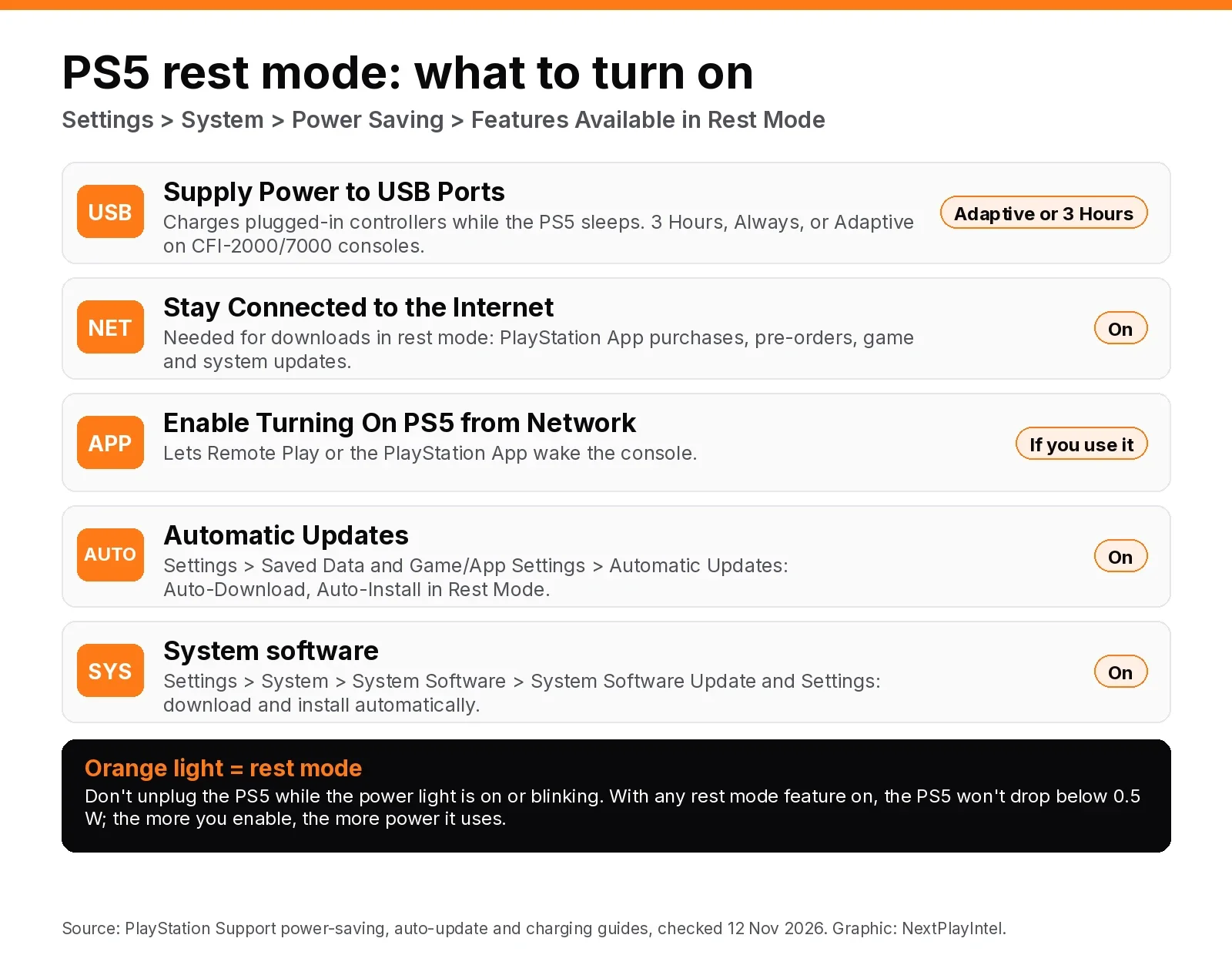
All three rest mode features live in one menu: Settings > System > Power Saving > Features Available in Rest Mode.
Setting | What it does | Our pick |
|---|---|---|
Supply Power to USB Ports | Charges controllers and accessories plugged into the PS5 while it sleeps. Options are Off, 3 Hours and Always, plus Adaptive on CFI-2000 and CFI-7000 model consoles. | Adaptive if you have it, otherwise 3 Hours |
Stay Connected to the Internet | Lets the PS5 download games bought in the PlayStation App, pre-orders, game updates and system software while it sleeps. | On |
Enable Turning On PS5 from Network | Lets the PlayStation App or Remote Play wake the console from rest mode. | On only if you use Remote Play or the app |
The trade-off is power. Sony says that if you turn on any of these features, the PS5 won't automatically lower its power draw below 0.5 W in rest mode, and the more features you enable, the more power it uses. If you only want the console asleep and never download in the background, leave them off.
How to download games and updates in rest mode
Stay Connected to the Internet only opens the door. The automatic download switches are in two other menus:
Turn on Stay Connected to the Internet under Settings > System > Power Saving > Features Available in Rest Mode.
For games and apps, go to Settings > Saved Data and Game/App Settings > Automatic Updates and turn on Auto-Download, and Auto-Install in Rest Mode if you want updates installed too.
For the system software, go to Settings > System > System Software > System Software Update and Settings and turn on Download Update Files Automatically and Install Update Files Automatically.
If you keep a game suspended and don't want it closed, Sony suggests turning on only Auto-Download. The update then downloads in rest mode, and you choose whether to install it when you resume the game.
Pre-orders: Sony says that if you pre-order on PlayStation Store and set up automatic downloads, the game starts downloading as soon as it's available. To do that while the console sleeps, it has to stay connected to the internet. Our guide to pre-loading PS5 games covers the rest.
Rest mode and the GTA VI pre-load
Grand Theft Auto VI pre-loading opened on 10 November 2026 for digital pre-orders, and the game unlocks on 19 November, according to Rockstar. Rockstar says the download needs up to 212 GB, depending on the console. With the settings above, a PS5 in rest mode can fetch those files, and later updates, while you sleep. Check that you have the space first with our PS5 storage guide, and see the GTA VI pre-load times and size for the details.
How to charge a controller in rest mode
Go to Settings > System > Power Saving > Features Available in Rest Mode.
Set Supply Power to USB Ports to 3 Hours, Always or, on CFI-2000 and CFI-7000 model consoles, Adaptive.
Connect the controller to the console with a USB cable before it goes to sleep.
While it charges in rest mode, the controller's light bar slowly blinks orange, and it turns off when charging is complete. With 3 Hours, the USB ports get power for only three hours after the console enters rest mode, as Sony explains for PS4. Adaptive adjusts the charging time to the controller's remaining battery level to save power. Sony says it works with DualSense, DualSense Edge, PS VR2 Sense controllers and the Access controller, through the USB Type-C port with the included USB Type-C cable.
Rest mode or turn off: which should you use?
Use | Rest mode | Turn off |
|---|---|---|
Download games and updates | Yes, with Stay Connected to the Internet on | No |
Charge controllers from the console | Yes, with Supply Power to USB Ports on | No |
Resume a suspended game | Yes | No, games close |
Wake with Remote Play or the PlayStation App | Yes, with Enable Turning On PS5 from Network on | No |
Lowest power draw | Below 0.5 W only with all rest mode features off | Lowest |
To turn the PS5 off, open the control center and select Power > Turn Off PS5, or hold the power button until it beeps. If the console is acting up, Sony suggests Restart PS5, which turns it off completely and back on.
PS5 rest mode not working? Quick fixes
Nothing downloaded overnight: check that Stay Connected to the Internet is on, then check Auto-Download under Automatic Updates. Both are needed. If a download is stuck, see our PS5 download stuck fixes.
Controller didn't charge: make sure Supply Power to USB Ports isn't Off, the cable goes into the console itself, and the light bar blinked orange when the console went to sleep. On 3 Hours, charging stops after three hours.
Remote Play or the PlayStation App can't wake the PS5: turn on both Stay Connected to the Internet and Enable Turning On PS5 from Network. Our PS5 Remote Play guide covers pairing and network checks.
The PS5 keeps falling asleep mid-download or during a film: increase or change Set Time Until PS5 Enters Rest Mode under Power Saving.
Problems after waking from rest mode: try Power > Restart PS5. If issues continue, work through our PS5 troubleshooting guide and the Safe Mode and rebuild database steps.
Related guides
Frequently asked questions
Is it OK to leave a PS5 in rest mode?
Yes. Rest mode is Sony's own low-power state for the PS5, built for background downloads, updates and charging. It uses more power the more rest mode features you turn on.
Does a PS5 download games in rest mode?
Yes, if Stay Connected to the Internet is on under Settings > System > Power Saving > Features Available in Rest Mode, and Auto-Download is on under Saved Data and Game/App Settings > Automatic Updates.
What does the orange light on a PS5 mean?
An orange power indicator means the PS5 is in rest mode. When you enter rest mode it blinks white first, then turns orange. A solid white light means the console is on.
Is it better to turn off a PS5 or use rest mode?
Use rest mode if you want downloads, updates, controller charging or a suspended game kept ready. Turn it off if you want the lowest power use and don't need those features.
Can I unplug my PS5 in rest mode?
No. Sony warns not to disconnect the power cord while the power indicator is lit or blinking, which includes the orange rest mode light. Turn the console off first and wait until the light goes out.
Sources & verification
Sources last verified on . This article covers published information, not hands-on testing.