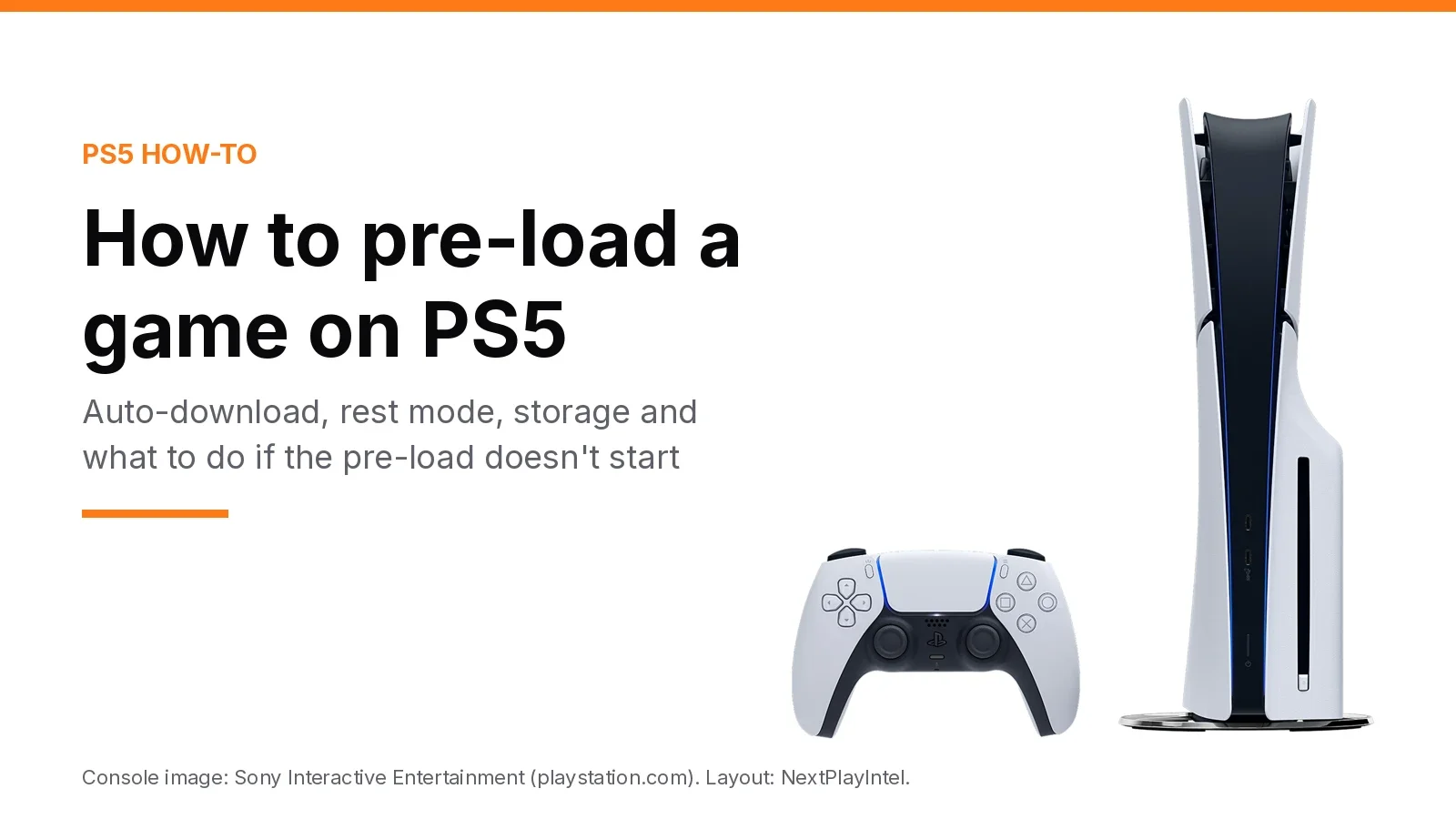
Short answer: pre-order the game on the PlayStation account you play on, open its countdown in Game Library and make sure the game's checkbox is ticked, turn on Stay Connected to the Internet for rest mode, free enough storage, then leave the PS5 in rest mode. The download starts by itself when the publisher's pre-load window opens, and the game unlocks at release.
Pre-loading (PlayStation calls it pre-download) is how you avoid a 100 GB+ download on launch night. This guide covers every setting that has to be right, how pre-load timing works, what changes for code-in-box copies, and what to do if the download doesn't start. We use GTA VI as the worked example because its PS5 pre-load opens at local midnight on 10 November 2026, but the steps work for any PS5 pre-order. They come from PlayStation Support's US pages, which we checked on 9 November 2026. Menu names can change with system updates, so follow your screen if it differs slightly.
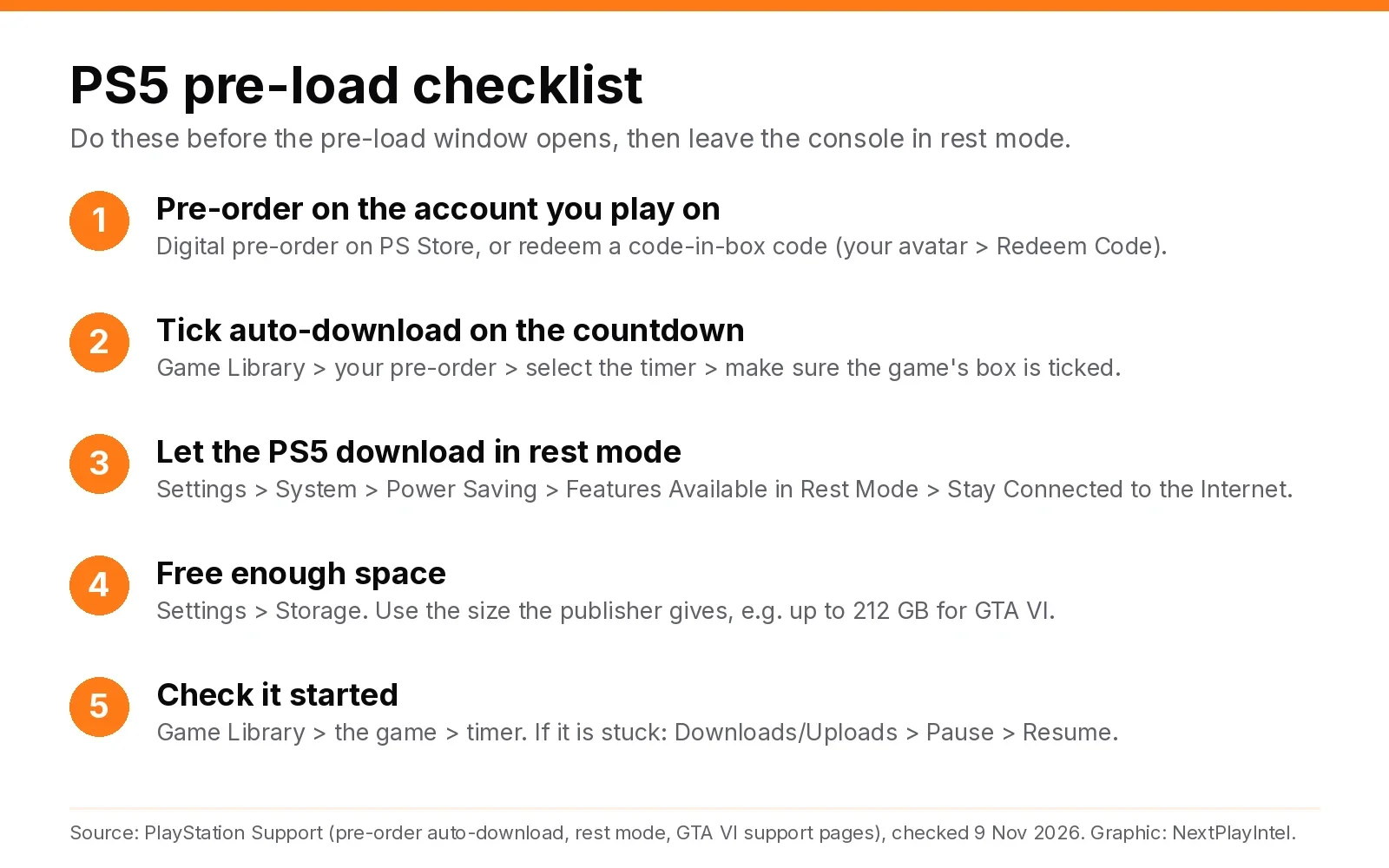
What pre-loading on PS5 means
When you pre-order a game on PlayStation Store, the publisher can let PS5 owners download it before release. The files sit locked on your console until the release time, then the game unlocks without another big download (there may still be a day-one patch). PlayStation Support says that if you pre-order and set up automatic downloads, "your content will start downloading as soon as it's available".
Two things are worth knowing up front. First, pre-load is optional and set per game: not every pre-order offers it, and the publisher picks the start date. Second, the PS Store listing and the countdown timer on your console are the final word for your account and region.
Settings to check before the pre-load window
Setting | Where to find it on PS5 | Why it matters |
|---|---|---|
Auto-download for the pre-order | Game Library > your pre-order > select the countdown timer > tick the game | If the box is cleared, the PS5 won't fetch the game when the window opens |
Stay Connected to the Internet | Settings > System > Power Saving > Features Available in Rest Mode | Lets the console download while it's in rest mode overnight |
Automatic updates | Settings > Saved Data and Game/App Settings > Automatic Updates > Auto-Download (and Auto-Install in Rest Mode) | Keeps the day-one patch and system updates from blocking you at launch |
Free storage | Settings > Storage | The download won't start, or will stall, if there isn't enough space |
System software | Settings > System > System Software > System Software Update and Settings | PlayStation lists an out-of-date console as a reason a pre-load won't start |
How to pre-load a game on PS5, step by step
Pre-order the game on PlayStation Store while signed in to the account you play on. The pre-order appears in your Library.
Bought a boxed copy? Redeem the code first: select your avatar, choose Redeem Code and enter it. For GTA VI the box contains only a download code, not a disc, according to PlayStation Support.
From your games home, go to Game Library > Your Collection and select the pre-order. A timer counting down to release appears.
Select the timer and make sure the checkbox next to the game is ticked. That turns auto-download on for that title.
Turn on Stay Connected to the Internet under Settings > System > Power Saving > Features Available in Rest Mode.
Check your free space in Settings > Storage and clear enough room for the size the publisher gives.
Before the window opens, open the control centre and select Power > Enter Rest Mode. The PS5 downloads in the background.
After the window opens, go back to Game Library, select the game and its timer, and check that the download has started. You can also start it by hand with the download option.
When does a PS5 pre-load start?
The publisher decides. Some open pre-loads a few days before release, some a week or more ahead, and some at local midnight in each region, so the start rolls around the world. Check the game's PS Store page, the publisher's announcement or the countdown timer on your console.
GTA VI is a good example of how different platforms can be. Rockstar's Newswire post of 3 November 2026 gives these times:
Platform | Pre-load opens | Same moment in UTC / US Eastern / India |
|---|---|---|
PS5 | Midnight local time on 10 Nov 2026, in each time zone | Varies by region: 00:00 IST in India, 00:00 ET in New York |
Xbox Series X|S | 12 a.m. GMT on 10 Nov 2026, worldwide at once | 00:00 UTC 10 Nov / 7 PM ET 9 Nov / 5:30 AM IST 10 Nov |
Code-in-box (both consoles) | When you redeem the code; retail copies from 12 Nov 2026 | Redeem, then follow the same steps |
GTA VI itself unlocks at midnight local time on 19 November 2026 on PS5, according to PlayStation Support. For more detail see our GTA VI preload times for India and GTA VI file size and storage guide.
How much storage do you need?
Use the figure the publisher or store page gives, and leave headroom for the day-one patch. Rockstar says the GTA VI pre-load needs up to 212 GB depending on your device. Check the free space figure in Settings > Storage well before the window opens, because a few large games can use most of a PS5's internal SSD.
Delete games you've finished. Your purchases stay in your Library, so you can download them again later.
Move PS4 games or finished PS5 games to USB extended storage. PS5 games can be kept on USB storage, but they have to be copied back to console storage or an M.2 SSD to play. See PS5 games on USB storage.
Add an M.2 SSD if you're always short of space: how to install an SSD on PS5.
If the PS5 pre-load doesn't start
PlayStation Support's GTA VI page lists these fixes, and they apply to any pre-order:
If the game shows in Downloads/Uploads but isn't moving, select it, choose Pause, then Resume.
If that fails, select the download, choose Cancel and Delete, return to Game Library, select the game and turn auto-download back on.
Check you're signed in to the account that made the pre-order or redeemed the code.
Check the PS5 is online, has enough free space and is on the latest system software.
Still stuck after the window has opened? Our PS5 download stuck guide covers queue errors and the error codes that show up most often.
Pre-loads, console sharing and refunds
Playing on a shared or second console? Turn on Console Sharing and Offline Play under Settings > Users and Accounts > Other on the console you play on, so other accounts can use the game. See PS5 console sharing and offline play.
Refunds: PlayStation Support (US) says you can cancel a pre-order for a refund before release, and after release only within 14 days and only if the content hasn't started downloading. If you think you might cancel, do it before release, or check your region's PS Store Cancellation Policy before letting a pre-load run.
What we checked
We compared PlayStation Support's pre-order, automatic-update and GTA VI support pages (US), and Rockstar's 3 November 2026 Newswire post, on 9 November 2026. We converted Rockstar's GMT time into UTC, US Eastern and IST ourselves. We haven't tested a GTA VI pre-load on our own console, because the window hadn't opened when we published this guide.
Frequently asked questions
How do I pre-download a game on PS5?
Pre-order it on PlayStation Store, open its countdown in Game Library and make sure the game is ticked for auto-download. Turn on Stay Connected to the Internet in rest mode, free enough storage and leave the PS5 in rest mode. The download starts when the publisher's pre-load window opens.
Why is my PS5 pre-load not downloading?
Check the window has actually opened, that you're on the account that made the pre-order, that auto-download is ticked on the countdown and that you have enough space. If it's in Downloads/Uploads but stuck, pause and resume it, or cancel it and turn auto-download back on.
Can I play a pre-loaded game early?
No. Pre-loaded files stay locked until the release time on your account. For GTA VI that's midnight local time on 19 November 2026 on PS5, according to PlayStation Support.
Does a boxed PS5 copy pre-load?
Only after you redeem its code on the account you play on. GTA VI's PS5 box contains only a download code, and Rockstar says code-in-box copies reach retailers from 12 November 2026.
Can I cancel a PS5 pre-order after pre-loading?
PlayStation Support (US) says pre-orders can be cancelled for a refund before release, but after release only within 14 days and only if the download hasn't started. Rules vary by region, so check your PS Store Cancellation Policy first.
Sources & verification
Sources last verified on . This article covers published information, not hands-on testing.