

Last updated 28 October 2026 · Prices checked 28 Oct 2026 · Steps from PlayStation Support
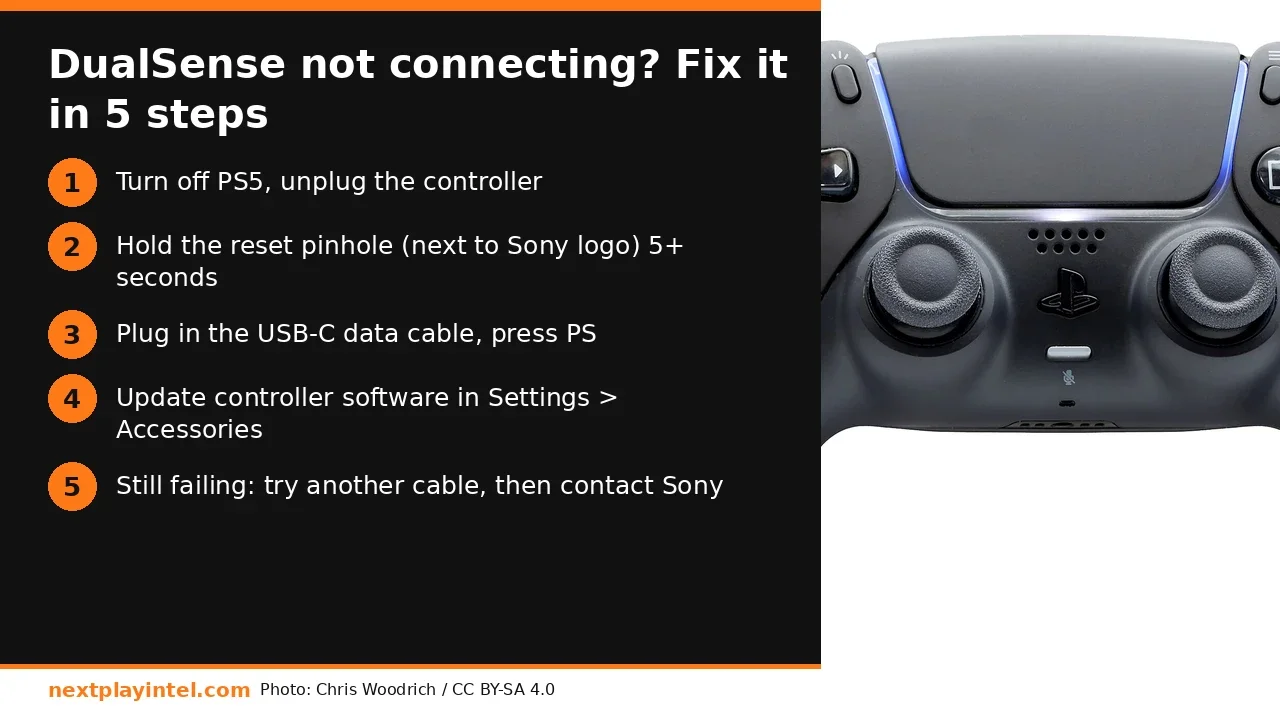
Short answer: If your DualSense won't connect to your PS5, turn the console off, then press the reset button in the small hole next to the Sony logo on the back of the controller for at least 5 seconds. Reconnect it with a USB-C cable that carries data and press the PS button. That fixes most pairing loops. If it doesn't, update the PS5 and the controller software, try a different cable, and remove other Bluetooth devices before you think about a repair.
Which DualSense problem do you have?
"Controller not connecting" covers a few different faults, and each one has a different fix. Find yours in the table first, so you don't factory-reset the PS5 to fix something the controller's pinhole reset would have handled.
What you see | Likely cause | First fix |
|---|---|---|
Light bar blinks blue, then goes dark | The controller is looking for a console it was paired with before (another PS5, a PC or a phone) | Reset with the pinhole, then pair by USB |
Nothing happens over the cable | The cable only charges (no data lines) or the port is loose | Use the cable from the box or a known data USB-C cable |
It connects, then drops every few minutes | Wireless interference, low battery or old controller software | Charge it, move the PS5 out of a closed cabinet, update the controller |
Orange light on the controller, no response | It is charging while the PS5 is in rest mode, which is normal | Turn the PS5 on and press PS |
Inputs register on their own (drift) | Stick wear or debris, which a reset can't fix | Reset and update first, then use warranty service |
Step 1: Reset the DualSense (the official way)
Sony's own troubleshooting page puts the reset first, and so do we. It clears the controller's pairing memory. It does not delete anything on your PS5.
Turn off the PS5 fully. Rest mode is not enough: hold the PS button, choose Power > Turn Off PS5, and wait for the light on the console to go out.
Unplug the USB cable from the controller.
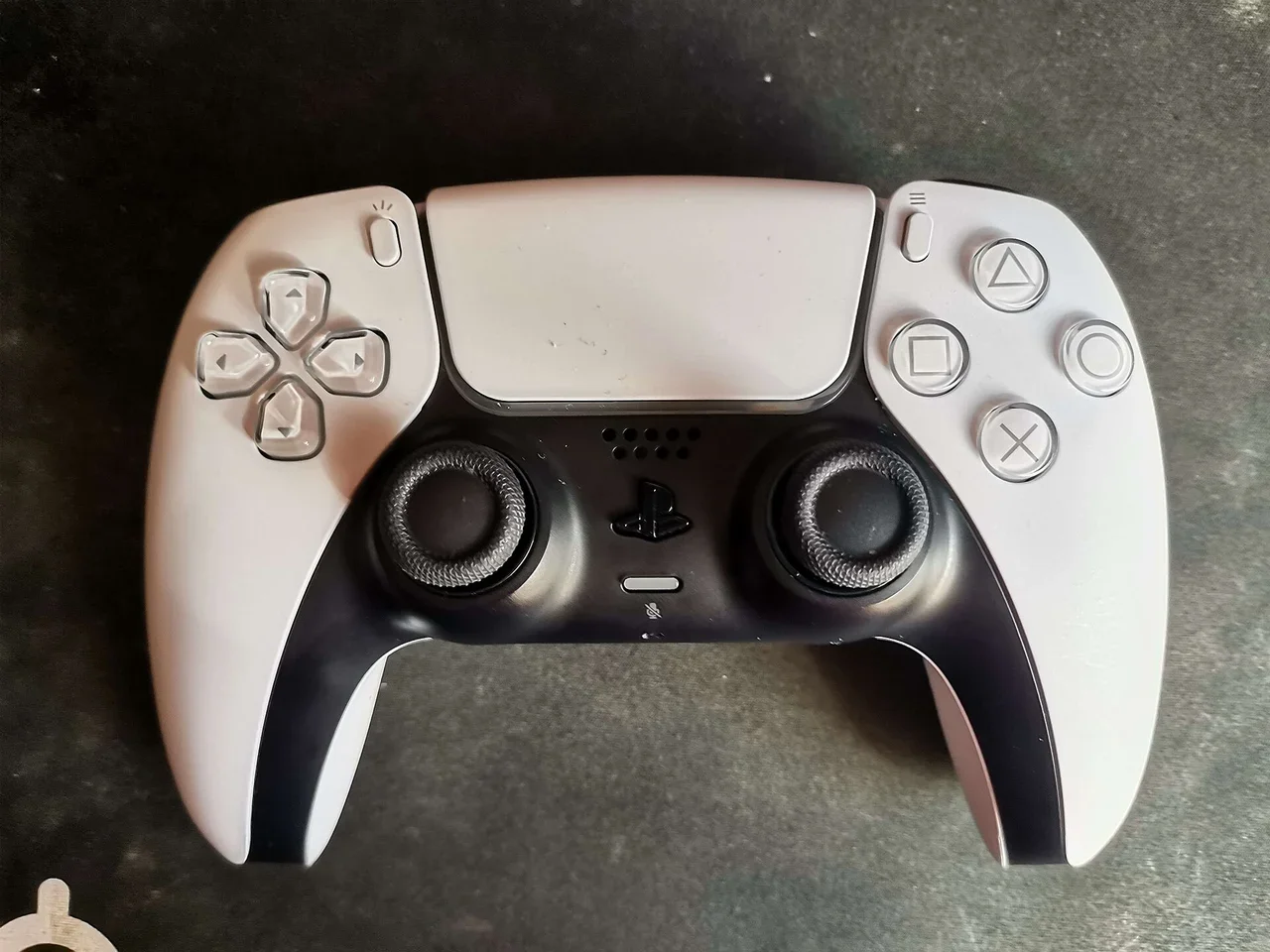
Turn the controller over. Find the small hole next to the Sony logo on the back.
Push a SIM-ejector pin or an unfolded paper clip into the hole and hold the button for at least 5 seconds.
Turn on the PS5, connect the controller with the USB cable that came with it, and press the PS button. The light bar should glow and the controller should ask which user is playing.
Step 2: Rule out the cable and port
Many USB-C cables are charge-only, especially the ones bundled with power banks and cheap phone chargers. A DualSense can only pair over USB if the cable carries data. Signs your cable is the problem:
The controller charges (you see an orange light in rest mode) but never pairs when you press PS.
The same cable won't show a phone as a file-transfer device on a laptop.
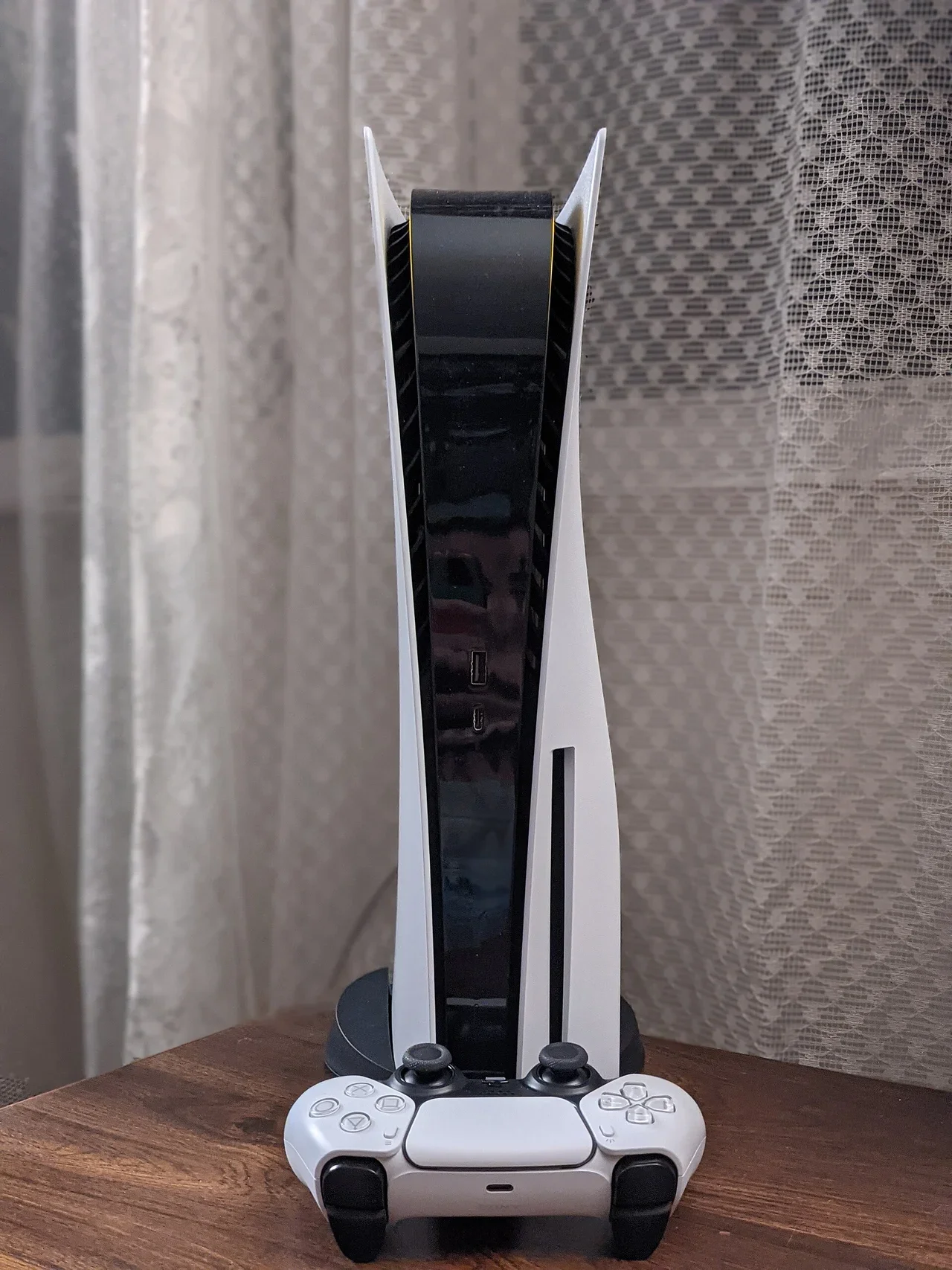
Pairing works on the front USB-C port but not on a rear port, or the other way round. Try both. On the PS5 Slim, both front ports are USB-C.
Use the USB-C to USB-A or USB-C cable that came with the console. Use a short cable, under 2 metres, and avoid USB hubs while pairing.
Step 3: Update the PS5 and the controller software
Update the console: Settings > System > System Software > System Software Update and Settings.
Update the controller: connect it with the cable, then go to Settings > Accessories > Controllers (General) > Wireless Controller Device Software. The PS5 also offers controller updates automatically when they're available.
Keep the cable plugged in until the update finishes. Unplugging it halfway is the main way a controller ends up "dead". If that happens, reset it with the pinhole and connect it again. The PS5 will usually offer to repair the update.
If you also use the controller on a Windows PC, Sony's Firmware updater for DualSense wireless controller app can update it without a console.
Pairing a second controller, or pairing without a cable
With one working controller already connected, you can add another without a cable. On the working controller go to Settings > Accessories > General > Bluetooth Accessories. On the new controller, hold Create and PS together until the light bar blinks quickly, then select it on screen. The same Create + PS hold puts a DualSense into pairing mode for a PC, Mac, Android phone or iPhone. Each time it pairs with another device, it can forget the PS5, which explains the "it worked yesterday" calls after a phone pairing.
If it connects but keeps disconnecting
Battery: a fully drained DualSense may need 10-15 minutes on the cable before it pairs reliably.
Interference: a PS5 in a closed TV cabinet behind a metal set-top box and a 2.4 GHz router is a common setup in many homes. Open the cabinet, or move the router away from the console.
Power saving: check Settings > System > Power Saving > Set Time Until Controllers Turn Off. If you set it to 10 minutes, the controller "disconnects" on purpose.
Too many Bluetooth devices: remove headsets or keyboards you don't use from Bluetooth Accessories.
When to stop and claim warranty
Stop troubleshooting and contact Sony support (or the retailer that sold it) if any of these is true:
The controller doesn't light up on any cable, even after an hour of charging.
The reset button does nothing (no click), or the USB-C port wobbles.
Stick drift comes back within minutes of a reset and update.
Don't open the controller while it's under warranty, because that voids the claim. Keep your invoice and the serial number from the box.
Related NextPlayIntel guides
PlayStation 5 buyer page (US, UK, EU and India prices)
Buying in India
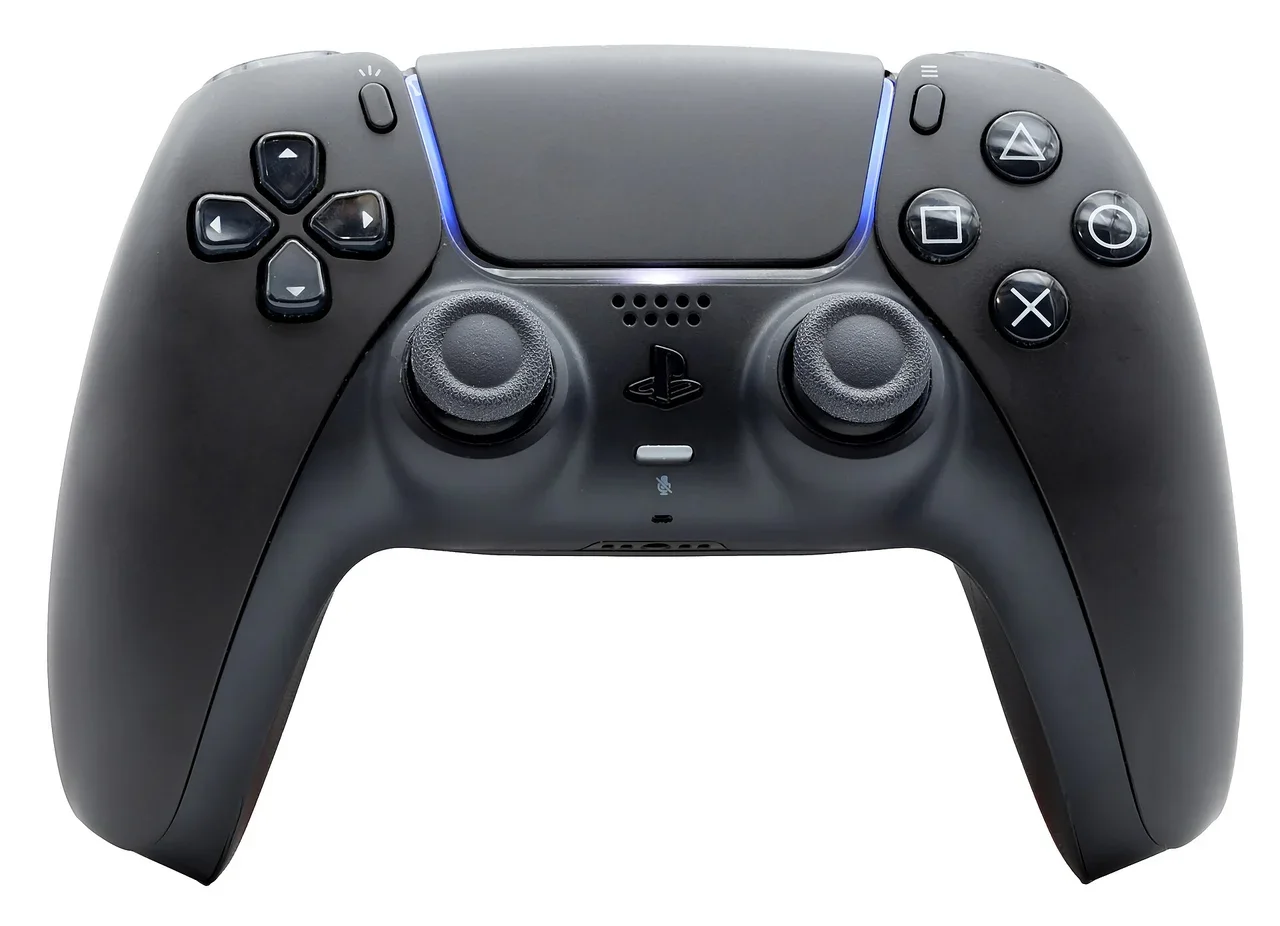
Replacement DualSense prices: India (₹) and US ($)
If the pinhole reset, a known-good cable and an update don't help, the controller may be faulty. The DualSense carries a one-year manufacturer warranty in India (according to Sony India's retail listings), so check your invoice before you buy a new one. Prices below were checked on 28 October 2026.
Controller | India price (₹) | US price (USD), checked 28 Oct 2026 |
|---|---|---|
DualSense (white, standard) | ₹6,390 MRP · about ₹5,839 street on Amazon.in | $74.00 on PlayStation Direct US (listed as currently unavailable); $74.99 at US retailers after the August 2026 increase |
DualSense (black and colour variants) | ₹5,999-₹6,849 at Croma depending on colour | $84.00 for limited editions on PlayStation Direct US; standard colours unconfirmed |
DualSense Edge | ₹18,990 at Croma | Unconfirmed |
DualSense Charging Station | Unconfirmed | $29.00 on PlayStation Direct US |
US prices exclude sales tax. India street prices change daily during sales, so treat them as a guide, not a quote.
Frequently asked questions
Where is the reset button on a PS5 controller?
It is inside the small hole next to the Sony logo on the back of the DualSense. Press it with a pin for at least 5 seconds while the PS5 is off, then reconnect the controller by USB and press PS.
Does resetting a DualSense delete my games or saves?
No. The reset only clears the controller's pairing. Your games, saves and settings on the PS5 are not touched.
Why does my PS5 controller only charge but not connect?
The cable is probably charge-only. Use the cable from the PS5 box or another USB-C cable that carries data, then press PS.
How do I connect a PS5 controller without a cable?
With another controller already working, open Settings > Accessories > General > Bluetooth Accessories and hold Create + PS on the new controller until the light bar blinks quickly, then select it.
How much is a new DualSense in India and the US?
On 28 October 2026 the white DualSense was ₹6,390 MRP (about ₹5,839 on Amazon.in) in India and $74.00 on PlayStation Direct US ($74.99 at US retailers).
Sources & verification
Sources last verified on . This article covers published information, not hands-on testing.
Editorial & update notes
New guide published 28 Oct 2026 with official support citations and INR + USD prices checked 28 Oct 2026.