Quick Answer: Summary of Steps
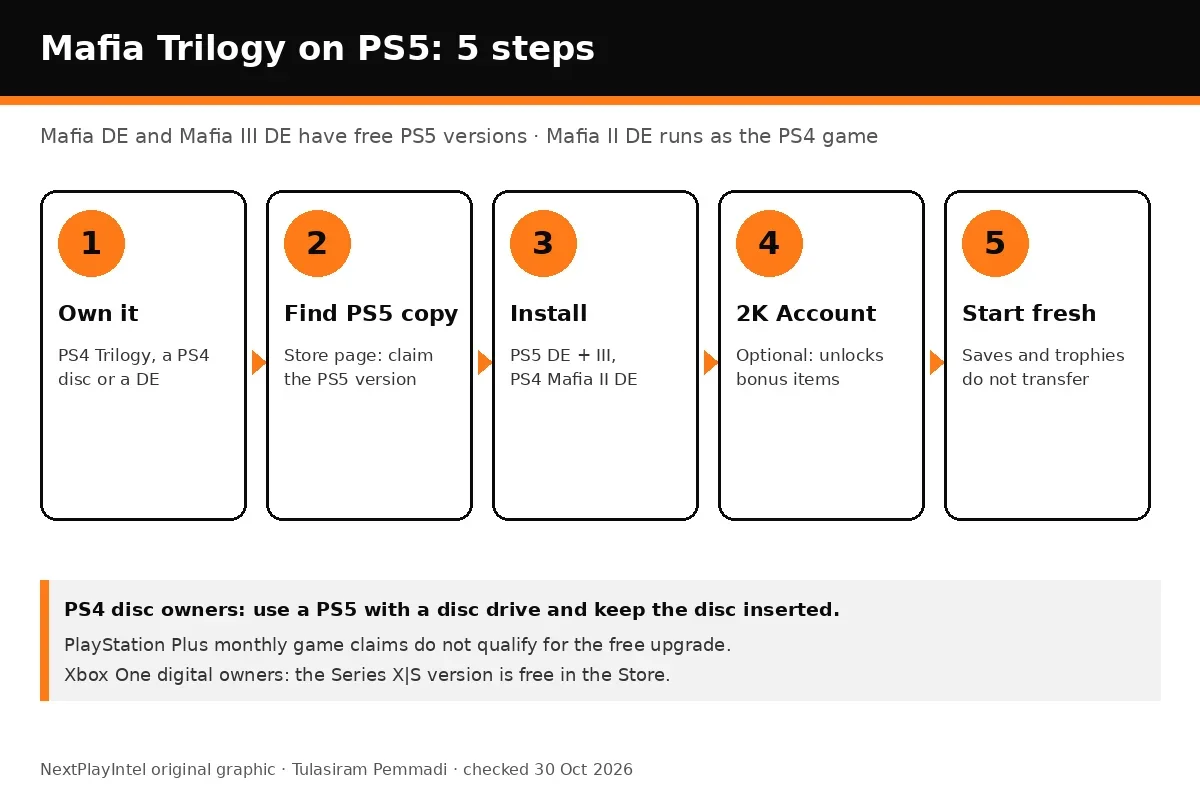
- Check what you own. A PS4 or Xbox One copy of Mafia DE, Mafia III DE or the Trilogy qualifies; PS Plus monthly claims do not.
- Claim the free current-gen versions. Add the PS5 versions from PlayStation Store, or find the Series X|S versions in your Xbox library or the Microsoft Store.
- Install Mafia II DE as the PS4 or Xbox One game. It has no PS5 or Series X|S version and runs through backward compatibility.
- Link a free 2K Account. Sign in at the first-launch prompt to unlock each game's bonus pack.
- Start a new save. Saves, trophies and achievements do not transfer from PS4 or Xbox One.
Prerequisites & Materials Needed
Required tools & items
- A PS5, PS5 Pro or Xbox Series X|S — a PS5 with a disc drive if you are upgrading a PS4 disc
- A qualifying copy — Mafia DE, Mafia III DE, Mafia: Trilogy or the Omertà Collection on the same PSN or Xbox account
- Free storage — 2K did not publish console sizes; Steam lists 50 GB per game on PC, so plan for about that much each
- An internet connection — for the download and the optional 2K Account rewards; no PS Plus or Game Pass needed
- A free 2K Account (optional) — unlocks the Black Cats Motorcycle Pack, Made Man Pack and The Classico rewards
Estimated time
- Preparation: About 5 minutes to check your library, account and free space
- Execution: About 10 minutes of setup, plus download time for up to three games
Step-by-Step Instructions
Step 1: Confirm which copy you own
The free upgrade depends on how you got the game, and PS Plus monthly claims do not count.
- Execute: on PS5 open Game Library → Your Collection and check that Mafia: Definitive Edition, Mafia III: Definitive Edition or Mafia: Trilogy is listed as purchased; on Xbox open My games & apps → Full library.
- Note whether you own a disc or a digital copy, because the routes differ.
- Look out for: If the game came from PlayStation Plus Essential's monthly games, 2K says it does not qualify; you would need to buy it.
How you know it worked: You can see the Mafia game in your purchased library on the same account you use on the new console.
Step 2: Claim the PS5 or Series X|S versions of Mafia DE and Mafia III DE
The current-gen versions are separate store listings, so they do not replace the last-gen install automatically.
- Execute: on PS5, search PlayStation Store for Mafia: Definitive Edition and Mafia III: Definitive Edition, open the PS5 versions and choose Add to Library or Download; they should show no price for you.
- PS4 disc owners: insert the disc in a PS5 with a disc drive, open the game hub and select the upgrade offer.
- On Xbox Series X|S, Trilogy owners find both games in the library; single-game owners search the Microsoft Store for the Xbox Series X|S version.
- Pro Tip: Use the PS5 or Series X|S product pages linked from the store, not the PS4 listing, or you will download the old version again.
- Look out for: A disc upgrade only works while the PS4 disc is in the drive, and 2K says region-mismatched discs do not get the offer.
How you know it worked: The PS5 or Xbox Series X|S version appears in your library with a Download button.
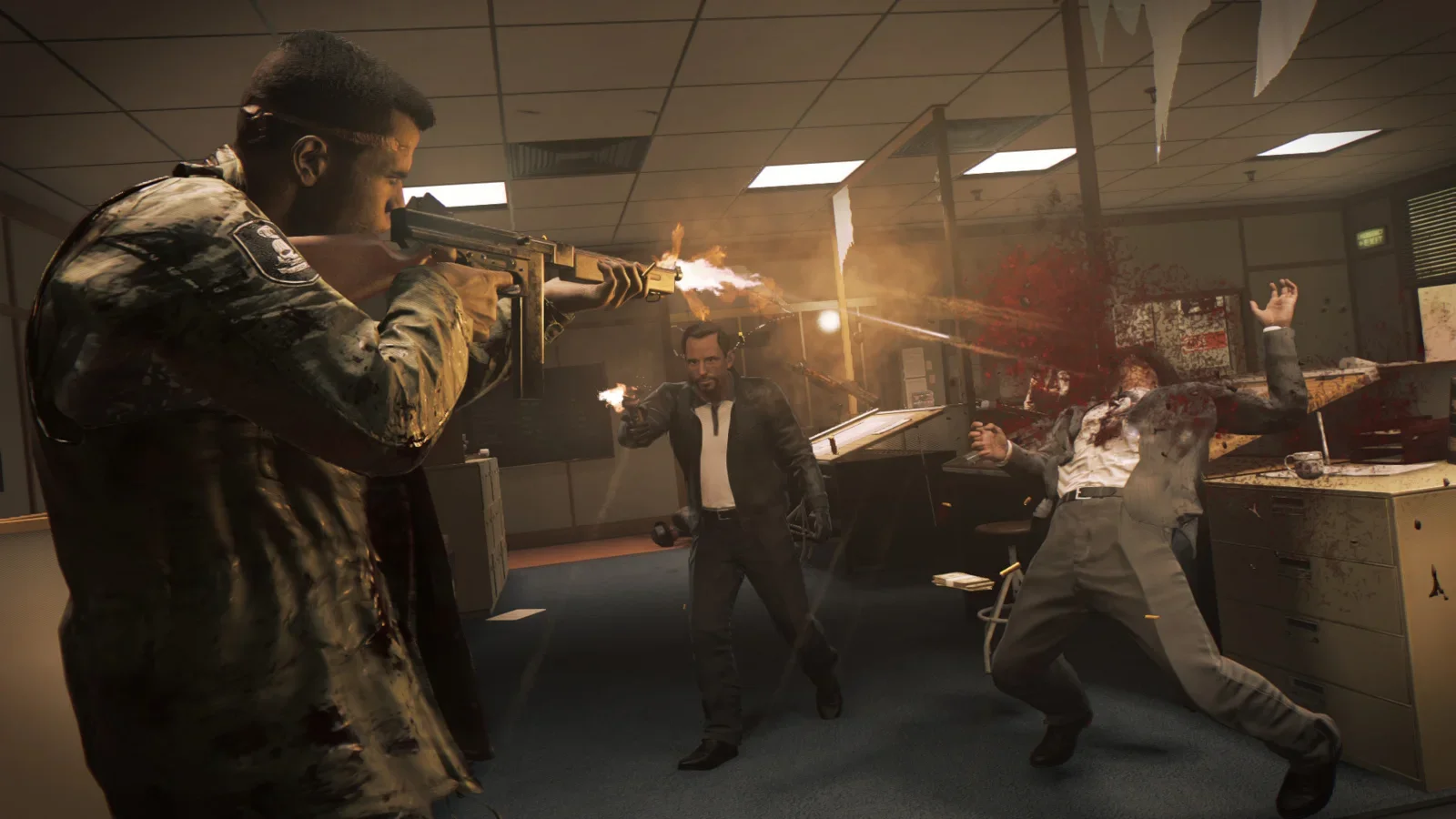
Step 3: Install Mafia II: Definitive Edition as the last-gen game
Mafia II DE never got a current-gen version, so you play the PS4 or Xbox One build.
- Execute: download Mafia II: Definitive Edition from your library; on PS5 it installs as a PS4 game and on Series X|S as an Xbox One game.
- Store it on external USB storage if your internal drive is full; last-gen games can play from USB on both consoles.
- Pro Tip: Mafia II DE was on sale for $5.99 (Rs 399 in India) on PlayStation Store until 5 November 2026 if you need to buy it.
How you know it worked: The game starts from your home screen; the store page shows it as a PS4 or Xbox One title.
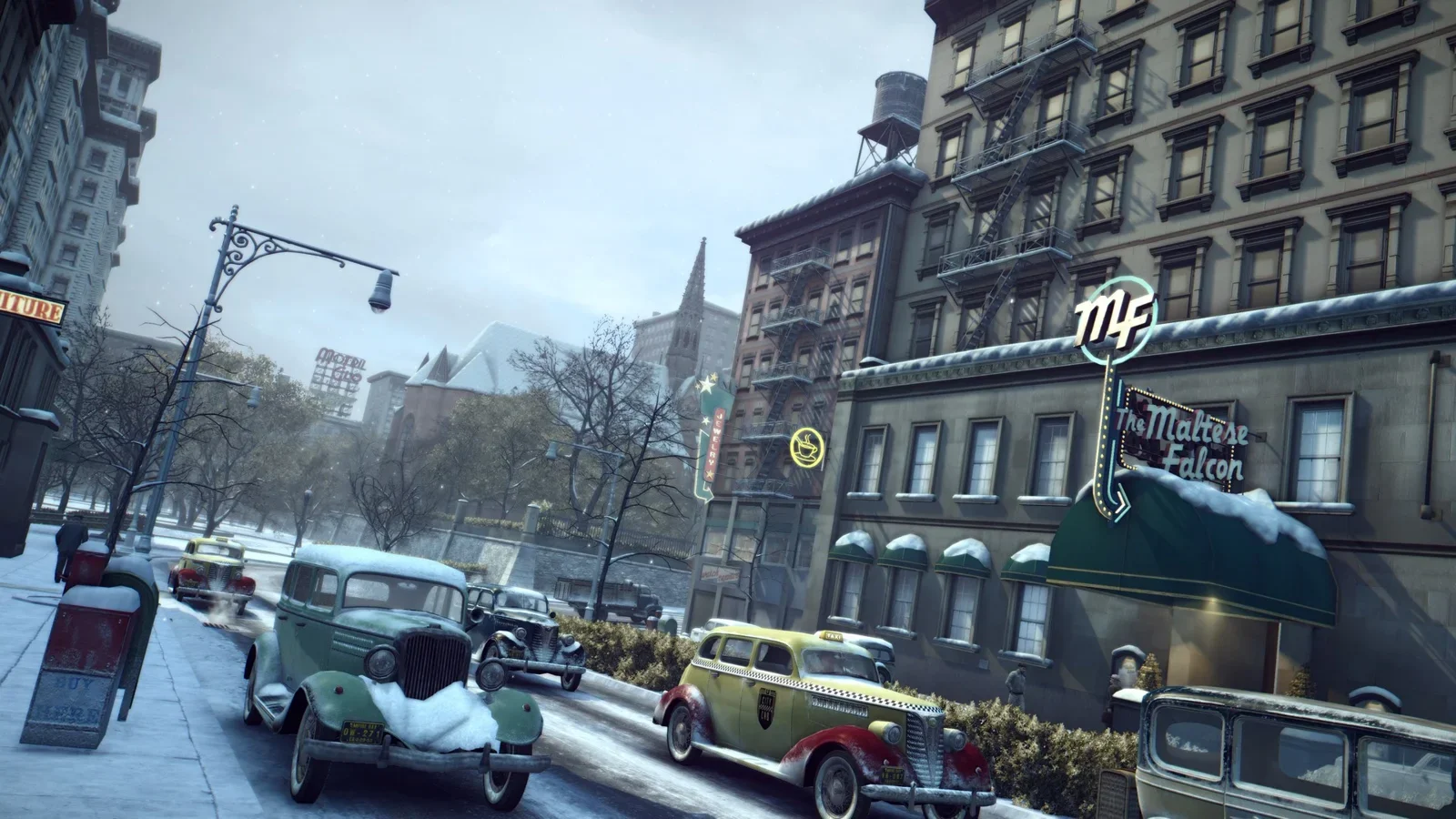
Step 4: Sign in with a 2K Account for the free rewards
Each Definitive Edition gives a free item pack the first time you sign in online.
- Execute: start each game while online and accept the 2K Account prompt; create an account at the prompt if you do not have one.
- Check the garage, wardrobe or Arms Dealer for the unlocked items.
- Pro Tip: Rewards stay on that platform even when you are offline later, and you can reclaim them after reinstalling by signing in again.
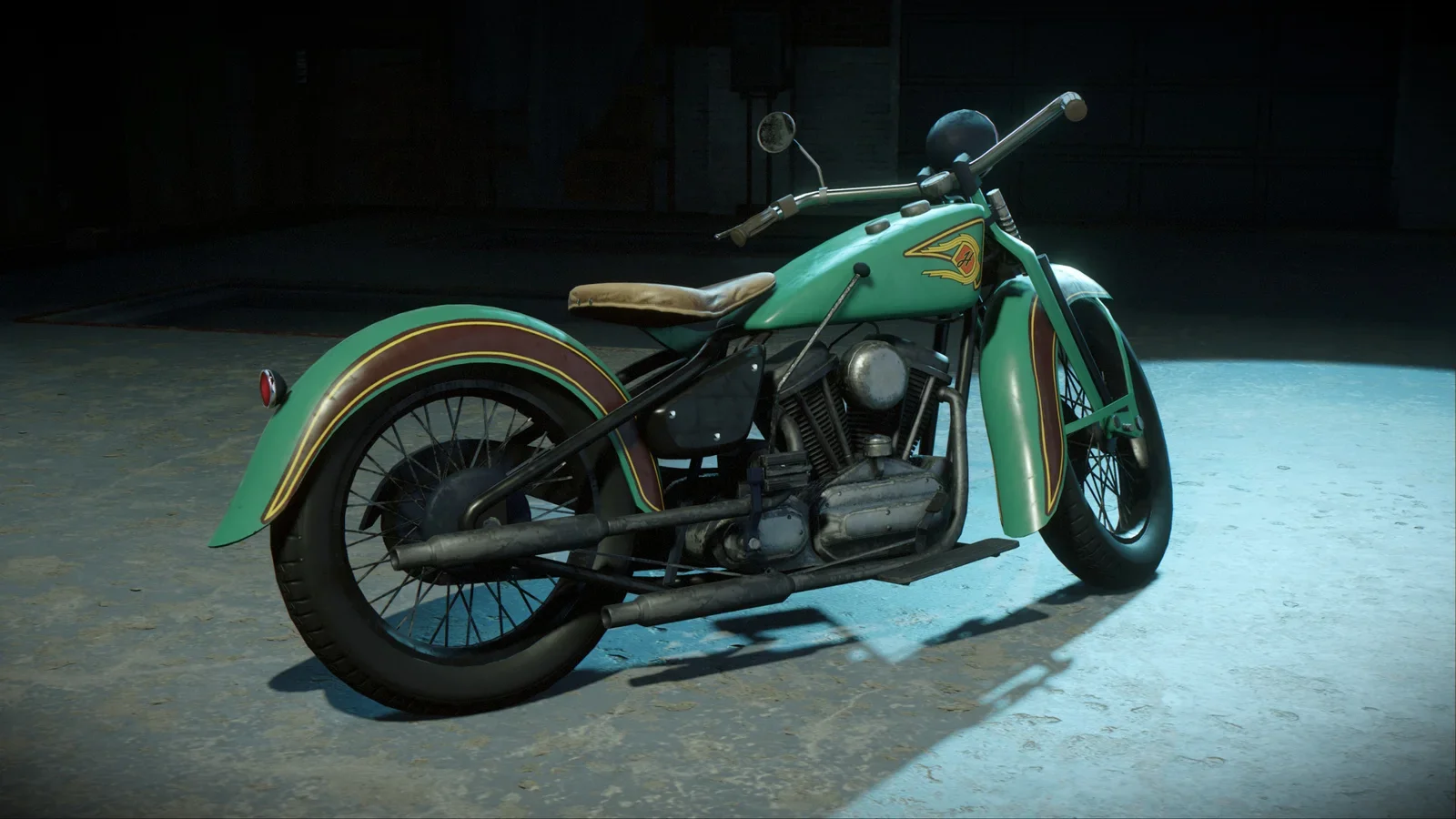
How you know it worked: Mafia DE shows the Black Cat Tomahawk motorcycle, Mafia II DE the Made Man Pack cars and suits, and Mafia III DE The Classico suit.
Step 5: Start a new save and check your settings
PS4 and Xbox One saves cannot be moved to the current-gen versions.
- Execute: begin a new game in the PS5 or Series X|S version and set brightness, subtitles and difficulty in the options menu.
- Keep the last-gen install only if you want to finish an old save there; otherwise delete it to free space.
- Look out for: Trophies and achievements are separate lists on PS5 and Series X|S, so last-gen unlocks will not appear.
How you know it worked: The title screen loads quickly and the game runs at the smoother 60 FPS 2K promises.
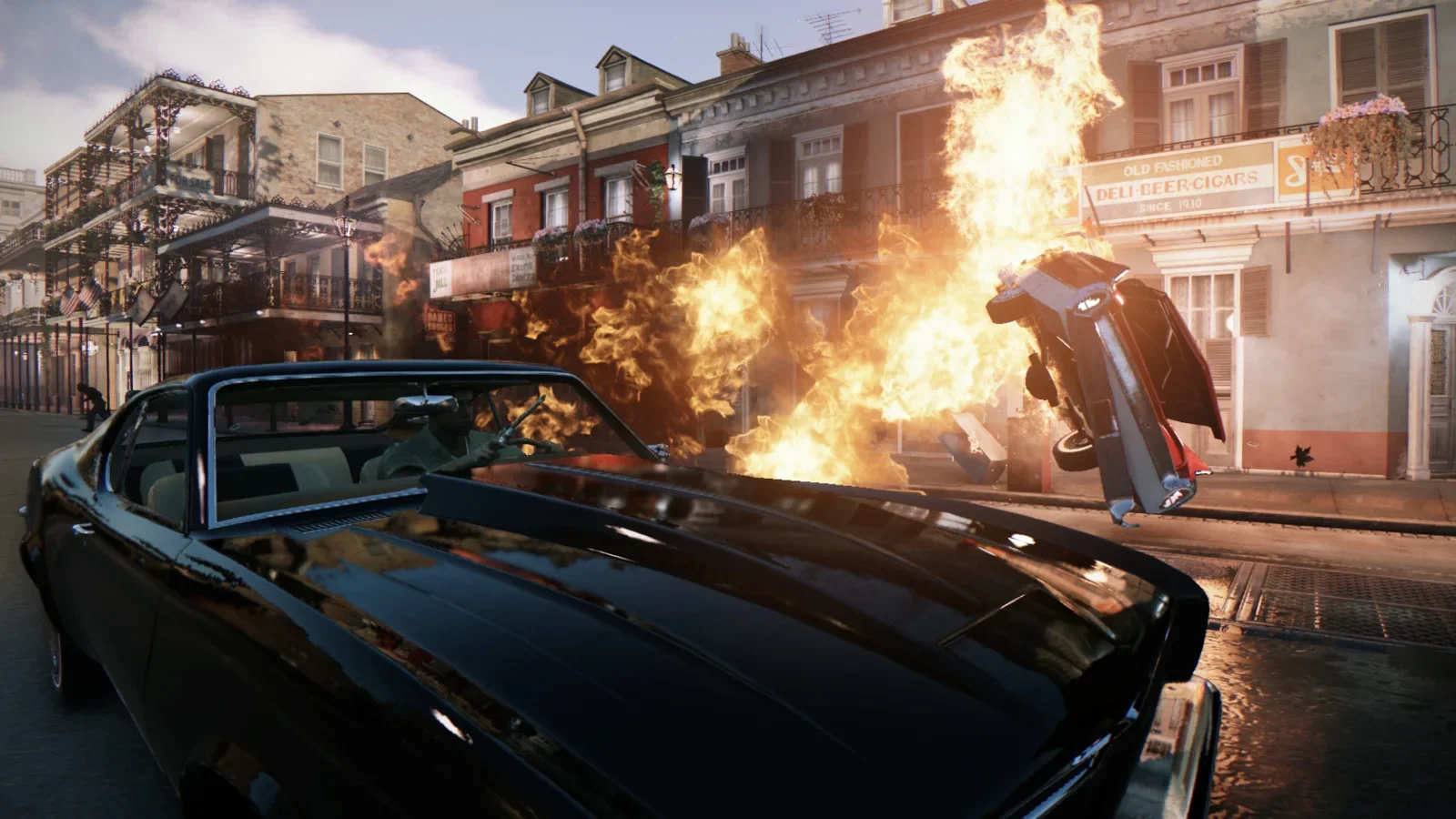
In brief: If you already own Mafia: Definitive Edition or Mafia III: Definitive Edition on PS4 or Xbox One, or the Mafia: Trilogy, the PS5 and Xbox Series X|S versions are free. Claim them from the PlayStation Store or the Microsoft Store, install them, and start a new save, because saves and trophies or achievements do not transfer. Mafia II: Definitive Edition has no current-gen version, so you install the PS4 or Xbox One build and play it through backward compatibility. Rules checked against 2K Support on 30 October 2026.
By Tulasiram Pemmadi · NextPlayIntel · Last updated 30 October 2026.
This guide covers PS5, PS5 Pro, Xbox Series X and Xbox Series S, plus what changes if you are still on a PS4 or Xbox One. Mafia DE received its native PS5 and Series X|S versions on 14 August 2026 and Mafia III DE on 8 October 2026, both at 17:00 UTC (10:00 PDT, 18:00 BST, 22:30 IST). Both run at 60 FPS and load faster than the last-gen builds. If you have not bought the games yet, read our Mafia Trilogy explainer first; the Mafia: Trilogy game page has the full price table.
Which version to install on each console
Console | Mafia: Definitive Edition | Mafia II: Definitive Edition | Mafia III: Definitive Edition | ||
|---|---|---|---|---|---|
PS5 / PS5 Pro | PS5 version (free upgrade) | PS4 version | PS5 version (free upgrade) | ||
PS5 Digital Edition | PS5 version; digital licence only | PS4 version, digital only | PS5 version; digital licence only | ||
Xbox Series X | Series X | S version (free for digital owners) | Xbox One version | Series X | S version (free for digital owners) |
Xbox Series S | Series X | S version (digital only, no drive) | Xbox One version | Series X | S version |
PS4 / Xbox One | Last-gen version | Last-gen version | Last-gen version |
None of the three games needs PlayStation Plus or Game Pass to play. They are single-player only. The only online feature is the optional 2K Account sign-in that unlocks free bonus items.
Who qualifies for the free upgrade
2K's support pages for Mafia: Definitive Edition and Mafia III: Definitive Edition set out the rules:
You own… | PS5 version free? | Xbox Series X | S version free? |
|---|---|---|---|
Digital PS4 / Xbox One copy, bought before the upgrade date | Yes: add it from PlayStation Store | Yes: download from the Microsoft Store | |
Mafia: Trilogy (digital) | Yes | Yes, it appears in your library | |
PS4 disc | Yes, on a PS5 with a disc drive; keep the disc in | No | |
Xbox One disc | No | Only through Xbox's own disc-to-digital licensing | |
Claimed as a PS Plus monthly game | No | Not applicable | |
Bought on or after 14 Aug 2026 (DE) / 8 Oct 2026 (III) | Included; you may need to add the PS5 version from the store | Already in your library |
If you own nothing yet, a new digital copy of Mafia DE, Mafia III DE, the Trilogy or the Omertà Collection already includes the current-gen version. On 30 October 2026, Mafia: Trilogy cost $11.99 on the Microsoft Store US (list $59.99, sale ends 5 November, 09:59 UTC), $59.99 on PlayStation Store US, £49.99 on PlayStation Store UK and Rs 3,999 on PlayStation Store India.
On Xbox Series X|S
Open My games & apps. Trilogy owners will find Mafia DE and Mafia III DE for Xbox Series X|S waiting in the library.
Own a single game? Search the Microsoft Store for Mafia: Definitive Edition for Xbox Series X|S or Mafia III: Definitive Edition for Xbox Series X|S. It should show as free for you.
Install Mafia II DE as the Xbox One version. It runs through backward compatibility and can live on external USB storage.
Disc owners need Xbox's disc-to-digital licensing route, which 2K points to rather than offering its own disc upgrade.
Our install games on Xbox Series X|S guide covers storage, and Xbox Series X won't download games helps if the download stalls.
Sizes, settings and what improves
Last-gen (PS4 / Xbox One) | PS5 / Xbox Series X | S | |
|---|---|---|---|
Frame rate | Original 2020 performance | 60 FPS gameplay, according to 2K | |
Loading | Slower HDD loading | Improved loading times | |
Fixes | 2020-era build | "Some legacy issues have been fixed" (2K) | |
Saves | Existing last-gen save | New save needed; no transfer | |
Trophies / achievements | Last-gen list | Separate list; no transfer |
2K did not publish PS5 or Series X|S download sizes in its support notes, so check the size on the store page before you start. On PC, Steam lists 50 GB for each Definitive Edition, which is a reasonable guide for planning space.
For players in India
Prices on 30 October 2026: PlayStation Store India sold the Trilogy for Rs 3,999, Mafia DE (PS5 and PS4) for Rs 2,499, Mafia III DE (PS5 and PS4) for Rs 1,999 and Mafia II DE for Rs 399 on sale until 5 November 2026, 05:29 IST. The Xbox Store India Trilogy sale (₹799.80, list ₹3,999) ends on 5 November at 15:29 IST.
Disc region: 2K says a PS4 disc from a different region than your PlayStation does not get the upgrade, so imported discs are risky. Check the disc's region before you rely on it.
Downloads: the free version still means a full download. On slower broadband, start it overnight and put the console in Rest Mode with downloads enabled.
Still stuck?
The PS5 version shows a price instead of free: check that you are signed in to the same PSN account that bought the PS4 copy, and that it was not a PS Plus monthly game.
The disc upgrade offer is missing: your PS5 needs a disc drive, and the disc must be in the drive and match your console's region.
The game will not start after installing: see PS5 download stuck or queued for queue problems, or our general upgrade PS4 games to PS5 guide for licence issues.
Common Mistakes to Avoid
- Downloading the PS4 version of Mafia DE on a PS5. You get the 2020 build without the 60 FPS update; download the separate PS5 version instead.
- Expecting a PS Plus monthly copy to upgrade. 2K excludes PS Plus monthly claims, so the PS5 version will show a price.
- Removing the PS4 disc after upgrading. The PS5 digital version stops working until you insert the disc again.
- Looking for a PS5 Mafia II. It does not exist; install the PS4 or Xbox One version.
- Planning to continue an old save. Saves do not transfer, so finish the last-gen playthrough first or start over.
Frequently asked questions
Is the PS5 upgrade for Mafia Definitive Edition free?
Yes, if you own Mafia DE or the Trilogy on PS4, digitally or on disc, bought before 14 August 2026. Later digital purchases already include it.
Does a PS Plus copy of Mafia DE qualify?
No. 2K says games claimed as PS Plus monthly games do not get the PS5 upgrade.
Do my saves and trophies transfer to PS5 or Xbox Series X|S?
No. You start a new save, and trophies or achievements are a separate list.
Is there a PS5 version of Mafia II: Definitive Edition?
No. Install the PS4 version on PS5 (or the Xbox One version on Series X|S) and play it through backward compatibility.
Do I need PS Plus or Game Pass to play?
No. All three games are single-player. Only the optional 2K Account rewards need an internet connection.
Can I upgrade a PS4 disc on a PS5 Digital Edition?
No. You need a PS5 with a disc drive, and the disc must stay inserted while you play.
Sources & verification
Sources last verified on . This article covers published information, not hands-on testing.
- 2K Support: Mafia: Definitive Edition now on PS5 and Xbox Series X|S (updated 8 Oct 2026)
- 2K Support: Mafia III: Definitive Edition now on PS5 and Xbox Series X|S
- Mafia: The Omertà Collection FAQ (2K)
- 2K: Mafia 2K Account rewards
- PlayStation Store US: Mafia: Trilogy
- PlayStation Store India: Mafia: Trilogy
- PlayStation Store US: Mafia: Definitive Edition (PS5)
- PlayStation Store US: Mafia III: Definitive Edition (PS5)
- PlayStation Store US: Mafia II: Definitive Edition
- Microsoft Store US: Mafia: Trilogy
- Xbox Store India: Mafia: Trilogy
- Microsoft Store US: Mafia: Definitive Edition
- Wikipedia: Mafia: Definitive Edition
- Wikipedia: Mafia III
Editorial & update notes
Published 30 Oct 2026 with US, UK, EU and India prices checked that day on Steam, PlayStation Store and Microsoft Store, and upgrade rules checked against 2K Support.
Related devices and next steps
Find a fix by platform · Check GTA platforms and editions
- PlayStation 4 hardware guide
- PlayStation 5 hardware guide
- PlayStation 5 Pro hardware guide
- Xbox Series X hardware guide
- Xbox Series S hardware guide
- Xbox One hardware guide
- Mafia: Trilogy game hub
- How to claim the GTA V upgrade on PS5 and Xbox Series X|S
- How to get the free Red Dead Redemption upgrade on PS5, Xbox Series X|S and Switch 2