Try this first: open the Xbox Status page on your phone. If Store, Game Pass or downloads show an alert, wait; nothing on the console will fix a service outage. If Status is green, go to My games & apps > Manage > Queue, quit any running game, and choose Resume installation on the stuck item. Why first: Xbox Support says background downloads are throttled while a game is running, and a download marked Queued or Paused only moves when you resume it.
How this page was made: drafted with AI assistance from Xbox Support articles and Microsoft's own community answers, checked on 30 October 2026, and published under Tulasiram Pemmadi's byline. NextPlayIntel did not test these fixes on hardware.
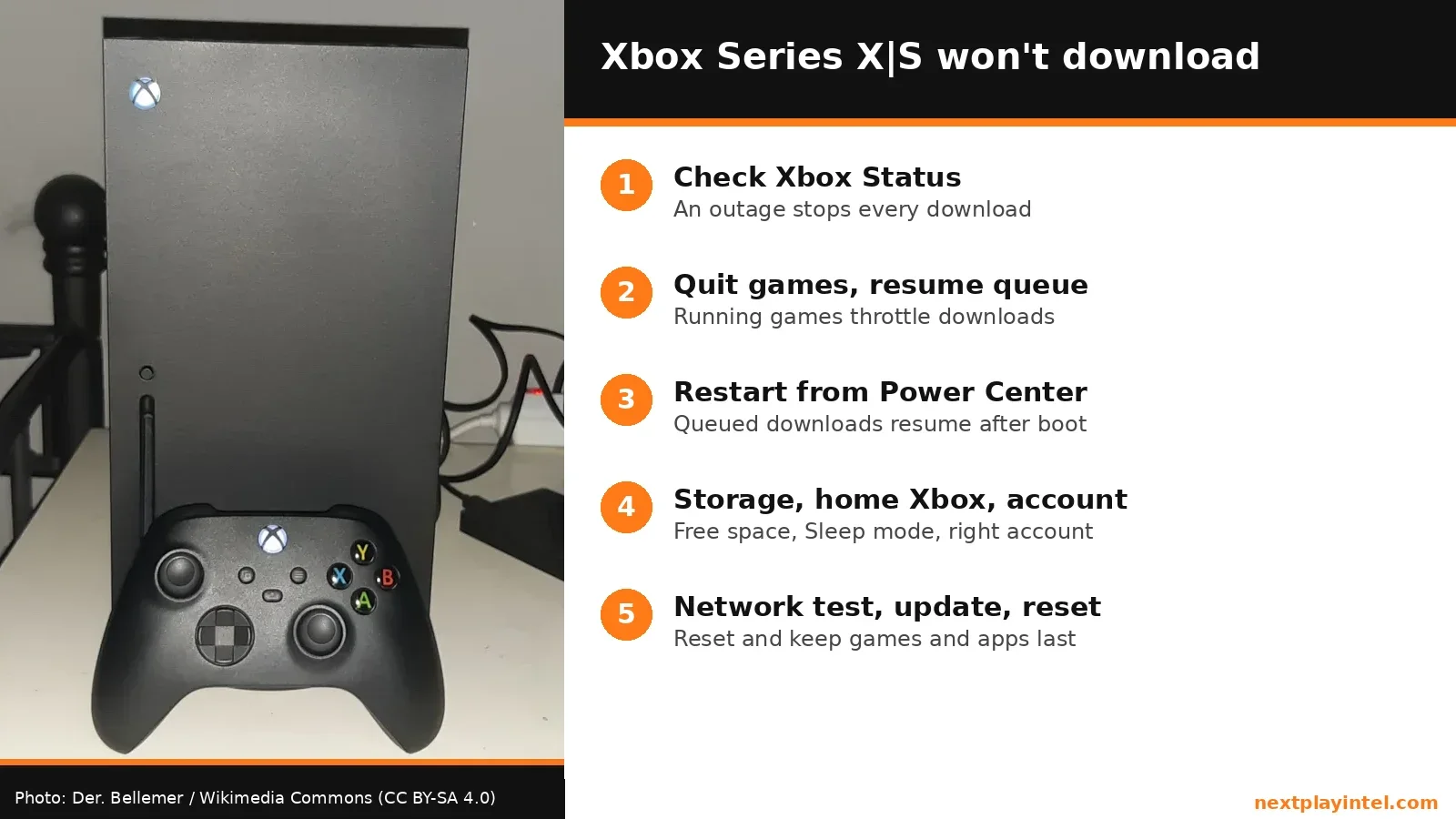
Quick Answer: Summary of Steps
Check Xbox Status. A Store or download outage stops every download.
Quit games and resume the queue. Running games throttle downloads.
Restart the console from the Power Center. Downloads pause and resume after a restart.
Check storage and account. Free space, home console and the buying account.
Test the network, then update. Run the network test and install system updates.
Reset, keeping games and apps. The last step before contacting Xbox Support.
Prerequisites & Materials Needed
Required tools & items
Xbox Series X or Xbox Series S — the console that won't download
The Microsoft account that bought the game — or the one with the Game Pass subscription
A phone or PC browser — to check Xbox Status
Estimated time
Preparation: 2 minutes
Execution: 10–40 minutes (longer if a reset is needed)
Problem and Likely Causes
Problem: nothing downloads. A game, update or app sits on Queued, Paused or 0 B/s, shows "Installation stopped", or never appears in the queue at all.
What you see | Likely cause | Fix |
|---|---|---|
Every download stuck, other consoles too | Xbox service outage | Step 1: wait for Status to clear |
Queued or Paused while you play | A running game throttles downloads | Step 2: quit the game, resume |
Stuck at 0 B/s after resuming | Stalled download session | Step 3: restart from the Power Center |
Purchases don't auto-install | Not your home console, or power mode not Sleep | Step 4 |
"Installation stopped" again and again | Storage, network or an outdated system | Steps 4–5 |
Nothing helps | Corrupt system data | Step 6: reset and keep games |
Step-by-Step Instructions
Step 1: Check Xbox Status
If Microsoft's store or content delivery service is down, every console fails the same way.
Execute the action: open the Xbox Status page and look at Store & Subscriptions and Games & Apps.
Pro Tip: sign in on the Status page to get a notification when an alert is cleared.
How you know it worked: all services are green, and you can rule out an outage.
Step 2: Quit running games and resume the queue
Xbox Support explains that background downloads are constrained while a game runs, to keep the game smooth.
Execute the action: go to My games & apps > Manage > Queue and select Suspend my game if it appears. Or on the Home screen highlight the last game you played, press Menu and choose Quit.
Highlight the stuck item, press Menu and select Resume installation.
Look out for: the queue downloads in order. An update or add-on at the top can hold the game you just bought behind it; move the one you want to the front.
How you know it worked: the status changes to Installing and a speed appears.
Step 3: Restart from the Power Center
A restart closes all apps and restarts the download session; Microsoft says queued downloads resume afterwards.
Execute the action: hold the Xbox button on the controller, select Restart console, then Restart.
After it boots, check My games & apps > See all > Manage > Queue and resume anything still Paused.
Pro Tip: if the console is frozen, hold the power button on the console for 10 seconds, unplug it for 10 seconds, then turn it on.
Step 4: Check storage, home console and account
Xbox Support lists three conditions for automatic installs: the console is your home console, it's powered on or in Sleep power mode, and it's connected to the Xbox network.
Execute the action: Settings > System > Storage devices. Free space if the drive is nearly full; a game needs room for the download and the install.
Settings > General > Personalization > My home Xbox: make it your home console if purchases from your phone or PC aren't auto-installing.
Settings > General > Power options: choose Sleep if you want downloads to continue when the console is off.
Make sure the account that bought the game, or holds Game Pass, is signed in.
How you know it worked: the item downloads, or new purchases appear in the queue on their own.
Step 5: Test the network and install updates
Execute the action: Settings > General > Network settings > Test network speed & statistics. Xbox Support says speeds below about 1 Mbps make downloads take a very long time.
Use a wired Ethernet cable if you can, and restart the router.
Settings > System > Updates: install any console update. Microsoft lists a system update as one of its fixes when a download doesn't start or fails.
Step 6: Reset and keep games and apps
Execute the action: Settings > System > Console info > Reset console > Reset and keep my games & apps.
Look out for: never choose "Reset and remove everything" for a download problem; you'd have to redownload every game.
When to contact official support: if downloads still fail after this on a green Status page, contact Xbox Support from the installation troubleshooting article; mention any error code you saw.
What it costs
Prices checked 30 October 2026.
Option | US price (USD) | Note |
|---|---|---|
Every fix above | $0 | Settings, restart and reset only |
Storage Expansion Card for more space | Unconfirmed — prices vary by size and retailer | Optional; deleting unused games is free |
Xbox Series X|S repair | Unconfirmed — quoted by Microsoft per case | Not needed for download problems |
Buying in India
Indian broadband plans with fair-usage caps can slow to a crawl after the cap, which looks exactly like a stuck Xbox download. Check your ISP's data usage page before resetting anything. For current Series X and Series S prices in INR and USD, see our Xbox Series X guide and Xbox Series S guide.
Why this happens
An Xbox download needs four things at once: a working Microsoft store service, a licence on the signed-in account, free space, and a stable connection. If any one is missing, the item simply waits in the queue, often without an error. The console also deliberately slows downloads while you play, so a game left running in the background is the most common reason a download sits at Queued.
That's why the order matters: rule out an outage, then the queue, then the console session, and only then the network or a reset. Most cases end before Step 4.
Fixes users report working (user-reported, not NextPlayIntel testing)
We couldn't open and verify individual user threads for this page, so no user-reported fixes are quoted. The Microsoft Community thread on queued downloads repeats the official steps above.
Common Mistakes to Avoid
Leaving a game running. The download stays throttled.
Factory resetting and removing everything. You lose every installed game for a problem that rarely needs it.
Buying on a different account. The licence won't be on the signed-in profile.
Switching to Energy saving mode. Downloads won't continue while the console is off.
Related NextPlayIntel guides
Frequently asked questions
Why is my Xbox download stuck on Queued?
Usually a running game is throttling downloads or another item is ahead in the queue. Quit the game and choose Resume installation.
Will restarting my Xbox cancel downloads?
No. Microsoft says a restart pauses downloads and they resume once the console is back on.
Why don't games I buy on my phone install automatically?
The console must be your home Xbox, in Sleep power mode, and connected to the Xbox network.
Will resetting my Xbox delete my games?
Not if you choose Reset and keep my games & apps. Avoid Reset and remove everything.
Sources & verification
Sources last verified on . This article covers published information, not hands-on testing.
Editorial & update notes
New page published 30 Oct 2026.