Try this first: open the Xbox Status page before you change anything. Why first: Microsoft says 0x80832003 may mean a temporary problem with the Xbox network, and if a service is down no console setting will fix it. If Status is all green, notice whether one game, every game or one profile fails; that tells you which fix below to use.
How this page was made: drafted with AI assistance from the official support pages and the user threads linked on this page, checked on 29 October 2026, and published under Tulasiram Pemmadi's byline. NextPlayIntel did not test these fixes on hardware; fixes marked user-reported come from the linked threads.
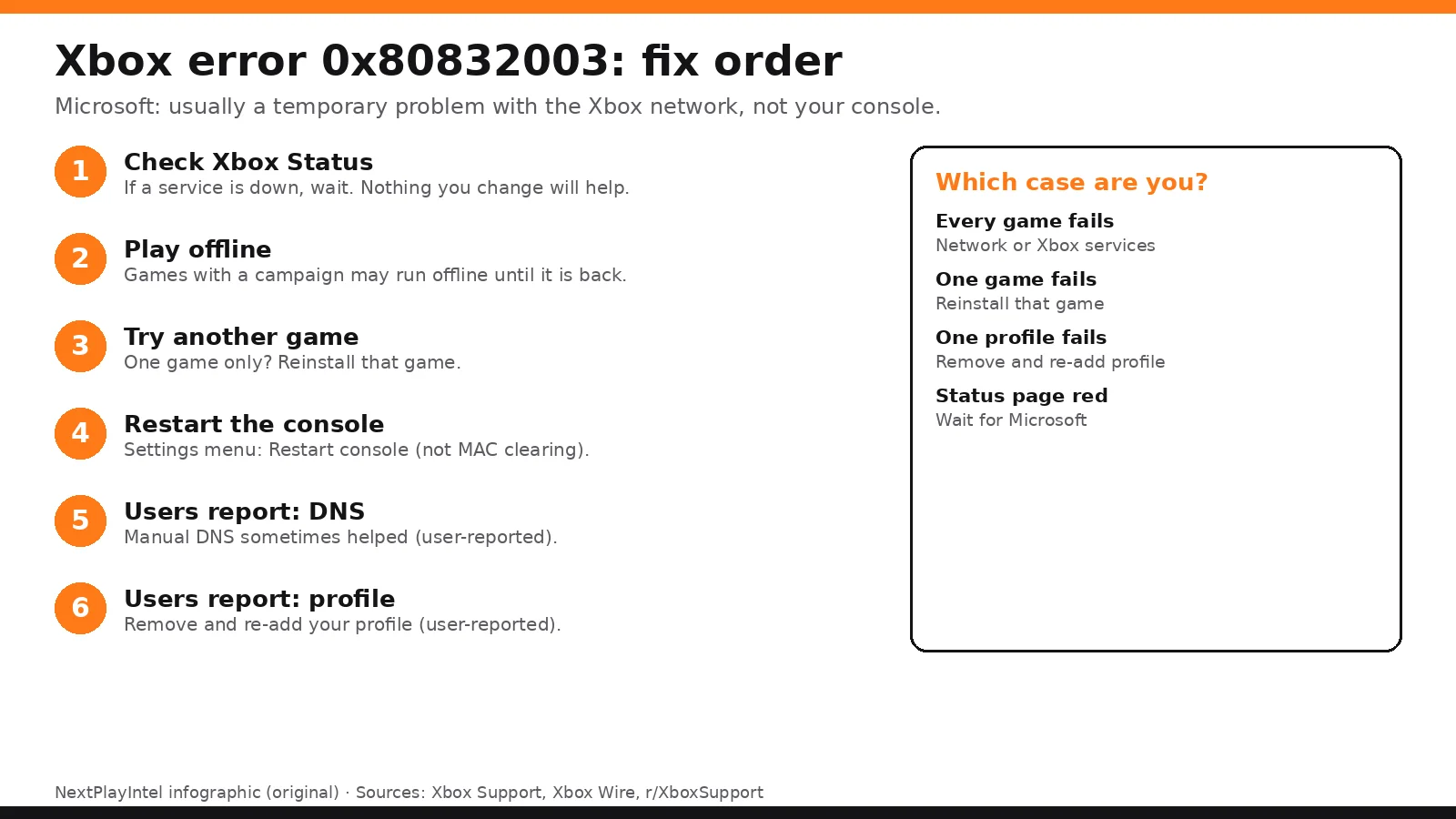
Quick Answer: Summary of Steps
Check Xbox Status. Wait if a service is down.
Play offline. Games with offline modes may still run.
Try another game. One game only: reinstall it.
Restart the console. From the guide, not by clearing the MAC address.
Remove and re-add your profile. If only your profile fails (user-reported).
Test DNS settings. Some users report it helped (user-reported).
Prerequisites & Materials Needed
Required tools & items
Xbox Series X|S or Windows PC — where the error appears
Phone or PC browser — to check Xbox Status
Your Microsoft account password — if you re-add your profile
Estimated time
Preparation: 2 minutes
Execution: 5–30 minutes
Step-by-Step Instructions
Microsoft's steps come first; the user-reported fixes come after, for when service status is green and the problem continues.
Step 1: Check Xbox Status
Problem: A game won't start and shows 0x80832003.
Likely causes: Microsoft says this may be a temporary problem with the Xbox network.
Fixes, easiest to hardest:
Open the Xbox Status page.
If a service has an alert, expand it and sign in for a notification when it is fixed.
Wait and try again later.
Pro Tip: Signing up for the alert saves you checking again and again.
How you know it worked: Status is green and the game launches.
When to contact official support: Not needed during an outage; wait for Microsoft.
Step 2: Play the game offline
Problem: Xbox services are down and you want to play now.
Likely causes: The game is waiting on a network service.
Fixes, easiest to hardest:
Set the console to offline in network settings.
Launch a game with an offline or campaign mode.
Look out for: Microsoft notes games without an offline mode may not be playable.
How you know it worked: The game starts offline.
When to contact official support: None needed.
Step 3: Try another game, then reinstall the failing one
Problem: Status is green but the error continues.
Likely causes: If only one game fails, its install or local data may be at fault. If every game fails, the console or network is.
Fixes, easiest to hardest:
Launch a different game.
If only one game fails, uninstall and reinstall it.
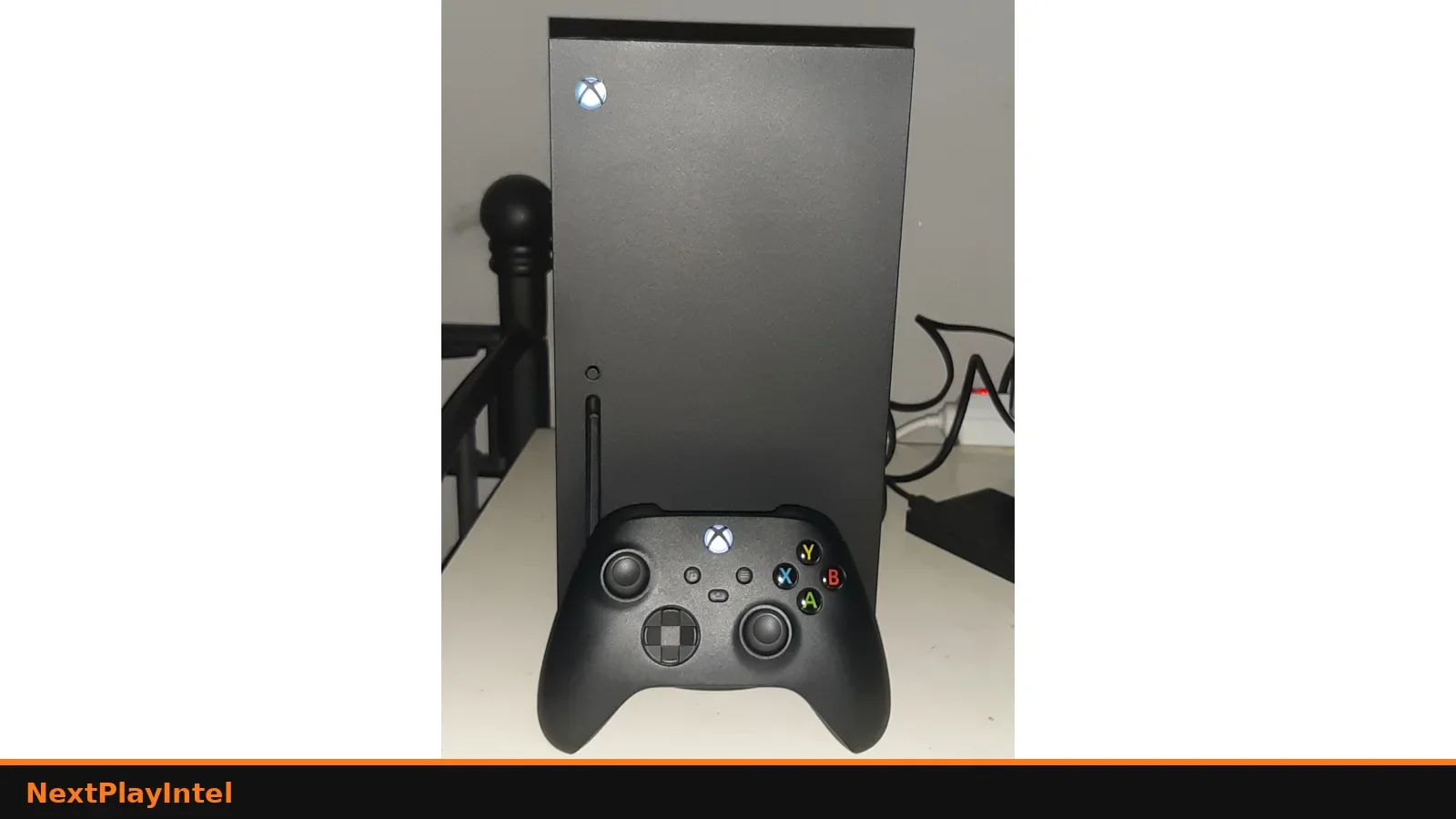
If every game fails, restart the console from the guide: Xbox button > Profile & system > Power > Restart console.
Pro Tip: Xbox Wire explains that clearing the Alternate MAC Address is just a slower restart unless you entered one yourself (Xbox Wire).
How you know it worked: The game launches normally.
When to contact official support: Go to the next step if it still fails.
Step 4: Remove and re-add your profile
Problem: The error only happens on your profile, while another profile plays fine.
Likely causes: A profile's sync or licence data may be stuck (a user-reported explanation; Microsoft doesn't list this cause).
Fixes, easiest to hardest:
Settings > Account > Remove accounts, choose your profile.
Restart the console.
Sign in again and let your saves sync from the cloud.
Look out for: Let cloud saves sync before you remove the profile, so you don't lose unsynced progress.
How you know it worked: The game launches on your profile.
When to contact official support: If it still fails, contact Xbox Support.
Step 5: Contact Xbox Support
Problem: Nothing above worked.
Likely causes: An account or service issue Microsoft needs to check.
Fixes, easiest to hardest:
Use the chat on Microsoft's 0x80832003 page.
How you know it worked: Support confirms the cause.
When to contact official support: Now.
Why this happens
Many Xbox games check in with Xbox network services when they start: your licence, your profile and cloud saves. 0x80832003 appears when that check doesn't get a good answer. Microsoft's own wording is that it "may mean that there's a temporary problem with the Xbox network".
So the error is usually not your hardware. It's either an Xbox service outage (wait), a problem on one game's install (reinstall), or something stuck in one profile's sync (re-add the profile). Checking which of those three you have saves time.
Fixes users report working (user-reported, not NextPlayIntel testing)
These come from public forum threads. They are what individual owners said worked for them, not official advice and not something we tested. Each links to the thread it came from.
Removing the profile from the console and adding it again fixed it for Fallout 4 on Series X in February 2026 (user-reported, r/XboxSupport); another owner reported the same fix in r/XboxSeriesS.
Setting DNS manually fixed it for Hogwarts Legacy for one owner, though another said it didn't help (user-reported, r/XboxSupport). The comment lists 8.4.4.8 as the secondary DNS; Google's public secondary DNS is actually 8.8.4.4.
Clearing local saved games under Settings > System > Storage devices worked for one user (user-reported, r/XboxSeriesS). That deletes local copies of saves, so make sure they're synced to the cloud first.
Common Mistakes to Avoid
Factory resetting first. It's usually a service or profile issue, not the console.
Clearing the Alternate MAC Address. Xbox Wire says it's just a slower restart unless you set one.
Removing a profile before saves sync. Unsynced progress can be lost.
Related NextPlayIntel guides
Frequently asked questions
What does Xbox error 0x80832003 mean?
Microsoft says it may mean a temporary problem with the Xbox network when you try to play a game.
Can I play while 0x80832003 is showing?
Microsoft suggests playing offline if the game has an offline or campaign mode.
Does clearing the MAC address fix 0x80832003?
Xbox Wire says clearing an Alternate MAC Address you never set is just a slower restart. Restart from the guide instead.
Why does only my profile get 0x80832003?
Owners report that removing and re-adding the profile fixed it. Microsoft doesn't list this cause.
Sources & verification
Sources last verified on . This article covers published information, not hands-on testing.
Editorial & update notes
New page published 29 Oct 2026.