Quick Answer: Summary of Steps
- Choose Game Pass or a purchase. Game Pass Ultimate includes E-Day; otherwise buy Standard ($69.99) or Premium ($99.99) on the Microsoft Store.
- Free up about 134 GB. Clear internal storage or use an Xbox expansion card before you install.
- Install the Xbox Series X|S version. Use Install from the Game Pass library or the store page, and let the first update finish.
- Set up co-op. Add a second controller for split-screen, or invite up to three friends online with a tier that includes online multiplayer.
- Pick your mode. Start the campaign, or jump into Horde Siege or Versus from the main menu.
Prerequisites & Materials Needed
Required tools & items
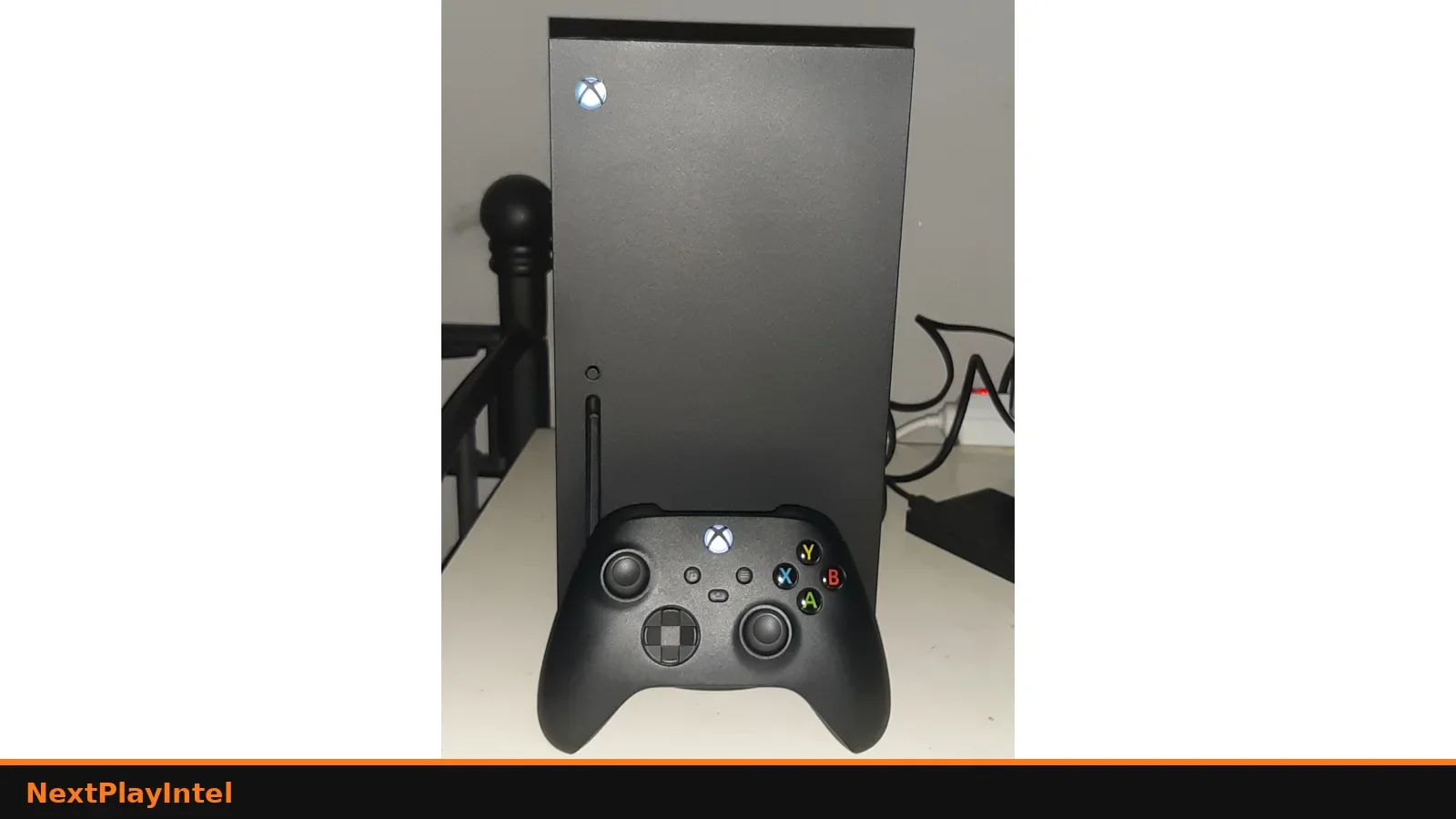
- An Xbox Series X or Series S — no Xbox One or PlayStation version exists
- Game Pass Ultimate, or a purchased copy — Standard $69.99 / ₹5,499 or Premium $99.99 / ₹7,999 on 30 Oct 2026
- About 134 GB of free storage — internal SSD or an official expansion card
- A Game Pass tier with online multiplayer — only for online co-op, Horde Siege and Versus; not needed solo
- A second controller — for 2-player split-screen campaign on one console
- A broadband connection — for the download and day-one updates
Estimated time
- Preparation: About 10 minutes to check your subscription, storage and controllers
- Execution: About 10 minutes of setup, plus download time for roughly 134 GB
Step-by-Step Instructions
Step 1: Choose Game Pass or buy the game
E-Day is a first-party Xbox game, so Game Pass Ultimate includes it at no extra cost, while lower tiers do not.
- Execute: press the Xbox button, open Game Pass and search for Gears of War: E-Day. If you see Install, it is included in your tier.
- If you see Buy, choose Standard ($69.99) or Premium Edition ($99.99) in the Microsoft Store, or upgrade to Game Pass Ultimate.
- Pro Tip: On Game Pass, you can add the Premium Upgrade ($30) later if you want the Premium cosmetics and 1,000 Iron.
- Look out for: The Microsoft Store and Steam are separate stores. A Steam copy does not unlock the Xbox version.
How you know it worked: The game appears in My games & apps with an Install button.
Step 2: Free up storage space
The Xbox package is about 134 GB, which is a large share of a Series S drive.
- Execute: open Settings › System › Storage devices and check free space on the internal drive or expansion card.
- Uninstall games you have finished, or move them to a USB drive. Xbox Series X|S-optimised games cannot run from USB, but they can be stored there.
- Pro Tip: Install E-Day on the internal SSD or an expansion card, because it is optimised for Xbox Series X|S.
- Look out for: Updates add more data after launch, so leave some room above 134 GB.
How you know it worked: At least 140 GB is free on an internal SSD or expansion card.
Step 3: Install and update the game
A full install and the latest patch avoid matchmaking errors on first launch.
- Execute: select Install, choose the drive and watch progress in My games & apps › Queue.
- Disc owners: insert the disc and install. Xbox supports Disc to Digital for this game if you want a digital licence.
- Launch the game once the install is complete, and accept any update it offers.
- Pro Tip: Put the console in Rest Mode with automatic updates on so it downloads overnight.
- Look out for: If the queue says Queued or stops at 0%, see our Xbox Series X won't download games guide.
How you know it worked: The title screen loads and the main menu shows Campaign, Horde Siege and Versus.
Step 4: Set up split-screen or online co-op
The campaign supports 2-player split-screen on one console and up to 4 players online.
- Execute: for split-screen, turn on a second controller, sign it in to a profile and press the join prompt in the campaign lobby.
- For online co-op, open the campaign lobby and invite friends through the Xbox guide. Up to four players can join.
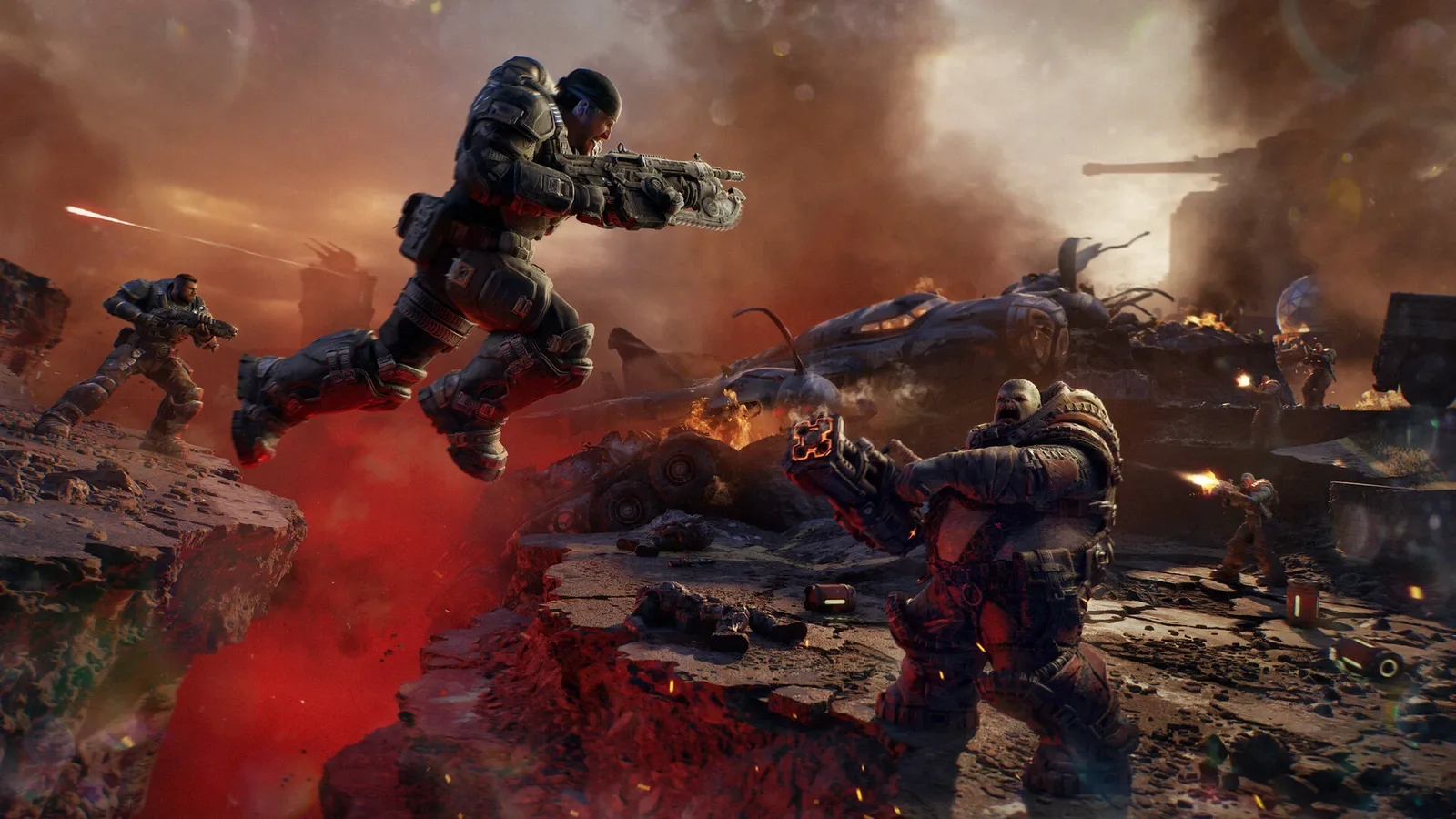
- For Horde Siege, choose a class (Assault, Marksman, Medic or Breacher) before you deploy.
- Pro Tip: Xbox and PC players can play together, so friends on the Xbox app or Steam can join you.
- Look out for: Online play needs a Game Pass tier that includes online multiplayer for each Xbox player. Split-screen is console only.
How you know it worked: Your partner appears in the lobby with their gamertag or split-screen profile.
Step 5: Choose a mode and settings
Display and difficulty settings make a big difference to the first hours.
- Execute: start the campaign and pick a difficulty that suits you. You can play solo with AI squadmates.
- Check the display options for HDR and brightness. Xbox Wire quotes 4K and up to 60 fps on a compatible display.
- Listen for the audio chime in new areas: it means a collectable is nearby.
- Pro Tip: Do the optional side missions in Kalona's open districts: Xbox says they often reward weapon mods.
- Look out for: A 1080p or 60 Hz TV will not show 4K or high frame rates. Set your Xbox video output to match your TV.
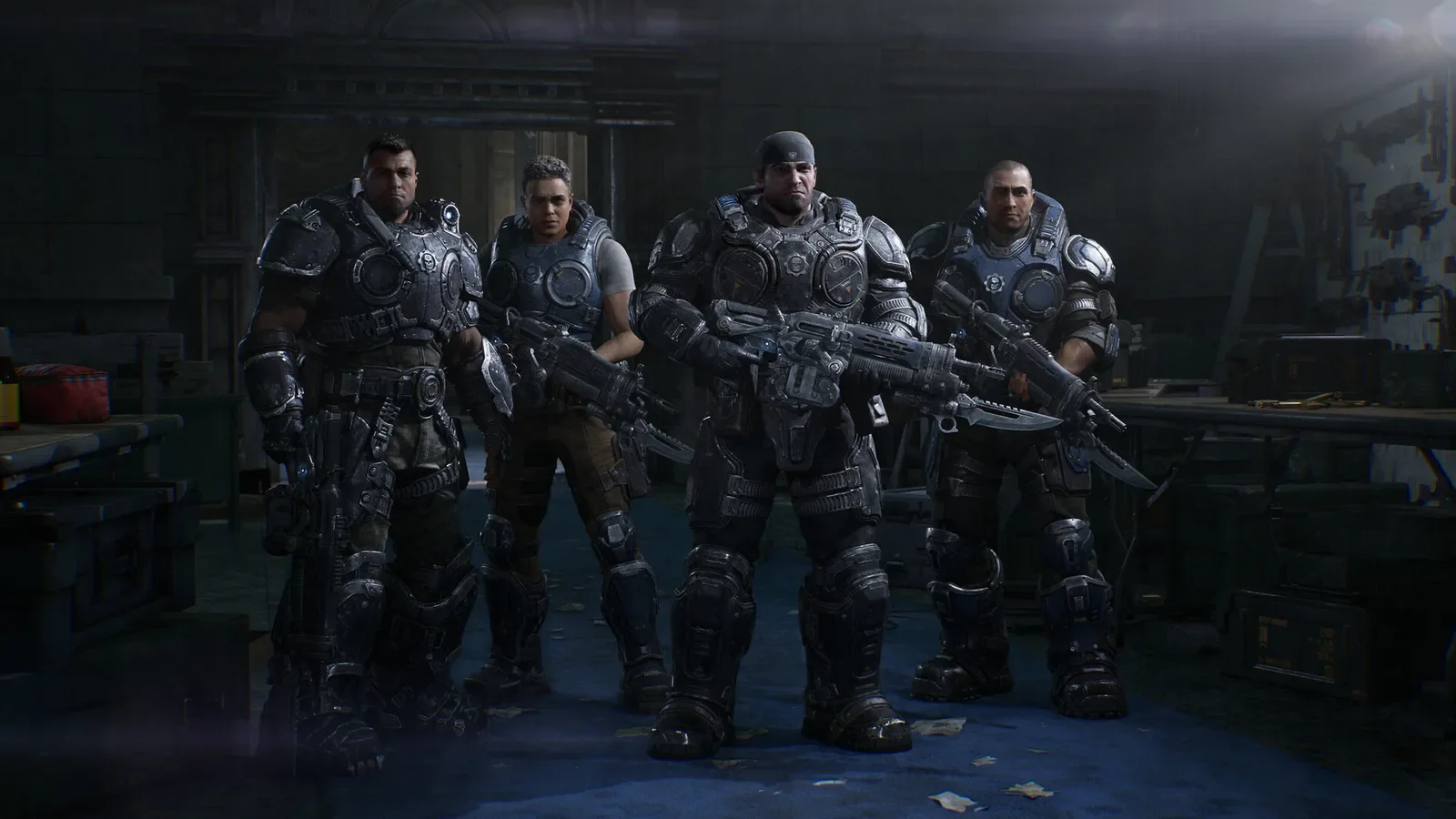
How you know it worked: The campaign starts with Bravo Squad on Emergence Day.
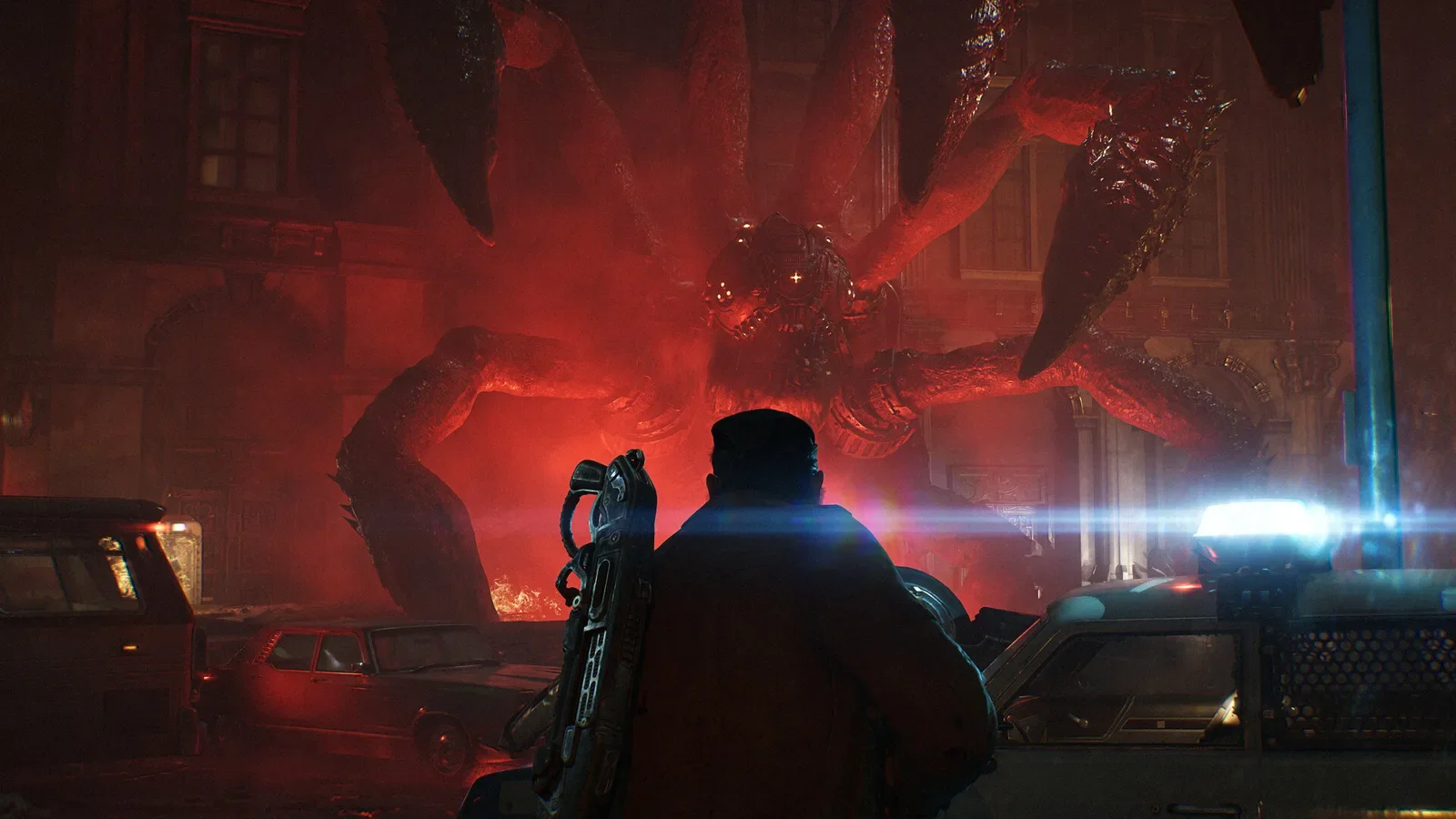
In brief: To play Gears of War: E-Day on Xbox Series X|S, either get Game Pass Ultimate, where it is included, or buy the game on the Microsoft Store ($69.99 Standard, $99.99 Premium; ₹5,499 / ₹7,999 in India). Then install about 134 GB and sign in to an Xbox network subscription with online play if you want co-op or Versus. Two players can share one console with split-screen. Everything was checked against Xbox Wire and the Microsoft Store on 30 October 2026.
By Tulasiram Pemmadi · NextPlayIntel · Last updated 30 October 2026.
This guide covers the Xbox Series X and Xbox Series S. It also explains what changes if you play on a Windows PC through the Xbox app or Steam, or by streaming. E-Day has no Xbox One or PlayStation version. If you have not decided whether to buy it or use Game Pass, read our Gears of War: E-Day explainer first. All store links are on the game page.
Which way to play is right for you
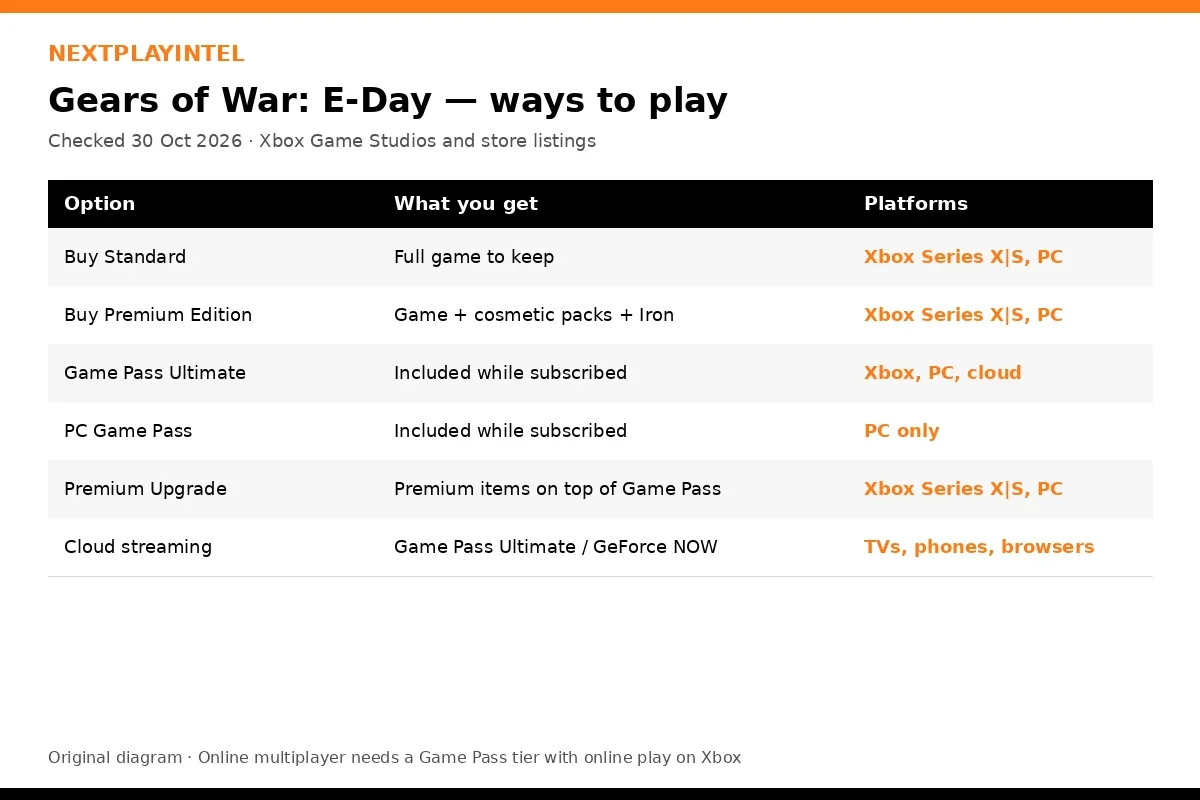
You have… | Best route | Extra cost on 30 Oct 2026 |
|---|---|---|
Game Pass Ultimate | Install from the Game Pass library | None (Premium Upgrade $30 optional) |
Game Pass Essential or Premium | Buy the game; your tier covers online play | $69.99 Standard / $99.99 Premium |
No subscription | Buy the game | $69.99 / $99.99, plus a tier with online play for multiplayer |
A Gears of War: E-Day disc | Insert it and install; Disc to Digital is supported | None |
An Xbox Series S | The digital routes above (no disc drive) | As above |
Prices are the Microsoft Store US list prices. The UK prices are £59.99 and £89.99, Germany €69.99 and €99.99, and India ₹5,499 and ₹7,999. Game Pass prices vary by country, so check xbox.com for your region.
Xbox Series X vs Series S
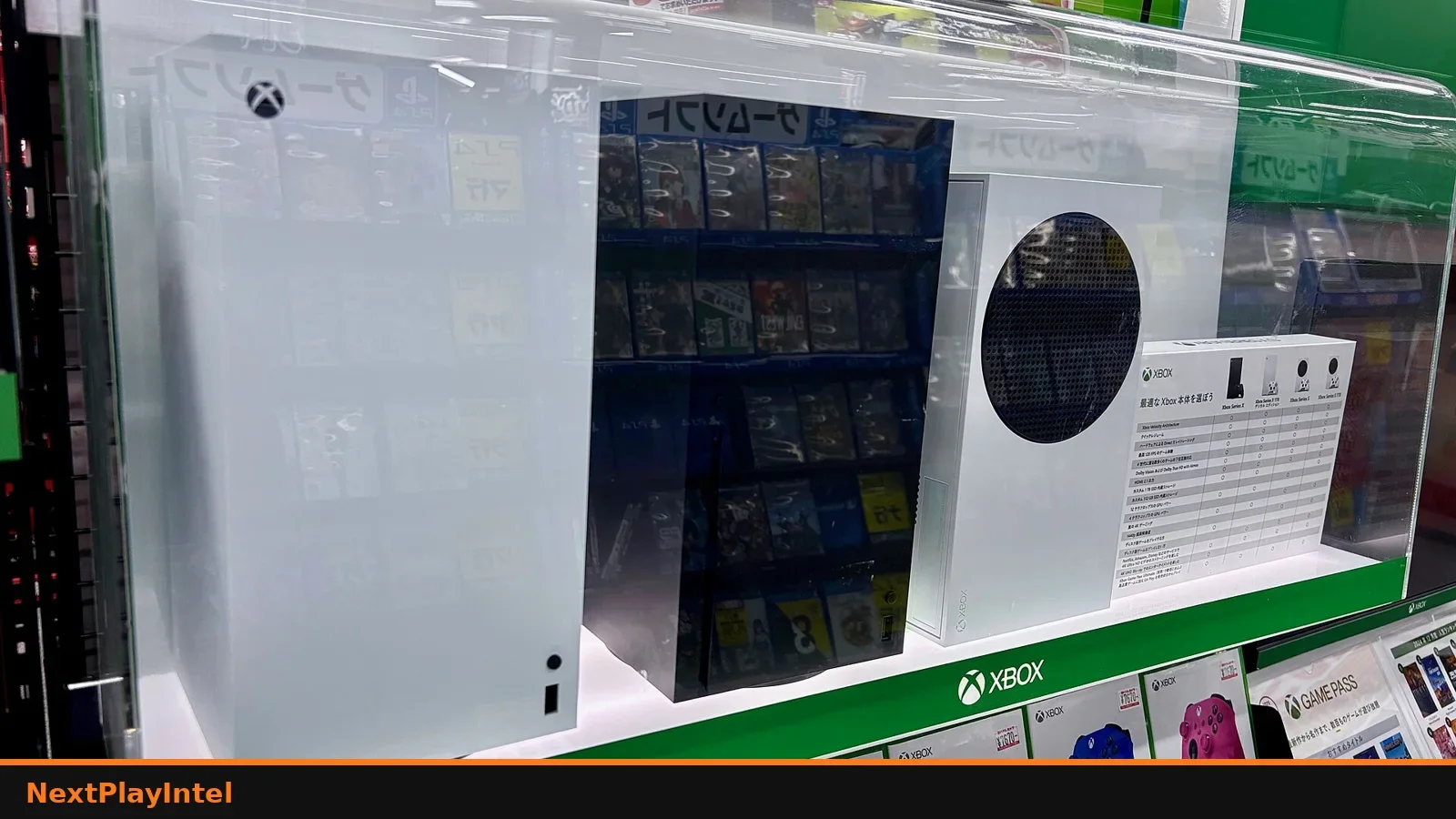
Both consoles run the same game and campaign. Xbox Wire quotes 4K resolution and up to 60 fps for Campaign and Multiplayer. That needs a compatible display, and the Series X is the console aimed at 4K output. The Series S has less storage to start with, so the ~134 GB install fills a large part of its internal drive. Delete or move other games before you start, or add an expansion card. Our install games on Xbox Series X|S guide explains the storage options.
Split-screen and online co-op, explained
Split-screen: 2 players on one console in the campaign. This is console only, so it is not available on PC.
Online: up to 4 players in the campaign, 4-player squads in Horde Siege (where several squads share a map) and 4v4 Versus.
Subscription: Microsoft says online campaign co-op, Horde Siege and Versus "require a Game Pass subscription that includes online multiplayer". Solo campaign play does not.
Crossplay: Xbox and PC players can play together.
Playing on PC or by streaming instead
Xbox app on Windows: a Microsoft Store purchase is Xbox Play Anywhere, so the same licence and progress carry over to PC. PC Game Pass also includes the game.
Steam: a separate purchase (appid 3010850). It needs a ray-tracing GPU and 115 GB on an SSD.
Cloud: Game Pass Ultimate members can stream it through Xbox Cloud Gaming, and it is also available on GeForce NOW. Streaming avoids the big download, but you need a stable, fast connection.
For players in India
Prices (30 October 2026, Xbox Store India): Standard ₹5,499, Premium ₹7,999. Steam India charges the same, and the Premium Upgrade is ₹2,500 there.
Launch time: the game unlocked worldwide on 6 October 2026 at 8:30 p.m. IST (15:00 UTC). It is fully available now.
Game Pass is available in India, and E-Day is part of Game Pass Ultimate and PC Game Pass. Check today's tier prices on xbox.com/en-IN before you subscribe.
Big download: 134 GB can take many hours on a 50–100 Mbps connection. Use Rest Mode overnight. Cloud play needs a steady connection and may add latency in multiplayer.
Still stuck?
The download is stuck or queued: see Xbox Series X won't download games and the Xbox Series X|S troubleshooting guide.
Game Pass shows "Buy" instead of "Install": your tier probably does not include day-one first-party games. Only Ultimate (console) and PC Game Pass (PC) include it.
Error 0x80832003 when launching: see our Xbox error 0x80832003 fix.
Sharing with family: the Xbox home console game-sharing guide explains how one purchase can cover other profiles on your home console.
For news about updates and seasons, check NPI News.
Common Mistakes to Avoid
- Buying the game when you already have Game Pass Ultimate. It is included in Ultimate, so check the Game Pass library first.
- Expecting split-screen on PC. Two-player split-screen is console only. Use online co-op on PC.
- Starting online play without the right subscription. Online co-op, Horde Siege and Versus need a Game Pass tier that includes online multiplayer.
- Installing to a USB hard drive and trying to play. Optimised Xbox Series X|S games must run from internal storage or an expansion card.
- Waiting for a PS5 version. None has been announced; on PlayStation only Gears of War: Reloaded is available.
Frequently asked questions
Can I play Gears of War: E-Day on Xbox One?
No. It is only on Xbox Series X|S and PC, plus cloud streaming.
Which Game Pass tier includes E-Day?
Game Pass Ultimate on console, and PC Game Pass on PC.
How big is the Xbox download?
About 134 GB on Xbox Series X|S. Steam lists 115 GB on PC.
Do I need Game Pass to play online?
Yes. Online co-op, Horde Siege and Versus on Xbox need a Game Pass tier that includes online multiplayer.
Is there split-screen?
Yes, 2-player split-screen in the campaign, on console only.
Can I play with friends on PC?
Yes. Crossplay and cross-platform co-op work between Xbox and PC.
Sources & verification
Sources last verified on . This article covers published information, not hands-on testing.
- Xbox Wire: Gears of War: E-Day launch guide (6 Oct 2026)
- Xbox Wire: Gears of War: E-Day early access and launch trailer (1 Oct 2026)
- Xbox.com: Gears of War: E-Day
- Microsoft Store US: Gears of War: E-Day (9N4PT8HGCDHQ)
- Xbox Store India: Gears of War: E-Day
- Steam: Gears of War: E-Day (3010850), US/UK/DE/India prices and PC requirements
- Steam: Gears of War: E-Day Premium Upgrade (5027470)
- Wikipedia: Gears of War: E-Day
Editorial & update notes
Published 30 Oct 2026 with US, UK, EU and India prices checked that day on the official stores (Steam, PlayStation Store, Microsoft Store, Nintendo eShop).