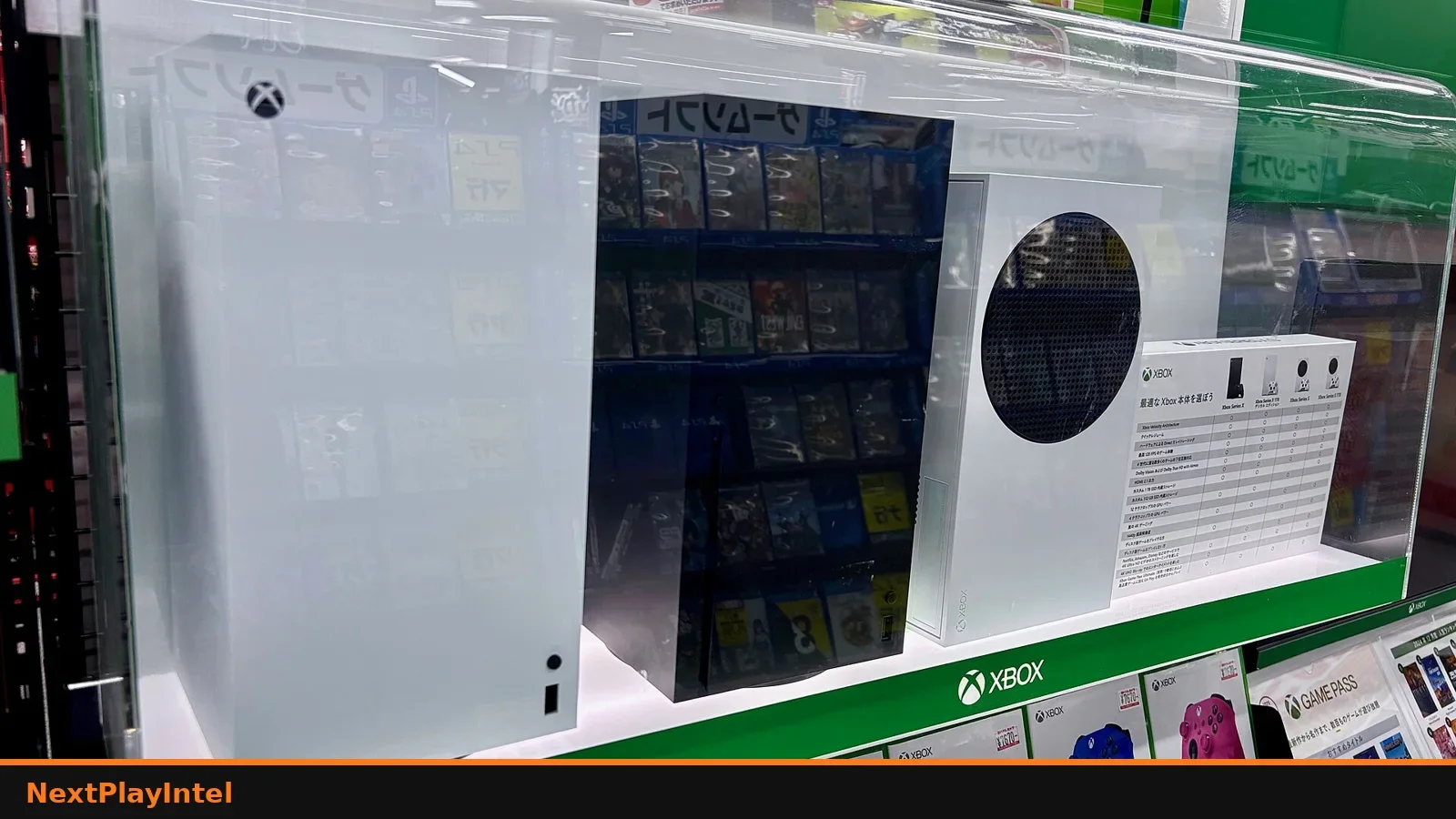
Set up a new Xbox Series X or Series S: place it, connect the right cables, then complete setup on the TV or with the Xbox mobile app.
This guide summarises Xbox Support pages checked on 31 October 2026. NextPlayIntel did not test these steps on hardware; follow the linked official page if anything differs.
Quick Answer: Summary of Steps
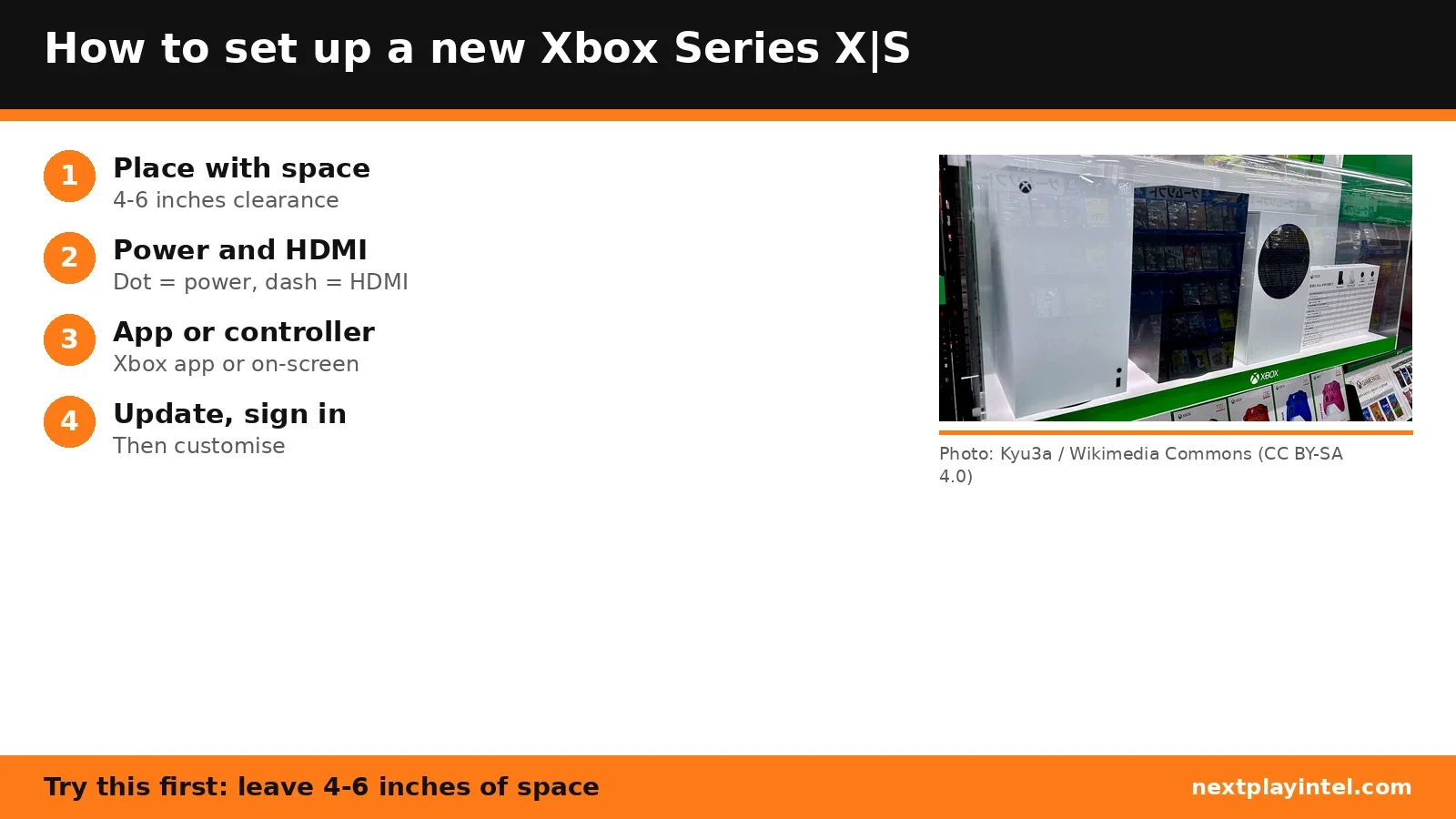
Place the console horizontally or vertically with 4 to 6 inches of clearance on all sides, not in an enclosed cabinet.
Connect the power cord and the included HDMI cable.
Press the Xbox button on the console or controller.
Set up with the Xbox mobile app, or with your controller on the TV.
Pick language, connect to the internet, pick location, then install the system update and sign in.
Step 1: Placement and cables
Put the console on a stable, well-ventilated surface away from heat, with 4 to 6 inches of clearance on all sides.
Series X: use the included 2-metre Ultra High Speed HDMI cable. Microsoft says it is required for 4K at 120Hz. If you need a longer one, buy a certified Ultra High Speed HDMI cable.
Series S: the included High Speed HDMI cable works. A longer certified Premium High Speed HDMI cable can be used.
There is no optical audio out and no HDMI in. Connect cable or satellite boxes to the TV, and soundbars through the TV.
How to find the right port by touch
Port | Tactile marker |
|---|---|
Power | One raised dot |
Ethernet | Two raised dots |
USB (2 on back) | Three raised dots |
Storage expansion | Four raised dots |
HDMI out | One raised dash |
Step 2: Digital setup
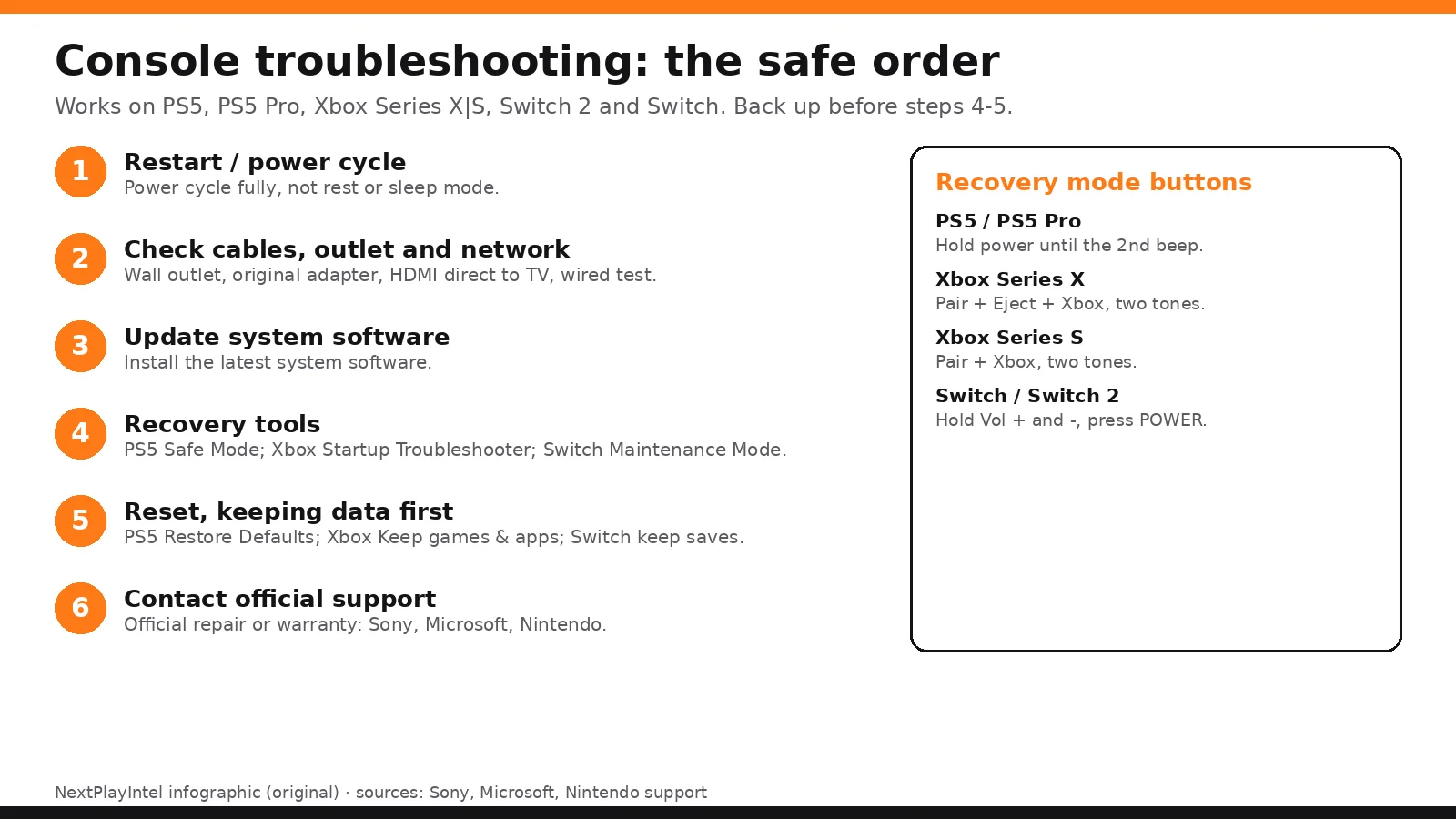
Turn on with the Xbox button. If the controller is not paired, press and hold the Pair button on the console and on the controller.
Select your language and language variety.
If asked, choose your display resolution.
Connect to the internet by cable or Wi-Fi.
Select your country. This sets the console and Microsoft Store location.
Select Start update to install the latest system update. The console restarts.
Sign in with your Microsoft account and customise your settings.
Prefer your phone? Microsoft also offers setup through the Xbox mobile app. If the Xbox service is down, you can skip sign-in and use the console offline until it is back.
If something goes wrong
See the Xbox Series X|S troubleshooting guide, the Xbox error-code directory and Xbox home console game sharing.
Frequently asked questions
How much space does an Xbox Series X need around it?
Microsoft says at least 4 to 6 inches of clearance on all sides, and not inside an enclosed cabinet.
Do I need the included HDMI cable for 120Hz?
On Series X, Microsoft says the included Ultra High Speed HDMI cable is required for 4K at 120Hz. Use a certified Ultra High Speed cable if you need a longer one.
Can I set up an Xbox without a phone?
Yes. Microsoft's digital setup uses your controller and on-screen prompts.
Sources & verification
Sources last verified on . This article covers published information, not hands-on testing.
Editorial & update notes
New guide published 31 Oct 2026, based only on official manufacturer support pages. Not tested on hardware.