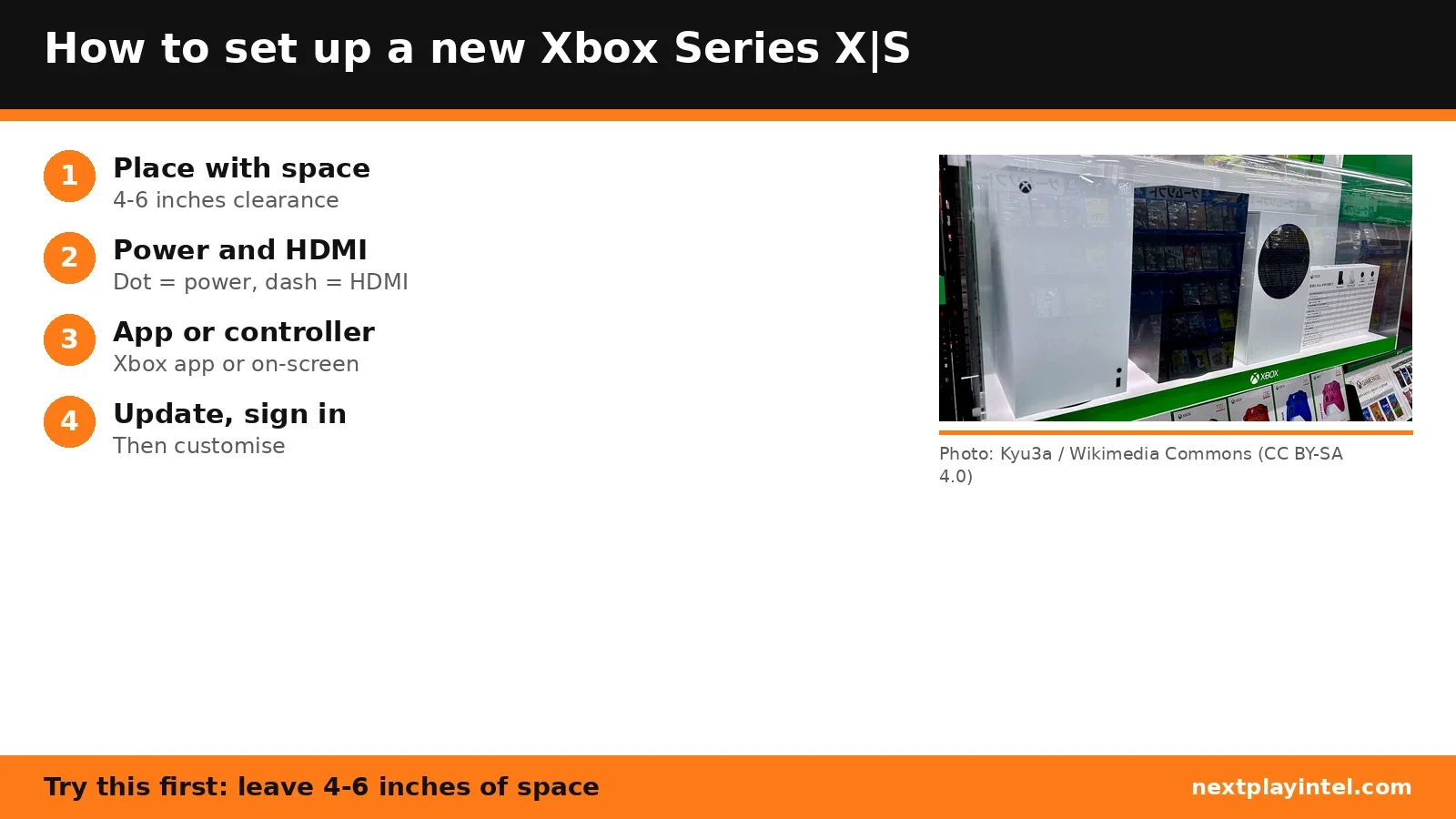
How to Set Up a New Xbox Series X|S: Placement, Cables and First Setup
Set up a new Xbox Series X or Series S: place it with enough ventilation, connect the right cables by port, then finish setup with the Xbox app or your controller.


4 articles tagged Setup.
Set up a new Xbox Series X or Series S: place it with enough ventilation, connect the right cables by port, then finish setup with the Xbox app or your controller.
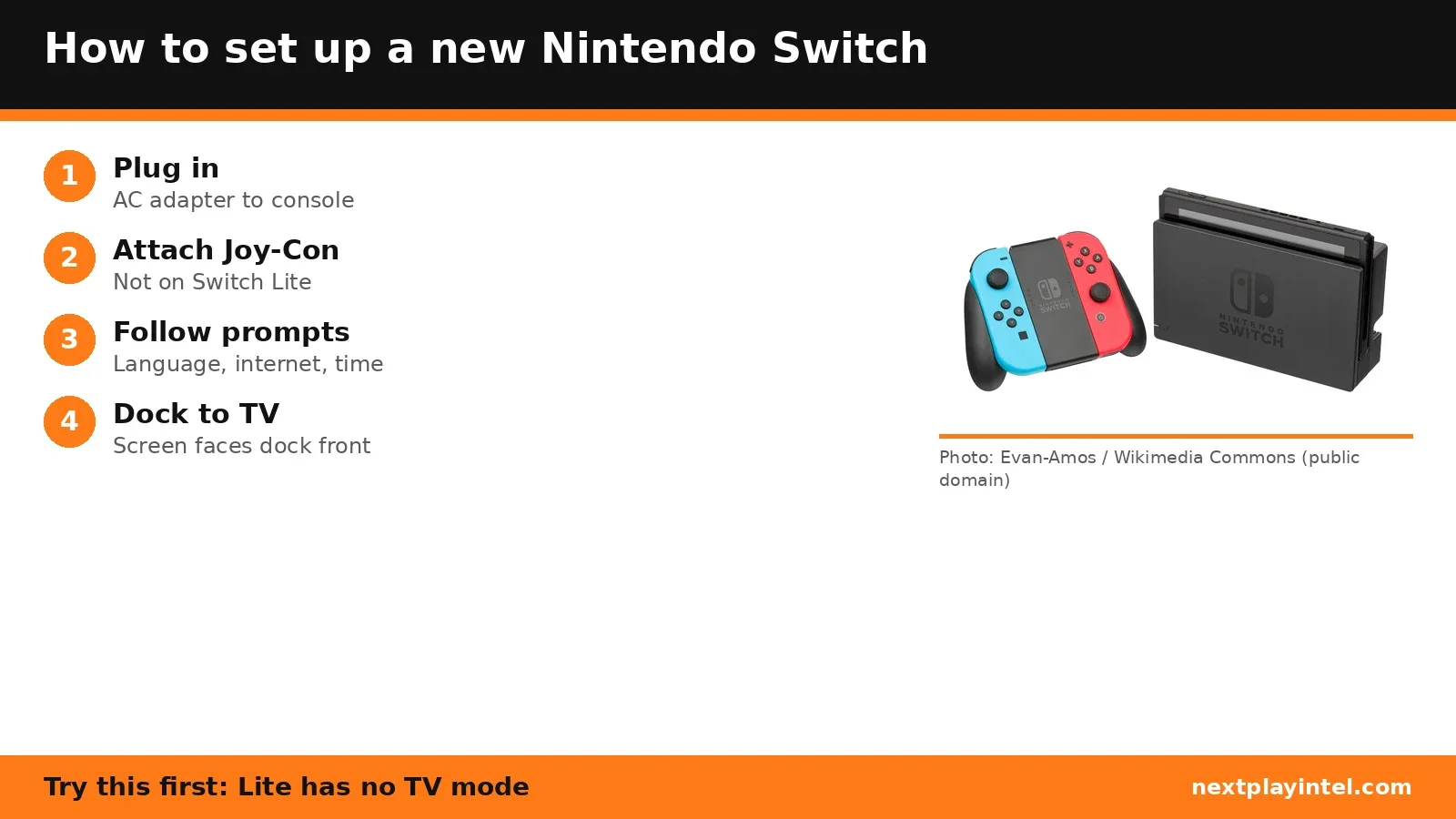
Set up a new Nintendo Switch, Switch OLED or Switch Lite: charge it, attach the Joy-Con, finish first-time setup, then connect the dock to a TV (not possible on Switch Lite).
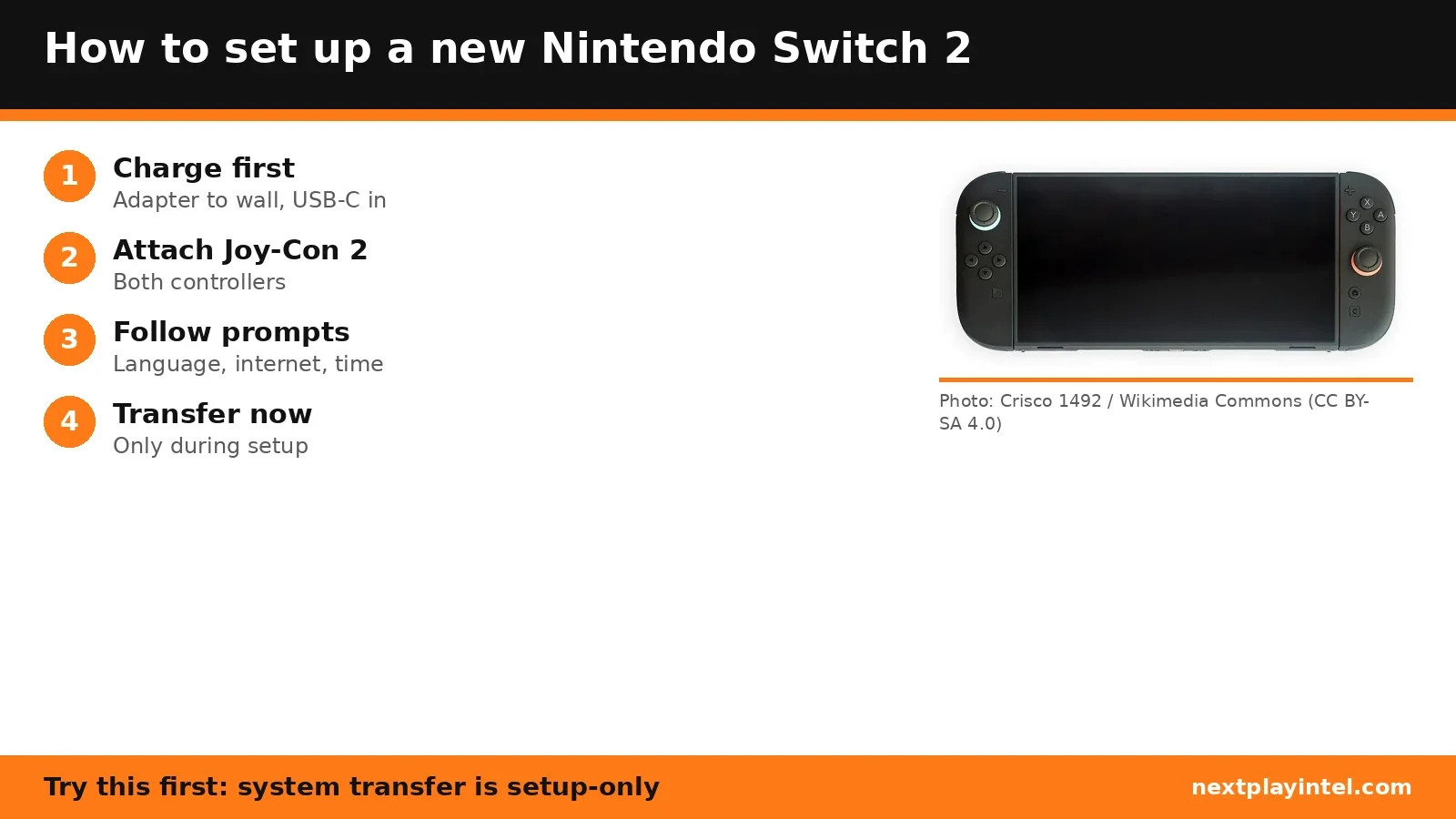
Set up a new Nintendo Switch 2 step by step: charge it, attach the Joy-Con 2, follow first-time setup, transfer from a Switch, then connect the dock with the right cables.
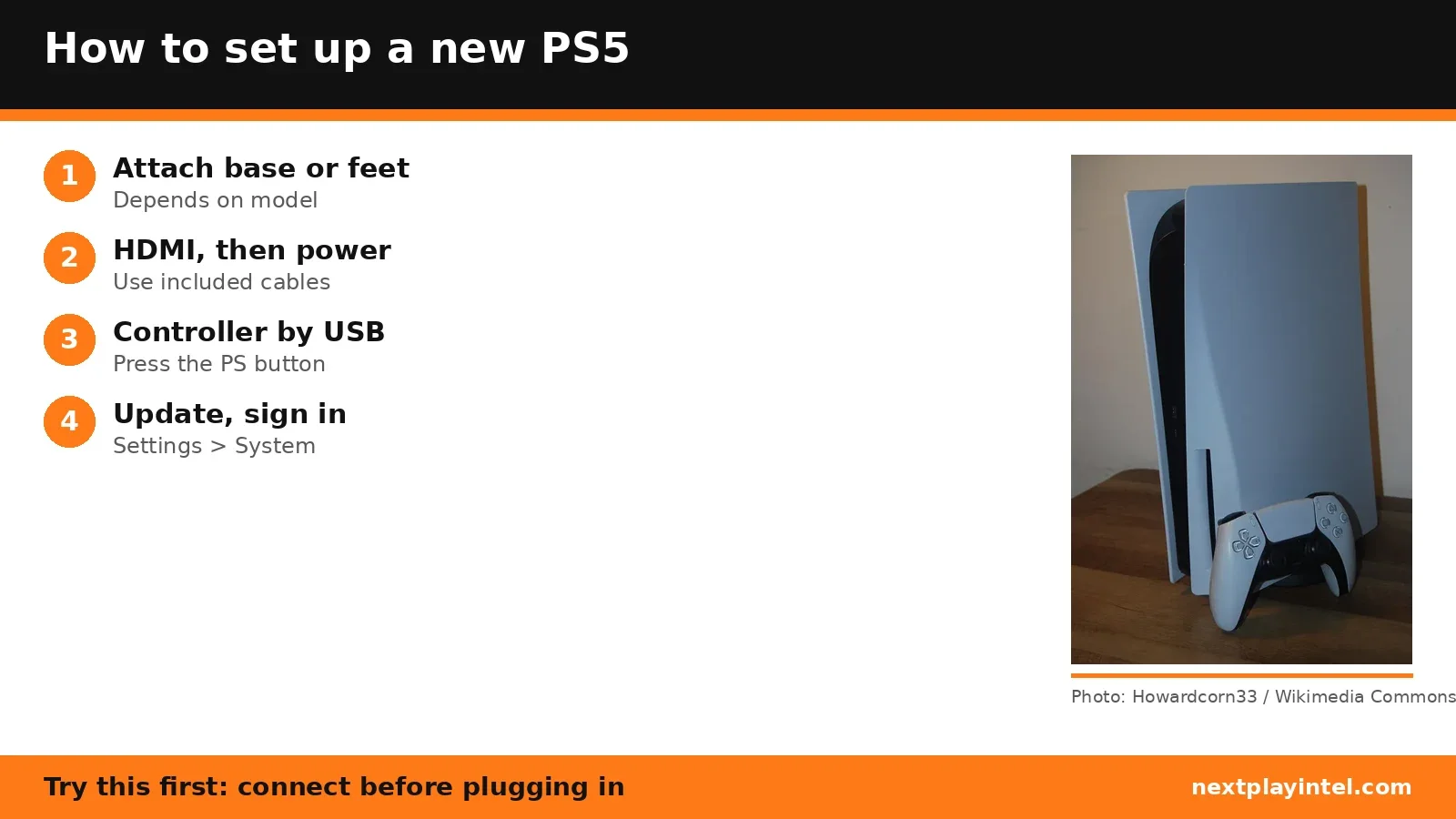
Set up a new PS5, PS5 Slim or PS5 Pro step by step: attach the base or feet for your model, connect HDMI and power, pair the controller, update and sign in.