Set up a new Nintendo Switch, Switch OLED or Switch Lite, then connect it to a TV if your model supports it.
This guide summarises Nintendo Support pages checked on 31 October 2026. NextPlayIntel did not test these steps on hardware; follow the linked official page if anything differs.
Quick Answer: Summary of Steps
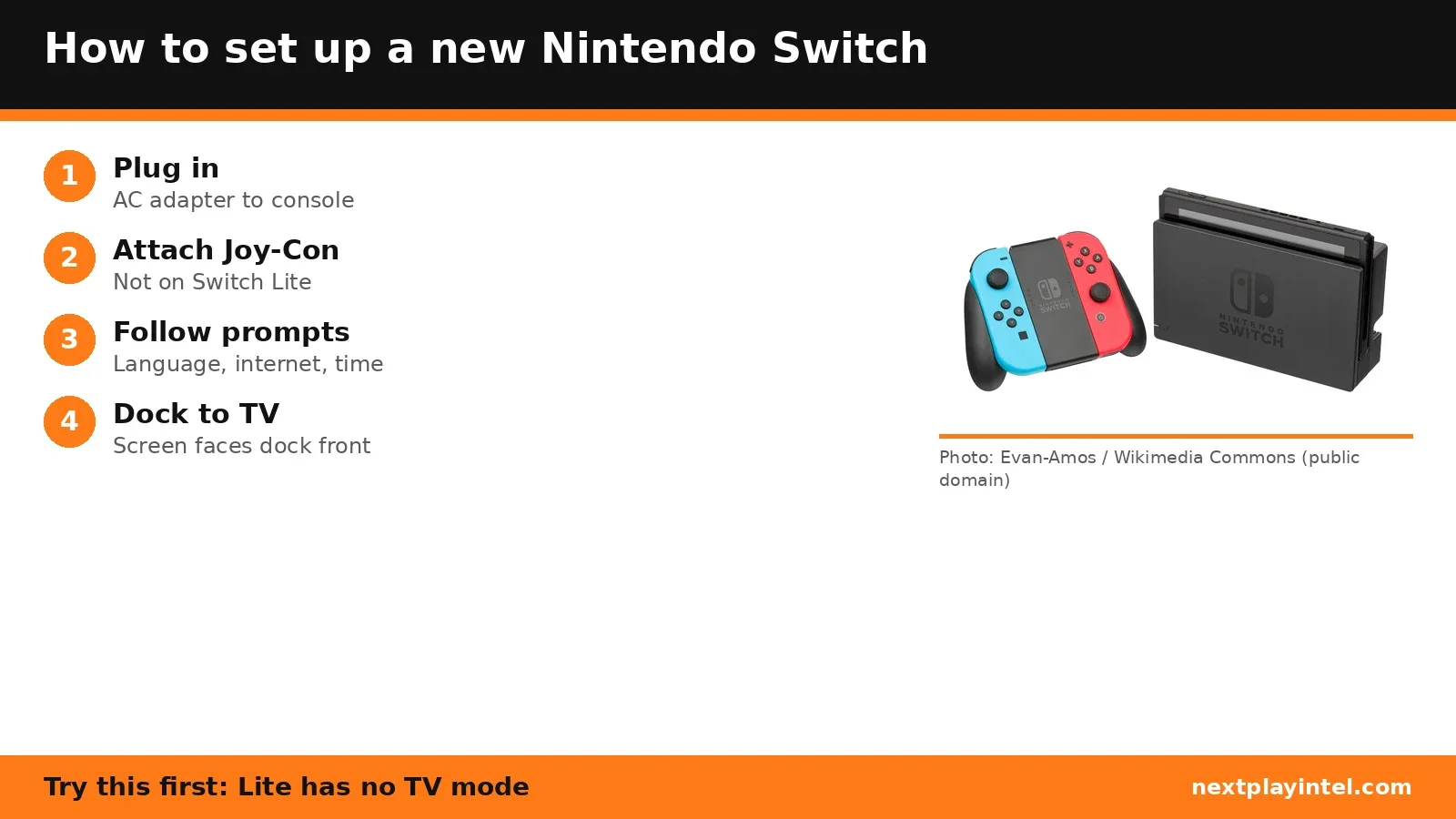
Plug the AC adapter's USB plug into the bottom of the console, then the adapter into the wall.
Attach the Joy-Con (Switch and OLED only; the Lite has built-in controls).
Follow the on-screen setup: language and region, internet, time zone, user, parental controls.
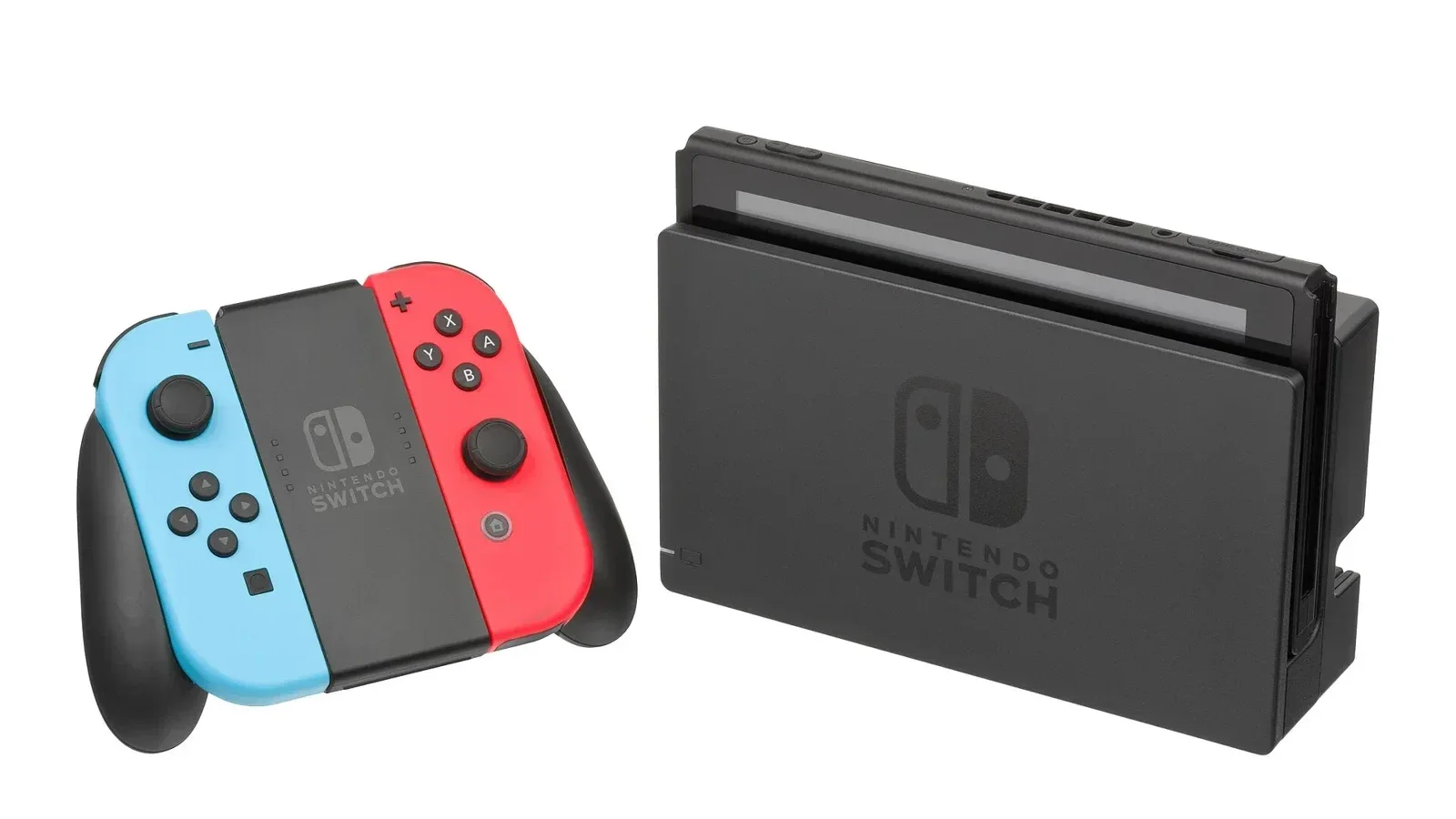
For TV play, connect the dock to power and HDMI and slide the console in.
Step 1: First-time setup
System language and region.
Internet settings (optional).
Time zone.
Set your icon and nickname, or Transfer Users and Save Data (system menu 4.0.0 or later).
Parental Controls (optional).
Some of these settings can be changed later.
Step 2: Connect to a TV (Switch and Switch OLED)
Open the back cover of the dock.
Plug the AC adapter (model HAC-002) into the top terminal marked AC ADAPTER, and into the wall.
Plug the HDMI cable into the bottom terminal marked HDMI OUT and into your TV.
Close the back cover.
Remove both Joy-Con. If they were never attached to this console, attach them once first to register them.
Insert the console with its screen facing the same way as the front of the dock. The console screen turns off.
Turn on the TV and select the right HDMI input.
Nintendo Switch Lite does not support TV mode.
If something goes wrong
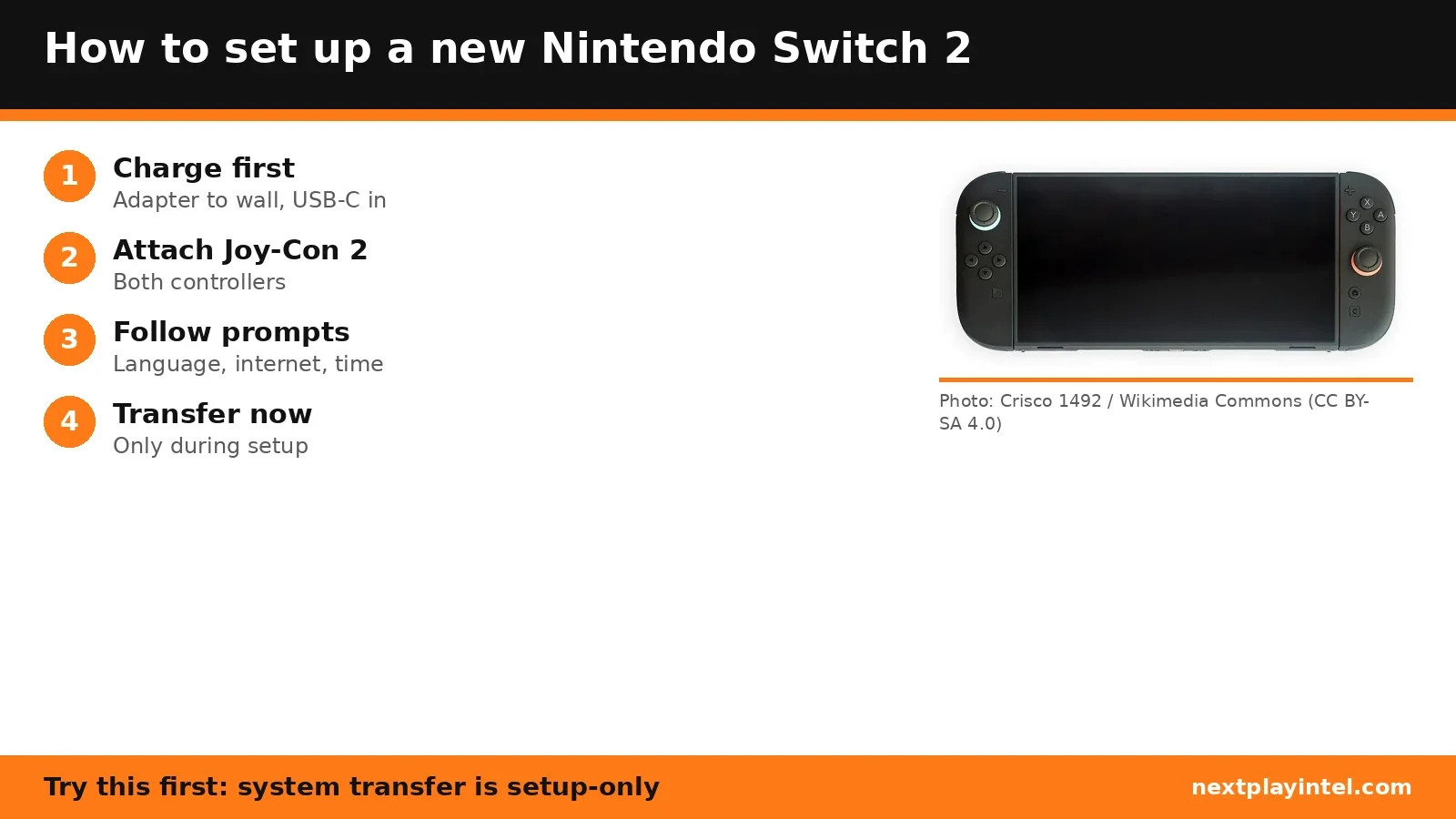
See the Nintendo Switch troubleshooting guide, the Switch error-code directory and transfer Switch save data. Upgrading? See how to set up a Switch 2.
Frequently asked questions
Can Switch Lite connect to a TV?
No. Nintendo says Nintendo Switch Lite does not support TV mode.
Which way does the Switch go in the dock?
Insert it with the console screen facing the same direction as the front panel of the dock.
Is internet required for Switch setup?
No. Nintendo lists internet settings as optional during first-time setup.
Sources & verification
Sources last verified on . This article covers published information, not hands-on testing.
Editorial & update notes
New guide published 31 Oct 2026, based only on official manufacturer support pages. Not tested on hardware.