

PS5 error code
PS5 Error NW-102636-8: Connection Timed Out, Fixes
NW-102636-8 in one line: The connection to PlayStation Network timed out.
Try this first: check the PlayStation status page and the game's server status, then switch the router off for more than 5 minutes.
Try this first: check the PlayStation status page and the game's server status, then switch the router off for more than 5 minutes.
What NW-102636-8 means
PlayStation Support says: “The connection to PlayStation® has timed out.” (official page)
Likely causes
- PSN or the game's servers are down or busy.
- A router or modem that needs a restart.
- Weak Wi-Fi signal.
- DNS problems at your ISP (user-reported).
- Carrier-grade NAT (CGNAT) on your ISP connection (user-reported).
How to fix NW-102636-8, easiest first
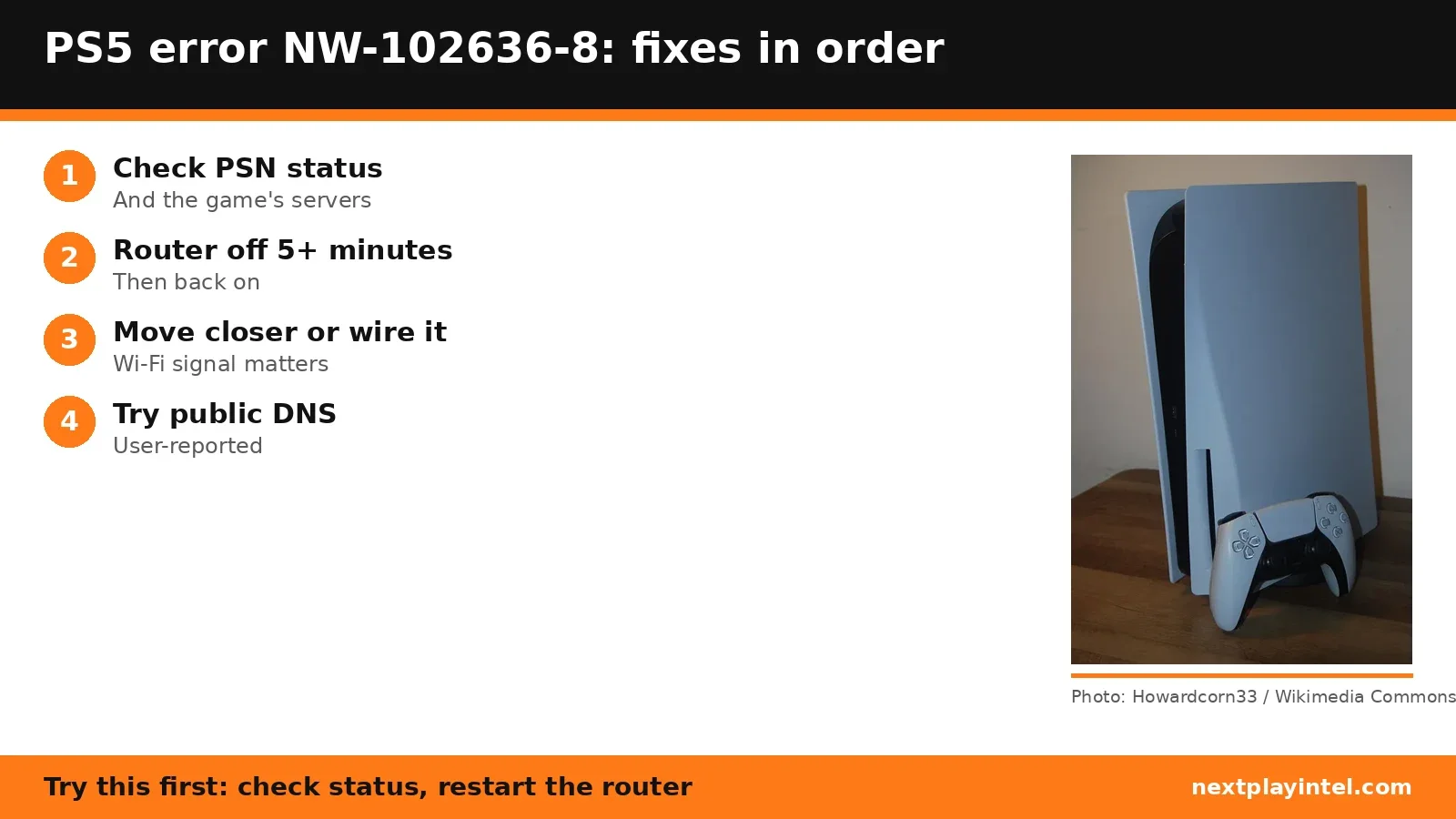
- Check PSN and game server status
Use the PlayStation status page and the developer's server status page. - Restart the modem and router
Turn them off, wait more than 5 minutes, then turn them on. - Move closer to the router
On Wi-Fi, bring the PS5 closer and remove anything between them, or use a cable. - Review the connection settings
Settings > Network > Settings > Set Up Internet Connection, and set it up again. - Try a public DNSUser-reported
In the connection's Advanced Settings, set DNS to Manual, for example 8.8.8.8 and 8.8.4.4. - Ask your ISP about CGNAT or a new IPUser-reported
If another network works, ask your ISP to renew your public IP or take you off CGNAT. - Wait and try again
Sony's last step: leave it for a while.
| Code | What Sony says | Main fix |
|---|---|---|
| NW-102636-8 | The connection to PlayStation has timed out. | Router off over 5 minutes, check status |
| CE-113524-6 | Unable to connect to PlayStation. | Test connection, check manual DNS, ask ISP |
Fixes owners report
From public threads we read. These are individual reports, not official advice, and NextPlayIntel did not test them.
- Changing to Google DNS worked for one owner. (r/PS5HelpSupport)
- One owner had the ISP remove CGNAT and the error stopped. (r/PS5HelpSupport)
- One owner could sign in on a neighbour's Wi-Fi and asked the ISP to renew the public IP; a commenter fixed it by changing the router's IPv6 setting from stateful DHCP to auto-config. (r/PS5)
When to contact support
If the PS5 connects on another network, contact your ISP. If it fails on every network while PSN shows no problems, contact PlayStation Support.
NW-102636-8 FAQ
What does NW-102636-8 mean?
Sony says the connection to PlayStation has timed out.
Can changing DNS fix NW-102636-8?
Some owners report Google DNS fixed it. Sony doesn't list DNS for this code, though it does for CE-113524-6.
Sources
- PlayStation Support: NW-102636-8
- PlayStation Support: CE-113524-6
- PlayStation Network status
- r/PS5HelpSupport (user reports)
- r/PS5HelpSupport: CGNAT (user reports)
- r/PS5 (user reports)
Other PS5 error codes
- CE-108262-9: The PS5 crashed while reading system software or game data.
- CE-108255-1: A game or app hit an error; Sony's fix is to update the game.
- CE-100095-5: The game failed to start; Sony's fix is to delete and reinstall it.
- CE-107891-6: Content isn't installing properly; delete and reinstall it.
- CE-117773-6: A general error Sony links to connection, sign-in and PS Plus checks.
- CE-106485-4: Problem reading system or game data; update the system software.
PS5 troubleshooting guide · All PS5 codes · Error code directory