

PS5 error code
PS5 Error CE-108262-9: What It Means and How to Fix It
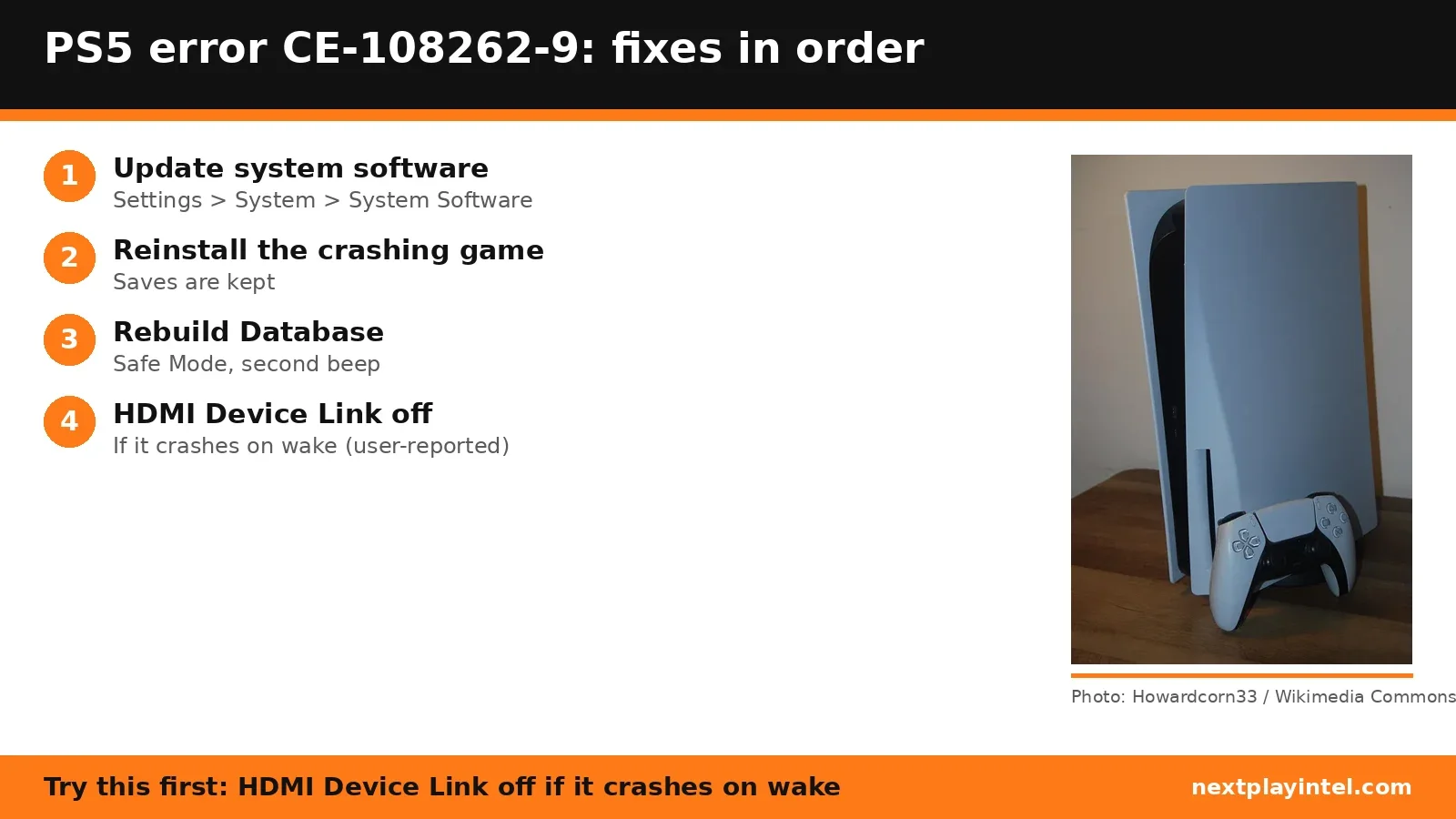
Try this first: if the crash happens when the PS5 wakes from rest mode or the TV turns on or off, turn off HDMI Device Link (Settings > System > HDMI). Otherwise update the system software.
What CE-108262-9 means
PlayStation Support says: “An error occurred while reading the system software or application data.” (official page)
CE-108262-9 is a crash report, not one specific fault. When it happens tells you where to look: in one game points to that game's data, across games points to the system database or software, and on wake or TV power changes points to HDMI Device Link.
Likely causes
- Damaged game or app data, if the crash happens in one game.
- Out-of-date system software (Sony's first fix).
- A messy system database, if crashes happen across games or in menus.
- HDMI Device Link (HDMI-CEC) power commands from the TV or soundbar, if crashes happen on wake (user-reported; Sony doesn't list this).
- A faulty HDMI cable (user-reported).
- Corrupt system software or a hardware fault, if a full reset doesn't help.
How to fix CE-108262-9, easiest first
- Update the system software
Settings > System > System Software > System Software Update and Settings > Update System Software. - Reinstall the game that crashes
If the error appears after starting one game: Settings > Storage, delete the game, then reinstall it from your Game Library. Saves are kept. - Rebuild the database in Safe Mode
Turn the PS5 off, hold the power button until the second beep, connect the controller by USB and press PS, then choose Clear Cache and Rebuild Database > Rebuild Database. Games and saves are kept. See Sony's Safe Mode guide. - Turn off HDMI Device LinkUser-reported
Settings > System > HDMI, turn off Enable HDMI Device Link and leave HDCP on. The TV will no longer switch input with the PS5, so use the TV remote. - Try another HDMI cableUser-reported
If crashes continue, swap the HDMI cable. - Back up, then reset the console
Back up saves to USB or PS Plus cloud storage, then Settings > System > System Software > Reset Options > Reset Your Console, and reinstall your games. This erases everything on the console.
| Step | What to do | Source |
|---|---|---|
| 1 | Update the system software | Official |
| 2 | Reinstall the game that crashes | Official |
| 3 | Rebuild the database in Safe Mode | Official |
| 4 | Turn off HDMI Device Link | User-reported |
| 5 | Try another HDMI cable | User-reported |
| 6 | Back up, then reset the console | Official |
Fixes owners report
From public threads we read. These are individual reports, not official advice, and NextPlayIntel did not test them.
- Turning off HDMI Device Link stopped the error for at least a week for one owner. (r/PS5HelpSupport)
- Replacing the HDMI cable stopped crashes that were happening two or three times a day. (r/PS5HelpSupport)
When to contact support
If the error continues after updating, reinstalling, rebuilding the database and a full reset, contact PlayStation Support with the code and when it happens. A few owners in the linked threads eventually needed a repair.
CE-108262-9 FAQ
What is PS5 error CE-108262-9?
Sony says an error occurred while reading the system software or application data. It shows after the console crashed.
Does turning off HDMI Device Link fix CE-108262-9?
Owners report it helped, especially for crashes on wake from rest mode. Sony doesn't list it, so treat it as user-reported.
Will rebuilding the database delete my games?
No. Rebuild Database keeps games and saves.
Sources
- PlayStation Support: CE-108262-9
- PlayStation Support: Safe Mode
- r/PS5HelpSupport: CE-108262-9 (user reports)
- r/PS5HelpSupport: Sony we need to talk about CE-108262-9 (user reports)
Other PS5 error codes
- CE-108262-9: The PS5 crashed while reading system software or game data.
- CE-108255-1: A game or app hit an error; Sony's fix is to update the game.
- CE-100095-5: The game failed to start; Sony's fix is to delete and reinstall it.
- CE-107891-6: Content isn't installing properly; delete and reinstall it.
- CE-117773-6: A general error Sony links to connection, sign-in and PS Plus checks.
- CE-106485-4: Problem reading system or game data; update the system software.
PS5 troubleshooting guide · All PS5 codes · Error code directory