

PS5 error code
PS5 Error CE-100095-5: Game Won't Start, Fix
CE-100095-5 in one line: The game failed to start; Sony's fix is to delete and reinstall it.
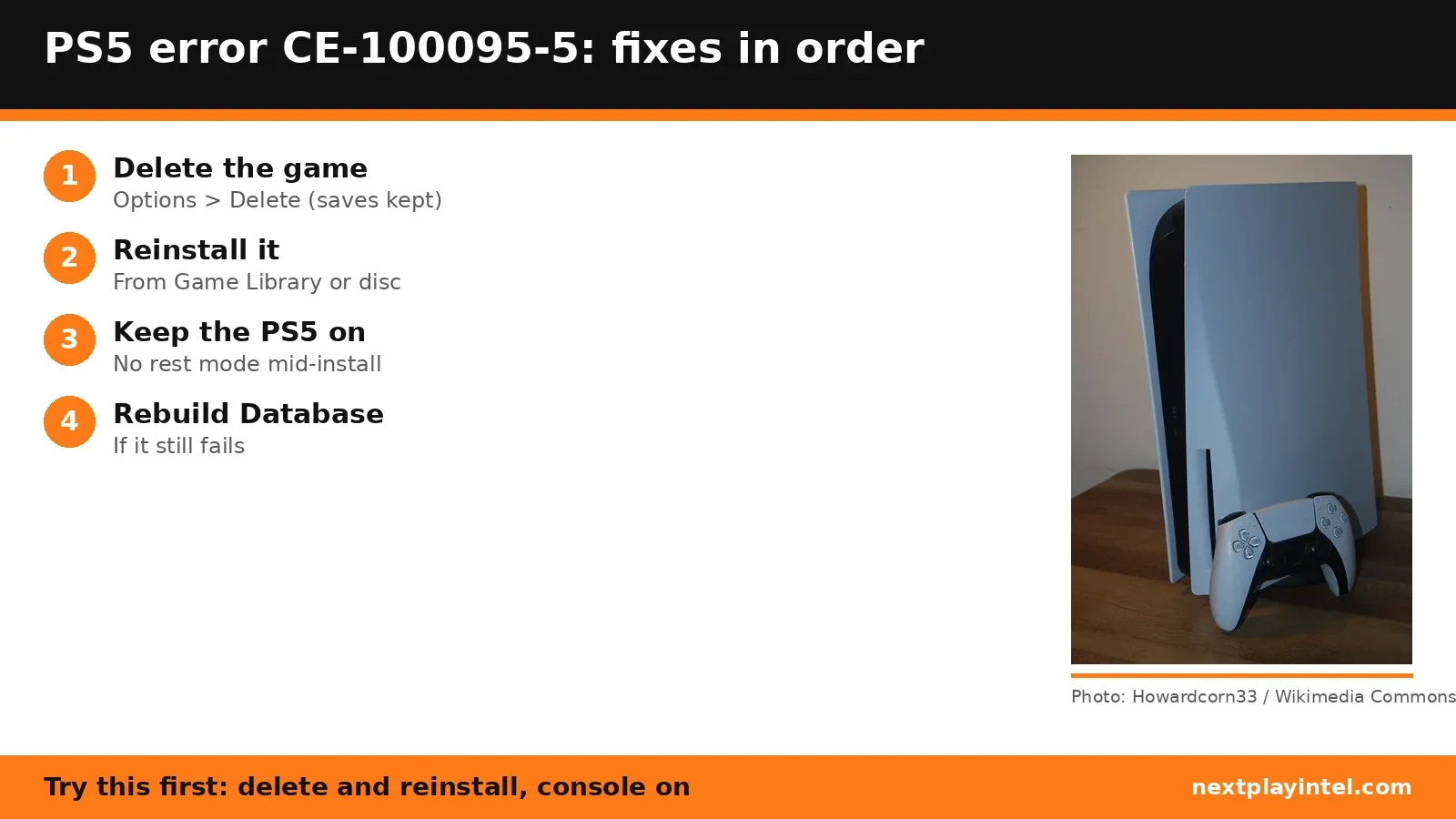
Try this first: delete the game and reinstall it, and keep the PS5 switched on (not in rest mode) until the install finishes.
Try this first: delete the game and reinstall it, and keep the PS5 switched on (not in rest mode) until the install finishes.
What CE-100095-5 means
PlayStation Support says: “There was an issue when starting the application.” (official page)
Likely causes
- A damaged or incomplete game install.
- The console went into rest mode or lost power during an install or update.
- A failing USB drive, if the game is installed on extended storage.
How to fix CE-100095-5, easiest first
- Delete the game
Highlight the game, press Options and select Delete. Saved data is kept. - Reinstall it
Reinstall from your Game Library or the disc. - Keep the console powered on
Sony says to keep the PS5 powered on while the installation runs; don't put it in rest mode mid-install. - Use a wired connection for the download
Sony's game-launch guide suggests a wired connection for redownloads. - Rebuild the database
If it still fails, start in Safe Mode and choose Rebuild Database.
| Code | What Sony says | Sony's fix |
|---|---|---|
| CE-100095-5 | There was an issue when starting the application. | Delete, reinstall, keep the console on |
| CE-107891-6 | Content isn't installing properly. | Delete in Settings > Storage, reinstall, try later |
When to contact support
If a fresh install still won't start, and other games also fail, contact PlayStation Support.
CE-100095-5 FAQ
How do I fix CE-100095-5 on PS5?
Delete the game and reinstall it, keeping the console powered on during the install, as Sony advises.
Is CE-107891-6 the same fix?
Nearly. Sony says content isn't installing properly and gives the same delete-and-reinstall steps from Settings > Storage, then says to try again later.
Sources
- PlayStation Support: CE-100095-5
- PlayStation Support: game launch issues
- PlayStation Support: CE-107891-6
Other PS5 error codes
- CE-108262-9: The PS5 crashed while reading system software or game data.
- CE-108255-1: A game or app hit an error; Sony's fix is to update the game.
- CE-100095-5: The game failed to start; Sony's fix is to delete and reinstall it.
- CE-107891-6: Content isn't installing properly; delete and reinstall it.
- CE-117773-6: A general error Sony links to connection, sign-in and PS Plus checks.
- CE-106485-4: Problem reading system or game data; update the system software.
PS5 troubleshooting guide · All PS5 codes · Error code directory