

PS5 error code
PS5 Error CE-117773-6: Sign-In and PS Plus Checks
CE-117773-6 in one line: A general error Sony links to connection, sign-in and PS Plus checks.
Try this first: run Settings > Network > Connection Status > Test Internet Connection.
Try this first: run Settings > Network > Connection Status > Test Internet Connection.
What CE-117773-6 means
PlayStation Support says: “An error has occurred on your PlayStation®5 console.” (official page)
Likely causes
- The PS5 isn't connected to the internet.
- You're signed out of PlayStation Network.
- Out-of-date system software.
- An expired PlayStation Plus subscription, for PS Plus catalogue games or online play.
- A temporary PlayStation-side issue, if all of the above are fine.
How to fix CE-117773-6, easiest first
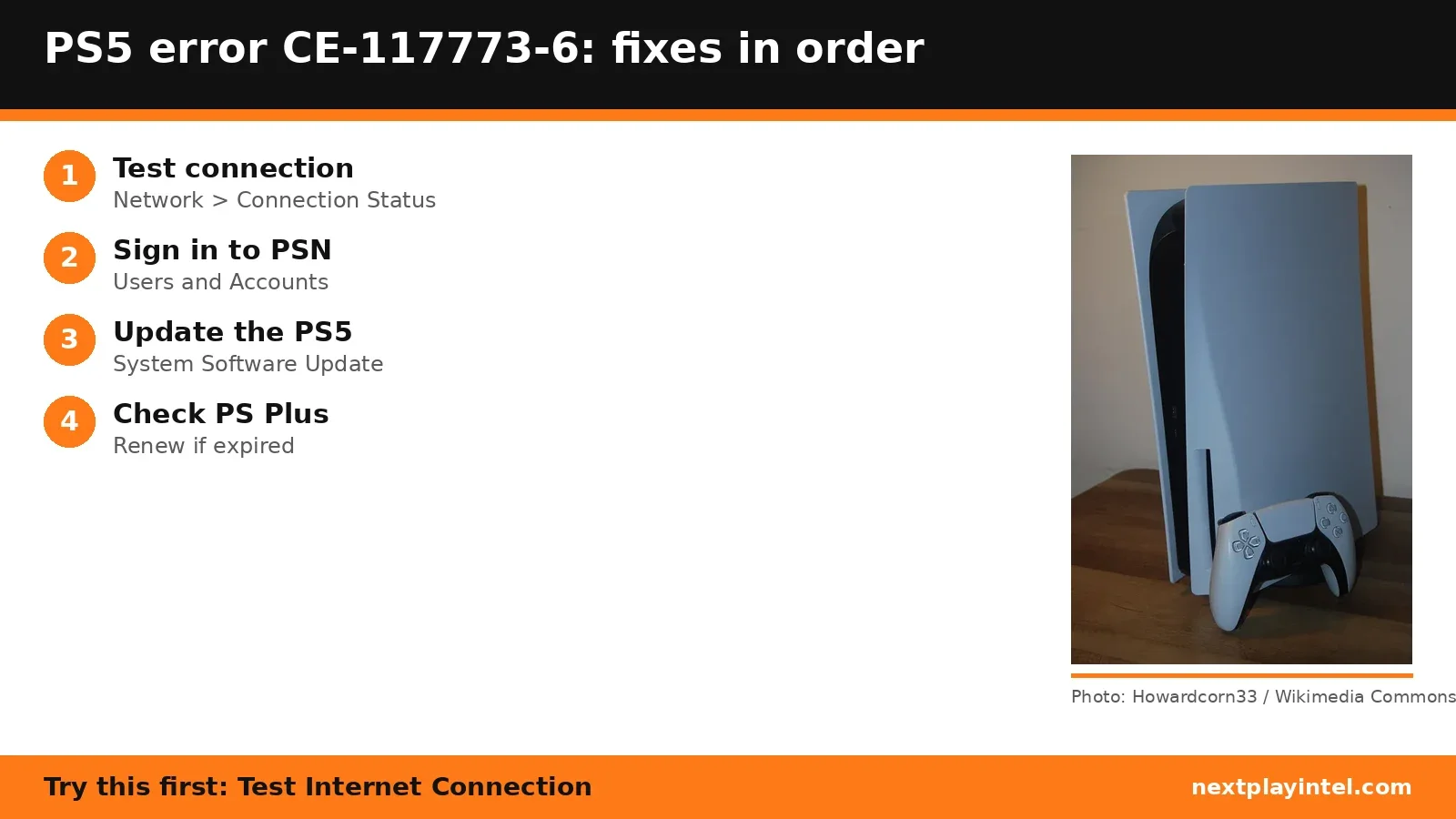
- Test the internet connection
Settings > Network > Connection Status > Test Internet Connection. - Sign in to PlayStation Network
Settings > Users and Accounts > Account > Sign In. - Update the system software
Settings > System > System Software > System Software Update and Settings. - Check PlayStation Plus
Settings > Users and Accounts > Account > Payment and Subscriptions > Subscriptions. Renew if it has expired. - Check PSN status and wait
Check the PlayStation status page. Sony says that if you can sign in and PS Plus is active, the issue is likely temporary.
| Step | What to do | Source |
|---|---|---|
| 1 | Test the internet connection | Official |
| 2 | Sign in to PlayStation Network | Official |
| 3 | Update the system software | Official |
| 4 | Check PlayStation Plus | Official |
| 5 | Check PSN status and wait | Official |
When to contact support
If you can sign in, PS Plus is active and the error lasts more than a day, contact PlayStation Support.
CE-117773-6 FAQ
What is PS5 error CE-117773-6?
A general error Sony links to sign-in, network and PS Plus checks. If all are fine, Sony says it's likely temporary.
Sources
Other PS5 error codes
- CE-108262-9: The PS5 crashed while reading system software or game data.
- CE-108255-1: A game or app hit an error; Sony's fix is to update the game.
- CE-100095-5: The game failed to start; Sony's fix is to delete and reinstall it.
- CE-107891-6: Content isn't installing properly; delete and reinstall it.
- CE-117773-6: A general error Sony links to connection, sign-in and PS Plus checks.
- CE-106485-4: Problem reading system or game data; update the system software.
PS5 troubleshooting guide · All PS5 codes · Error code directory