

PS5 error code
PS5 Error CE-108255-1: Game Crashes and How to Fix It
CE-108255-1 in one line: A game or app hit an error; Sony's fix is to update the game.
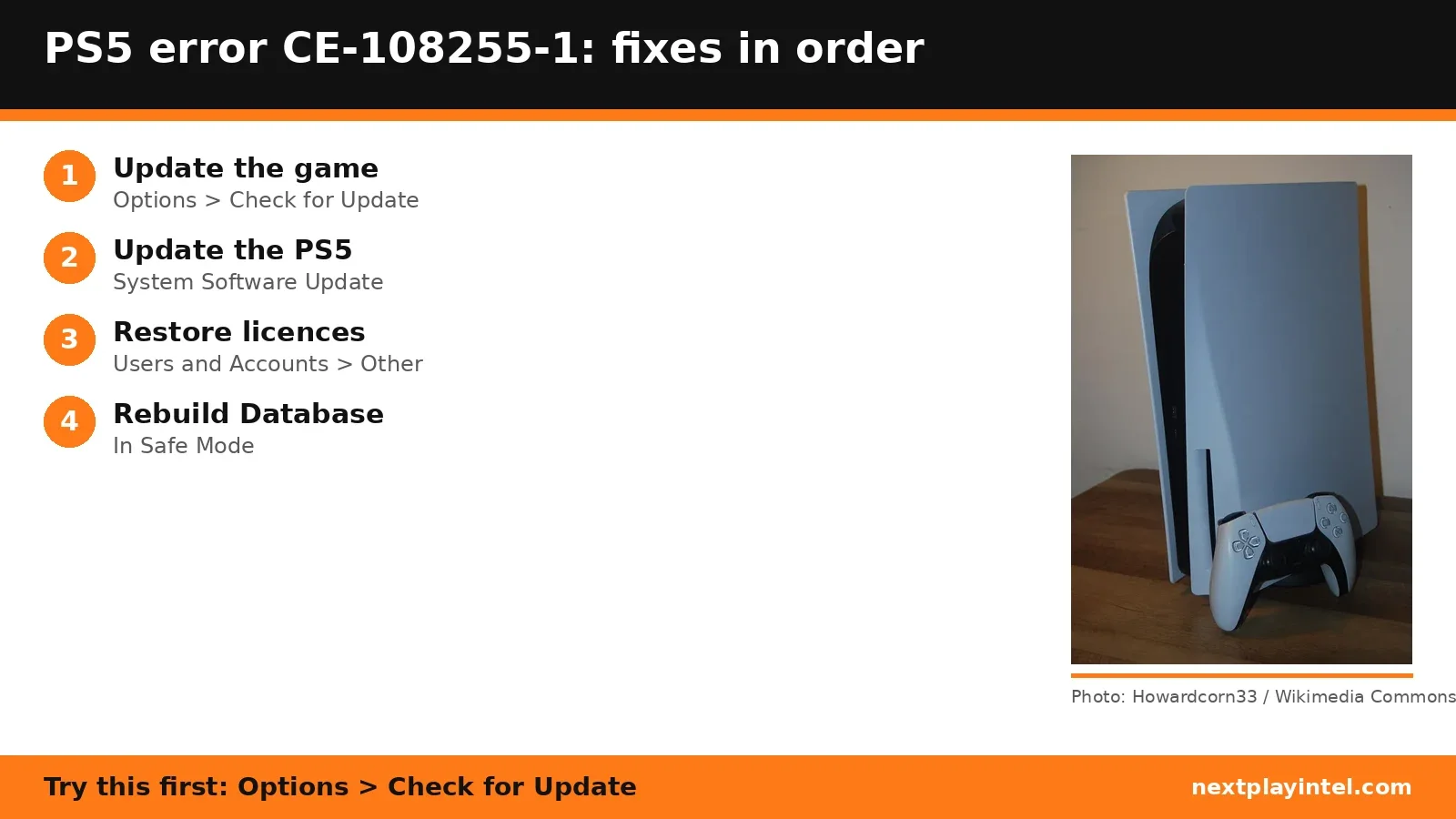
Try this first: highlight the game, press Options and choose Check for Update.
Try this first: highlight the game, press Options and choose Check for Update.
What CE-108255-1 means
PlayStation Support says: “An error occurred with the game/application.” (official page)
Sony's page lists only one fix, "Try updating your game", and points to PlayStation Repairs. The extra steps below come from Sony's general game launch issues page.
Likely causes
- The game is missing a patch the developer has already released.
- Out-of-date PS5 system software.
- A damaged install, if updating doesn't help.
- A hardware fault, if the same crash repeats after every fix (Sony points to PlayStation Repairs).
How to fix CE-108255-1, easiest first
- Update the game
Highlight the game on the Home screen, press Options > Check for Update. - Update the system software
Settings > System > System Software > System Software Update and Settings. - Move the game off USB storage
If the game is on USB extended storage, move it to the console storage (Sony's game-launch checklist). - Restore licences
Settings > Users and Accounts > Other > Restore Licenses. - Rebuild the database
Start in Safe Mode and choose Clear Cache and Rebuild Database > Rebuild Database. - Delete and reinstall the game
Highlight the game, press Options > Delete, then reinstall it. Saved data is kept unless you delete it separately.
| Step | What to do | Source |
|---|---|---|
| 1 | Update the game | Official |
| 2 | Update the system software | Official |
| 3 | Move the game off USB storage | Official |
| 4 | Restore licences | Official |
| 5 | Rebuild the database | Official |
| 6 | Delete and reinstall the game | Official |
When to contact support
If the same game still crashes at the same point, report it to the game's publisher and use PlayStation Repairs as Sony's page suggests.
CE-108255-1 FAQ
What does PS5 error CE-108255-1 mean?
Sony says an error occurred with the game or application. Its fix is to update the game.
Will deleting a PS5 game delete my saves?
No. Saved data is kept unless you delete it separately, but back up to cloud or USB first to be safe.
Sources
Other PS5 error codes
- CE-108262-9: The PS5 crashed while reading system software or game data.
- CE-108255-1: A game or app hit an error; Sony's fix is to update the game.
- CE-100095-5: The game failed to start; Sony's fix is to delete and reinstall it.
- CE-107891-6: Content isn't installing properly; delete and reinstall it.
- CE-117773-6: A general error Sony links to connection, sign-in and PS Plus checks.
- CE-106485-4: Problem reading system or game data; update the system software.
PS5 troubleshooting guide · All PS5 codes · Error code directory