

PS5 error code
PS5 Error CE-105799-1: Unable to Connect to Server
CE-105799-1 in one line: The PS5 couldn't connect to PlayStation's servers.
Try this first: check the PlayStation status page before changing anything.
Try this first: check the PlayStation status page before changing anything.
What CE-105799-1 means
PlayStation Support says: “Unable to connect to the server. An error has occurred while connecting to PlayStation®.” (official page)
Likely causes
- PlayStation Network outage or maintenance.
- Weak or unstable Wi-Fi.
- Router problems or old firmware.
- Blocked ports or DNS problems.
- A busy line (Sony says to retry later).
How to fix CE-105799-1, easiest first
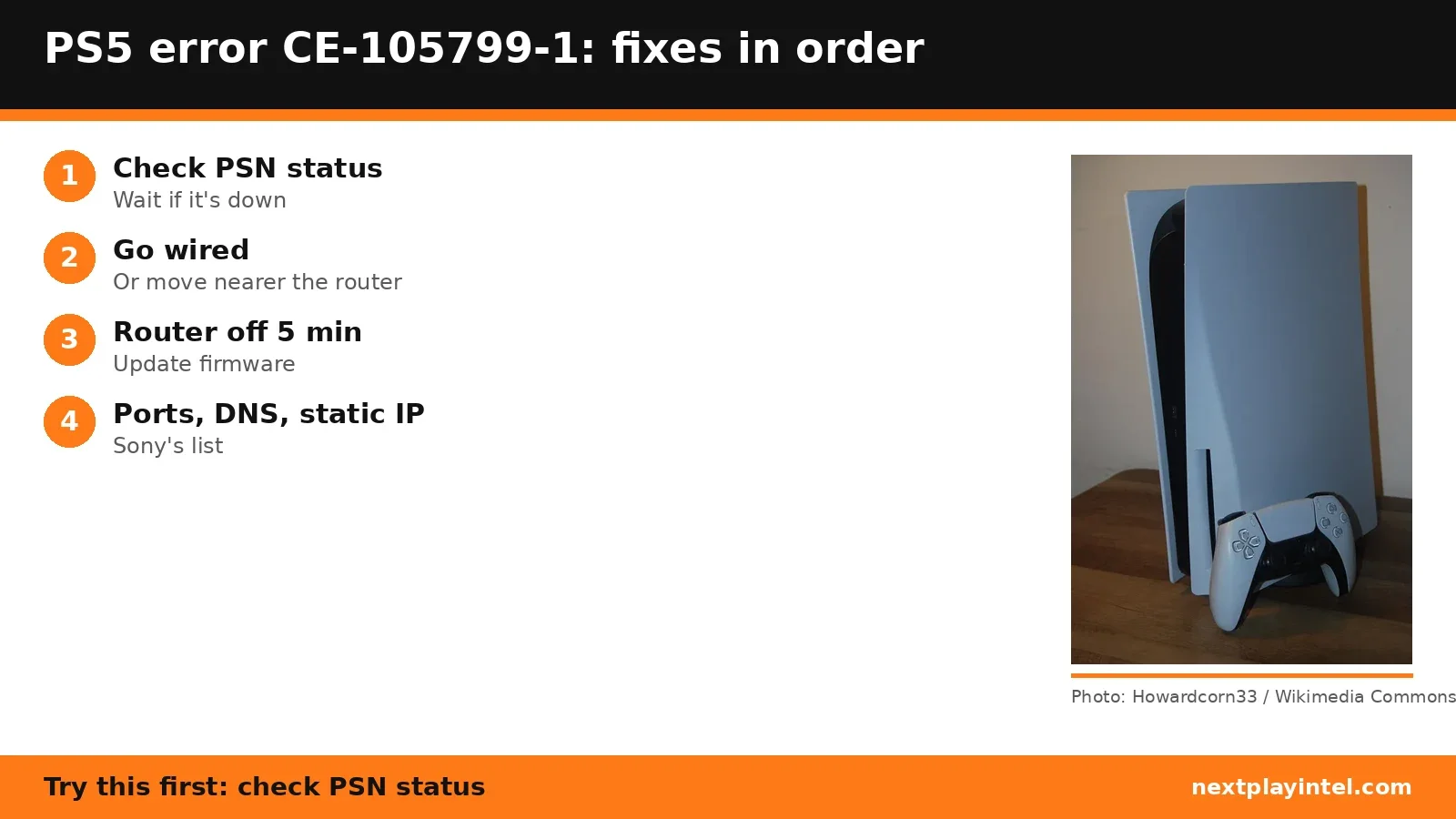
- Check PlayStation status
Open the PlayStation status page. If there's an outage or maintenance, wait it out. - Restart and go wired
Restart the PS5, use a LAN cable if you can, then set up the connection again in Settings > Network. - Move closer to the router on Wi-Fi
Bring the PS5 nearer the router and clear anything between them. - Power-cycle the router and modem
Turn them off, wait at least 5 minutes, then turn them back on. Update the router firmware if the maker offers one. - Open Sony's ports
TCP 80, 443, 3478, 3479, 3480 and UDP 3478, 3479, 49152–65535. Your ISP or router maker can help. - Try a static IP or different DNS
In Settings > Network > Settings > Set Up Internet Connection, set the IP manually or enter a public DNS server temporarily. - Try again later
If nothing helps, Sony says the line is probably busy; wait and retry.
| Protocol | Ports |
|---|---|
| TCP | 80, 443, 3478, 3479, 3480 |
| UDP | 3478, 3479, 49152–65535 |
When to contact support
If status is green and nothing above helps, contact your ISP about the ports, then PlayStation Support.
CE-105799-1 FAQ
Which ports does PS5 need for CE-105799-1?
Sony lists TCP 80, 443, 3478, 3479, 3480 and UDP 3478, 3479 and 49152 to 65535.
Sources
Other PS5 error codes
- CE-108262-9: The PS5 crashed while reading system software or game data.
- CE-108255-1: A game or app hit an error; Sony's fix is to update the game.
- CE-100095-5: The game failed to start; Sony's fix is to delete and reinstall it.
- CE-107891-6: Content isn't installing properly; delete and reinstall it.
- CE-117773-6: A general error Sony links to connection, sign-in and PS Plus checks.
- CE-106485-4: Problem reading system or game data; update the system software.
PS5 troubleshooting guide · All PS5 codes · Error code directory