

PS5 error code
PS5 Error CE-100005-6: Game Can't Load, How to Fix
CE-100005-6 in one line: The game or app can't load; delete and reinstall it, and clean the disc if it's a disc game.
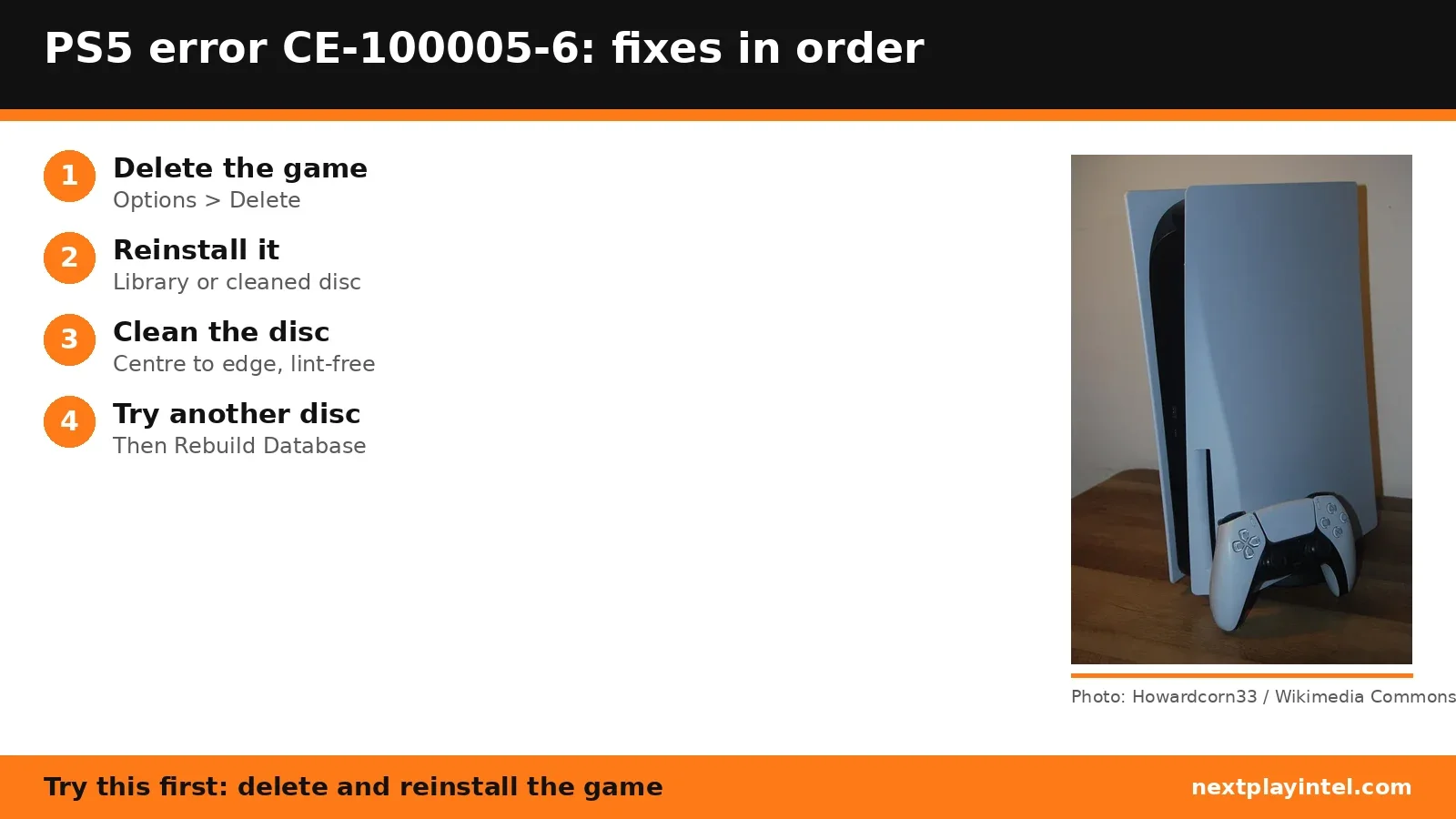
Try this first: delete the game (Options > Delete), then reinstall it. For a disc game, clean the disc first.
Try this first: delete the game (Options > Delete), then reinstall it. For a disc game, clean the disc first.
What CE-100005-6 means
PlayStation Support says: “The game or application can't load.” (official page)
Likely causes
- A damaged install of the game.
- A dirty or scratched disc, for disc games.
- A faulty disc that looks fine (user-reported).
- The disc inserted the wrong way: with the PS5 standing upright, the label faces left.
How to fix CE-100005-6, easiest first
- Delete the game
On the Home screen, highlight the game, press Options and select Delete. Saved data is kept. - Reinstall a digital game
Reinstall it from your Game Library. - Clean the disc and reinstall
Wipe from the centre toward the edge with a lint-free cloth made for Blu-ray or DVD discs, then reinsert it. Upright, the labelled side faces left. - Run Sony's disc checks
Try another disc, then Rebuild Database in Safe Mode, from Sony's disc reading page. - Swap the discUser-reported
If other discs work, return or exchange the problem disc.
| Step | What to do | Source |
|---|---|---|
| 1 | Delete the game | Official |
| 2 | Reinstall a digital game | Official |
| 3 | Clean the disc and reinstall | Official |
| 4 | Run Sony's disc checks | Official |
| 5 | Swap the disc | User-reported |
Fixes owners report
From public threads we read. These are individual reports, not official advice, and NextPlayIntel did not test them.
- One owner fixed it by returning a faulty disc that looked fine. (r/PS5HelpSupport)
When to contact support
If several discs fail to load after cleaning and a database rebuild, contact PlayStation Support about a disc drive repair.
CE-100005-6 FAQ
What does CE-100005-6 mean on PS5?
Sony says the game or application can't load. Its fix is to delete the game and reinstall it, cleaning the disc first for disc games.
Which way does the disc go in a vertical PS5?
Sony says the labelled side should face left when the console stands vertically on its stand.
Sources
- PlayStation Support: CE-100005-6
- PlayStation Support: PS5 problem reading disc
- r/PS5HelpSupport (user report)
Other PS5 error codes
- CE-108262-9: The PS5 crashed while reading system software or game data.
- CE-108255-1: A game or app hit an error; Sony's fix is to update the game.
- CE-100095-5: The game failed to start; Sony's fix is to delete and reinstall it.
- CE-107891-6: Content isn't installing properly; delete and reinstall it.
- CE-117773-6: A general error Sony links to connection, sign-in and PS Plus checks.
- CE-106485-4: Problem reading system or game data; update the system software.
PS5 troubleshooting guide · All PS5 codes · Error code directory