In brief: Pre-order The Legend of Zelda: Ocarina of Time on your Switch 2’s Nintendo eShop or on nintendo.com. It costs $59.99 in the US, £49.99 in the UK and €59.99 in Germany. Nintendo charges you no sooner than 7 days before release, which means from about 29 October 2026 for a 5 November launch, and pre-loads the game at that point. Keep about 27 GB free. In North America you can start playing after a small update at 12:00 a.m. ET on 5 November (05:00 UTC, 10:30 IST).
Before you start
A Nintendo Switch 2. The game is a Switch 2 exclusive. It will not appear in the eShop on an original Switch, Switch OLED or Switch Lite.
About 27 GB free. That is Nintendo’s estimate on the US store. Add a microSD Express card if your internal storage is tight. Ordinary microSD cards cannot hold Switch 2 games. See our microSD Express guide.
A payment method saved on your Nintendo Account. Pre-orders are charged later, so the card, PayPal or eShop balance has to still work on payment day.
Your account region. The eShop you see depends on your Nintendo Account country. Prices and terms follow that region.
Milestone | When | What happens |
|---|---|---|
Pre-order placed | Any time before release | No money taken yet |
Payment and pre-load | No sooner than 7 days before release (about 29 Oct 2026) | Card charged; non-playable game files downloaded |
Last chance to cancel | Until payment is processed | Cancel from your eShop account |
Unlock | 12:00 a.m. ET, 5 Nov 2026 (05:00 UTC) | Small update makes the game playable |
US digital wallpaper bonus deadline | 23 Nov 2026, 11:59 p.m. PT | Buy digital by then to qualify |
Step 1 — Pre-order on your Switch 2
From the HOME Menu, open Nintendo eShop and sign in to the account that will play the game.
Search for Ocarina of Time. Pick the Nintendo Switch 2 product, not the Nintendo Switch Online N64 app.
Select Proceed to pre-order (wording can vary by region) and confirm the price: $59.99 / £49.99 / €59.99.
Choose or confirm your payment method and finish the order. Nintendo emails you a receipt.
Step 1 (alternative) — Pre-order on nintendo.com
Open the game’s page on nintendo.com for your region and sign in with the same Nintendo Account.
Choose Digital, not Physical (in the US the physical copy is $69.99 and ships as a box instead).
Complete the pre-order. The console linked to your account downloads the game when payment is processed, as long as it is connected to the internet. Keeping it in sleep mode while charging helps.
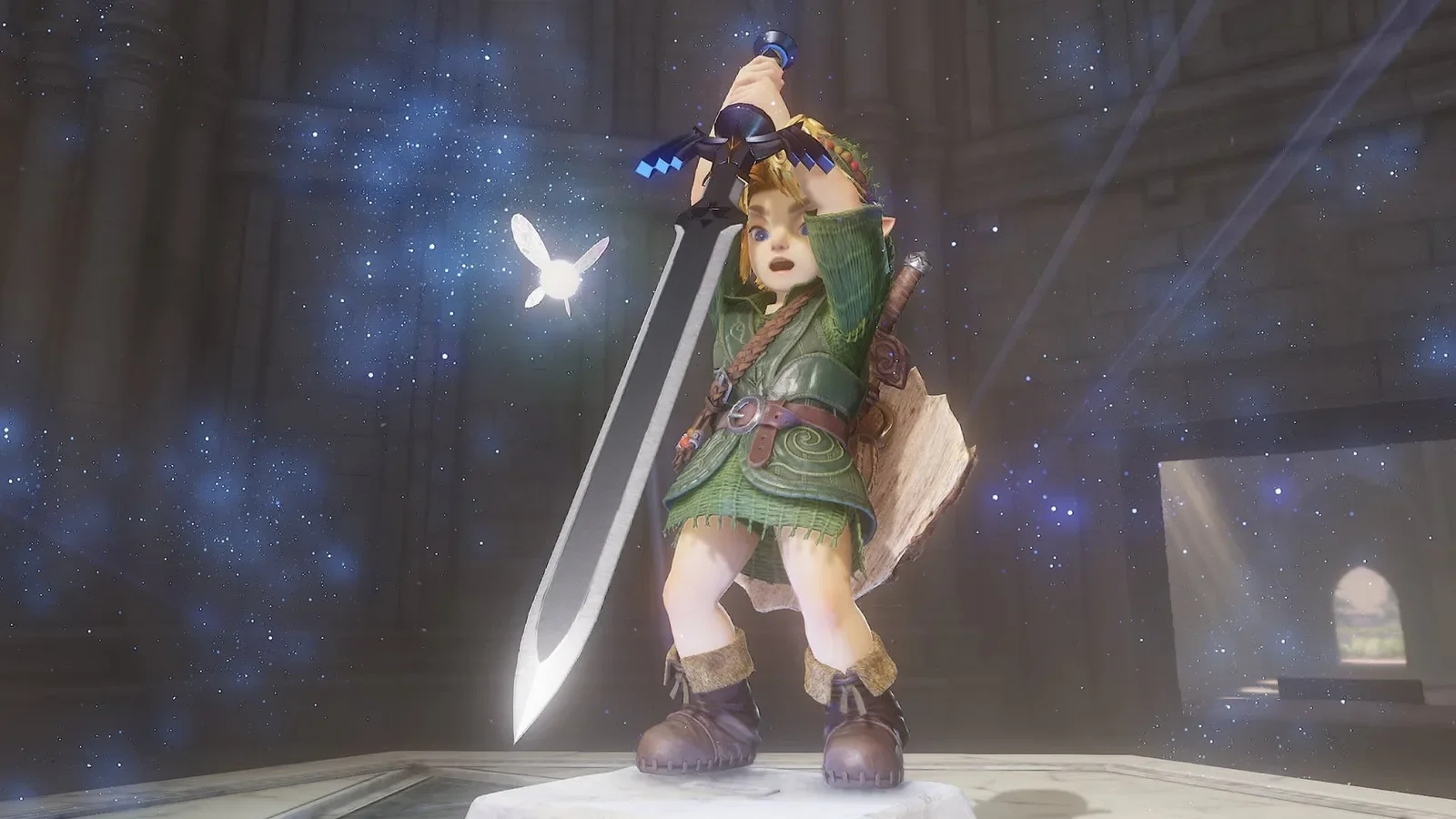
Step 2 — Payment and pre-load
Nintendo’s support page on pre-orders is clear: “payment will not be processed until, at earliest, 7 days before the game is released. When payment is processed, a non-playable version of the game will be pre-loaded to your console.” For a 5 November release, that window opens around 29 October 2026. If the payment fails, for example because a card has expired, Nintendo cancels the pre-order, so check your email that week.
Once pre-loaded, the game’s icon appears on the HOME Menu but will not launch yet. If the download stalls, our Switch download paused fix covers the usual causes: sleep settings, storage and network.
Step 3 — Know what you cannot use
Nintendo Switch Game Vouchers cannot be redeemed for Switch 2 exclusives, according to Nintendo’s support page. Ocarina of Time is a Switch 2 exclusive, so vouchers will not work here.
Nintendo eShop cards and funds, credit cards and PayPal (where available) are accepted payment methods.
Have a download code from a retailer? Redeem it as shown in our redeem a Nintendo game code guide.
How to cancel a pre-order
You can cancel “any time before the payment is processed and the game is pre-loaded”, which is up to 7 days before release. Open your Nintendo Account’s eShop settings or the game’s eShop page, find the pre-order and cancel it. After payment has gone through, normal eShop refund rules apply, and digital purchases are generally not refundable. Make your decision before about 29 October.
Step 4 — Unlock day
Nintendo of America says pre-purchased games become playable after a small update, “beginning at 12:00 AM Eastern Time on the game’s release date”. US daylight saving time ends on 1 November, so the 5 November unlock works out as:
Region | Local time |
|---|---|
US East (EST) | 12:00 a.m., Thursday 5 November |
US West (PST) | 9:00 p.m., Wednesday 4 November |
UTC / UK (GMT) | 05:00, Thursday 5 November |
India (IST) | 10:30, Thursday 5 November |
UK and European eShop unlock times were not stated on the pages we checked, so treat them as unconfirmed and watch your eShop. To unlock, connect to the internet, open the game, and accept the update when prompted. If the game still says it cannot be played yet, restart the console and check System Settings → System → System Update.
First-launch checklist
Link ZELDA NOTES. Install or update the Nintendo Switch App on your phone, sign in with the same Nintendo Account, and look for ZELDA NOTES.
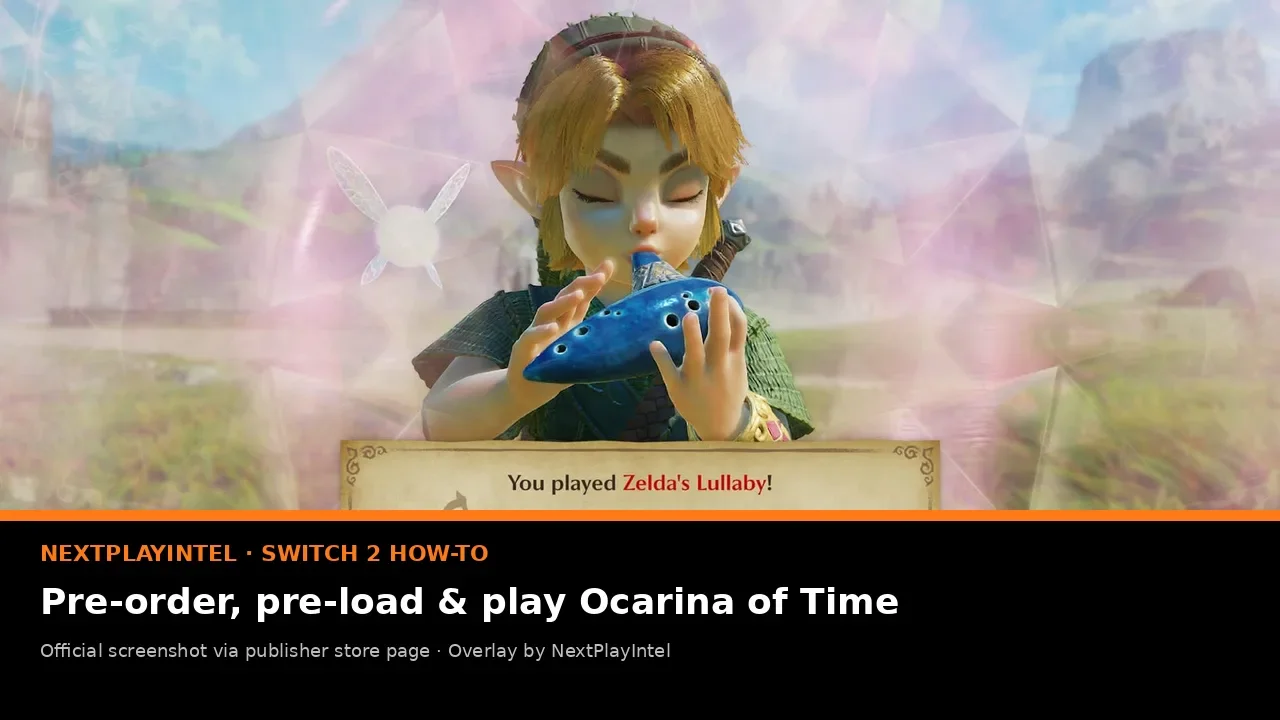
Test the microphone feature. The Switch 2 microphone can hear you hum or play ocarina songs. Check your microphone permissions in System Settings if it does not respond.
Tap amiibo. Existing Zelda amiibo give in-game rewards. The new Young Link and Young Zelda amiibo arrive in 2027.
Back up saves. A Nintendo Switch Online membership enables Save Data Cloud for supported games. Moving consoles later? See transfer Switch save data.
Calibrate sticks. Precise aiming matters for the slingshot and hookshot. Our Joy-Con 2 calibration guide helps if you see drift.
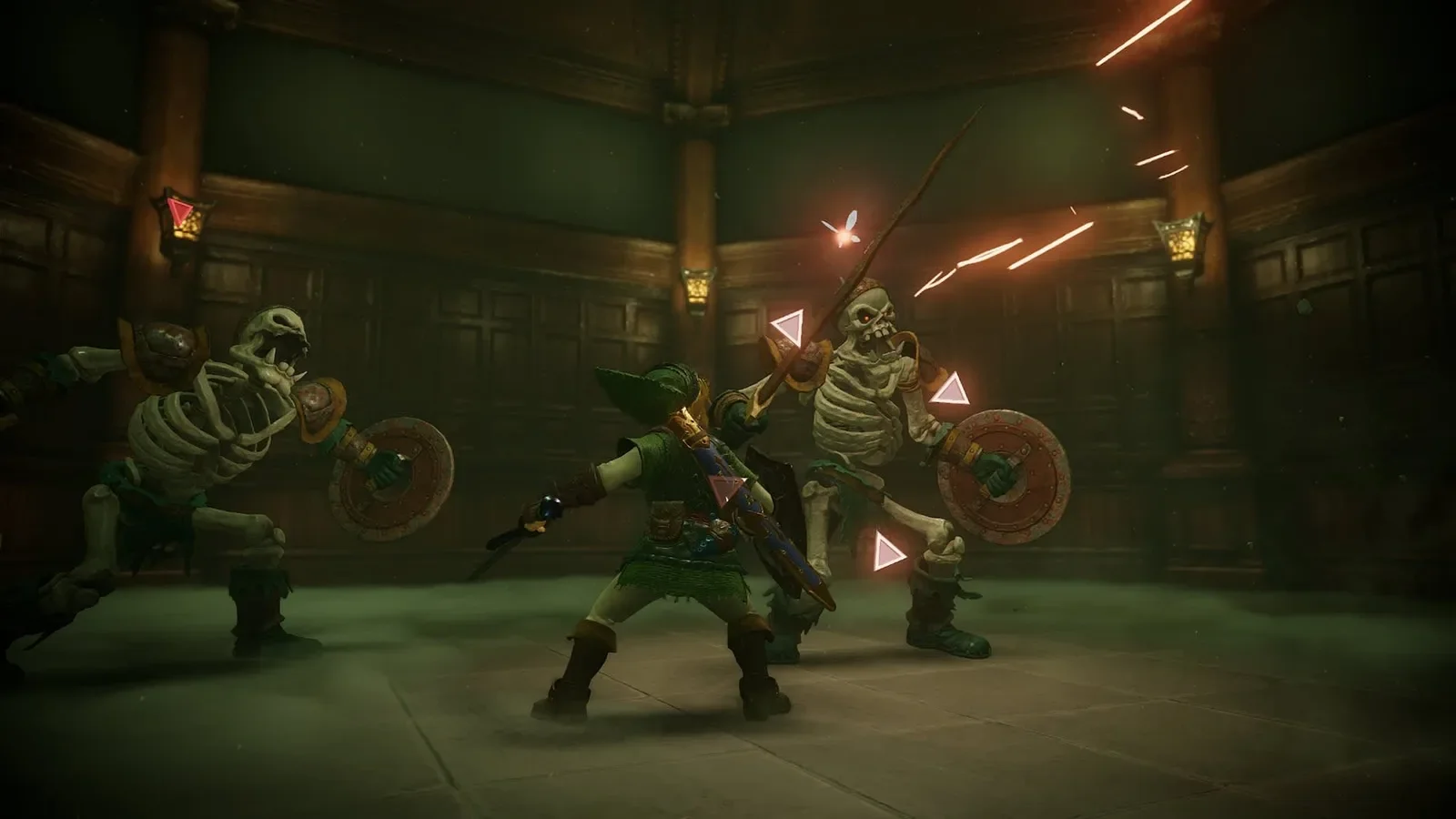
Pre-ordering the physical edition instead
On Nintendo’s US store the physical edition is $69.99. Physical orders follow the retailer’s own pre-order and shipping rules, not the eShop rules above, and there is nothing to pre-load. Insert the cartridge on release day and download any day-one update. UK and EU physical prices were not shown on Nintendo’s official stores during our check (unconfirmed). Note that the US digital wallpaper bonus applies to the digital version.
For players in India
There is no official Nintendo eShop for India and no official INR price. Indian Switch 2 owners usually use an account set to another region. The steps above are the same, but you pay in that region’s currency ($59.99 in the US, £49.99 in the UK) and that region’s terms apply. With a US account, the game unlocks at 10:30 IST on Thursday 5 November. Pre-load is charged from about 29 October, so make sure your international card or eShop balance works on the account before then. For hardware background, see the Switch 2 explainer.
Want the history and the digital-versus-physical decision first? Read our Ocarina of Time Switch 2 guide or open the game page.
Frequently asked questions
When will I be charged for my Ocarina of Time pre-order?
No sooner than 7 days before the 5 November 2026 release, so from about 29 October 2026.
Can I pre-load Ocarina of Time on Switch 2?
Yes. When Nintendo processes the payment, a non-playable version is pre-loaded. A small update unlocks it on release day.
What time does it unlock?
In North America, 12:00 a.m. ET on 5 November, which is 05:00 UTC and 10:30 IST. UK and EU unlock times are unconfirmed.
Can I use a Nintendo Switch Game Voucher?
No. Nintendo says Switch Game Vouchers cannot be redeemed for Switch 2 exclusives.
Can I cancel?
Yes, until the payment is processed, which is up to 7 days before release.
Sources & verification
Sources last verified on . This article covers published information, not hands-on testing.