

Xbox error code
Xbox Error 0x803F8001: Do You Own This Game? Fixes
0x803F8001 in one line: "Do you own this game or app?": Xbox can't confirm your licence, or the game left Game Pass.
Try this first: check Xbox Status and make sure you're signed in with the account that bought the game (or insert the disc).
Try this first: check Xbox Status and make sure you're signed in with the account that bought the game (or insert the disc).
What 0x803F8001 means
Xbox Support says: “This may mean that we're having trouble checking usage rights, or that the game is no longer in the Game Pass catalog.” (official page)
Likely causes
- Xbox network trouble checking usage rights.
- You're signed in with a different account from the one that owns the game.
- The disc isn't inserted, for disc games.
- The purchase was refunded or cancelled.
- The game left Game Pass or your subscription ended.
- Home Xbox changes when sharing games (user-reported).
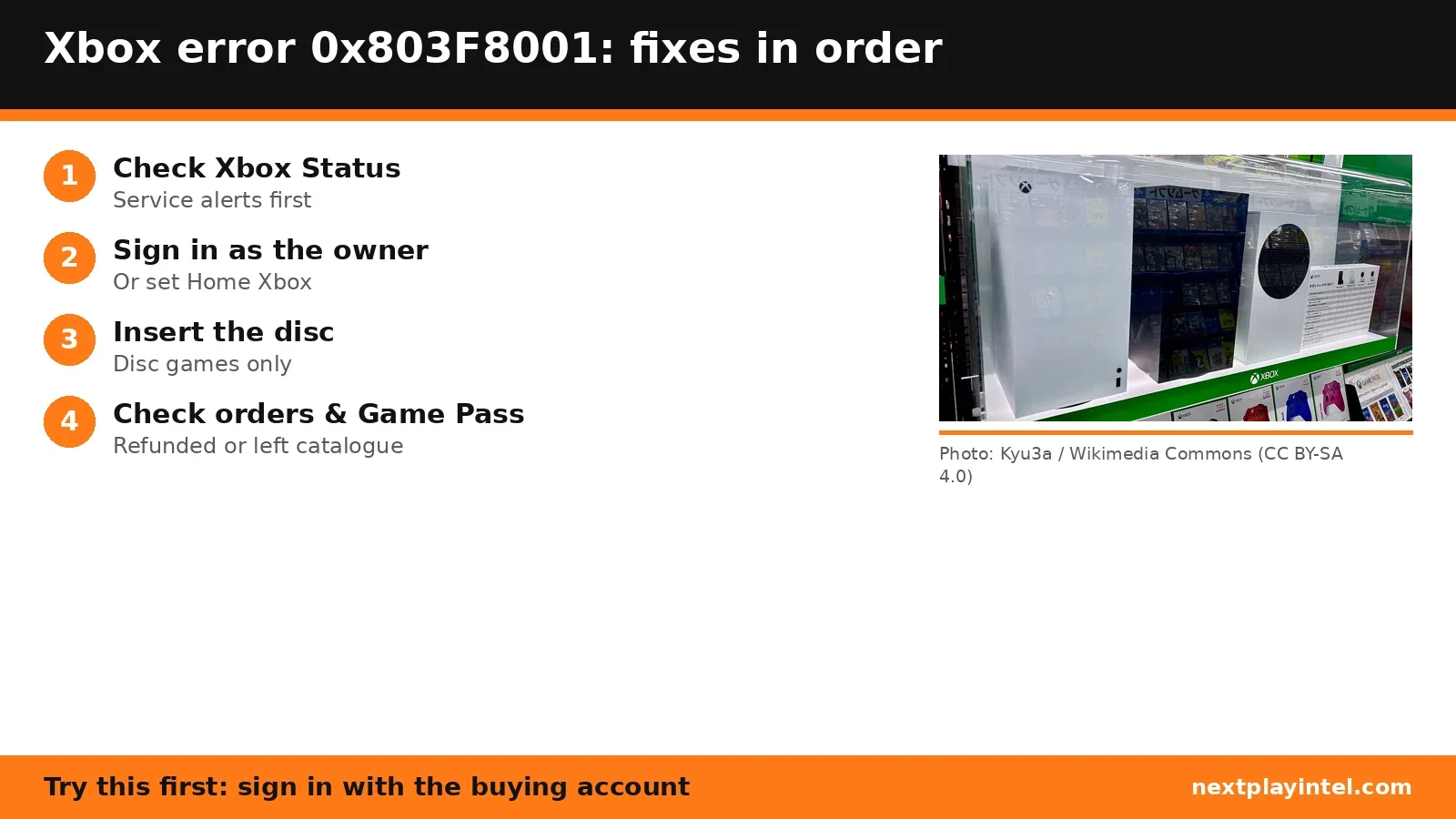
How to fix 0x803F8001, easiest first
- Check Xbox Status
Open the Xbox Status page. - Sign in to the Xbox network
Make sure the console is online and you're signed in. - Have the owner sign in
If someone else bought the game, they need to sign in, or set this console as their Home Xbox. - Insert the disc
For disc games, insert the disc. - Check order history
Profile & system > Settings > Account > Payment & billing > Order history. Cancelled or refunded orders mean you no longer own it. - Check Game Pass
If you played through Game Pass, check your subscription and whether the game left the catalogue.
| Code | What Microsoft says | Main fix |
|---|---|---|
| 0x803F8001 | Trouble checking usage rights, or the game left Game Pass. | Sign in as owner, check orders and Game Pass |
| 0x87e10bef | Console needs a power cycle, or content is owned by another account. | Status, restart, check owner |
| 0x82D40003 | Someone else owns the game, or the service can't verify ownership. | Status, have the owner sign in or set Home Xbox |
Fixes owners report
From public threads we read. These are individual reports, not official advice, and NextPlayIntel did not test them.
- One owner's game sharing broke after switching Home Xbox back and forth; it was unresolved in the thread. (Microsoft Q&A)
When to contact support
If you own the game, are signed in to the buying account and Xbox Status is green, contact Xbox Support with your order details.
0x803F8001 FAQ
What does 0x803F8001 mean on Xbox?
Microsoft says it may mean it's having trouble checking usage rights, or that the game is no longer in the Game Pass catalog.
Does 0x803F8001 mean my game was refunded?
It can. Check Order history; if the order says Canceled or Refunded, you no longer own the game.
Sources
- Xbox Support: Error 0x803F8001
- Xbox Support: Error 0x87e10bef
- Xbox Support: Error 0x82D40003
- Xbox Status
- Microsoft Q&A (user report)
Other Xbox error codes
- 0x80832003: Possibly a temporary problem with the Xbox network when you start a game.
- 0x803F8001: "Do you own this game or app?": Xbox can't confirm your licence, or the game left Game Pass.
- 0x87e10bef: Console needs a power cycle, or another account owns the content.
- 0x82D40003: Someone else owns the game, or Xbox can't verify ownership.
- 0x80004005: A game or app failed to open on Xbox console or PC.
- 0x80270300: The game is mid-update, or its data is corrupted.
Xbox troubleshooting guide · All Xbox codes · Error code directory