

Xbox error code
Xbox Error 0x80004005: Game or App Won't Open, Fix
0x80004005 in one line: A game or app failed to open on Xbox console or PC.
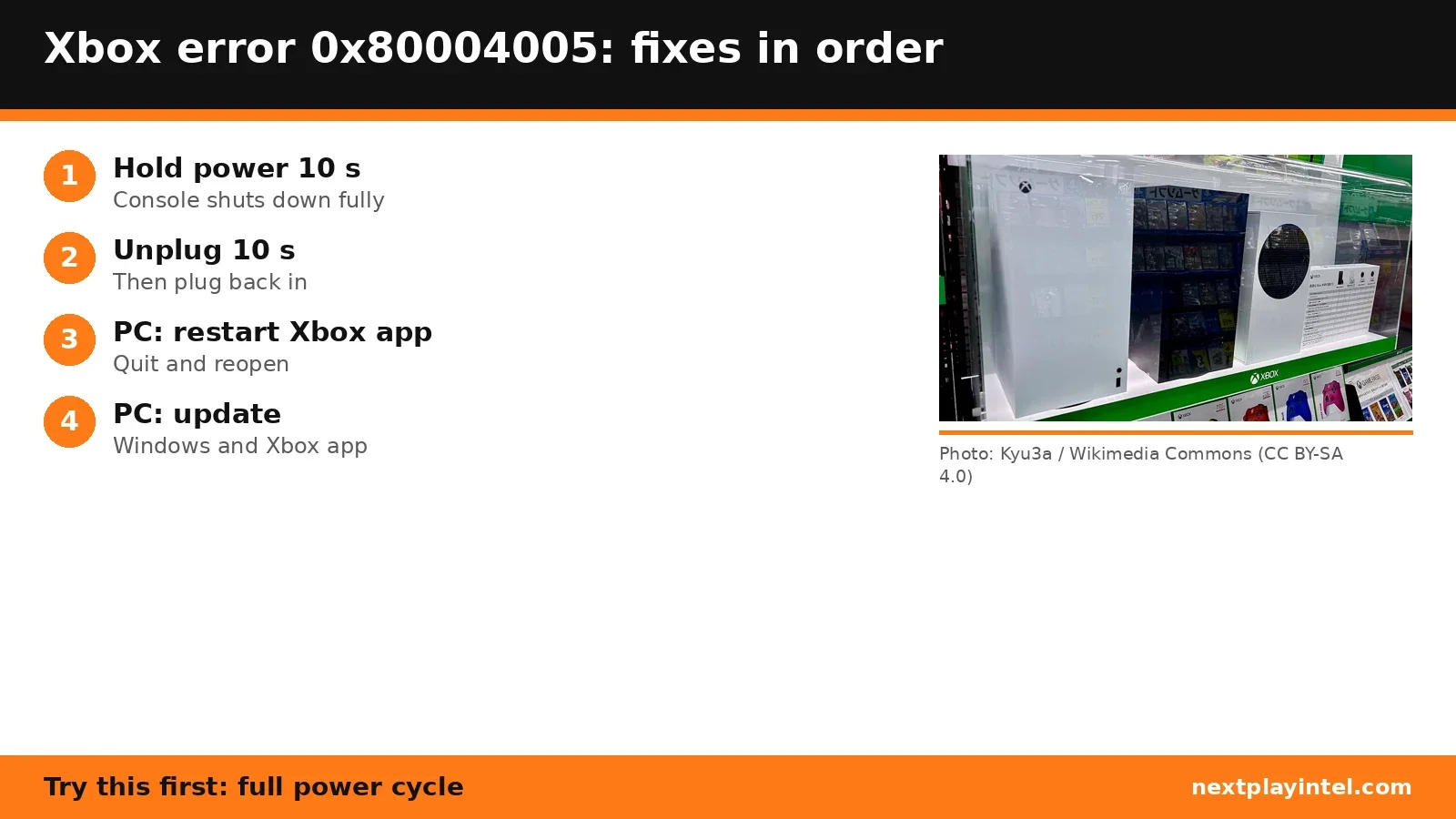
Try this first: on console, hold the Xbox button on the console for about 10 seconds, unplug for 10 seconds, then turn it back on.
Try this first: on console, hold the Xbox button on the console for about 10 seconds, unplug for 10 seconds, then turn it back on.
What 0x80004005 means
Xbox Support says: “Error 0x80004005 occurs when you try to open a game or app on your Xbox console or PC.” (official page)
0x80004005 is a generic Windows-family error ("unspecified error"), so Microsoft's fix is a clean restart rather than one specific setting.
Likely causes
- A temporary fault cleared by a full shutdown (not rest mode).
- On PC: a stuck Xbox app session.
- On PC: missing Windows or Xbox app updates.
How to fix 0x80004005, easiest first
- Console: full power cycle
Hold the Xbox button on the front of the console for about 10 seconds until it shuts down, unplug the power cable for 10 seconds, plug it back in and turn it on. - PC: launch the game again
Try once more. - PC: restart the Xbox app
Quit the Xbox app fully and reopen it. - PC: update Windows and the Xbox app
Install pending Windows Update and Microsoft Store updates.
| Step | What to do | Source |
|---|---|---|
| 1 | Console: full power cycle | Official |
| 2 | PC: launch the game again | Official |
| 3 | PC: restart the Xbox app | Official |
| 4 | PC: update Windows and the Xbox app | Official |
When to contact support
If the error returns after a full power cycle, or on PC after updating, contact Xbox Support.
0x80004005 FAQ
How do I fix 0x80004005 on Xbox?
Microsoft says to hold the Xbox button on the console for about 10 seconds, unplug the power for 10 seconds, plug it back in and turn it on.
How do I fix 0x80004005 on PC?
Launch the game again, then restart the Xbox app and install Windows and Xbox app updates.
Sources
Other Xbox error codes
- 0x80832003: Possibly a temporary problem with the Xbox network when you start a game.
- 0x803F8001: "Do you own this game or app?": Xbox can't confirm your licence, or the game left Game Pass.
- 0x87e10bef: Console needs a power cycle, or another account owns the content.
- 0x82D40003: Someone else owns the game, or Xbox can't verify ownership.
- 0x80004005: A game or app failed to open on Xbox console or PC.
- 0x80270300: The game is mid-update, or its data is corrupted.
Xbox troubleshooting guide · All Xbox codes · Error code directory