Quick Answer: Summary of Steps
- Update the game. Rockstar's PC update 1.05 (3 December 2024) improved stability and cutscene frame pacing, and 1.06 (24 February 2026) added more fixes.
- Close overlay tools for 25D11007 or 25D11008. Rockstar says to disable RivaTuner, MSI Afterburner or similar overlays.
- Update audio drivers for 25d11003. That code means the game thinks there is no working sound card.
- Update your graphics driver. Old drivers are the most common cause of DirectX 12 crashes.
- Verify the game files. Use Steam, Epic or the Rockstar Games Launcher.
- Check Rockstar sign-in. The first launch needs an internet connection and your Rockstar account.
- Treat stutter carefully. PCGamingWiki's community notes cover shader pre-compilation and frame-rate quirks.
Prerequisites & Materials Needed
Required tools & items
- The PC version of Red Dead Redemption — bought from Steam, the Epic Games Store or the Rockstar Store, updated to the latest version.
- A Rockstar Games account — the game signs in through the Rockstar Games Launcher on every store.
- Windows 10 or 11 (64-bit) with DirectX 12 — the PC port needs a DirectX 12 graphics card.
- Up-to-date graphics and audio drivers — from NVIDIA, AMD, Intel or your PC maker.
- A Windows administrator account — to update drivers and change compatibility settings.
- Estimated time — Preparation: about 5 minutes; Execution: 5–10 minutes for overlay and driver fixes; up to 30 minutes if you verify or reinstall
Estimated time
- Preparation: PT5M
- Execution: PT30M
Step-by-Step Instructions
Step 1: Step 1: Update Red Dead Redemption
Rockstar has shipped PC-specific fixes since launch, so an old build can crash in ways that are already solved.
- Close the game, then let Steam, Epic or the Rockstar Games Launcher download any pending update. In Steam, check the Downloads page; in the Rockstar Games Launcher, open the game under My Installed Games and let it update.
- Pro Tip: Rockstar's notes list update 1.05 for PC on 3 December 2024 (cutscene lighting, frame pacing, Dynamic Resolution Scaling and stability) and 1.06 on 24 February 2026. Rockstar's separate PC-only notes page lists the same 3 December changes under the number 1.02.
How you know it worked: The launcher shows no pending update, and the game reaches the main menu.
Step 2: Step 2: Disable overlays for error 25D11007 or 25D11008
Rockstar's article for these codes is direct: the crash message itself says a third-party overlay may be the cause.
- Close RivaTuner Statistics Server and MSI Afterburner completely (check the Windows system tray), along with any other frame-rate or recording overlay. If you want to keep RivaTuner, Rockstar says to at least close its overlay before changing graphics settings in the game.
- Pro Tip: Change graphics settings first with every overlay closed, then restart the game before turning any monitoring tool back on.
How you know it worked: You can change settings and play without the 25D11007 or 25D11008 message.
Step 3: Step 3: Update your audio driver for error 25d11003
The message "This game requires a sound card to run" means the game didn't find a working, up-to-date audio device.
- Rockstar points to Microsoft's manual driver update steps: right-click Start → Device Manager → expand Sound, video and game controllers → right-click your audio device → Update driver. You can also install the latest driver from your motherboard, laptop or headset maker.
- Pro Tip: Make sure an output device is plugged in and enabled in Windows sound settings before you launch.
How you know it worked: The game launches past the error.
Step 4: Step 4: Update your graphics driver
The PC port uses DirectX 12, and outdated drivers are a leading cause of crashes on launch and when changing settings.
- Install the latest driver from NVIDIA, AMD or Intel, restart the PC, then launch the game.
How you know it worked: The game starts and stays stable at the main menu and in-game.
Step 5: Step 5: Verify the game files
Repairing files fixes crashes caused by a broken or partial download.
- In Steam, right-click the game → Properties → Installed Files → Verify integrity of game files. In the Epic Games Launcher, open the game's menu → Manage → Verify. In the Rockstar Games Launcher, open the game's settings and use the verify option.
How you know it worked: The check completes and redownloads anything missing.
Step 6: Step 6: Fix Rockstar Games Launcher sign-in on first launch
Every PC store version links to your Rockstar Games account, and the first launch needs a connection.
- After pressing Play, check whether the Rockstar Games Launcher opened behind other windows and is waiting for you to sign in. Check Rockstar's Service Status page for outages, and allow the launcher through any security software.
- Pro Tip: Our [install guide](https://nextplayintel.com/articles/install-red-dead-redemption-pc/) covers linking your account and store-specific install steps, so they aren't repeated here.
How you know it worked: The launcher signs in and hands over to the game.
Step 7: Step 7: Reduce stutter (community and unofficial fixes)
Rockstar has not published a dedicated stutter article for this port. These notes come from community sources.
- Let shader pre-compilation finish on first launch before judging performance. PCGamingWiki (community source) notes that disabling shader pre-compilation can reduce some stutter but may cause other hitches, so change only one thing at a time.
- Pro Tip: Also documented by PCGamingWiki (community source): an unofficial mod called RDRFix targets physics and camera-shake issues tied to the original 30 FPS design. It is unofficial; back up your files first and remove it before contacting Rockstar.
How you know it worked: Frame times smooth out once shaders are compiled.
How this guide was made: researched and drafted with AI assistance from the official support pages and references listed in the sources, and published under Tulasiram Pemmadi's byline. We have not tested these fixes on our own hardware.
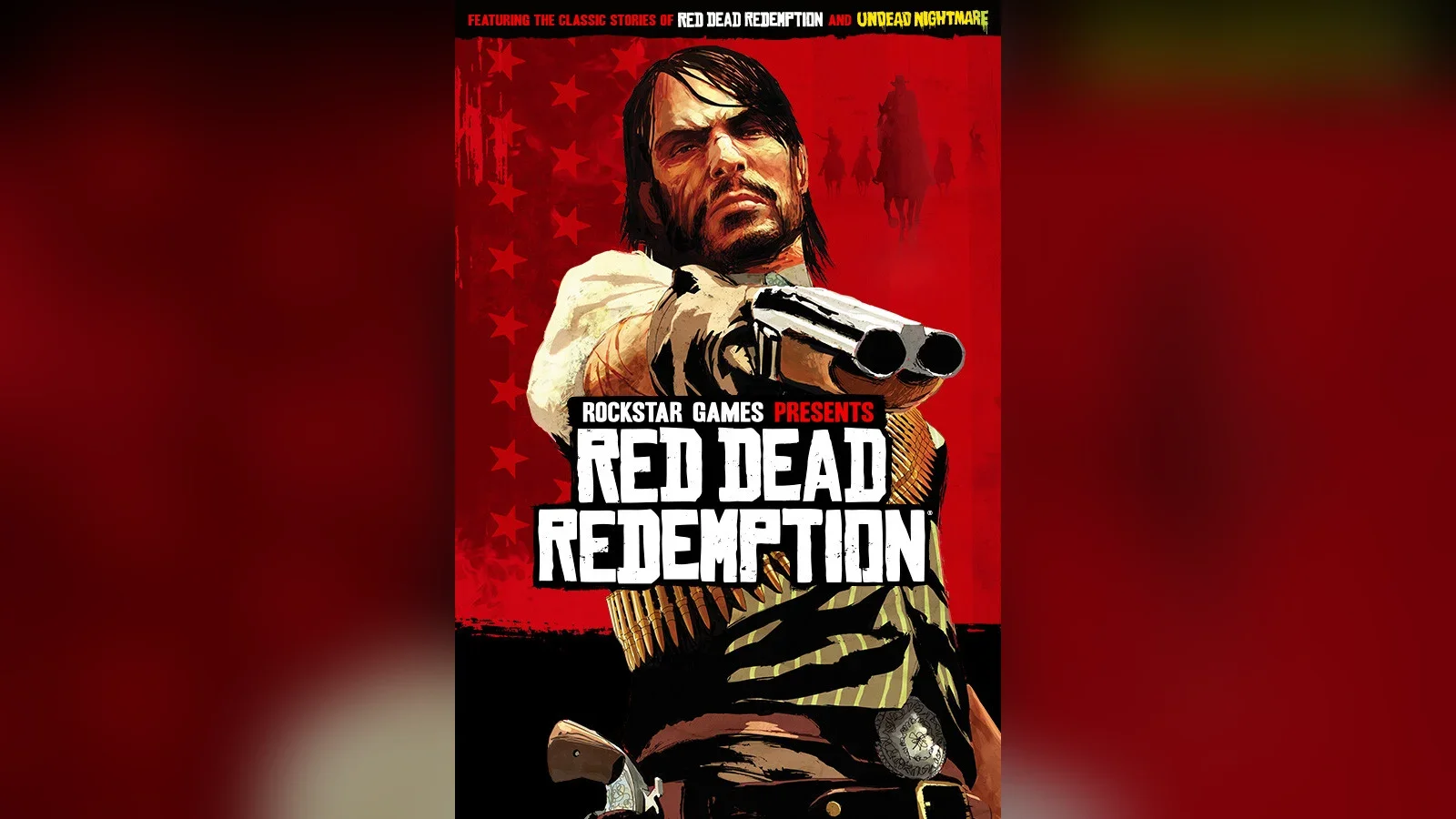
This guide helps you fix the original Red Dead Redemption (2010), including Undead Nightmare, when the PC version crashes, shows a 25D11 error code, refuses to launch or stutters. The fixes come first from Rockstar Games Customer Support and Rockstar's PC title update notes. Community fixes from PCGamingWiki are clearly labelled, and unofficial mods are marked as unofficial.
Game page: Red Dead Redemption on NextPlayIntel · Still installing? See how to install Red Dead Redemption on PC · Playing the sequel? See our Red Dead Redemption 2 PC troubleshooting guide
The Problem
Red Dead Redemption arrived on PC on 29 October 2024. Rockstar Support documents several specific failures: the game closing unexpectedly with error code 25D11007 or 25D11008, which Rockstar links to third-party overlays; the game refusing to start with error 25d11003 and the message "This game requires a sound card to run"; and general instability and uneven cutscene frame pacing that Rockstar addressed in later PC updates. Players also report stutter during first play and failed launches when the Rockstar Games Launcher can't sign in.
Likely Causes
From Rockstar Support articles and title update notes unless labelled otherwise:
A third-party overlay is running. Rockstar names RivaTuner and MSI Afterburner as triggers for 25D11007 and 25D11008, especially when you change graphics settings while the overlay is open.
The audio driver is missing or out of date. Rockstar says 25d11003 appears when the game launches without an updated sound device.
The game is not on the latest update. PC updates 1.05 and 1.06 contain stability fixes.
Old graphics drivers. The PC version needs DirectX 12, and outdated drivers are a common source of crashes.
Corrupt or incomplete game files, often after an interrupted download.
Rockstar Games Launcher sign-in problems, such as a launcher waiting behind other windows or a blocked connection.
Shader compilation and frame-rate quirks (community source: PCGamingWiki), which can cause stutter or timing oddities.
Reference: Red Dead Redemption PC error codes and updates
Item | What it means | Official fix or note | |
|---|---|---|---|
Error 25D11007 | Game closed unexpectedly, possibly due to an overlay | Disable RivaTuner, MSI Afterburner or similar (Rockstar Support) | |
Error 25D11008 | Same message as 25D11007 | Same fix; close the RivaTuner overlay before changing graphics settings (Rockstar Support) | |
Error 25d11003 | "This game requires a sound card to run" | Update audio drivers using Microsoft's manual driver steps (Rockstar Support) | |
Update 1.05 (PC), 3 Dec 2024 | Fixed exterior lighting in interior cutscenes, improved cutscene frame pacing and Dynamic Resolution Scaling, stability fixes | Install the latest update (Rockstar title update notes) | |
Update 1.06, 24 Feb 2026 | General bug fixes and improvements on PS5, Xbox Series X\ | S, Switch 2 and PC | Install the latest update (Rockstar title update notes) |
Error codes for this game
Launcher error codes from Steam, Epic, the EA app, Battle.net and the Rockstar Games Launcher, such as Epic's LS-0013, are in the PC launcher list. Console codes are in the error-code directory.
When to contact official support
If the game still crashes after these steps, open a ticket through Rockstar Games Customer Support (support.rockstargames.com) from the Red Dead Redemption section. Include the exact error code, your PC store, your Windows version, your CPU, GPU and driver versions, and the steps you've tried. Remove any unofficial mods before you test again or write in.
How we checked this guide
Checked 31 October 2026 (IST). Rockstar Support pages returned errors to our direct fetch on the day, so their wording was checked against search-indexed copies of the official articles. Community sources are labelled.
Common Mistakes to Avoid
- Changing graphics settings with RivaTuner running Rockstar ties 25D11007 and 25D11008 to that exact situation.
- Reinstalling the whole game first Driver updates and verification fix most problems faster and keep your settings.
- Ignoring the audio driver Error 25d11003 is about sound, not graphics.
- Judging performance during shader compilation The first minutes can stutter while shaders build.
- Testing with mods installed Unofficial mods can cause crashes Rockstar can't help with.
Frequently asked questions
What is error 25D11007 in Red Dead Redemption?
Rockstar says the game closed unexpectedly, possibly because a third-party overlay such as RivaTuner or MSI Afterburner was running. Disable the overlay, or close it before changing graphics settings.
How do I fix "This game requires a sound card to run"?
That's error 25d11003. Rockstar says to update your audio drivers; make sure a speaker or headset is connected and enabled in Windows sound settings.
Does Red Dead Redemption on PC need an internet connection?
The first launch signs you in to your Rockstar Games account, so you need a connection then. Our install guide covers the account link in detail.
Is Undead Nightmare affected by the same fixes?
Yes. Undead Nightmare is part of the same PC game, so the same updates, error codes and fixes apply.
Did Rockstar patch the PC version?
Yes. Rockstar's notes list PC update 1.05 on 3 December 2024 with lighting, frame-pacing and stability fixes, and update 1.06 on 24 February 2026 with general fixes.
Are RDRFix and other mods safe?
They are unofficial. PCGamingWiki (a community source) documents them, but Rockstar doesn't support them. Back up first and remove mods before contacting support.
Sources & verification
Sources last verified on . This article covers published information, not hands-on testing.
- Rockstar Support – Red Dead Redemption on PC crashing with Error Code 25D11007 or 25D11008
- Rockstar Support – Red Dead Redemption Error Code 25d11003
- Rockstar Support – Red Dead Redemption Title Update 1.02 Notes (PC)
- Rockstar Support – Red Dead Redemption Title Update Notes (all platforms)
- Microsoft Support – Update drivers manually in Windows
- PCGamingWiki (community source) – Red Dead Redemption
Editorial & update notes
New troubleshooting guide, 31 Oct 2026.