Quick Answer: Summary of Steps
- Buy GTA IV: The Complete Edition. Steam $19.99 / ₹999, or the Rockstar Games Launcher.
- Install it with the Rockstar Games Launcher. The game signs in through your Rockstar account.
- Sign in and link your Rockstar account. Needed once online on first launch.
- Cap the frame rate at 60 and fix VRAM detection. Avoids the most common PC bugs.
- Pick a story from the start menu. GTA IV, The Lost and Damned or The Ballad of Gay Tony.
Prerequisites & Materials Needed
Required tools & items
- A Windows PC — see the Steam page for system requirements
- About 22 GB free, plus room for updates — Rockstar's figure for the Complete Edition download
- A Rockstar Games account — free; needed to authenticate
- Your old key or GFWL account (optional) — only if moving an older copy
Estimated time
- Preparation: About 10 minutes
- Execution: Depends on download speed
Step-by-Step Instructions
Step 1: Buy or update to the Complete Edition
It is the only PC version sold since 2020.
- Buy it on Steam or the Rockstar Games Launcher. Steam owners of GTA IV or Episodes already have it in their library.
- Pro Tip: Do not buy keys for the old 'GTA IV' or 'Episodes' products from resellers; they may not activate.
How you know it worked: Your library shows 'Grand Theft Auto IV: The Complete Edition'.
Step 2: Install and sign in
The game checks your Rockstar account on first launch.
- Install, launch and sign in to the Rockstar Games Launcher when it opens.
- Pro Tip: Steam players: sign in, verify the account, then click Play On Steam.
How you know it worked: The game reaches the main menu.
Step 3: Set the launch options
They prevent the timing and VRAM bugs before you start a save.
- In Steam, right-click the game > Properties > Launch Options and add -frameLimit and -availablevidmem 3072.0 (or your VRAM in MB, up to 3072).
- Pro Tip: If menus still fade slowly, cap the frame rate at 60 in your GPU driver.
How you know it worked: The graphics menu shows your real VRAM and lets you raise settings.
Step 4: Move an old Games for Windows Live copy or save
GFWL no longer works.
- Link your Rockstar account as described in Rockstar Support's GFWL article; the launcher offers to import retail saves it finds.
- Pro Tip: Back up Documents\Rockstar Games\GTA IV before any change.
How you know it worked: The Complete Edition is in your Rockstar library and your save loads.
Step 5: Choose GTA IV or an Episode
All three stories share one launcher.
- Pick the story from the start menu.
- Pro Tip: Japanese subtitles work only in GTA IV, not the Episodes.
How you know it worked: The chosen story loads.
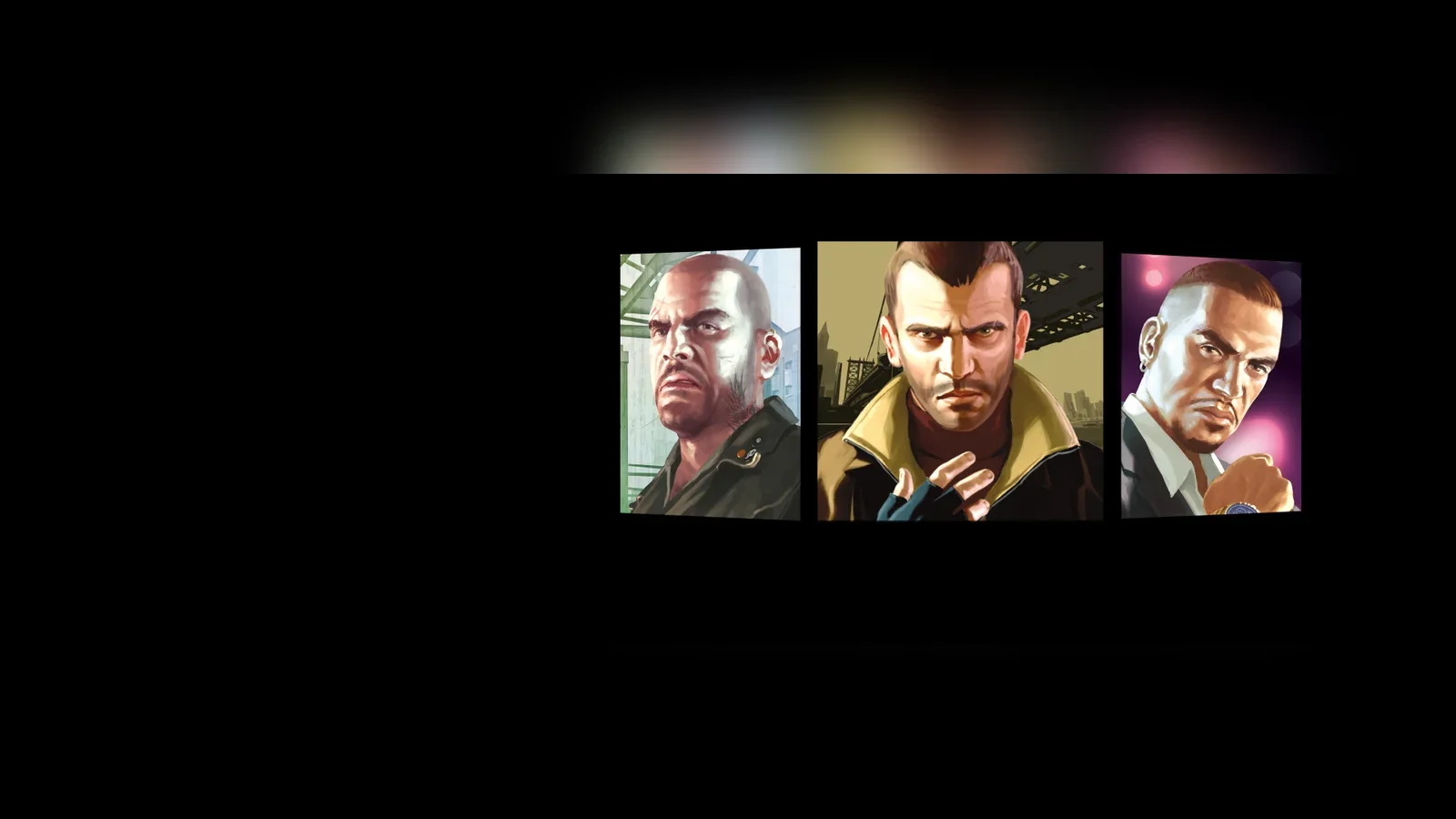
In brief: On PC, GTA IV and both Episodes from Liberty City stories, The Lost and Damned and The Ballad of Gay Tony, are sold as one product: Grand Theft Auto IV: The Complete Edition. It costs $19.99 / £16.99 / €19.99 / ₹999 on Steam (checked 31 October 2026, about 12:00 IST) and is also sold on the Rockstar Games Launcher. If you already own GTA IV or Episodes on Steam, you already have the Complete Edition as a free update. Old Games for Windows Live (GFWL) copies move over by linking a Rockstar Games account.
By Tulasiram Pemmadi · NextPlayIntel · Last updated 31 October 2026.
This guide covers buying, installing and setting up the PC version, moving old saves and keys across, and the PC problems players hit most often, with fixes from Rockstar Support and PCGamingWiki. For the story, characters and cheats, see our GTA IV game guide and GTA IV cheats page.
Only want the two episodes, or playing on Xbox or PS3? Our how to play Episodes from Liberty City today guide covers console routes; this page goes deeper on PC setup and fixes.
What the Complete Edition is, and what changed in 2020
Microsoft shut down Games for Windows Live, the online and DRM service GTA IV originally used on PC. On 19 March 2020 Rockstar replaced both GTA IV and Episodes from Liberty City with the Complete Edition everywhere they were sold digitally, and moved sign-in to Rockstar accounts and the Rockstar Games Launcher.
Item | Before March 2020 | Complete Edition today |
|---|---|---|
Stories | GTA IV and Episodes sold separately | GTA IV + The Lost and Damned + The Ballad of Gay Tony in one package |
Sign-in / DRM | Games for Windows Live | Rockstar Games account and Rockstar Games Launcher |
Multiplayer and leaderboards | Available | Removed |
Existing saves | GFWL profiles | Compatible; the launcher offers to import retail saves |
Radio | Full soundtrack | Some licensed tracks were removed in 2018; RamJam FM, Self-Actualization FM and Vice City FM were listed as temporarily unavailable in 2020 |
Rockstar's notice gave the update sizes: Steam owners of Episodes had it replaced by the Complete Edition (about 22 GB); GTA IV owners downloaded the Episodes content (about 6 GB). Japanese subtitles work in GTA IV but not in the Episodes. Source: Rockstar's notice on the Steam store page and Rockstar Support.
Where you can still play GTA IV
Platform | Status | Notes | |
|---|---|---|---|
PC (Steam, Rockstar Games Launcher) | Sold now | The Complete Edition; single-player only | |
Xbox Series X | S and Xbox One | Through backward compatibility (unconfirmed for each Episode) | Needs an Xbox 360 disc or a digital copy on your account; check the Xbox store listing for your region |
PS3 | Original release | There is no PS4 or PS5 version; GTA IV was not in the PS Plus Premium classics catalogue as of a 2024 Screen Rant report (re-check at publish) | |
PS5, Switch, Switch 2, mobile | Not available | No release has been announced |
If you want the cheapest legal route on modern hardware, the PC Complete Edition at $19.99 / ₹999 is it, because it includes both Episodes.
Known PC problems and fixes
GTA IV is an old DirectX 9 game and has well-documented quirks on modern PCs. These are the ones PCGamingWiki lists for the Complete Edition. Community tools named here are not made or supported by Rockstar; use them at your own risk and back up your game folder first.
Problem | Likely cause | Fix |
|---|---|---|
Graphics menu shows only 512 MB of video memory and locks settings | VRAM wrongly detected, common on laptops with two GPUs | Add the launch option -availablevidmem 3072.0 (replace with your VRAM in MB; PCGamingWiki warns values above 3072 may cause texture pop-in) |
Menus fade slowly, pool and air hockey break, a mission door closes early | The game's timing breaks above 60 FPS | Cap the frame rate at 60 with the -frameLimit launch option, your GPU driver or V-Sync on a 60 Hz display |
Stutter and low frame rate on modern GPUs | Old DirectX 9 renderer | PCGamingWiki says DXVK can greatly improve performance; the community FusionFix patch bundles it and fixes many visual bugs |
SecuLauncher: failed to start application [2000] | Missing old runtime | Install Visual C++ 2005 SP1 Redistributable and .NET 3.5, and remove any 'Run as administrator' compatibility flag on GTAIV.exe |
Cannot play offline on the Steam version | Launcher sign-in check | Set Steam and the Rockstar Games Launcher to offline mode, then start the launcher from the Start menu and click Play On Steam |
Game ignores the Steam or launcher language | Language setting not passed through | PCGamingWiki lists a community Language Loader; alternatively change the language in the launcher settings before launch |
Saves are kept in Documents\Rockstar Games\GTA IV\Profiles (Complete Edition) and synced through Rockstar Games Launcher cloud saves, not Steam Cloud. Back that folder up before reinstalling.
For players in India
Steam India lists the Complete Edition at ₹999, the lowest price for GTA IV on any current store we checked. Pay in rupees on Steam rather than buying a key from a grey-market seller: old 'GTA IV' or 'Episodes' keys can be region-locked or already used. There is no India-specific edition, and the game is English-language by default with optional subtitles.
Still stuck?
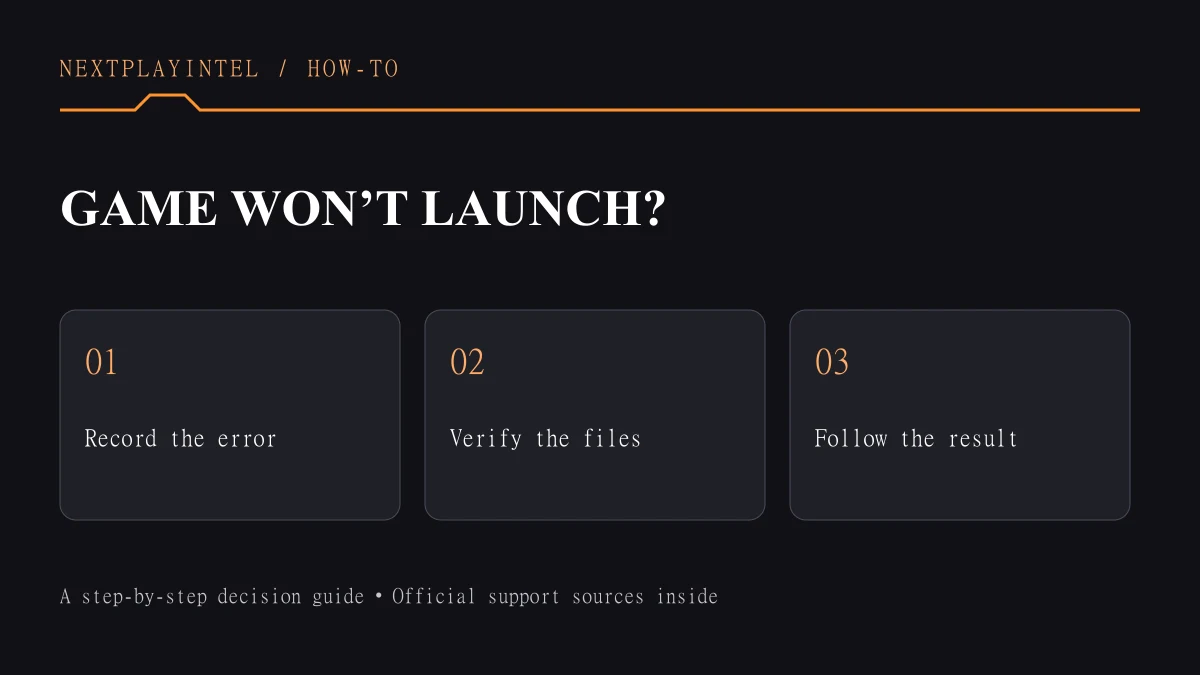
If the game will not authenticate or your old key will not link, contact Rockstar Support from your Rockstar account (support.rockstargames.com) and include your product key and proof of purchase. For Steam download or refund issues, use Steam Support. Our general guide to a Steam game that will not launch also covers verifying game files.
Common Mistakes to Avoid
- Looking for online multiplayer. It was removed in 2020 and cannot be restored officially.
- Buying the Episodes separately. They are already in the Complete Edition.
- Playing uncapped above 60 FPS. Some missions and minigames can break.
- Installing community fixes without a backup. A bad install can stop the game launching.
Frequently asked questions
Is GTA IV Complete Edition the same as GTA IV?
It is GTA IV plus The Lost and Damned and The Ballad of Gay Tony in one package. Saves from the old versions still work.
Does GTA IV on PC still have multiplayer?
No. Multiplayer and leaderboards were removed with Games for Windows Live on 19 March 2020.
Can I play GTA IV on PS5?
No. There is no PS4 or PS5 version. On Xbox Series X|S it runs through backward compatibility.
I own the old disc. Can I still activate it?
Yes, if it was never activated on Games for Windows Live. Redeem the key from the manual in the Rockstar Games Launcher.
Why does GTA IV run badly on my new PC?
It is a DirectX 9 game with timing and VRAM-detection bugs. Cap it at 60 FPS and set -availablevidmem first; community tools such as DXVK or FusionFix help further.
Where are my GTA IV save files?
In Documents\Rockstar Games\GTA IV\Profiles for the Complete Edition. Rockstar Games Launcher cloud saves back them up; Steam Cloud does not.
Sources & verification
Sources last verified on . This article covers published information, not hands-on testing.
Editorial & update notes
New page, 31 Oct 2026. Prices checked on Steam (US, UK, Germany, India storefronts) on 31 October 2026 at about 12:00 IST; console-store prices marked unconfirmed were not re-checked today.
Related devices and next steps
Find a fix by platform · Check GTA platforms and editions
- GTA IV game hub
- The Lost and Damned game hub
- The Ballad of Gay Tony game hub
- Episodes from Liberty City game hub
- How to activate a GTA or Red Dead code in Rockstar Games Launcher
- How to move Steam games to another drive without redownloading
- Steam game won’t launch? Diagnose it step by step
- Steam says an installed game is uninstalled: how to recover it