

PS4 error code
PS4 Error NW-31201-7: What It Means and How to Fix It
NW-31201-7 in one line: The PS4 couldn't connect to the network or the game's server.
Try this first: check the game's server status, then test your connection.
Try this first: check the game's server status, then test your connection.
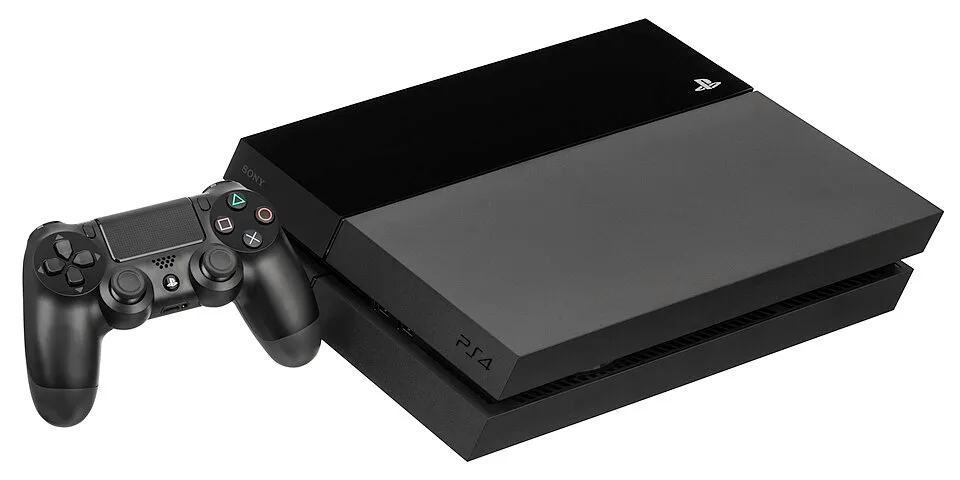
What NW-31201-7 means
PlayStation Support says: “Could not connect to the network.” (official page)
Sony's official PS4 page for NW-31201-7 gives the steps below in this order. We summarise it; we did not test on hardware.
Likely causes
- The game's server is down or busy.
- A network problem at home.
How to fix NW-31201-7, easiest first
- Check the game's server
Look at the game's server status on its website. - Test the connection
Run Settings > Network > Test Internet Connection. - Reduce network load
Update router firmware, disconnect other devices, or try again later.
| Step | What to do | Source |
|---|---|---|
| 1 | Check the game's server | Official |
| 2 | Test the connection | Official |
| 3 | Reduce network load | Official |
When to contact support
If Sony's steps don't fix it, contact PlayStation Support.
NW-31201-7 FAQ
What does PS4 error NW-31201-7 mean?
Sony says: "Could not connect to the network." The PS4 couldn't connect to the network or the game's server.
Sources
- PlayStation Support: PS4 error NW-31201-7
- PlayStation Support: Safe Mode
- NextPlayIntel PS4 troubleshooting guide
Other PS4 error codes
- CE-34878-0: A game or app crashed on the PS4.
- CE-30005-8: The PS4 couldn't read its hard drive or the disc drive.
- CE-34335-8: The PS4 can't find its hard drive.
- CE-35486-6: The PS4 can't read the disc.
- CE-32894-6: The PS4 lost its connection to the server.
- NW-31201-7: The PS4 couldn't connect to the network or the game's server.
PS4 troubleshooting guide · All PS4 codes · Error code directory