

PC launcher error code
Epic MD-DL-0 Error: Fix Game Install Download Timeout
Try this first: Open the system tray in the lower-right corner of your screen by selecting the up arrow, right-click the Epic Games Launcher icon and select Exit. In the Epic Games Launcher Preview, Epic’s restart guide says to select the Epic Games logo in the top-left corner, then Exit.
What MD-DL-0 means
Epic Games Store Support says: “MD-DL-0 error when installing games on the Epic Games Launcher. This will allow a higher timeout for the installation package to be downloaded, allowing the installation to proceed normally.” (official page)
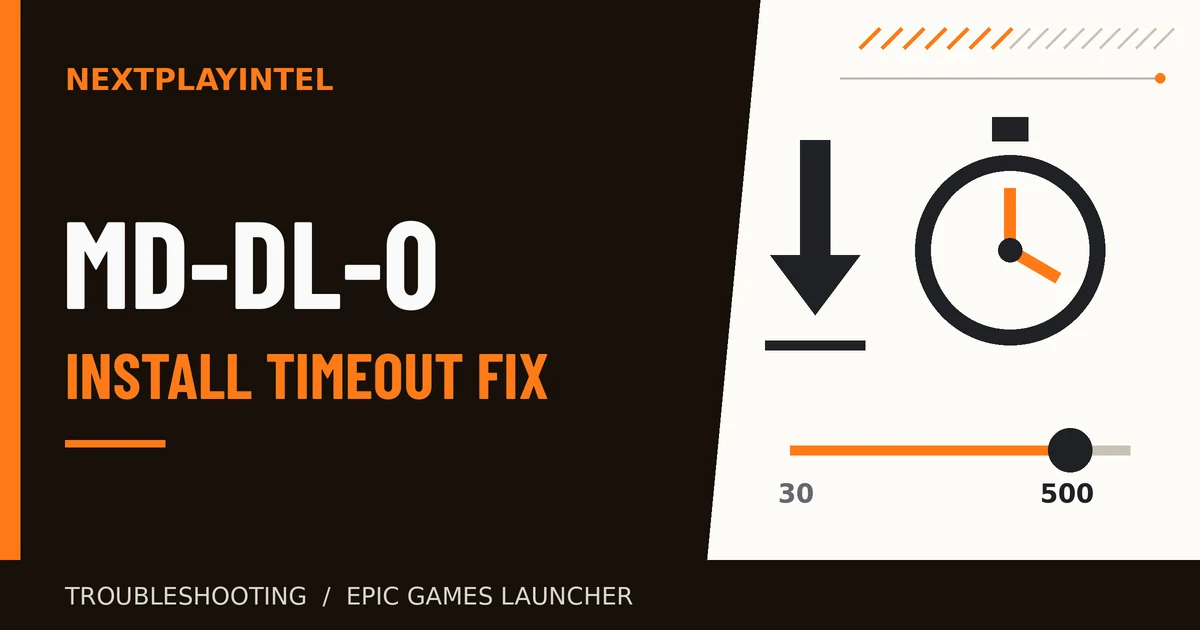
MD-DL-0 is an Epic Games Launcher error that stops a game install. Epic’s fix is a single settings change: exit the launcher, open the DefaultEngine file in its Config folder, change HttpTotalTimeout=30 to 500, save and try the install again. Epic says the higher timeout lets the installation package finish downloading.
Match what you see
Where MD-DL-0 appears tells you where to start. Find the row closest to your situation, then jump to that step.
| What you see | Most likely cause | Start at |
|---|---|---|
| MD-DL-0 when you install a game from the Epic Games Launcher | The installation package needs a longer download timeout | Step 1: exit the launcher, then edit DefaultEngine |
| You can’t find the Config folder | Epic gives only the usual install route | Step 2: check where you installed the launcher |
| You use the Epic Games Launcher Preview | Epic’s MD-DL-0 article describes the system-tray exit | Step 1: exit from the Epic Games logo menu instead |
| MD-DL-0 returns after the change | Epic’s article lists no further fix | Contact Epic Games Store Support with your logs |
Likely causes
- MD-DL-0 appears when you install games in the Epic Games Launcher. Epic’s article doesn’t describe the cause in words.
- The installation package not downloading within the launcher’s time limit. Epic’s fix raises HttpTotalTimeout from 30 to 500 and says the higher timeout lets the installation package download and the install proceed.
How to fix MD-DL-0, easiest first
- Exit the Epic Games Launcher
Open the system tray in the lower-right corner of your screen by selecting the up arrow, right-click the Epic Games Launcher icon and select Exit. In the Epic Games Launcher Preview, Epic’s restart guide says to select the Epic Games logo in the top-left corner, then Exit. - Open the launcher’s Config folder
Find the Epic Games Launcher installation folder. Epic says the usual route is C:\Program Files\Epic Games\Launcher\Portal\Config. - Raise the timeout in DefaultEngine
Open the DefaultEngine file, search for the line HttpTotalTimeout=30 and change the value from 30 to 500. Epic says this allows a higher timeout for the installation package to download, so the install can proceed normally. - Save the file
Save the file, replacing the existing file in the Config folder. - Reopen the launcher and install again
Open the Epic Games Launcher and try installing the game again.
| Step | What to do | Source |
|---|---|---|
| 1 | Exit the Epic Games Launcher | Official |
| 2 | Open the launcher’s Config folder | Official |
| 3 | Raise the timeout in DefaultEngine | Official |
| 4 | Save the file | Official |
| 5 | Reopen the launcher and install again | Official |
When to contact support
If MD-DL-0 still appears, contact Epic Games Store Support from its help site. For install problems, Epic’s log guide asks you to attach the latest launcher log plus the four most recent files in %LOCALAPPDATA%\Epic Games\Epic Online Services\InstallHelper\Logs and \MainService\Logs. Epic’s MD-DL-0 article gives only the timeout change, and this guide doesn’t add other fixes. If the install fails with II-E1003 instead, see our II-E1003 guide; for a permission error, see IS-0002-DP-OS-F. New to the launcher? Read how to install the Epic Games Launcher.
MD-DL-0 FAQ
What is error MD-DL-0 on Epic Games?
It’s an error Epic lists for installing games in the Epic Games Launcher. Epic’s fix raises HttpTotalTimeout from 30 to 500 in the launcher’s DefaultEngine file so the installation package has longer to download.
Does MD-DL-0 affect Fortnite?
Epic’s article covers installing games in the Epic Games Launcher and doesn’t single out one title, so the same timeout change applies if a Fortnite install shows MD-DL-0.
Where is the DefaultEngine file?
Epic says the usual route is C:\Program Files\Epic Games\Launcher\Portal\Config. Exit the launcher before you open and edit the file.
Does the fix work for Unreal Engine installs?
Epic’s MD-DL-0 article is about installing games and doesn’t mention Unreal Engine, so it doesn’t confirm the same fix for engine installs.
Sources
Related codes and how they differ
- Epic II-E1003: Install Failed: the launcher can’t download the game files it needs. Start by updating the launcher, then verify files.
- Epic IS-0009: Manifest failed to load: the download stops because a file is corrupt or invalid, not because files can’t be reached.
- Epic IS-DS01 / IS-IN-DS01: Not enough free disk space to finish the install. Free up space; network fixes won’t help.
- Epic IS-0002-DP-OS-F: A Windows folder permission problem stops the launcher writing files, so the fix is permissions, not the download.
- Epic IS-EO: The installer exits early (IS-EO-IS-FAILED). Epic starts with restarting and updating the launcher.
- Epic LS-0019: The game’s prerequisites failed to install correctly or completely.
- Epic AS-3: No connection: Epic calls it a generic network configuration error.
PC launcher troubleshooting guide · All PC launcher codes · Error code directory