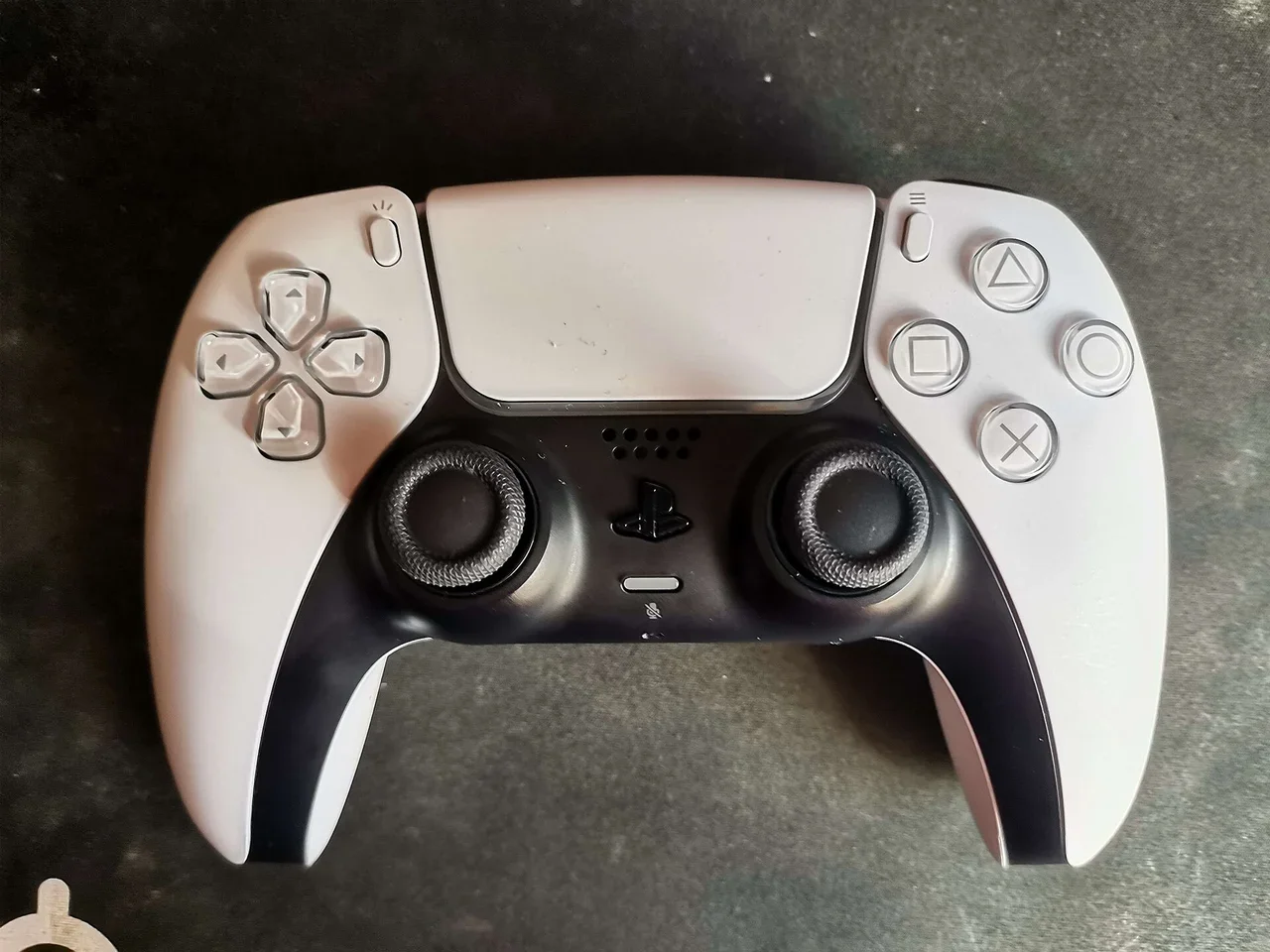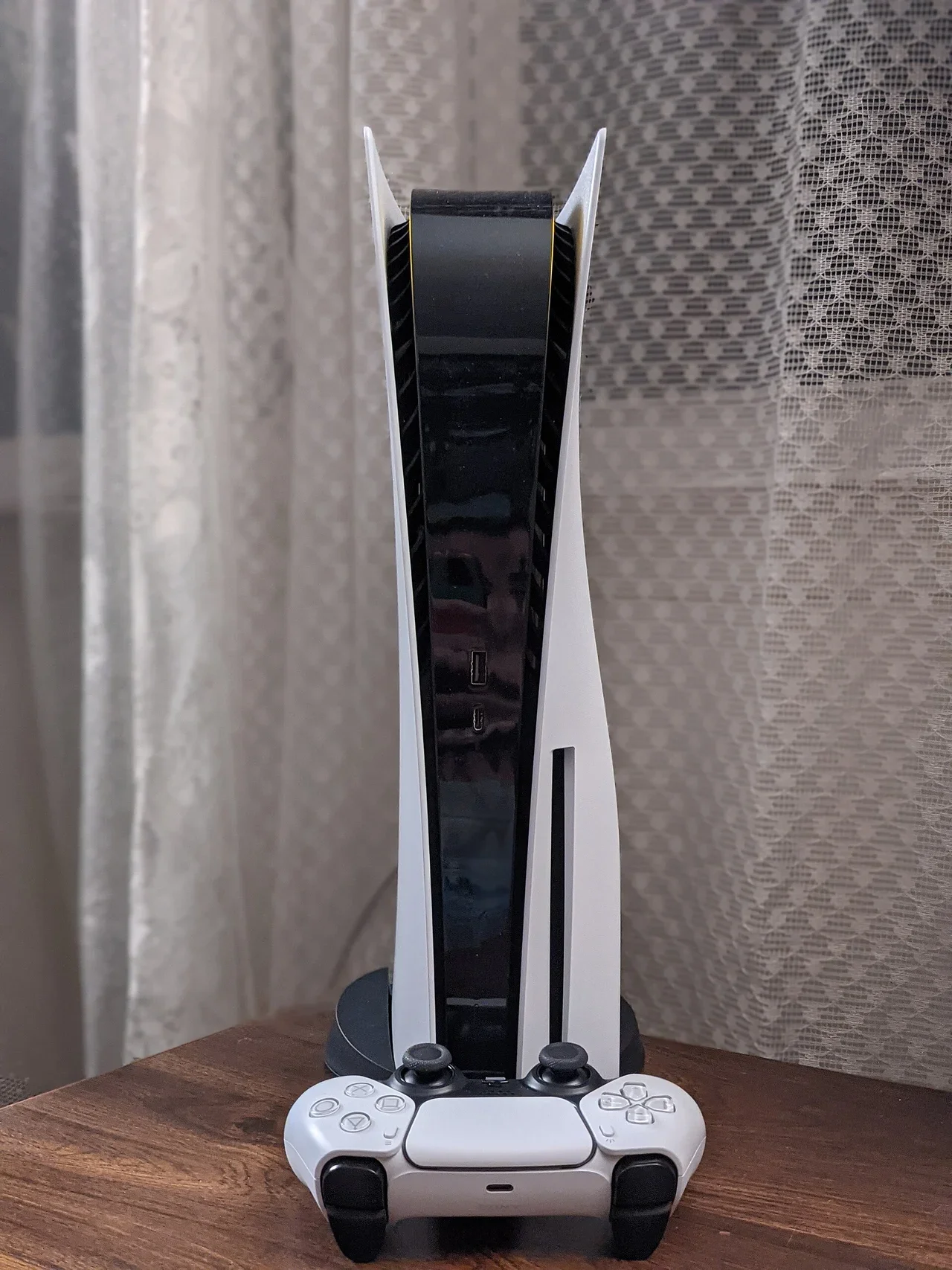
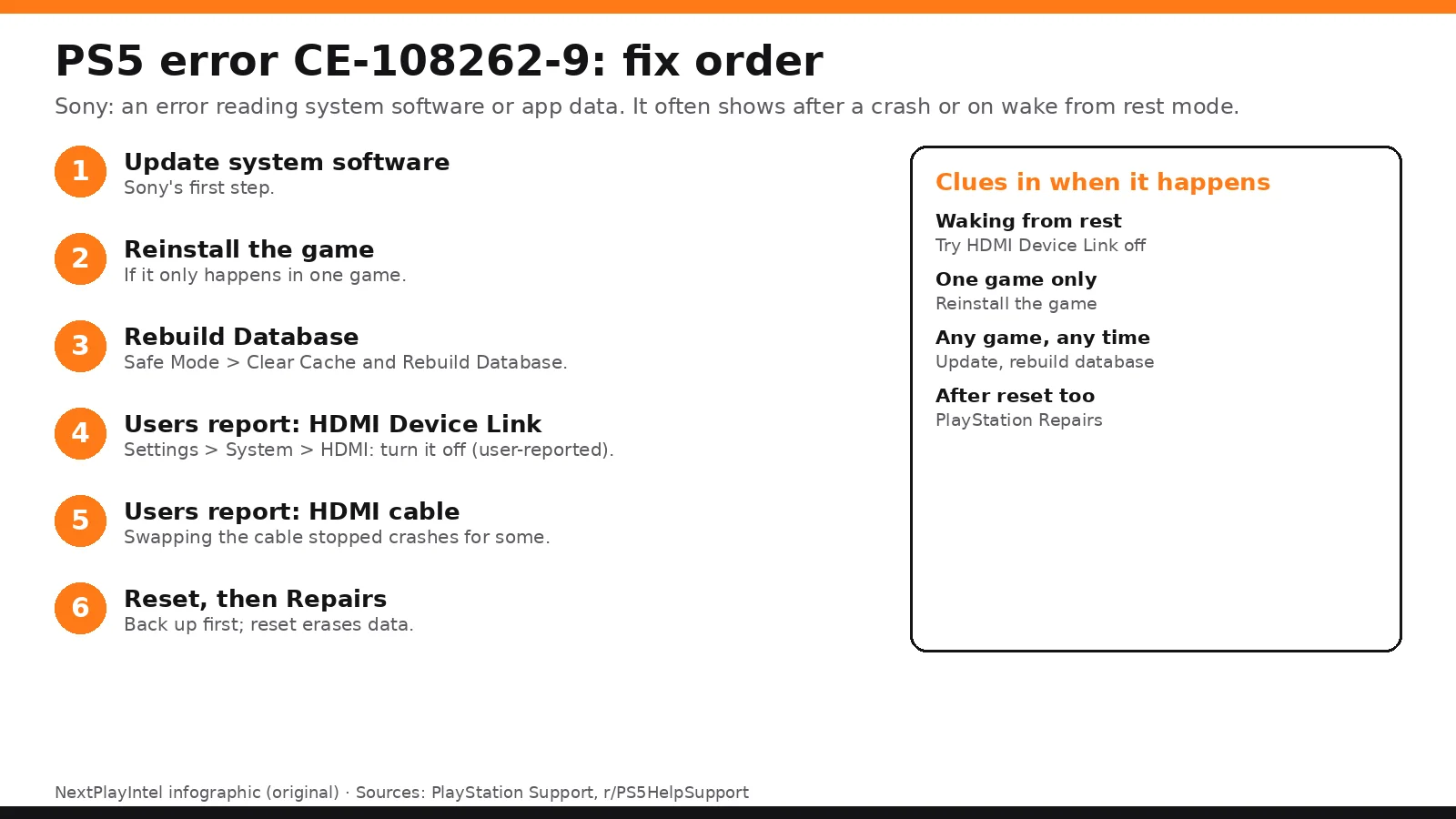
Try this first: note when the crash happens. If it's when the PS5 wakes from rest mode or when the TV turns on or off, turn off HDMI Device Link (Settings > System > HDMI) before anything else. Why first: it's free, takes 30 seconds, deletes nothing, and owners report it stopped the crashes. If the crash happens in one game, reinstall that game. Otherwise follow Sony's order: update, rebuild database, then reset.
How this page was made: drafted with AI assistance from the official support pages and the user threads linked on this page, checked on 29 October 2026, and published under Tulasiram Pemmadi's byline. NextPlayIntel did not test these fixes on hardware; fixes marked user-reported come from the linked threads.
Quick Answer: Summary of Steps
Update system software. Sony's first step.
Reinstall the game. If the error starts after launching one game.
Rebuild Database in Safe Mode. Keeps games and saves.
Turn off HDMI Device Link. If it crashes on wake or TV power change (user-reported).
Swap the HDMI cable. User-reported.
Back up and reset. Then PlayStation Support.
Prerequisites & Materials Needed
Required tools & items
DualSense and USB cable — to control Safe Mode
Internet connection — to update
USB drive or PS Plus cloud storage — to back up before a reset
Spare HDMI cable (optional) — for the cable test
Estimated time
Preparation: 5 minutes
Execution: 10 minutes to 2 hours (a reset and reinstall take longest)
Step-by-Step Instructions
Sony's official steps run from easiest to hardest. The HDMI steps are user-reported and come from the threads linked below.
Step 1: Update the PS5 system software
Problem: The PS5 crashes and reports CE-108262-9.
Likely causes: Sony says an error occurred while reading the system software or application data.
Fixes, easiest to hardest:
Settings > System > System Software > System Software Update and Settings > Update System Software.
How you know it worked: The latest version is installed and the crash stops.
When to contact official support: Continue to the next steps.
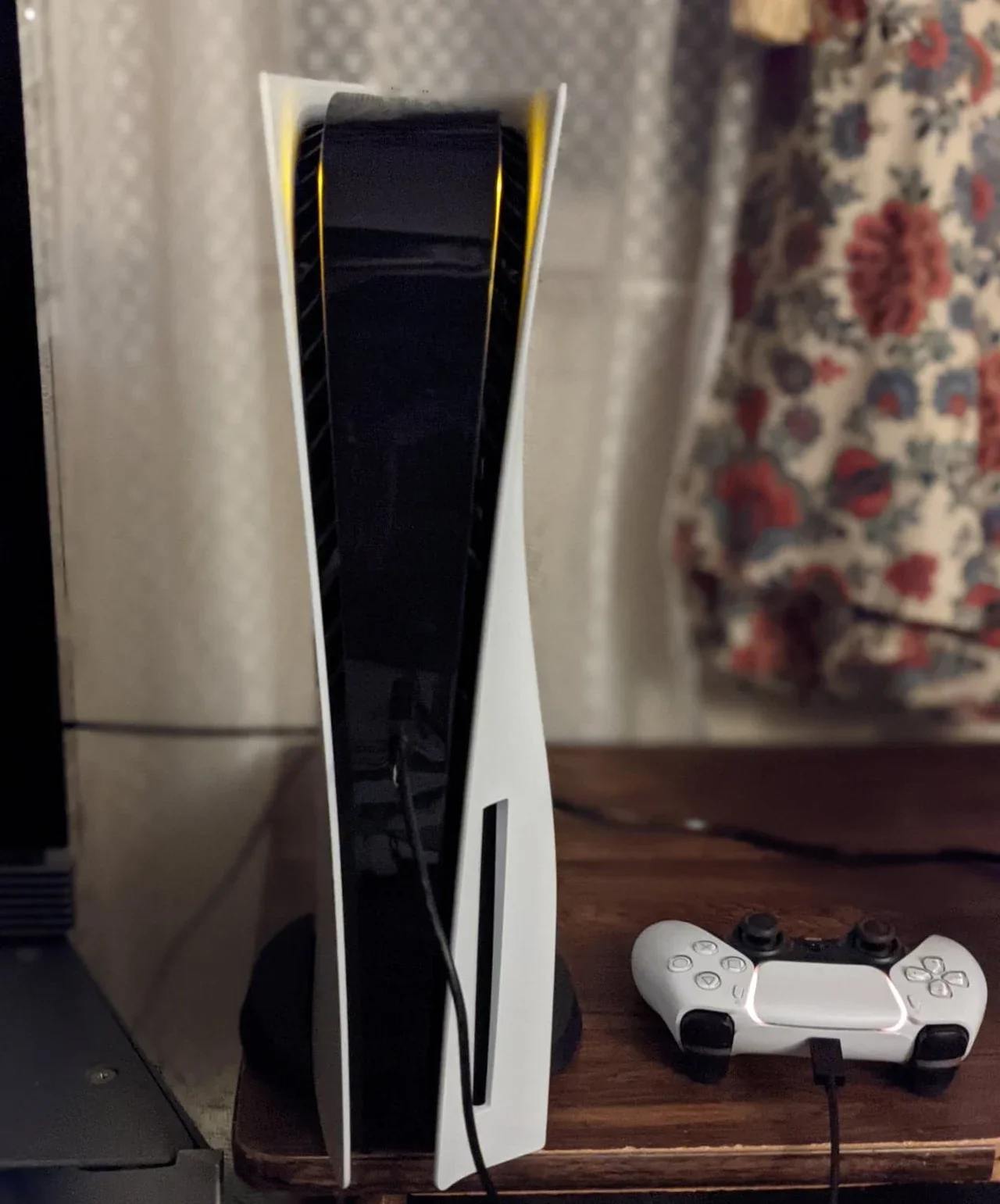
Step 2: Reinstall the game that crashes
Problem: The error appears after you start one game.
Likely causes: Damaged game or app data.
Fixes, easiest to hardest:
Settings > Storage > select the game > Delete.
Reinstall from your Game Library.
How you know it worked: The game runs without crashing.
When to contact official support: Continue if it still crashes.
Step 3: Rebuild the database in Safe Mode
Problem: Crashes across games or in menus.
Likely causes: A messy system database (Sony's third step).
Fixes, easiest to hardest:
Turn the PS5 off, then hold power until the second beep.
Connect the controller with USB and press PS.
Choose Clear Cache and Rebuild Database > Rebuild Database.
Pro Tip: This keeps your games and saves.
How you know it worked: Crashes stop after the rebuild.
When to contact official support: Continue if it keeps happening.
Step 4: Turn off HDMI Device Link and test another HDMI cable
Problem: The crash happens when the PS5 wakes from rest mode, or when the TV or soundbar turns on or off.
Likely causes: HDMI Device Link (HDMI-CEC) lets the TV send power commands to the PS5. Sony doesn't list this for CE-108262-9, but owners report the crashes stopped when they turned it off.
Fixes, easiest to hardest:
Settings > System > HDMI, and turn off Enable HDMI Device Link.
Leave HDCP on.
Test a different HDMI cable if crashes continue.
Look out for: With Device Link off, the TV won't switch on or change input with the PS5. Do it with the TV remote.
How you know it worked: A few days of normal use without the error.
When to contact official support: If it continues, go to the reset step.
Step 5: Back up, reset, then contact PlayStation Support
Problem: Nothing above stopped the error.
Likely causes: Corrupt system software, or a hardware fault.
Fixes, easiest to hardest:
Back up saves to a USB drive or PS Plus cloud storage.
Settings > System > System Software > Reset Options > Reset Your Console.
Reinstall your games.
If it still happens, contact PlayStation Support from Sony's CE-108262-9 page.
Look out for: Reset erases everything on the console's storage.
How you know it worked: The error doesn't come back after the reset.
When to contact official support: Now, if it continues after a reset.
Why this happens
CE-108262-9 is a crash report. Sony describes it only as an error reading system software or application data, so it isn't one specific fault. It shows up after the PS5 crashed for some reason.
That's why the timing matters. If the crash happens in one game, that game's data is the suspect. If it happens across games, the system database or software is. If it happens on waking from rest mode or when the TV changes power state, HDMI Device Link is the suspect: that feature lets your TV or soundbar send power commands to the console.
A few owners in the threads below eventually needed a repair, so if a full reset doesn't fix it, stop troubleshooting and contact Sony.
Fixes users report working (user-reported, not NextPlayIntel testing)
These come from public forum threads. They are what individual owners said worked for them, not official advice and not something we tested. Each links to the thread it came from.
Turning off HDMI Device Link stopped the error for at least a week for one owner, who notes you then switch the TV input by hand (user-reported, r/PS5HelpSupport).
Replacing the HDMI cable stopped crashes that were happening two or three times a day (user-reported, r/PS5HelpSupport).
Clearing the cache and rebuilding the database in Safe Mode worked for several owners (user-reported, r/PS5HelpSupport and here).
One owner's crashes continued after a full reinstall and Sony replaced the console under warranty (user-reported, r/PS5HelpSupport).
iFixit's PS5 guide also lists HDMI Device Link as a cause of unexpected power-offs (iFixit).
Common Mistakes to Avoid
Resetting before you back up. Reset erases everything on the console.
Skipping the timing check. Wake-from-rest crashes point to HDMI Device Link, not the game.
Unplugging during an update. It can corrupt the system software.
Related NextPlayIntel guides
Frequently asked questions
What is PS5 error CE-108262-9?
Sony says an error occurred while reading the system software or application data. It shows after the console crashed.
Does turning off HDMI Device Link fix CE-108262-9?
Owners report it helped, especially for crashes on wake from rest mode. Sony doesn't list it, so treat it as user-reported.
Will rebuilding the database delete my games?
No. Rebuild Database keeps games and saves.
When should I contact Sony about CE-108262-9?
If it continues after updating, reinstalling and a full reset.
Sources & verification
Sources last verified on . This article covers published information, not hands-on testing.
Editorial & update notes
New page published 29 Oct 2026.