

PS5 error code
PS5 SU-101312-8: Disc Drive Not Detected Fixes
Try this first: Sony explicitly introduces these steps for consoles whose Blu-ray Disc drive has not been physically removed. If yours has been removed, do not assume a network change will replace it. Describe the console and drive situation to PlayStation Support. This error is about detecting the drive; it is not simply the message for a dirty game disc.
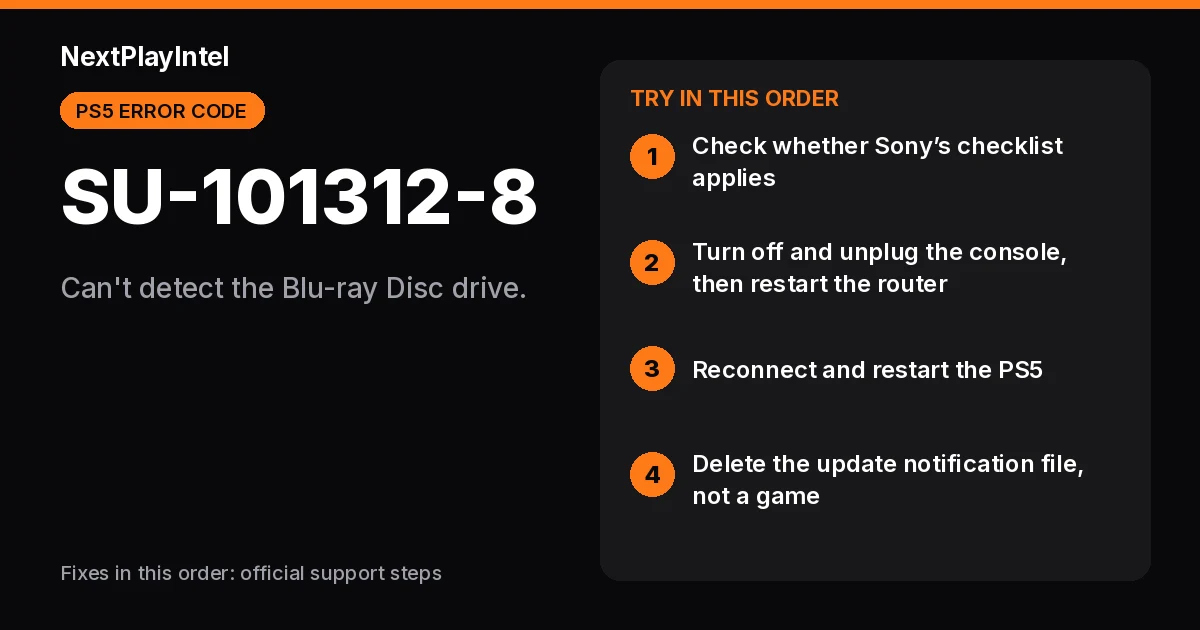
What SU-101312-8 means
PlayStation says: “Can't detect the Blu-ray Disc drive.” (official page)
SU-101312-8 means the PS5 cannot recognize its Blu-ray Disc drive. Sony provides a restart-and-update checklist when the drive has not been physically removed. Start with that condition: this is not a guide to bypassing a missing drive, opening the console or replacing components.
Match what you see
Where SU-101312-8 appears tells you where to start. Find the row closest to your situation, then jump to that step.
| What you see | Most likely cause | Start at |
|---|---|---|
| A system software update fails with SU-101312-8 | The console isn't detecting its Blu-ray Disc drive | Steps 1–5 on this page |
| The error returns after the restart-and-update checklist | A drive problem Sony support needs to diagnose | Step 6, then contact PlayStation Support |
Likely causes
- The PS5 can't detect its Blu-ray Disc drive (Sony's definition of SU-101312-8).
- A system software update that stalls because the drive isn't recognized during the update.
How to fix SU-101312-8, easiest first
- Check whether Sony’s checklist applies
Sony explicitly introduces these steps for consoles whose Blu-ray Disc drive has not been physically removed. If yours has been removed, do not assume a network change will replace it. Describe the console and drive situation to PlayStation Support. This error is about detecting the drive; it is not simply the message for a dirty game disc. - Turn off and unplug the console, then restart the router
Turn the PS5 off and unplug it. Turn the router off, wait at least five minutes, and then restart the router. Sony gives that minimum wait on this exact error-code page. Do not substitute a quick router reboot for the published wait. - Reconnect and restart the PS5
Plug the console back in and restart it. These restart steps come before deleting the failed update file in Sony’s sequence. They do not require removing the console cover or touching the drive cabling. - Delete the update notification file, not a game
Open the control center and select Notifications. Highlight the update file, press the OPTIONS button and select Delete. The target is the update file in Notifications, not a game, a saved-data folder or an unrelated notification. - Restart the system software update
Go to Settings > System > System Software > System Software Updates and Settings, then restart the update. If it fails again, Sony directs players to its update troubleshooting guides before the reset instruction. Note the code shown now; do not assume a different error has the same meaning. - Understand the reset warning before escalating
Sony’s next listed option is Settings > System > System Software > Reset Options > Reset Your Console. This erases all data saved on console storage and cannot be undone. Back up data first if possible. Do not treat this as a routine first step or promise it will repair hardware. If you are unsure or cannot protect important data, contact support before choosing it.
| Step | What to do | Source |
|---|---|---|
| 1 | Check whether Sony’s checklist applies | Official |
| 2 | Turn off and unplug the console, then restart the router | Official |
| 3 | Reconnect and restart the PS5 | Official |
| 4 | Delete the update notification file, not a game | Official |
| 5 | Restart the system software update | Official |
| 6 | Understand the reset warning before escalating | Official |
Fixes owners report
From public threads we read. These are individual reports, not official advice, and NextPlayIntel did not test them.
- On GBAtemp, a repairer said SU-101312-8 means the disc drive is not responding to the console, often because a fuse at the drive's power connector has blown. The poster's update installed once that fuse was replaced. That is a board-level soldering repair, not a home fix. (GBAtemp)
- On a repair forum, an owner who swapped in another Blu-ray drive and cable still got the error. Repairers replied that the drive's controller board is paired with the console, so the original board must stay with it. (TronicsFix forum)
- In June 2024, an owner with damaged ribbon-cable pins was told to test continuity or replace the cable. Another owner replaced the ribbon and power cables and still saw the error. (r/consolerepair, June 2024)
When to contact support
Sony directs players to PlayStation Repairs if the issue continues. Explain whether the drive has ever been physically removed, which update fails and whether the exact code remains SU-101312-8. If the restart and update retry have failed, you can discuss the destructive reset with support before proceeding. This guide does not diagnose a failed cable, fuse or drive and does not recommend an unsupported hardware repair. Repair-forum reports point to drive power or cabling faults inside the console; opening it can affect any repair cover you have, so speak to Sony before anyone opens it.
SU-101312-8 FAQ
What does SU-101312-8 mean?
Sony says the PS5 cannot detect its Blu-ray Disc drive.
Does Sony tell me to clean the game disc?
Not on this code-specific page. Its checklist concerns drive detection and a system software update, starting with turning off and unplugging the console.
How long should the router stay off?
Sony says to wait at least five minutes before restarting the router.
Which file should I delete?
The update file in the control center’s Notifications list. Highlight it, press OPTIONS and select Delete, then restart the update from System Software settings.
Will resetting erase my data?
Yes. Sony warns that Reset Your Console erases all data saved on console storage and cannot be undone. Back up first if possible.
Can I fit another PS5's disc drive to fix SU-101312-8?
Sony's error page doesn't cover it. Repair-forum posters report that a replacement drive only worked when the console's original drive controller board was kept, so a straight swap may not clear the error. Ask PlayStation Repairs first.
Sources
Related codes and how they differ
- SU-101337-5: Console may not have started properly; unplug first, because a Safe Mode reinstall erases data.
- PS5 error-code hub: All PS5 error codes, including disc-drive and start-up errors.
PS5 troubleshooting guide · All PS5 codes · Error code directory