

PC launcher error code
VAN 9003 Error: Turn On Secure Boot for Riot Vanguard
Try this first: Press Windows key + R, type msinfo32 and press Enter. In System Information, find BIOS Mode (it should say UEFI) and Secure Boot State (it should say On). If both are correct, Secure Boot is already active. If BIOS Mode says UEFI but Secure Boot is Off, skip to step 3. If BIOS Mode says Legacy, do step 2 first.
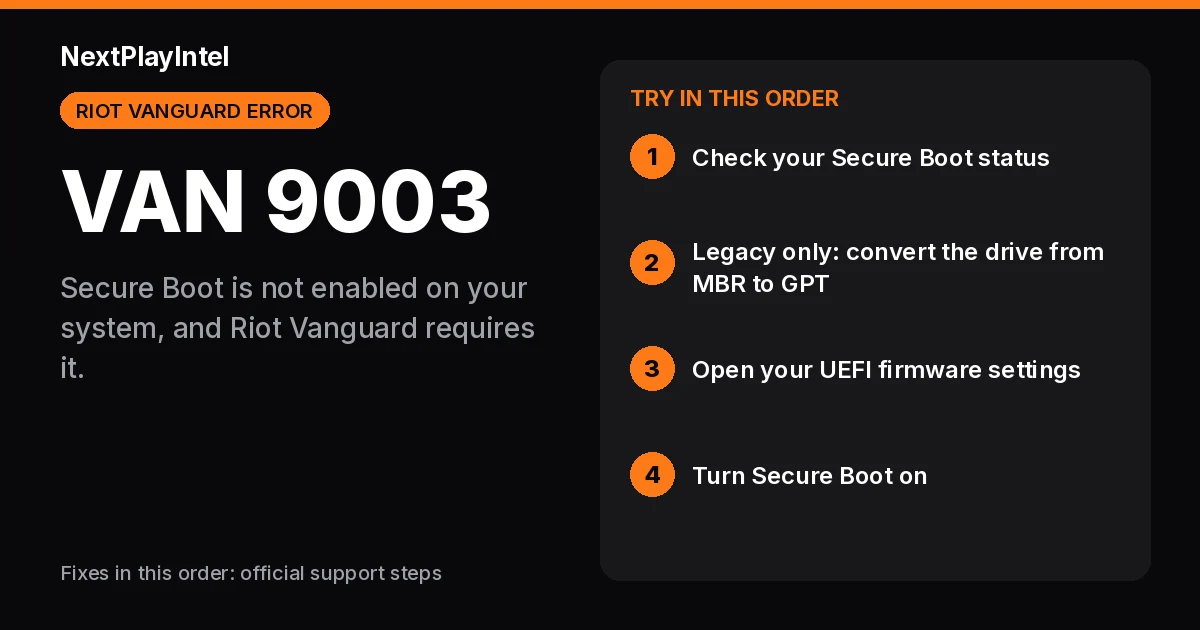
What VAN 9003 means
Riot Games Support says: “Secure Boot is not enabled on your system, and Riot Vanguard requires it.” (official page)
VAN 9003 comes from Riot Vanguard, Riot’s anti-cheat. The full message reads “This build of Vanguard requires secure boot to be enabled in order to play,” and Riot says it means Secure Boot is not enabled on your PC. The fix depends on one reading in Windows: whether your BIOS Mode is UEFI or Legacy. Check that first, because switching a Legacy system to UEFI too early can stop Windows from booting.
Match what you see
Where VAN 9003 appears tells you where to start. Find the row closest to your situation, then jump to that step.
| What you see | Most likely cause | Start at |
|---|---|---|
| msinfo32: Secure Boot State On | Secure Boot is already active | Launch the game; if still blocked, see Riot’s VAN: RESTRICTION guide |
| msinfo32: BIOS Mode UEFI, Secure Boot State Off | Drive setup is fine; Secure Boot is just off | Enable Secure Boot in UEFI settings |
| msinfo32: BIOS Mode Legacy, Secure Boot Off or Unsupported | Drive must be converted before switching to UEFI | Check partition style; convert MBR to GPT |
| Secure Boot option is grayed out or will not turn on | Secure Boot keys may be corrupted or outdated | Restore factory keys (mind BitLocker) |
| Secure Boot is On but VAN 9003 continues | BIOS firmware may be outdated | Update BIOS from your motherboard maker |
Likely causes
- Secure Boot is turned off in the PC’s BIOS/UEFI settings.
- The PC boots in Legacy (CSM) mode; Secure Boot requires UEFI mode.
- The Windows drive uses the MBR partition style instead of GPT.
- Corrupted or outdated Secure Boot keys, or outdated BIOS firmware that fails Vanguard’s policy checks.
How to fix VAN 9003, easiest first
- Check your Secure Boot status
Press Windows key + R, type msinfo32 and press Enter. In System Information, find BIOS Mode (it should say UEFI) and Secure Boot State (it should say On). If both are correct, Secure Boot is already active. If BIOS Mode says UEFI but Secure Boot is Off, skip to step 3. If BIOS Mode says Legacy, do step 2 first. - Legacy only: convert the drive from MBR to GPT
Type Disk Management in Windows search, right-click the drive with Windows, choose Properties and open the Volumes tab. If Partition Style says GPT, skip ahead. If it says MBR, Riot requires conversion before you change any BIOS setting. Riot lists these conditions: Windows 10 version 1703 or later, no more than three partitions, 64-bit Windows, BitLocker or other encryption off, no dual boot, UEFI support in the BIOS, and Secure Boot disabled. Back up your files first; Riot says the conversion is safe but cannot be reversed. In an administrator Command Prompt, run mbr2gpt /validate /allowFullOS, then mbr2gpt /convert /allowFullOS if validation succeeds. Do not boot back into Windows yet; go straight to the BIOS. - Open your UEFI firmware settings
On Windows 11, go to Start > Settings > System > Recovery > Advanced startup > Restart now. On Windows 10, go to Start > Settings > Update and Security > Recovery > Advanced startup > Restart now. After the restart, select Troubleshoot > Advanced options > UEFI Firmware Settings. You can also press Del, F2 or F10 while the PC starts; the key varies by brand. - Turn Secure Boot on
If you just converted the drive, change Boot Mode from Legacy/CSM to UEFI and disable CSM if that option exists. Then open the Boot tab, set Secure Boot (or Secure Boot State) to Enabled, and save and exit, usually with F10. BIOS menus vary a lot, so follow your PC or motherboard maker’s instructions; Riot links to guides from Dell, HP, Lenovo, MSI, ASRock, ASUS, EVGA and Gigabyte. - Confirm it worked
Back in Windows, open msinfo32 again. BIOS Mode should say UEFI and Secure Boot State should say On. Then relaunch the game. - If Secure Boot is grayed out or the error remains
A grayed-out option can mean corrupted or outdated keys. Find Key Management on the BIOS Security or Boot tab, choose Restore Factory Keys (also called Install Default Secure Boot Keys or Reset to Setup Mode), then enable Secure Boot. If BitLocker is on, resetting keys triggers BitLocker recovery on the next boot; suspend BitLocker first or have your recovery key ready. If Secure Boot shows On but VAN 9003 persists, Riot says your BIOS may be outdated. Note your BaseBoard Manufacturer and Product in msinfo32 and install the latest BIOS from that maker. Do not turn off the PC during a BIOS update.
| Step | What to do | Source |
|---|---|---|
| 1 | Check your Secure Boot status | Official |
| 2 | Legacy only: convert the drive from MBR to GPT | Official |
| 3 | Open your UEFI firmware settings | Official |
| 4 | Turn Secure Boot on | Official |
| 5 | Confirm it worked | Official |
| 6 | If Secure Boot is grayed out or the error remains | Official |
Fixes owners report
From public threads we read. These are individual reports, not official advice, and NextPlayIntel did not test them.
- On a Lenovo Legion 5 laptop, one player kept getting VAN 9003 although Secure Boot showed as enabled in the BIOS. Choosing Reset factory keys in the BIOS fixed it, and they said it didn't erase any files. Afterwards, msinfo32 showed Secure Boot State: On. They explain that the BIOS option can be on while Secure Boot is not actually running. (r/ValorantTechSupport)
When to contact support
If your hardware still does not support UEFI or Secure Boot after a BIOS update, Riot says it may not meet Vanguard’s requirements. For BIOS steps on your specific model, Riot says to follow your PC or motherboard maker’s official instructions. If you are still stuck, submit a ticket to Riot Player Support from Riot’s support site.
VAN 9003 FAQ
What does VAN 9003 mean?
Riot says VAN 9003 means Secure Boot is not enabled on your system, which Riot Vanguard requires.
How do I check if Secure Boot is on?
Press Windows key + R, type msinfo32 and press Enter. Secure Boot State should say On and BIOS Mode should say UEFI.
Can I switch my BIOS from Legacy to UEFI right away?
Not if your drive uses MBR. Riot warns Windows will not boot if you switch to UEFI before converting the drive from MBR to GPT.
Will converting MBR to GPT delete my files?
Riot says the process is safe but cannot be reversed, and tells you to back up your files first.
Is a VAN error the same as a VAL error?
No. Riot says VAN errors come from Riot Vanguard, and Valorant’s VAL codes are covered in a separate article.
The BIOS says Secure Boot is enabled, but VAN 9003 continues. What now?
Check msinfo32. If Secure Boot State says Off, owners report that Reset factory keys (or Restore factory keys) in the BIOS Secure Boot menu fixed it. Microsoft notes that Secure Boot changes can trigger the BitLocker recovery screen, so have your BitLocker recovery key ready first.
Sources
Related codes and how they differ
- VAN 68: Vanguard lost its connection or session. Restart and check the vgc service; this is not a Secure Boot error.
- VAN 1067: Vanguard hit an unexpected issue starting or checking in. Riot starts with Windows updates.
- VAN 152: A hardware ID ban. Riot says Secure Boot changes will not remove it.
PC launcher troubleshooting guide · All PC launcher codes · Error code directory