

PC launcher error code
VAN 152 Error: What a Riot HWID Ban Means and Next Steps
Try this first: Riot says reinstalling Vanguard, reinstalling the game, changing your connection or restarting the PC won’t remove an HWID ban. Riot also says reinstalling a game or deleting the responsible account won’t remove it.
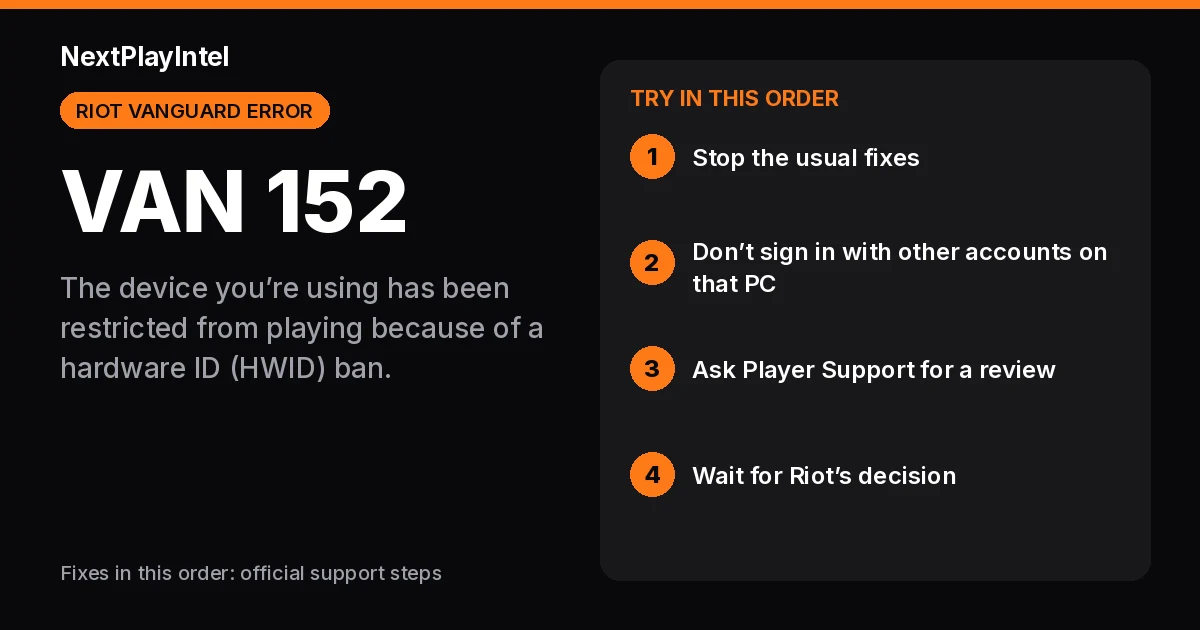
What VAN 152 means
Riot Games Support says: “The device you’re using has been restricted from playing because of a hardware ID (HWID) ban.” (official page)
VAN 152 means the PC you’re playing on has a hardware ID (HWID) ban from Riot. It isn’t a Vanguard install or connection fault. Riot says reinstalling Vanguard or the game, changing your connection or restarting won’t remove it. The only route Riot gives is a Player Support request for a review, which may not succeed.
Match what you see
Where VAN 152 appears tells you where to start. Find the row closest to your situation, then jump to that step.
| What you see | Most likely cause | Start at |
|---|---|---|
| VAN 152 with a message about the User Rules (Section 7) of the Terms of Service | The device has an HWID ban | Stop troubleshooting; read Riot’s HWID ban article |
| Every login attempt on this PC shows VAN 152 | Riot says this happens while an HWID ban is active | Don’t sign in with other accounts on this PC |
| A friend’s or family member’s account also gets VAN 152 on this PC | Riot restricts any account on a banned device | Riot says that account is also banned for a set period |
| You think the ban is wrong | Riot may re-evaluate behaviour or cheating bans | Submit a Player Support request for review |
Likely causes
- A hardware ID (HWID) ban on the device you’re using (Riot’s stated meaning of VAN 152).
- Riot says HWID bans generally follow extreme chat aggression or intentional feeding across many permanently banned accounts, a verifiable threat of harm against players or Rioters, or being flagged for third-party tools such as scripting or cheating.
- Riot says VAN 152 isn’t a Riot Vanguard installation or connection issue.
How to fix VAN 152, easiest first
- Stop the usual fixes
Riot says reinstalling Vanguard, reinstalling the game, changing your connection or restarting the PC won’t remove an HWID ban. Riot also says reinstalling a game or deleting the responsible account won’t remove it. - Don’t sign in with other accounts on that PC
Riot says any other account used on an HWID-banned computer is restricted on that device. It’s also banned for a set period, because the system treats it as an attempt to get around the original ban. Riot’s advice: if you suspect a computer has an HWID ban, don’t log in with any account. - Ask Player Support for a review
If the ban followed in-game behaviour or suspected cheating, Riot says it may be lifted, though this is never guaranteed. Submit a Player Support request asking for a re-evaluation of the HWID ban. If more than one account is affected, open a separate ticket for each. - Wait for Riot’s decision
Riot says it investigates whether the penalty is valid, then decides whether to lift or extend the ban. If it’s lifted, Riot stops banning your accounts on sight. Accounts already banned stay banned until the HWID ban period ends.
| Situation | What Riot says | Source |
|---|---|---|
| While the ban is active | Riot regularly searches for account activity by the banned player. Any accounts it finds are banned manually, and Riot says it will "suspend you on sight" | Riot Support: HWID bans |
| Streaming or playing publicly | Riot says an HWID ban means you aren't allowed to play the game publicly, including on stream | Riot Support: HWID bans |
| Someone else logs in on the PC | That account is restricted on the device and banned for a set period, because Riot treats it as an attempt to get around the ban | Riot Support: HWID bans |
| Ban for a verifiable threat of harm | Riot won't consider lifting it and may stop communicating with the player, except in unique circumstances | Riot Support: HWID bans |
| Ban lifted after review | Riot stops banning your accounts on sight, but accounts already banned stay banned until the HWID period ends. Riot may reapply the ban if the behaviour returns | Riot Support: HWID bans |
When to contact support
Use a Riot Player Support ticket to ask for a review, with one ticket per affected account. Riot says it won’t consider lifting a ban given for a verifiable threat of harm, except in unique circumstances at its discretion. It also says it discusses HWID bans only with the affected players. Riot’s articles don’t say how long an HWID ban lasts, and this guide doesn’t guess.
Have this ready before you contact support:
- The Riot account the ticket is about (Riot asks for a separate ticket for each affected account)
- The exact error shown, VAN 152, and when it first appeared
- Why you think the penalty is wrong. Riot says it investigates whether the penalty is valid before deciding to lift or extend the ban
VAN 152 FAQ
What is VAN 152?
Riot says VAN 152 means the device you’re using is restricted from playing because of a hardware ID (HWID) ban.
How do I fix VAN 152?
You can’t fix it with troubleshooting. Riot says reinstalls, connection changes and restarts won’t remove it. Your only option is to ask Player Support to review the ban.
Is VAN 152 permanent?
Riot’s articles refer to an HWID ban period but don’t give a length. Riot may lift bans for behaviour or suspected cheating after a review, but bans for verifiable threats of harm generally won’t be reconsidered.
Can I appeal a VAN 152 ban?
Yes. Riot says to submit a Player Support request asking for a re-evaluation, opening a separate ticket for each affected account. Removal is never guaranteed.
Can I stream Riot games during an HWID ban?
No. Riot says an HWID ban means you aren't allowed to play the game publicly, via streaming or otherwise.
If Riot lifts the HWID ban, do my banned accounts come back?
No. Riot says it stops banning your accounts on sight, but accounts already banned stay banned until the HWID period ends.
Will a new account work on the same PC?
No. Riot says it searches for account activity by HWID-banned players and bans any accounts it finds. Another account used on a banned PC is also banned for a set period.
Sources
Related codes and how they differ
- VAN 68: Vanguard lost its connection or session. A PC fault you can troubleshoot, not a ban.
- VAN 1067: Vanguard hit an unexpected issue starting or checking in. Riot starts with Windows updates, not a ban review.
- VAN 9003: Secure Boot is off. Fixed in your PC’s UEFI settings.
PC launcher troubleshooting guide · All PC launcher codes · Error code directory