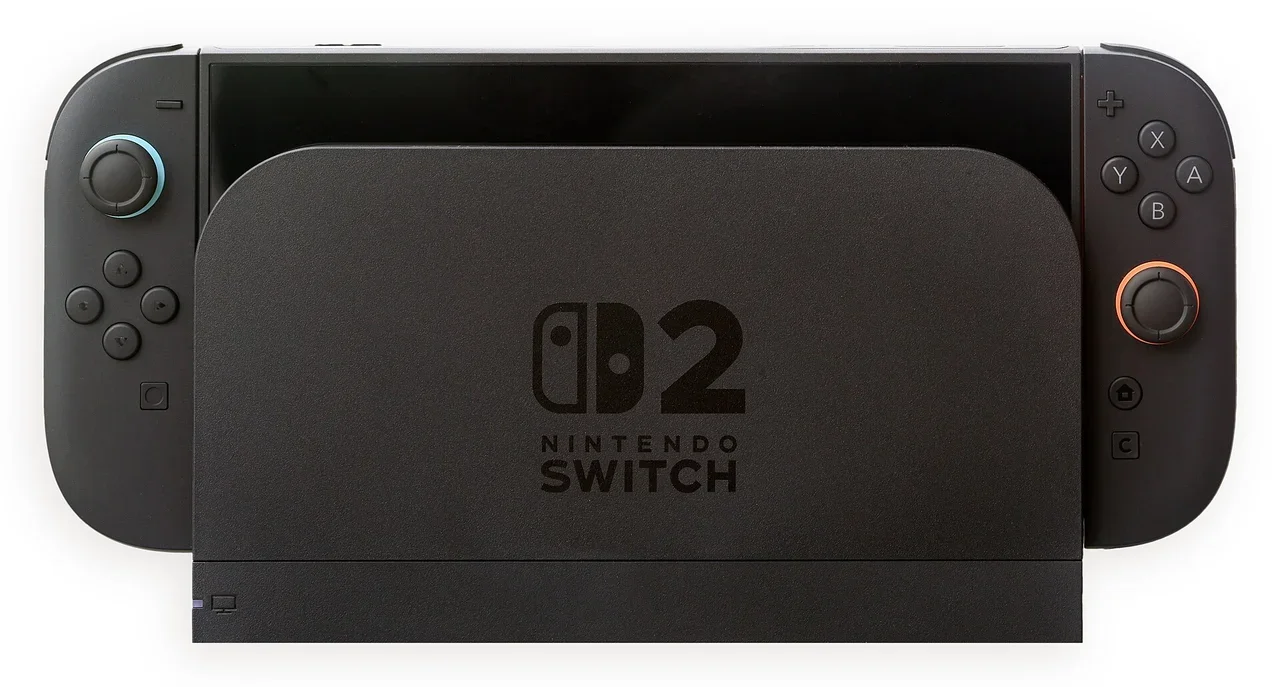
To turn on Handheld Mode Boost, open System Settings > System > Nintendo Switch Software Handling and switch on Handheld Mode Boost. It needs system version 22.0.0 or later. It makes original Switch games run in handheld or tabletop mode with TV-mode performance. It's off by default and doesn't change Switch 2 games.
Key facts
Item | Detail |
|---|---|
What it does | Runs Switch 1 games undocked as if they were in TV mode |
Where | System Settings > System > Nintendo Switch Software Handling |
System version | 22.0.0 or later |
Default | Off |
Works with | Physical and digital Switch 1 games |
No effect on | Switch 2 games, and some Switch 1 games |
Per-game setting | No; it's on or off for all supported games |
Trade-offs | Higher power use, touch screen may not work, Joy-Con 2 act as a Pro Controller |
How to turn on Handheld Mode Boost
Select System Settings on the HOME Menu.
Scroll down and select System.
On the right, scroll down and select Nintendo Switch Software Handling.
Select Handheld Mode Boost to turn it on or off.
If you don't see the option, check your system version under System Settings > System > System Update and update first. Our guide to updating Switch 2 has the full steps.
Add the toggle to Quick Settings
On the same screen, turn on Enable/Disable Handheld Mode Boost from Quick Settings. You can then flip the boost from Quick Settings without going back into System Settings.
What Handheld Mode Boost changes
Nintendo says the boost lets Switch 1 software run in handheld and tabletop mode with performance equal to TV mode. Because the game outputs its TV-mode visuals to the Switch 2 screen, some games may look sharper.
The effect varies by game. Some Switch 1 games won't change at all, and some may show images meant only for TV mode. Screenshots and videos you capture while it's on also use the TV-mode visuals.
If you're unsure whether a game is a Switch 1 game or a Switch 2 Edition, see our guide to upgrading to Nintendo Switch 2 Edition. The boost has no effect on Switch 2 software.
Limits and side effects
Battery: it raises power use compared with normal handheld play. The amount depends on the game.
Touch screen: Switch 1 games may not accept touch controls while it's on, with some exceptions.
Controllers: attached Joy-Con 2 controllers are treated as a Nintendo Switch 2 Pro Controller. To use other controllers, detach the Joy-Con 2 first.
On-screen instructions: because the game thinks it's in TV mode, some in-game instructions may be wrong or may not work properly.
No per-game control: you can't turn it on for one game and off for another.
On or off? A quick checklist
Situation | Suggested setting |
|---|---|
A Switch 1 game looks soft in handheld | Try it on |
The game needs the touch screen | Leave it off |
You need maximum battery on a trip | Leave it off |
You play with Joy-Con 2 attached and want handheld controls | Turn it off if the controls feel wrong |
You only play Switch 2 games | It makes no difference |
If a game crashes or the console misbehaves after you change it, switch the boost off and see our Switch 2 troubleshooting guide. More console help is in our how-to guides.
Frequently asked questions
Is there a list of games that work with Handheld Mode Boost?
Nintendo hasn't published one. It says the effect varies by game and some Switch 1 games won't change at all.
Does Handheld Mode Boost drain the battery faster?
Yes, it increases power consumption compared with normal handheld play. Nintendo says the actual amount depends on the game.
Does Handheld Mode Boost work when docked?
No. It applies to handheld and tabletop play, where it gives Switch 1 games the same performance they get in TV mode.
Can you turn Handheld Mode Boost on for one game only?
No. Once it's on, it applies to every supported Switch 1 game. Add the Quick Settings toggle to switch it quickly.
Does Handheld Mode Boost improve Switch 2 games?
No. It only affects Switch 1 software. Switch 2 games run as normal.
Sources & verification
Sources last verified on . This article covers published information, not hands-on testing.