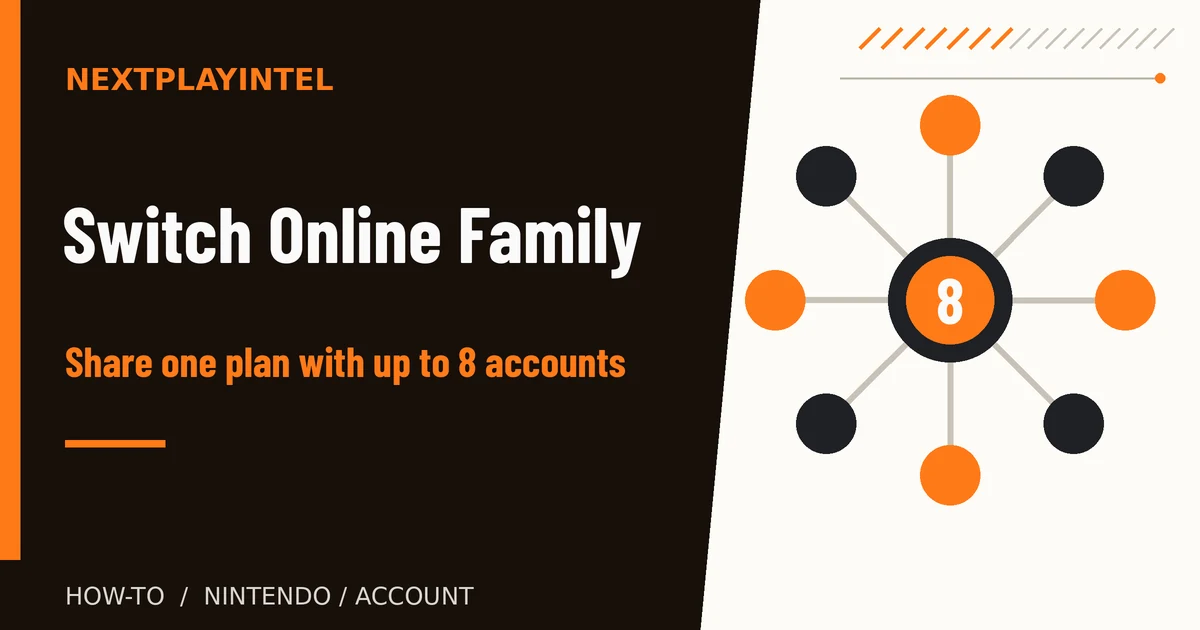
A Nintendo Switch Online Family Membership covers up to eight Nintendo Accounts in one family group. It costs $34.99 a year in the US, or $79.99 with the Expansion Pack. To add someone, the group's admin signs in at accounts.nintendo.com and selects Family group > Add a member > Invite someone, then the invitee accepts by email.
Key facts
Item | Detail |
|---|---|
Accounts covered | Up to 8 Nintendo Accounts in one family group |
US price, Nintendo Switch Online | $34.99 a year (Individual: $19.99) |
US price, with Expansion Pack | $79.99 a year (Individual: $49.99) |
Who can buy it | Anyone aged 18+ in the family group; doesn't have to be the admin |
Who can add or remove members | Only the family group's admin |
Same console needed? | No; it applies to accounts, on any Switch or Switch 2 |
New members | Covered automatically when they join |
Different countries | Allowed, but not every feature is available in every country |
Cost per person
The per-person figures below are NextPlayIntel's own calculations from Nintendo's US prices, not figures Nintendo publishes.
Plan | US price per year | Per person with 8 accounts | Per person with 4 accounts |
|---|---|---|---|
Nintendo Switch Online, Family | $34.99 | about $4.37 | about $8.75 |
Nintendo Switch Online + Expansion Pack, Family | $79.99 | about $10.00 | about $20.00 |
Individual plans, for comparison | $19.99 / $49.99 | n/a | n/a |
Prices are US prices from Nintendo's compare page, checked on 26 Nov 2026. An India price isn't listed. With two people, two Individual plans would be $39.98 a year compared with $34.99 for Family.
How to add someone to your family membership
On a PC or phone, go to accounts.nintendo.com and sign in to the family group's admin account.
Select Family group.
Select Add a member, or Create family group if nobody else is in it yet.
Select Invite someone to your family group.
Read Nintendo's note about only inviting people you know, then select Confirm.
Enter the email address registered to their Nintendo Account and select Submit.
The person you invited then opens the invitation email, selects the verification link, signs in and selects Join family group. Once they've joined, the membership covers them automatically and you can assign their role. If they don't have a Nintendo Account yet, they need to create one before you can invite them.
How to add a child account
From Family group > Add a member, choose Create an account for a child instead. Enter their birthdate and your password, then set a nickname, sign-in ID and password for them. In the US, Nintendo may ask for verifiable parental consent the first time, with a one-time $0.50 card charge. If the child option is missing, the admin must be 18+; transfer admin rights to an adult first.
If something goes wrong
No "Add a member" option. You aren't the admin. Ask the admin to add the person, or to transfer admin rights to you.
"You cannot add additional members to your family group." The group already has 8 members. Someone must leave before a new person can join.
Two players on one console, only one covered. A family membership doesn't cover every user on a console automatically. Each person must be in the family group.
Already have an Individual membership?
Joining a family with an active family membership doesn't add the two terms together. You get whichever runs longer.
While a family membership covers you, you can't buy or redeem an Individual membership.
Nintendo advises checking your own auto-renewal settings after you're added, so you don't keep paying for an Individual plan you no longer need.
What ends family coverage
The buyer leaves the group: everyone else loses Nintendo Switch Online features, Save Data Cloud included, until the buyer rejoins.
Another member leaves: only that person loses the service.
The membership lapses: Nintendo says the whole family group loses the service when the buyer's family membership ends.
If you need to turn off auto-renewal, see how to cancel Nintendo Switch Online. Family groups also unlock eShop gifting between members; see our Nintendo eShop gifting guide. On Switch 2, GameShare lets one owner share a supported game with others; our Switch 2 GameShare guide explains how. Setting up a new console for a family member? Start with the Switch 2 setup guide. More guides are in our how-to section.
Frequently asked questions
What does the Nintendo Switch Online family membership do?
It gives Nintendo Switch Online, or Nintendo Switch Online + Expansion Pack, to everyone in the buyer's Nintendo Account family group, up to 8 accounts. Each person gets online play, Nintendo Classics and the other membership benefits.
Can I use a Nintendo Switch Online family membership across multiple Switches?
Yes. Nintendo applies the service to Nintendo Accounts, not consoles, so family members can use it on different Switch and Switch 2 systems.
Is there a 12-month Nintendo Switch Online Family Membership?
Yes. Nintendo sells the family plan as a yearly membership in the US: $34.99 a year, or $79.99 a year with the Expansion Pack. An India price isn't listed.
How many people can be on a Nintendo Switch Online family membership?
Up to 8 Nintendo Accounts, counting the buyer. When the family group is full, someone has to leave before another person can join.
Sources & verification
Sources last verified on . This article covers published information, not hands-on testing.