To change your Xbox startup animation, press the Xbox button, go to Profile & system > Settings > System > Startup and pick one from the list. Since 15 Nov 2026, that list includes the original Xbox boot-up animation and two Xbox 360 ones, on Xbox Series X|S and Xbox One. The same page mutes the startup sound.
Key facts
Question | Answer |
|---|---|
Where the setting lives | Settings > System > Startup |
Consoles | Xbox Series X, Xbox Series S and Xbox One |
Picker released to everyone | 28 Oct 2026 system update (OS 10.0.26100.9647) |
Classic intros added | Original Xbox plus two Xbox 360 boot-up animations, announced 15 Nov 2026 at 7:05 PM UTC (12:35 AM IST, 16 Nov) |
Rollout | Xbox said the classic intros would roll out "throughout the day" |
Startup sound | Can be turned off on the same Startup page |
See it every boot | Use the Shutdown (energy saving) power mode |
Cost | Free, part of the console software |
How to change the startup animation
Press the Xbox button on your controller to open the guide.
Go to Profile & system > Settings.
Select System > Startup.
Pick the animation you want from the list.
If you want a silent boot, turn off the startup sound on the same page.
Turn the console fully off and on again to see your choice.
Which animations can you pick?
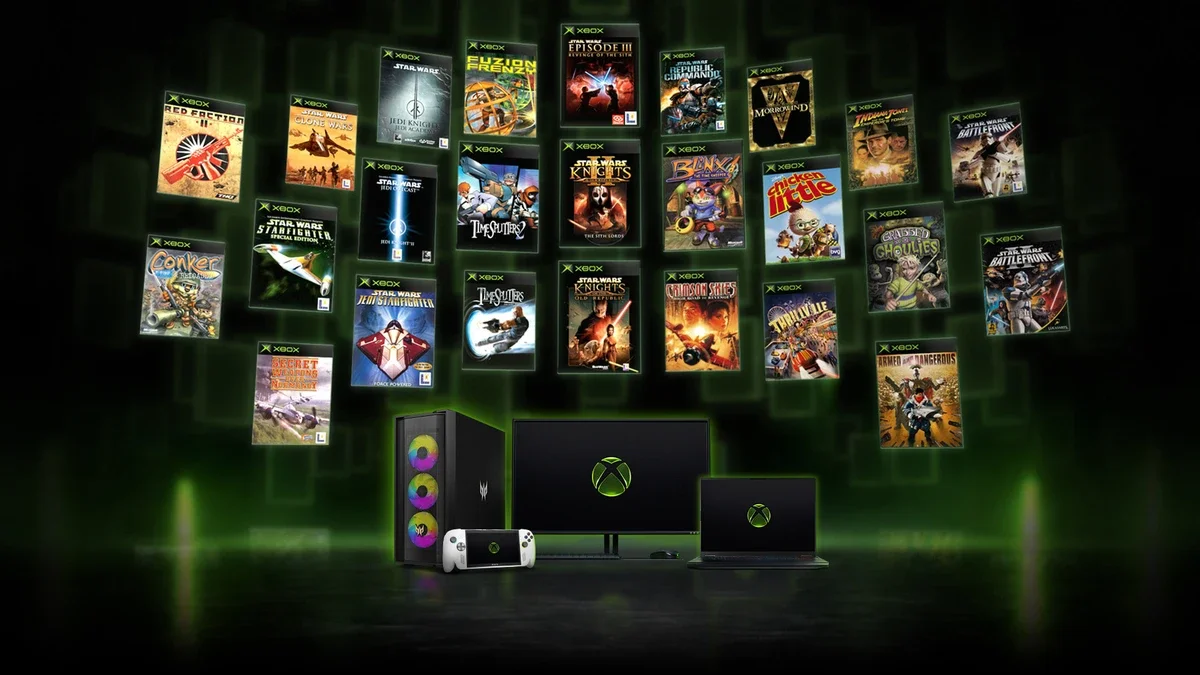
Xbox's release notes for the 28 Oct 2026 update say the list spans "from Xbox One through the latest generation". On 15 Nov 2026, the brand's 25th anniversary, the official Xbox account added three more: the original Xbox boot-up animation and two Xbox 360 boot-up animations.
Era | Where it came from |
|---|---|
Original Xbox | Added 15 Nov 2026 for Xbox's 25th anniversary |
Xbox 360 (two versions) | Added 15 Nov 2026 for Xbox's 25th anniversary |
Xbox One onwards | Part of the 28 Oct 2026 system update |
Current animation | The default intro, updated by Xbox in June 2026 |
The exact labels you see can vary by console and software version, so pick from what your Startup page shows.
Why you don't see the animation every time
The startup animation plays when the console boots. In June 2026, Xbox said that if you like the animation, you should set the console to Shutdown (energy saving) if you want to see it every time you turn it on. You'll find that under Settings > General > Power options. Xbox says Shutdown is the out-of-box default and uses up to 20 times less power when off than Sleep, though Sleep starts faster.
Classic animations not showing?
Check for an update. Go to Settings > System > Updates and install anything waiting. The picker arrived with the 28 Oct 2026 update, and a later 11 Nov 2026 update also lists Startup Animations in Xbox's release notes.
Give the rollout time. Xbox said the original Xbox and Xbox 360 intros would roll out throughout the day on 15 Nov 2026, so not every console got them at once.
Check your OS version. Go to Settings > System > Console info. The October update is 10.0.26100.9647 and the November one is 10.0.26100.9662.
Switch to Shutdown. In Sleep mode you may not see the intro when you turn the console on. Xbox's advice is to use Shutdown (energy saving).
More Xbox anniversary features
The new intros arrived alongside other 25th anniversary features, including your Xbox Playback recap and original Xbox games with achievements on PC. For console problems, see the Xbox Series X|S troubleshooting guide or our Xbox Series X|S setup guide. More walkthroughs are in our how-to hub.
Frequently asked questions
How do I change my Xbox startup animation?
Press the Xbox button, then go to Profile & system > Settings > System > Startup and pick an animation. It works on Xbox Series X|S and Xbox One.
Can I get the original Xbox boot animation on Xbox Series X?
Yes. Since 15 Nov 2026, the original Xbox boot-up animation is in the Startup list on Xbox Series X|S and Xbox One. If it's missing, install the latest system update.
Can you change the startup animation on Xbox One?
Yes. Xbox says the original Xbox and Xbox 360 intros are for Xbox One players as well as Series X|S, using the same Settings > System > Startup page.
How do I turn off the Xbox startup sound?
Go to Settings > System > Startup. The setting that plays the animation without sound was moved to this page in the 28 Oct 2026 update.
Can I download a custom Xbox boot animation?
No. The official setting only lets you choose from the built-in list on the Startup page. There's no option to add your own file.
Sources & verification
Sources last verified on . This article covers published information, not hands-on testing.