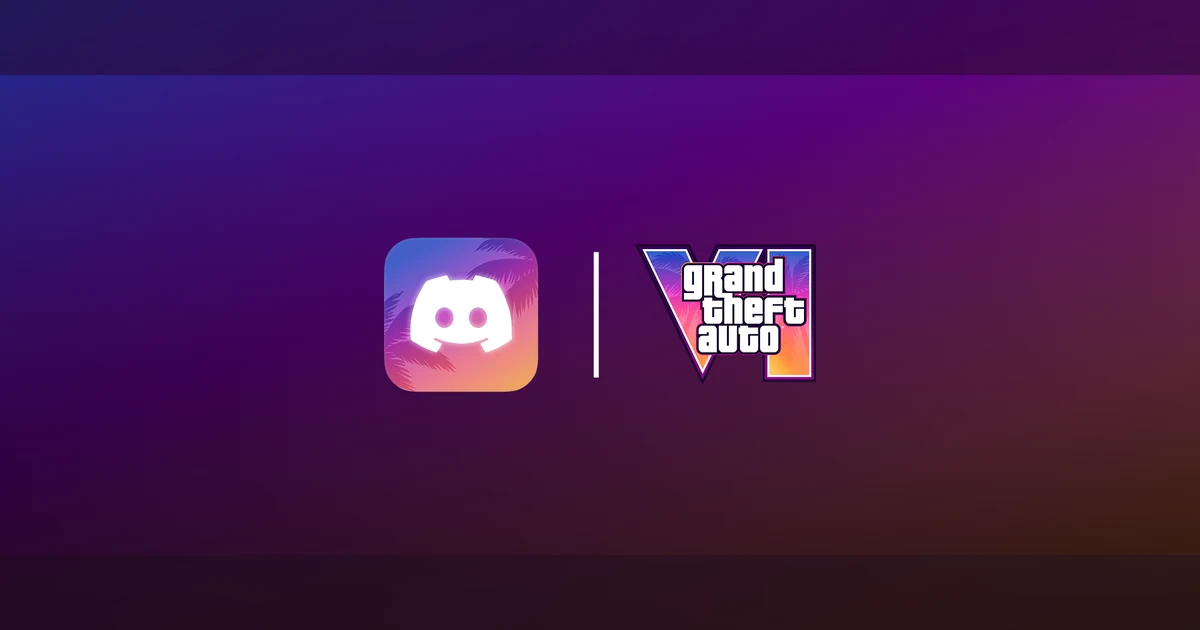
To get the GTA 6 Discord theme, open Discord’s Quest Home and apply the Vice City theme before 22 Nov 2026. After that, find it in User Settings > Appearance on desktop or Settings > App Settings on mobile. Everyone can use it until 13 Dec 2026. Nitro members, except Nitro Basic, keep it until 20 Feb 2027.
Key facts
Question | Answer |
|---|---|
What you get | Vice City colour theme, Vice City app icon and a Vice City Display Name Style |
Announced | 16 Nov 2026, on the Discord blog |
Platforms | Discord desktop and mobile |
Who can use it | Everyone |
Available to everyone until | 13 Dec 2026 |
Nitro members (not Nitro Basic) until | 20 Feb 2027 |
One-tap shortcut | Quest Home, 16–22 Nov 2026 |
From 23 Nov 2026 | User Settings > Appearance (desktop), Settings > App Settings (mobile) |
Cost | No charge; Discord says it’s available to everyone |
GTA VI release | 19 Nov 2026 |
How to apply the Vice City theme now (16–22 Nov)
Open Discord on your computer or phone and sign in.
Go to Quest Home. Discord’s blog post has an Apply the Theme button that takes you straight there.
Find the Vice City theme and apply it. This first week is the only time the Quest Home shortcut works.
How to apply it after 22 Nov
On desktop:
Open User Settings.
Select Appearance.
Pick the Vice City colour theme and the Vice City app icon.
On mobile:
Open Settings.
Go to App Settings.
Pick the Vice City colour theme and app icon.
The Display Name Style isn’t in those menus. Discord says it’ll be there the next time you customise your profile.
What’s in the GTA 6 Discord pack?
Item | What it changes | Where to find it later |
|---|---|---|
Vice City colour theme | Discord’s app colours | Appearance (desktop) or App Settings (mobile) |
Vice City app icon | The Discord icon on your device | Appearance (desktop) or App Settings (mobile) |
Display Name Style | How your display name looks to others | Profile customisation |
If you’ve seen people search for a “GTA 6 Discord font”, the Display Name Style is the piece that changes how your name is shown. Discord hasn’t said which typeface it uses.
How long does the theme last?
Who | Can use the theme until |
|---|---|
Everyone | 13 Dec 2026 |
Nitro members | 20 Feb 2027 |
Nitro Basic members | 13 Dec 2026, same as everyone else |
Discord gave dates but no end times, and it hasn’t said what happens to an applied theme after the window closes.
Other GTA VI extras on Discord
Discord’s post points to two more things:
Grand Theft Auto VI: Pre-Load Quest. A Video Quest where eligible players can earn Orbs. It ends on 18 Nov 2026.
The official Rockstar Games server. Discord suggests joining it for GTA VI updates.
When does GTA VI come out?
GTA VI launches on 19 Nov 2026. On PS5, PlayStation says it’s a rolling midnight launch by country, starting at 12:00 AM NZDT in New Zealand. For India, see our GTA 6 release time in IST guide, and for other countries, the GTA 6 release time in every time zone table. Our GTA VI game guide covers the game itself, and more step-by-step guides are in our how-to section.
Frequently asked questions
How do I get the GTA 6 Discord theme?
Until 22 Nov 2026, apply it from Discord’s Quest Home. After that, go to User Settings > Appearance on desktop or Settings > App Settings on mobile and pick the Vice City theme.
Is the GTA 6 Discord theme free?
Yes. Discord says the Vice City theme, app icon and Display Name Style are available to everyone until 13 Dec 2026. Nitro members, except Nitro Basic, keep them until 20 Feb 2027.
How do I get the GTA 6 Discord app icon?
It comes with the theme. After 22 Nov, it’s in User Settings > Appearance on desktop or Settings > App Settings on mobile.
What is the GTA 6 Discord quest?
It’s the Grand Theft Auto VI Pre-Load Quest, a Video Quest where eligible players can earn Orbs. Discord says it ends on 18 Nov 2026.
Sources & verification
Sources last verified on . This article covers published information, not hands-on testing.