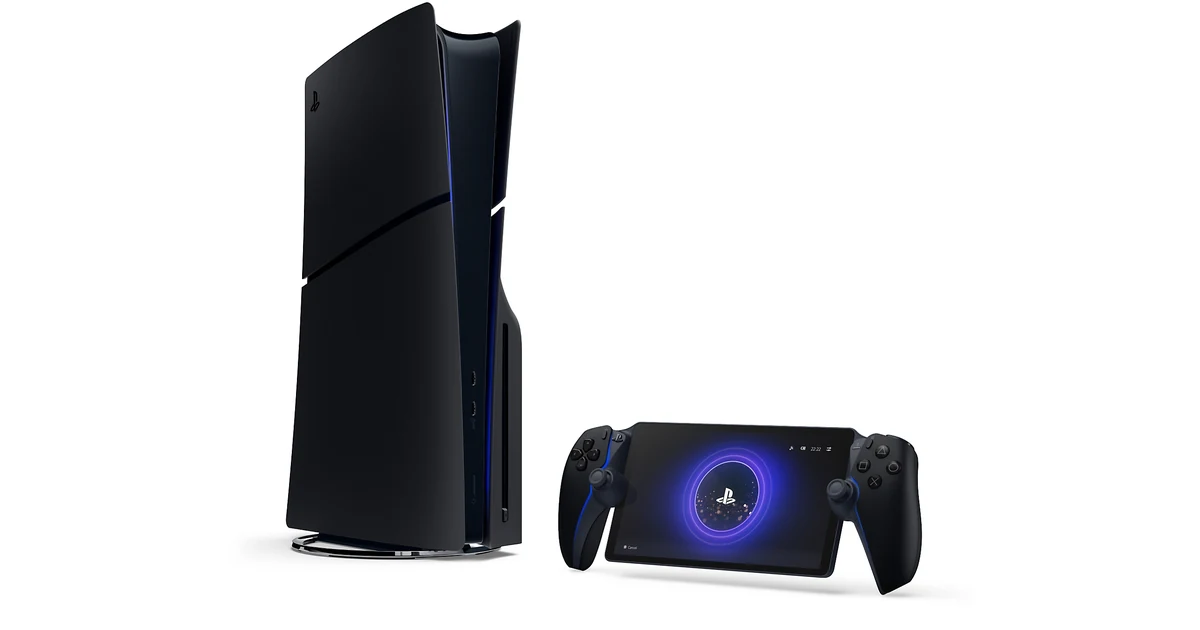
Yes, but only through Remote Play from your own PS5. Rockstar says GTA VI fully supports Remote Play on PlayStation, and Sony's GTA VI listing says the same. GTA VI hasn't been announced for PS Portal cloud streaming, so you can't play it without a PS5. In India, Portal cloud streaming isn't available at all.
Key facts
Question | Answer |
|---|---|
Can GTA 6 run on PS Portal? | Yes, through Remote Play from a PS5 that has GTA VI installed |
Who confirms it | Rockstar's 10 Nov 2026 Newswire post and Sony's GTA VI page ("Remote Play supported") |
Without a PS5? | No. GTA VI isn't announced for PS Portal cloud streaming |
PlayStation Plus needed? | No. Sony says PS Portal and Remote Play don't need PlayStation Plus |
Internet speed | At least 5 Mbps; Sony recommends 15 Mbps or faster |
Frame rate | The game still runs on your PS5, which Rockstar says targets 30fps |
India | Remote Play works; cloud streaming on PS Portal isn't offered in India |
Remote Play vs cloud streaming: which one works for GTA 6?
PS Portal can play games in two ways, and only one of them works with GTA VI right now.
Remote Play | Cloud streaming | |
|---|---|---|
Where GTA 6 runs | Your own PS5 | Sony's servers |
PS5 needed? | Yes, switched on or in rest mode, and online | No |
Subscription | None | PlayStation Plus Premium |
GTA 6 support | Confirmed by Rockstar and Sony's GTA VI page | Not announced |
Minimum speed | 5 Mbps (15 Mbps recommended) | 5 Mbps to start, 7 Mbps for 720p, 13 Mbps for 1080p |
Available in India? | Yes | No |
Rockstar's 10 Nov 2026 post names two ways to stream GTA VI: Xbox Cloud Gaming and Remote Play on PlayStation and Xbox. It doesn't mention PlayStation cloud streaming. Sony says only select PS5 games can be cloud streamed. To see which ones, it points you to the Cloud Streaming tab or Search on your Portal.
How to play GTA 6 on PS Portal
These steps come from Sony's PS Portal Remote Play guide. You only need to set up the PS5 once.
Install GTA VI on your PS5. It's a big download, so check our GTA VI file size guide first.
Connect your PS5 to the internet and sign in with the same account you use on your PS Portal.
Update your PS5 to the latest system software.
On the PS5, go to Settings > System > Remote Play, select Enable Remote Play and turn it on for your user.
To start from rest mode, go to Settings > System > Power Saving > Features Available in Rest Mode and turn on Stay Connected to the Internet and Enable Turning on PS5 from Network.
On the PS Portal home screen, tap the portal or press the cross button. It connects to the PS5 you used last.
Start GTA VI from your PS5 home screen as usual.
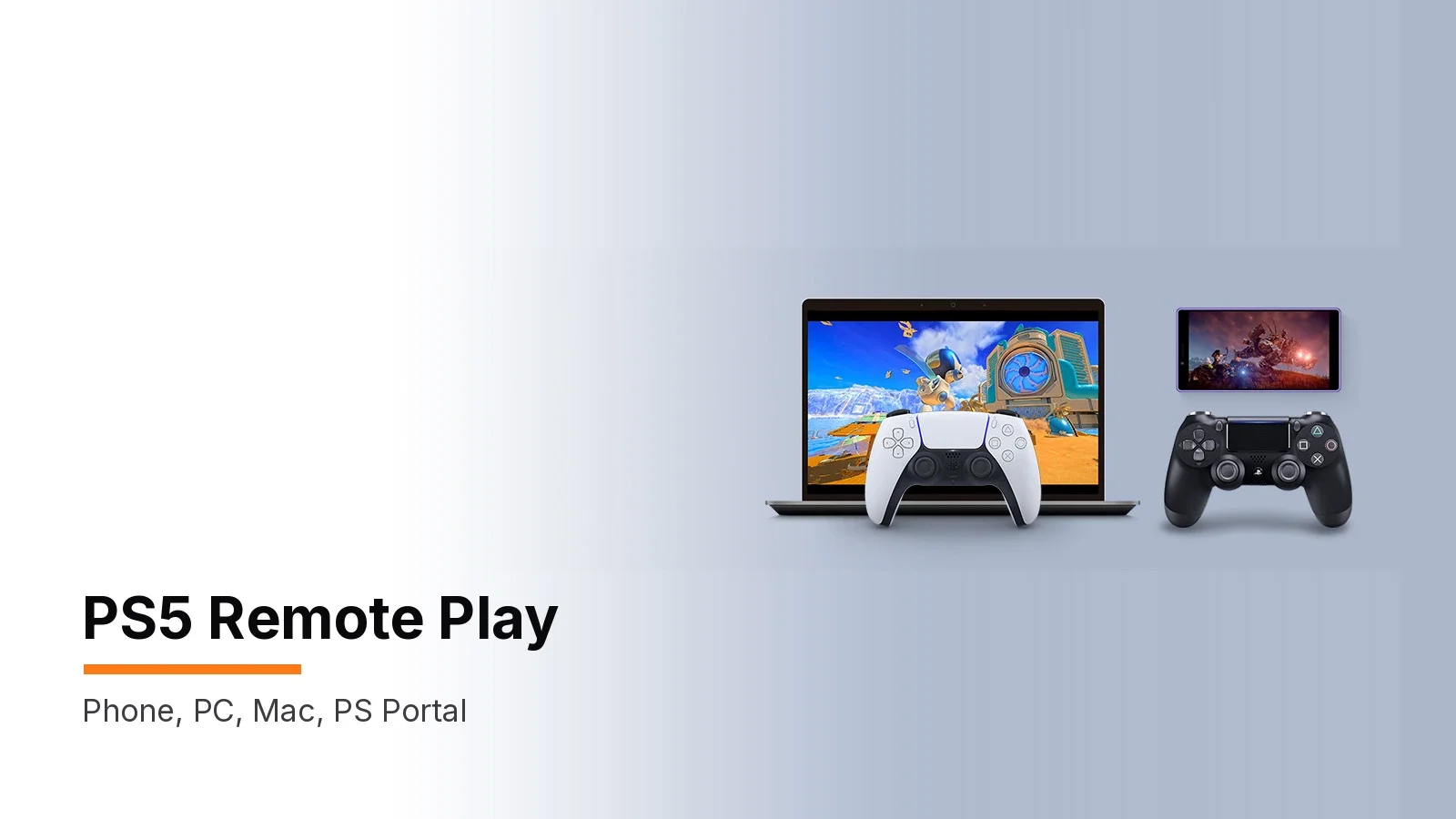
Test it near your console first. Sony says Portal can't find your PS5 if it's been a while since you last signed in. For full setup on phones, PC and Mac, and fixes when Remote Play won't connect, see our PS5 Remote Play guide.
Network checklist for smoother GTA 6 on Portal
Remote Play quality depends heavily on your home network. Sony recommends:
Connect the PS5 to your router with a cable.
If the PS5 uses Wi-Fi, keep the PS5 and Portal on the same network.
Connect the Portal over 5GHz Wi-Fi.
Turn off band steering on your router if you can, so the Portal doesn't jump between 2.4GHz and 5GHz.
Aim for 15 Mbps or faster. 5 Mbps is the minimum.
Expect weaker quality on public Wi-Fi, because you can't control that connection.
What's the same and what's different on Portal
Same game, same console. GTA VI runs on your PS5, so you're playing your own install.
Frame rate. Portal's 8-inch screen can show up to 60fps at 1080p, but Rockstar says GTA VI targets 30fps on PS5. Our GTA VI 30fps and PS5 Pro breakdown has the details.
Haptics. Sony's GTA VI page lists vibration and trigger effects, and Portal supports haptic feedback and adaptive triggers when a game does.
The TV stays free. Someone else can use the TV your PS5 is connected to while you play on Portal.
Audio. Use the built-in speakers, a 3.5mm wired headset or a PlayStation Link device.
GTA 6 on PS Portal in India
Sony's India GTA VI page also says "Remote Play supported", so the PS5 route works the same way here. The difference is cloud streaming. Sony's list of countries where PS Portal cloud streaming works doesn't include India. Sony's India PS Portal page describes Portal as a way to play the games installed on your PS5.
So in India, a PS Portal needs a PS5 for every game, not just GTA VI. If you don't own a PS5, Portal can't play GTA VI. We last checked Sony's India and US pages at 9:15 AM IST on 20 Nov 2026.
How this compares with Xbox
On Xbox, Rockstar says GTA VI streams through Xbox Cloud Gaming on Xbox Series X|S and Xbox One consoles, at Xbox Series S graphics settings. It also supports Xbox Remote Play. Our GTA 6 on Xbox One guide explains how that works. Not sure whether you need a subscription for GTA VI itself? Our GTA 6 online and PS Plus guide answers that. More platform how-tos are in our guides section.
Frequently asked questions
Can you play GTA 6 on PlayStation Portal without a PS5?
No. Without a PS5, PS Portal can only play games through cloud streaming, and GTA VI isn't announced for it. You need a PS5 with GTA VI installed, switched on or in rest mode.
Will GTA 6 be on PS Portal cloud streaming?
Neither Rockstar nor Sony has announced it. Sony says only select PS5 games can be cloud streamed, so check the Cloud Streaming tab or Search on your Portal for any change.
Does PS Portal support cloud streaming in India?
No. India isn't on Sony's list of countries where cloud streaming on PS Portal is available, so in India the Portal plays games through Remote Play from your PS5.
Do you need PlayStation Plus to play GTA 6 on PS Portal?
No. Sony says PS Portal and Remote Play don't need a PlayStation Plus membership. You'd only need PlayStation Plus Premium for cloud streaming, which GTA VI isn't announced for.
Sources & verification
Sources last verified on . This article covers published information, not hands-on testing.