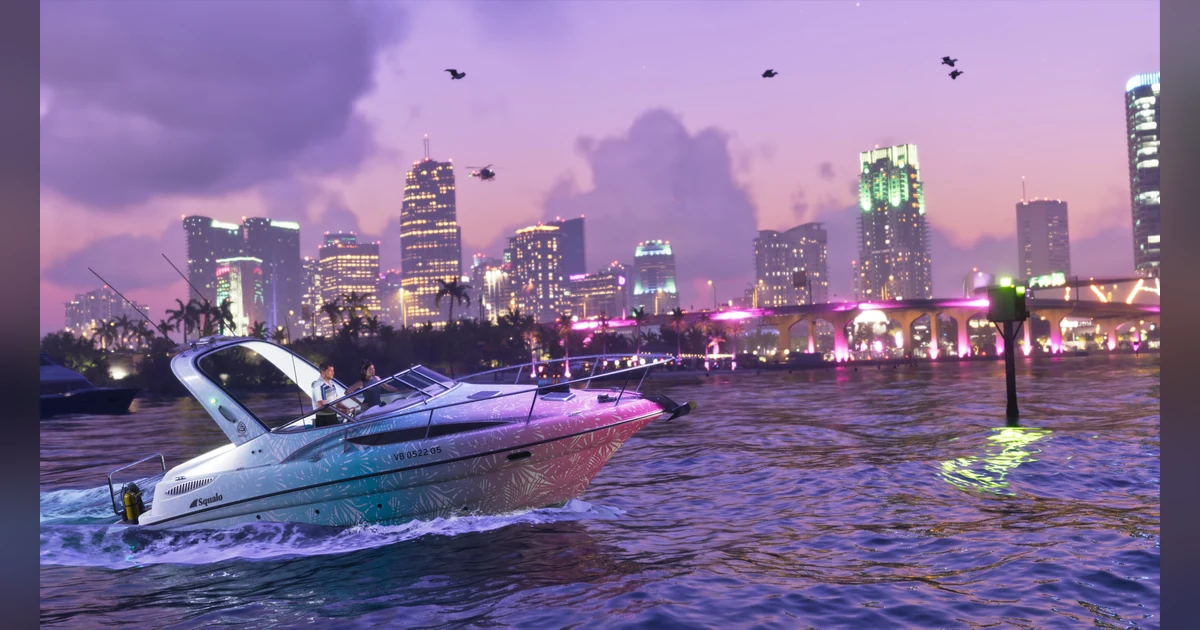
Yes, but only by streaming it from your own console. GTA 6 has no Android or iPhone version. Rockstar says GTA VI fully supports Remote Play, so you can play on a phone with the PS Remote Play app from a PS5, or in a phone browser from an Xbox Series X|S. Cloud streaming to phones isn't offered.
Key facts
Question | Answer |
|---|---|
Is there a GTA 6 mobile version? | No. Rockstar lists PS5 and Xbox Series X and S only |
Can you play it on a phone? | Yes, with Remote Play from your own console |
From a PS5 | PS Remote Play app on Android or iOS |
From an Xbox Series X or S | Phone browser at xbox.com/remoteplay |
Cloud streaming to a phone | Not offered. GTA VI's Xbox Cloud Gaming is for Xbox consoles |
Internet (PS5) | 5 Mbps minimum, 15 Mbps or faster recommended |
Internet (Xbox) | 7-10 Mbps, 5 GHz Wi-Fi recommended |
Do you need the game? | Yes, installed on your console |
How to play GTA 6 on your phone from a PS5
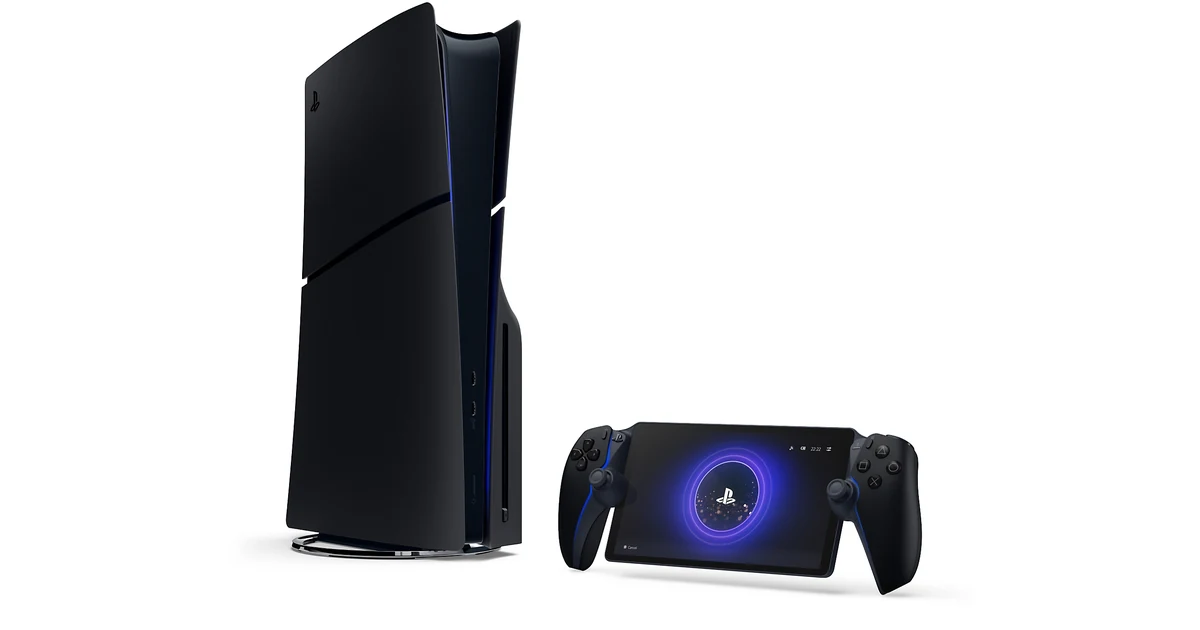
PlayStation's GTA VI page says Remote Play is supported. These steps come from Sony's PS Remote Play guide:
Install PS Remote Play from Google Play or the App Store.
On your PS5, go to Settings > System > Remote Play and turn on Enable Remote Play.
To connect while the PS5 is in rest mode, go to Settings > System > Power Saving > Features Available in Rest Mode. Turn on Stay Connected to the Internet and Enable Turning On PS5 from Network.
Put the PS5 in rest mode with GTA VI installed.
Open PS Remote Play on your phone, select Sign In and use the same account as your PS5.
Select PS5. The app finds your console and shows its screen on your phone.
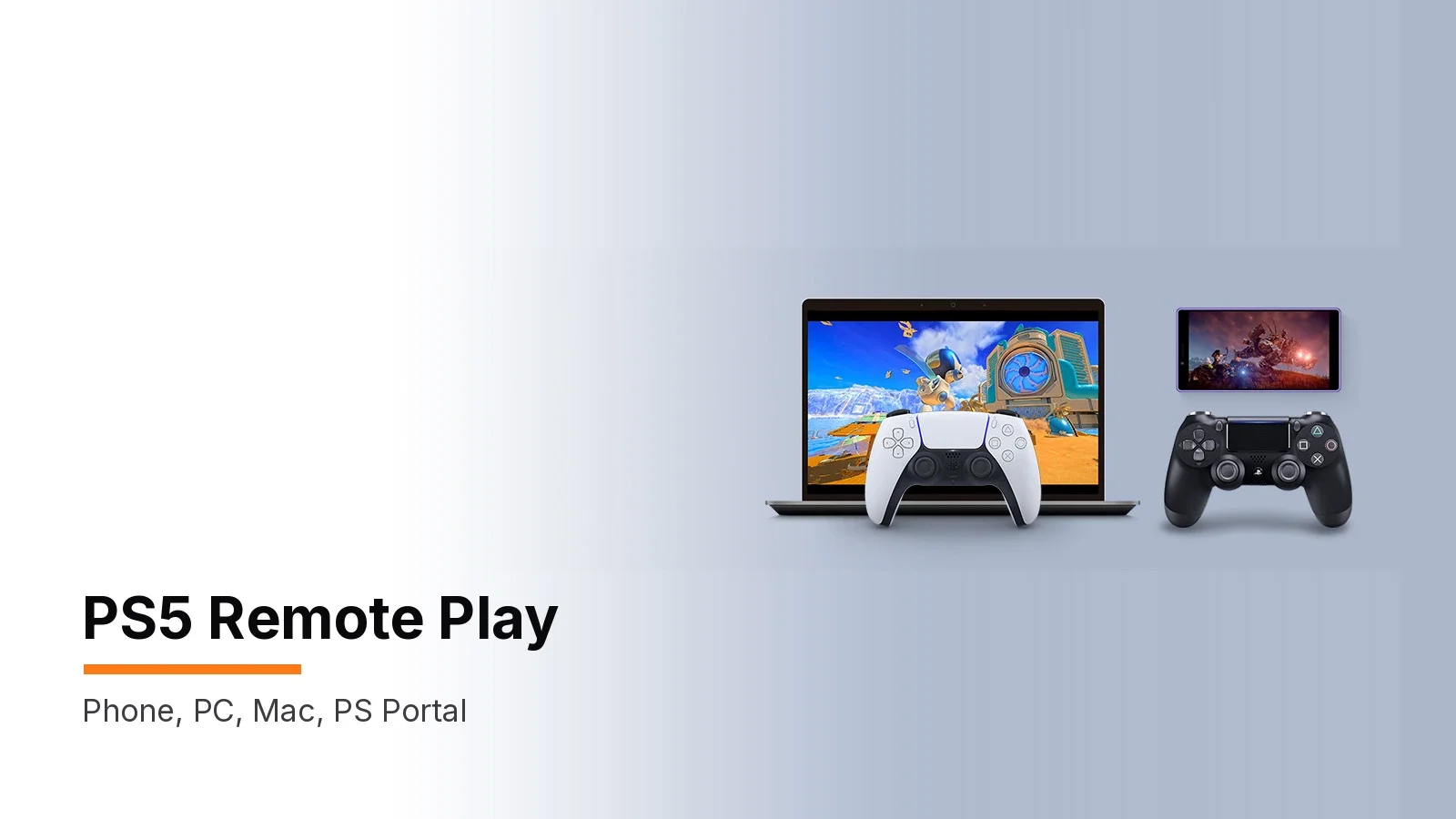
You can pair a DualSense, DualSense Edge or DUALSHOCK 4 controller with your phone. Sony warns that Remote Play uses a lot more data than most video streaming, so watch your data limit on mobile data. Full setup and fixes are in our PS5 Remote Play guide.
How to play GTA 6 on your phone from an Xbox
Xbox Wire's GTA VI streaming post gives these steps for Xbox Series X|S:
On the console, go to Settings > Devices & connections > Remote features and tick Enable remote features.
Optional: select Test remote play in the same menu to check your connection.
Set the console's power option to Sleep. Xbox Support says remote play won't work otherwise.
On your phone, open a supported browser and go to xbox.com/remoteplay.
Select your console, then select Remote play on this device.
Save often, since Xbox says you could lose progress if the connection drops. Our Xbox Remote Play guide covers requirements and fixes.
Can you stream GTA 6 to a phone from the cloud?
Not officially. Rockstar says GTA VI streams through Xbox Cloud Gaming on Xbox Series X|S and Xbox One consoles. Xbox's post doesn't list phones or browsers for cloud play. That's why you need your own console at home. Our GTA 6 on Xbox One guide explains console cloud play.
PS5 vs Xbox Remote Play for GTA 6
Item | PS5 | Xbox Series X and S |
|---|---|---|
Phone app | PS Remote Play app | Phone browser |
Console setting | Rest mode with network features on | Sleep power option |
Minimum speed | 5 Mbps | 7-10 Mbps |
Recommended | 15 Mbps or faster | 5 GHz Wi-Fi |
Mobile data | Works, depending on your carrier | Cellular connections supported |
Either way, GTA VI runs on your console and streams to your phone, so your connection decides how smooth it looks.
Watch out for fake GTA 6 mobile apps
Rockstar's platform list doesn't include Android or iOS. A "GTA 6 mobile" app or APK isn't an official Rockstar release. Only install PS Remote Play from Google Play or the App Store, and use Xbox's own site in your browser.
Playing on a laptop instead? Remote Play works on Windows too, but there's still no PC version of GTA VI. See our GTA VI PC status page, and find more step-by-step guides in our how-to section.
Frequently asked questions
Can you play GTA 6 on phone?
Yes, but only through Remote Play from your own PS5 or Xbox Series X|S with GTA VI installed. There's no GTA 6 phone version.
Is there a GTA 6 mobile version for Android?
No. Rockstar lists GTA VI only for PS5 and Xbox Series X|S. On Android, you can stream it from your console with the PS Remote Play app or the Xbox remote play website.
Can you play GTA 6 on iPhone?
Yes, through Remote Play. Install PS Remote Play from the App Store for a PS5, or use xbox.com/remoteplay in a browser for an Xbox Series X|S.
Can you play GTA 6 on mobile with cloud gaming?
No. GTA VI's Xbox Cloud Gaming support covers Xbox Series X|S and Xbox One consoles, not phones. You need your own console for Remote Play.
Does GTA 6 Remote Play work on PC?
Yes. Xbox says you can use Remote Play in the Xbox PC app, and Sony's PS Remote Play app runs on Windows PCs. The game still runs on your console.
Sources & verification
Sources last verified on . This article covers published information, not hands-on testing.