

Switch error code
Switch Error 2123-1502: Fix Download and Connection Errors
Try this first: Select OK to close the error. If a message says the download stopped because of an error, select Continue. Nintendo says to keep continuing a few more times if the same code returns; once “Downloading data…” appears, the download should finish normally.
What 2123-1502 means
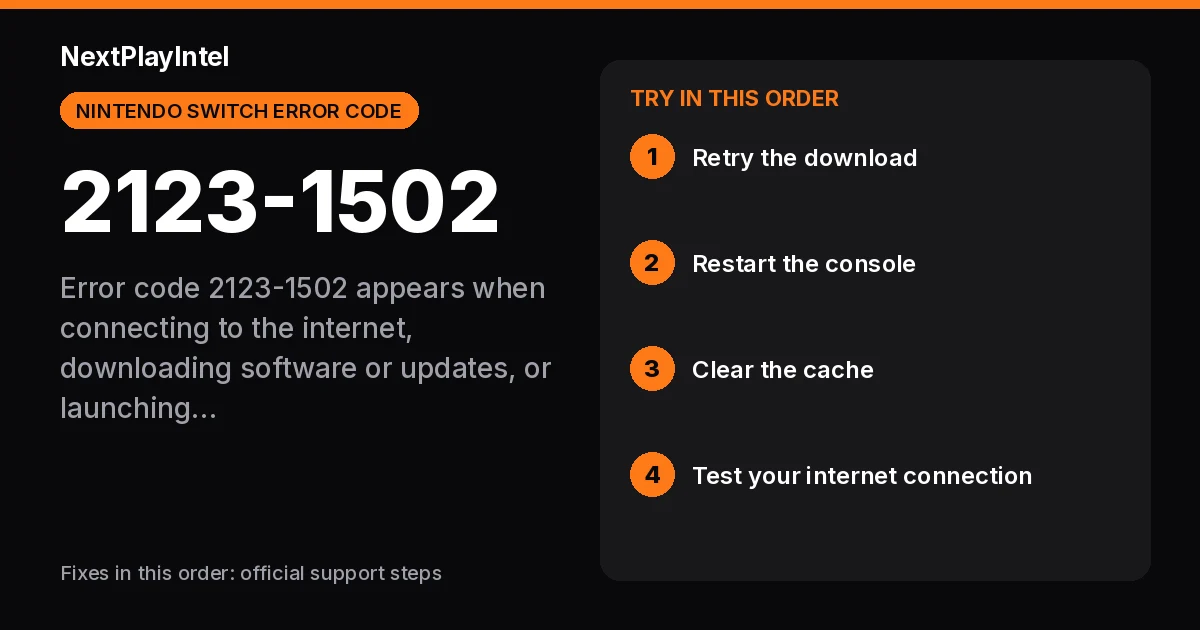
Nintendo Support says: “Error code 2123-1502 appears when connecting to the internet, downloading software or updates, or launching downloadable software.” (official page)
Error 2123-1502 can appear on Nintendo Switch 2 and every Nintendo Switch model when you connect to the internet, download software or updates, or launch downloadable software. Nintendo’s first fix is simply to continue the download a few more times. Then restart, clear the cache, test and recreate your connection, try an alternate DNS and check the MTU is 1400.
Match what you see
Where 2123-1502 appears tells you where to start. Find the row closest to your situation, then jump to that step.
| What you see | Most likely cause | Start at |
|---|---|---|
| A download stops with 2123-1502 | The download was interrupted | Select OK, then Continue, and retry a few times |
| The error repeats after several retries | The console may need a fresh start | Restart the console from Power Options |
| 2123-1502 appears when launching downloadable software | Nintendo lists launching as a trigger | Restart, then clear the cache |
| The connection test fails or shows a slow connection | The network connection needs attention | Recreate the connection near the router, then try DNS |
Likely causes
- Nintendo lists the trigger points: connecting to the internet, downloading software or updates, or launching downloadable software.
- Nintendo says the problem may be related to a temporary network issue if its steps don’t resolve it.
- Its fixes point to cached data, a weak or wrong internet connection, a DNS server that isn’t working and a non-default MTU value.
How to fix 2123-1502, easiest first
- Retry the download
Select OK to close the error. If a message says the download stopped because of an error, select Continue. Nintendo says to keep continuing a few more times if the same code returns; once “Downloading data…” appears, the download should finish normally. - Restart the console
Press and hold the POWER Button for at least three seconds, select Power Options, then Restart. The steps are the same on Switch 2 and Switch. - Clear the cache
On Switch 2: System Settings > System > Data-Clear Options > Clear Cache, then Clear Data. On Switch: System Settings > System > Formatting Options > Reset Cache, pick the user, then Reset. Nintendo says this deletes saved IDs, passwords, cookies, history and other cached website data. It doesn’t affect downloaded games or save data. - Test your internet connection
Go to System Settings > Internet > Test Connection. If Internet Connection shows Success, the console reached Nintendo’s services. The results also show NAT type and download and upload speeds. - Create a new internet connection
Place the console within 10 feet of the wireless router. Go to System Settings > Internet > Internet Settings, select your network name (SSID) and enter the password. If the connection test fails, Nintendo says to look up the new error code it shows. - Enter an alternate DNS
Go to System Settings > Internet > Internet Settings. Select your network under Saved Networks (Switch 2) or Registered Networks (Switch), then Change Settings > DNS Settings > Manual. Hold B to clear each field. Enter 8.8.8.8 as Primary DNS and 8.8.4.4 as Secondary DNS. Nintendo notes these are Google public DNS servers, subject to Google’s terms, and other public DNS options exist. - Check the MTU and try another network
Make sure the MTU value in your network settings is the default, 1400. If the error continues, connect at a different location or access point.
| Step | What to do | Source |
|---|---|---|
| 1 | Retry the download | Official |
| 2 | Restart the console | Official |
| 3 | Clear the cache | Official |
| 4 | Test your internet connection | Official |
| 5 | Create a new internet connection | Official |
| 6 | Enter an alternate DNS | Official |
| 7 | Check the MTU and try another network | Official |
Fixes owners report
From public threads we read. These are individual reports, not official advice, and NextPlayIntel did not test them.
- During the June 2021 wave of 2123-1502 errors after system update 12.0.3, many Nintendo Life readers said downloads finished only after selecting Continue many times. Others fixed it by clearing the cache, fully turning the console off rather than using sleep, or deleting and re-adding the Wi-Fi connection. (Nintendo Life reader comments, June 2021)
- In the same comments, one reader said downloads always worked over a wired LAN adapter, while another said wired made no difference. A third got downloads going by selecting the game's icon instead of the redownload option, and another by staying on the download screen until it finished. (Nintendo Life reader comments, June 2021)
- Nintendo Life reported that Nintendo carried out network maintenance on 20 June 2021, after which owners said the errors stopped. If 2123-1502 appears for many people at once, check Nintendo's network status before changing your settings. (Nintendo Life, 21 June 2021)
When to contact support
If none of these steps work, Nintendo says it may be a temporary network issue: wait a while and try again later. Nintendo’s article stops there. If the code keeps coming back, contact Nintendo Support through its support site. Have the full code, your console model and the result of the connection test ready. Nintendo’s article doesn’t name a hardware fault for this code, and this guide doesn’t either.
2123-1502 FAQ
What does Switch error 2123-1502 mean?
Nintendo lists it for problems connecting to the internet, downloading software or updates, or launching downloadable software. It doesn’t give a single cause and says it may be a temporary network issue.
Does 2123-1502 affect Switch 2?
Yes. Nintendo’s article covers Nintendo Switch 2, Nintendo Switch, Switch Lite and the OLED Model.
Will clearing the cache delete my games or saves?
No. Nintendo says clearing the cache deletes saved IDs, passwords, cookies, history and other cached website data, but not downloaded games or save data.
Could 2123-1502 be Nintendo's problem rather than mine?
Yes. In June 2021 a wave of 2123-1502 errors ended after Nintendo's network maintenance on 20 June, according to Nintendo Life. If many people report it at once, check Nintendo's network status and keep selecting Continue before you reset anything.
Sources
Other Switch error codes
Switch troubleshooting guide · All Switch codes · Error code directory