

Switch error code
Switch Error 2110-3127: Can't Connect to the Internet
2110-3127 in one line: The Switch can't connect to your wired or wireless network.
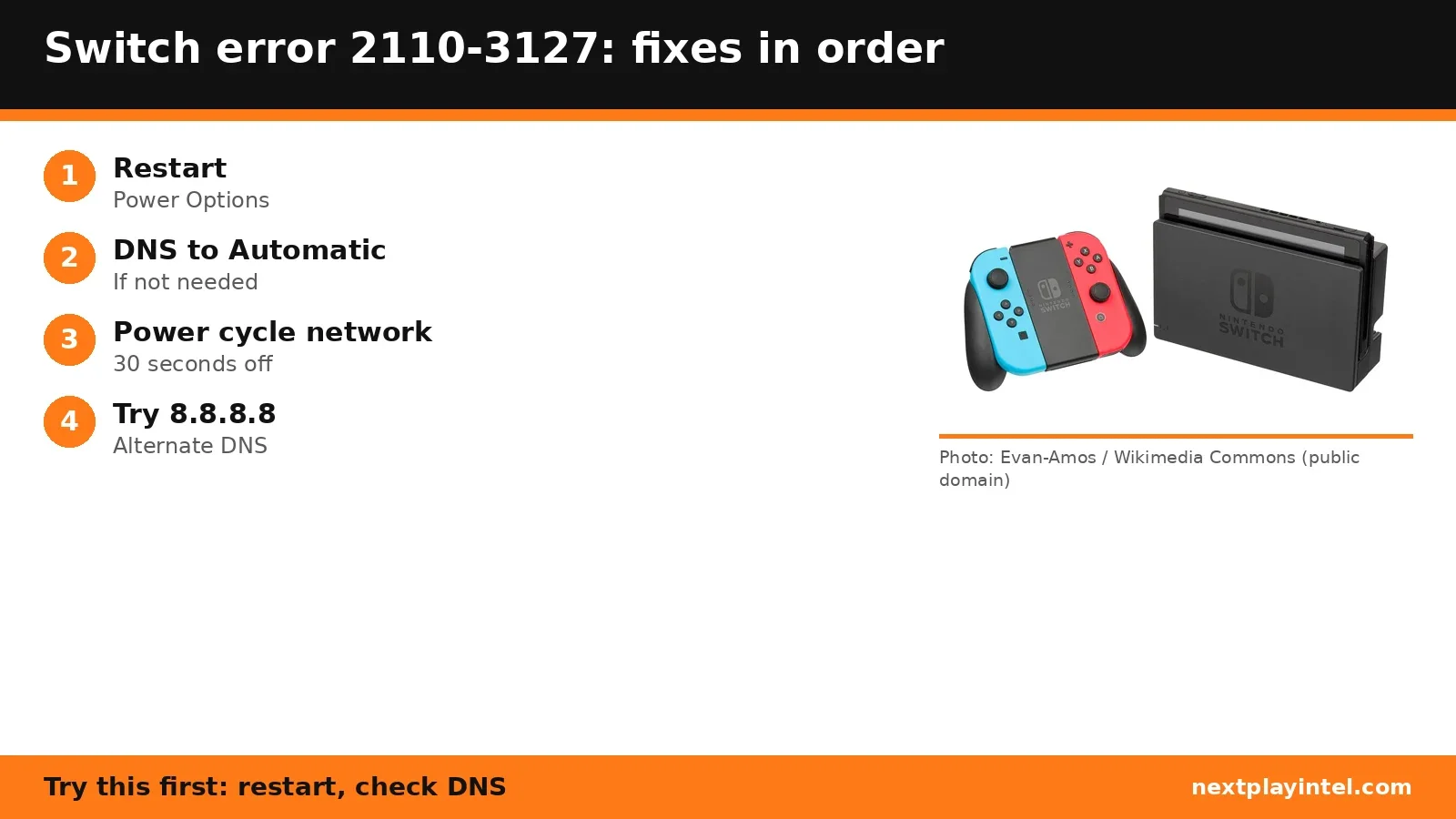
Try this first: restart the console, then check that DNS is set to Automatic.
Try this first: restart the console, then check that DNS is set to Automatic.
What 2110-3127 means
Nintendo Support says: “Steps for when you are unable to connect your Nintendo Switch 2 or Nintendo Switch console to a wired or wireless network and receive the error code 2110-3127.” (official page)
Likely causes
- Manual DNS settings that your network doesn't need.
- A DNS server that isn't responding.
- Router or modem trouble.
- A temporary ISP problem.
How to fix 2110-3127, easiest first
- Restart the console
Hold POWER for three seconds > Power Options > Restart. If it doesn't respond, hold POWER for 12 seconds to force it off, then turn it on. - Check the DNS setting
System Settings > Internet > Internet Settings > your network > Change Settings > DNS Settings. If it's Manual and you don't need it, set Automatic. - Power cycle your home network
Unplug the modem and router, wait 30 seconds, plug the modem in and wait for steady lights, then the router. - Try an alternate DNS
Set DNS to Manual, Primary 8.8.8.8 and Secondary 8.8.4.4 (Google public DNS) to test whether your current DNS is the problem. - Try again later
If it's an ISP issue, it may work later. Wired on a dock without a LAN port needs a USB LAN adapter.
| Step | What to do | Source |
|---|---|---|
| 1 | Restart the console | Official |
| 2 | Check the DNS setting | Official |
| 3 | Power cycle your home network | Official |
| 4 | Try an alternate DNS | Official |
| 5 | Try again later | Official |
When to contact support
If it still won't connect, Nintendo suggests asking your router maker about a firmware update or reset, then contacting Nintendo Support.
2110-3127 FAQ
What DNS does Nintendo suggest for error 2110-3127?
Nintendo suggests trying Google public DNS 8.8.8.8 and 8.8.4.4 to test whether your current DNS is failing.
Sources
Other Switch error codes
- 2005-0003: Software can't download; usually a microSD card problem. Applies to Switch and Switch 2.
- 2110-1100: The console can't find a network matching any saved network. Applies to Switch and Switch 2.
- 2618-0513: Matchmaking failed because the network isn't suited to peer-to-peer connections.
- 2168-0002: Software closed unexpectedly, or a Switch to Switch 2 system transfer failed.
- 2162-0002: A system error; restart the console and contact Nintendo if it repeats.
- 2016-0641: A game failed to start on Switch or Switch 2.
Switch troubleshooting guide · All Switch codes · Error code directory